
Batch image translator · One setting, many images
Batch Image Translator: Translate Multiple Images in One Run
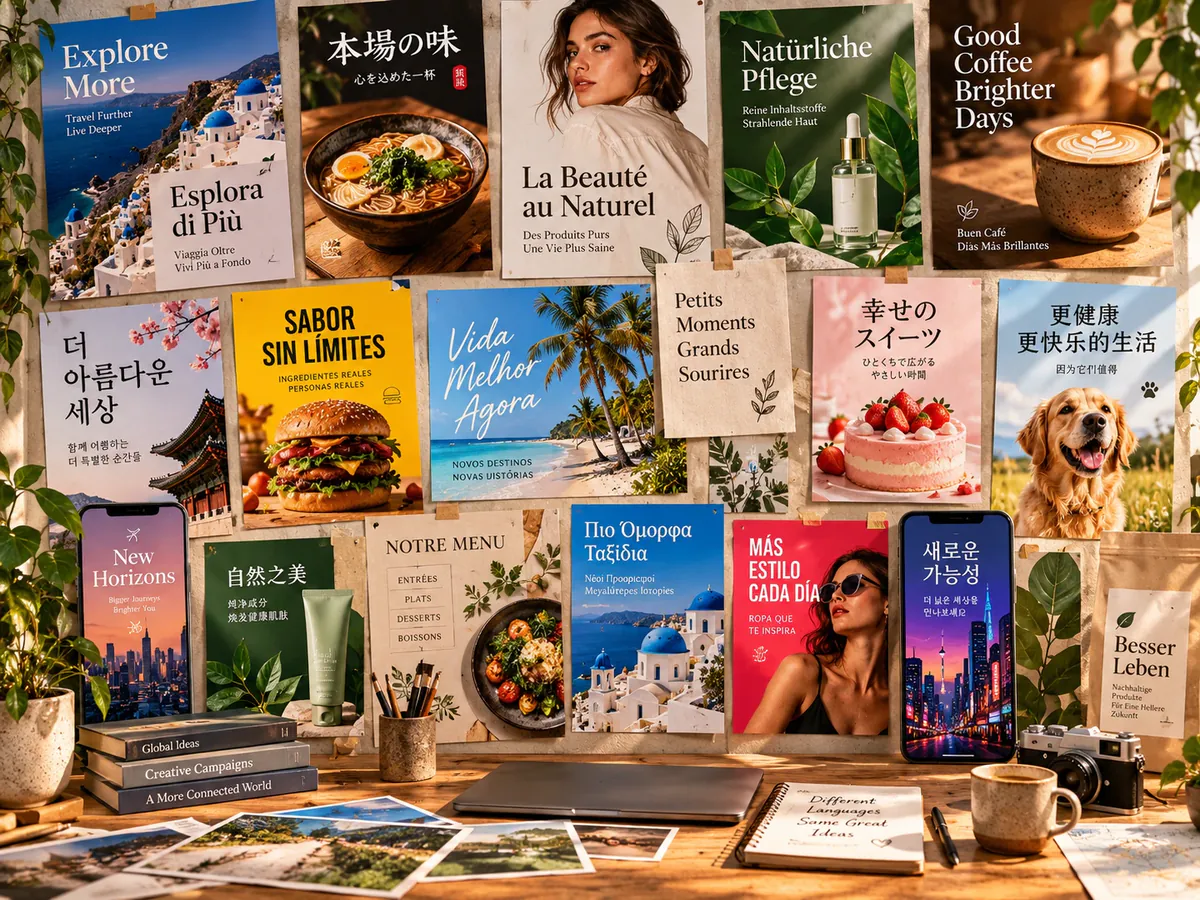
Upload multiple images at once. AI translates in batch and exports as ZIP.
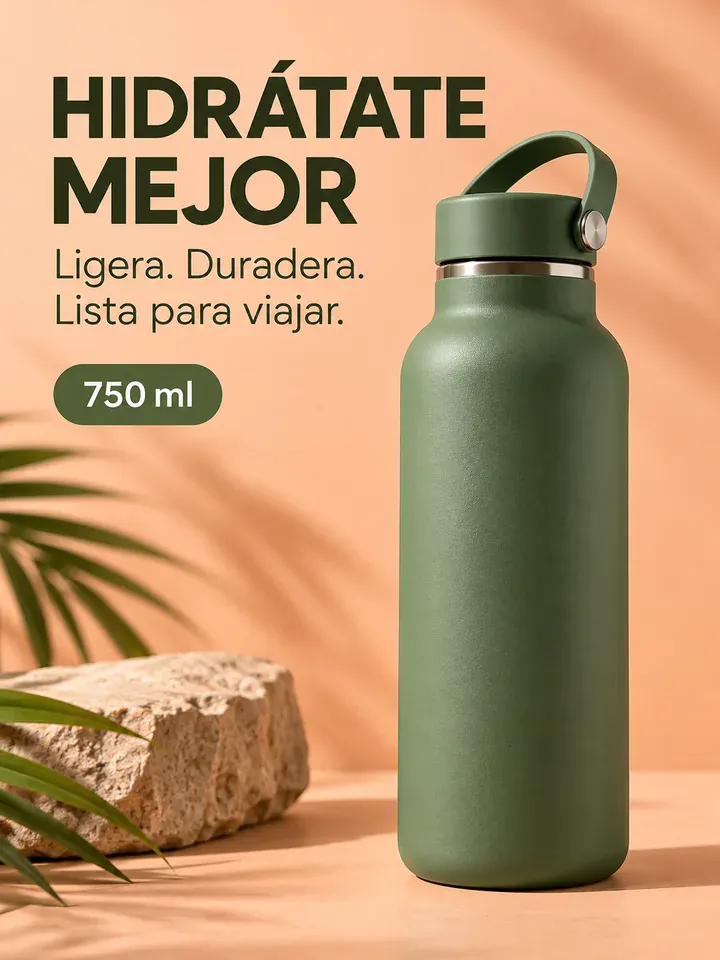
Before
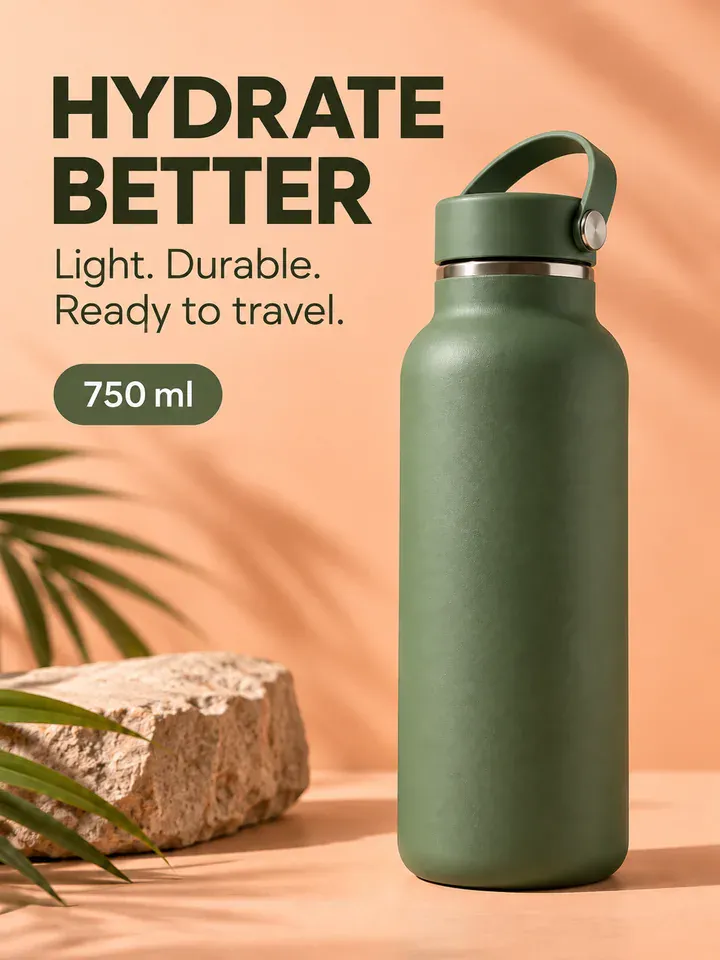
After
Drop an image to preview translations — no sign-up neededOne image at a time · Free instant previewSupports PNG, JPG, WebP up to 30 MB
Real results for this kind of image
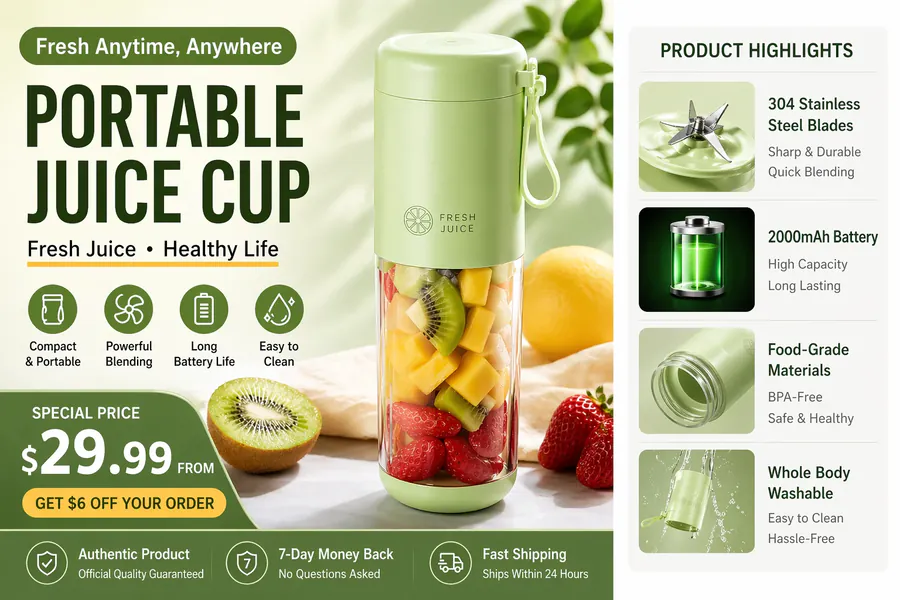
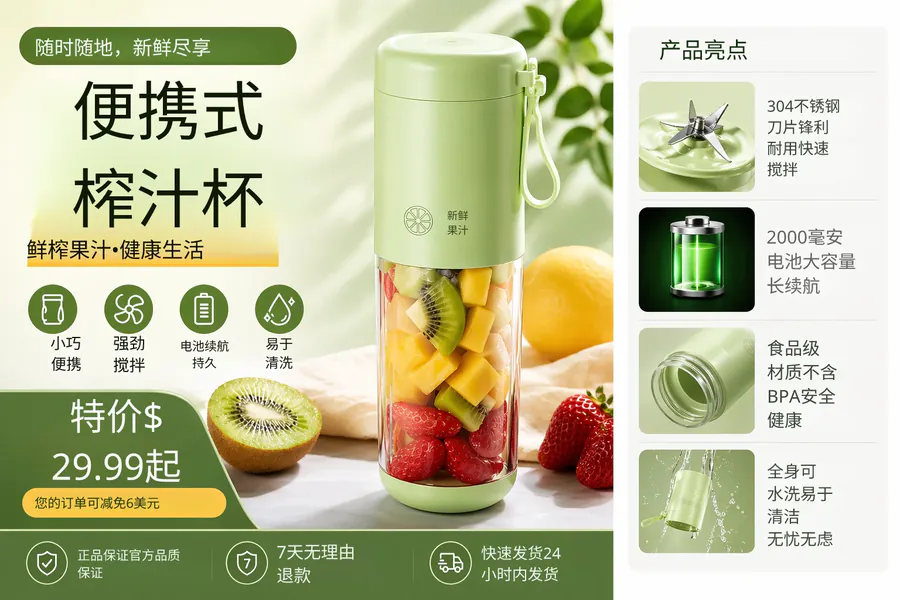
Source
Translated
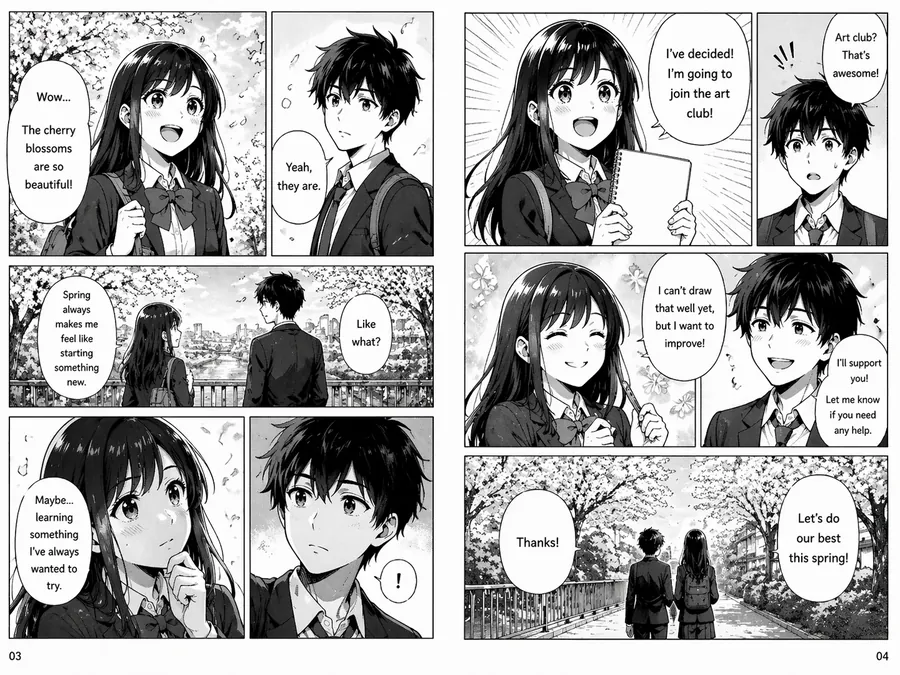
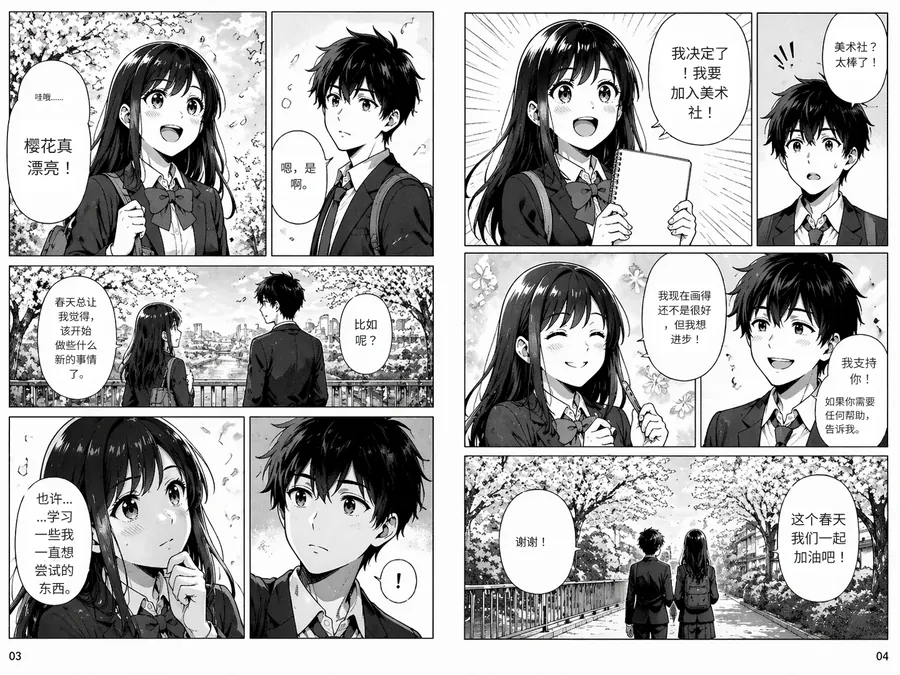
Source
Translated
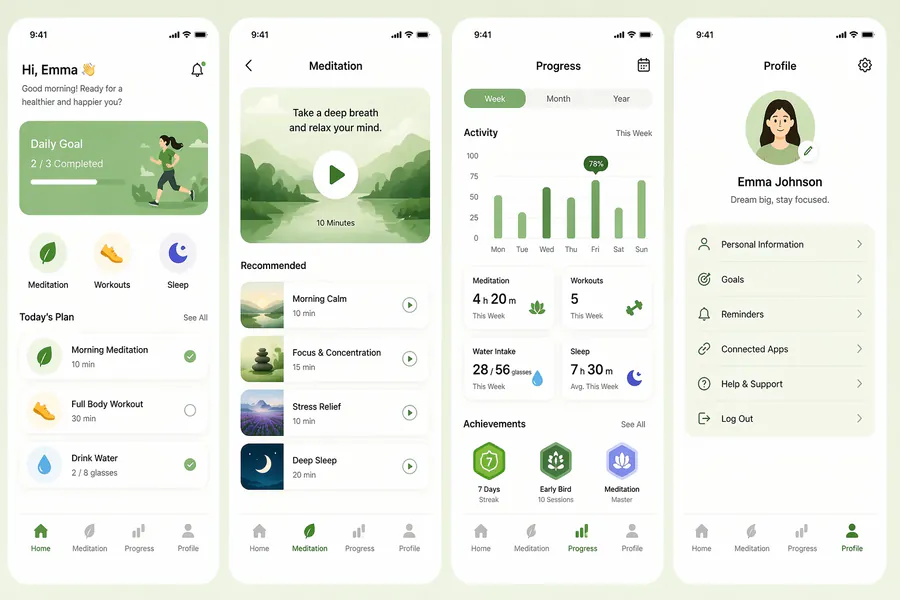
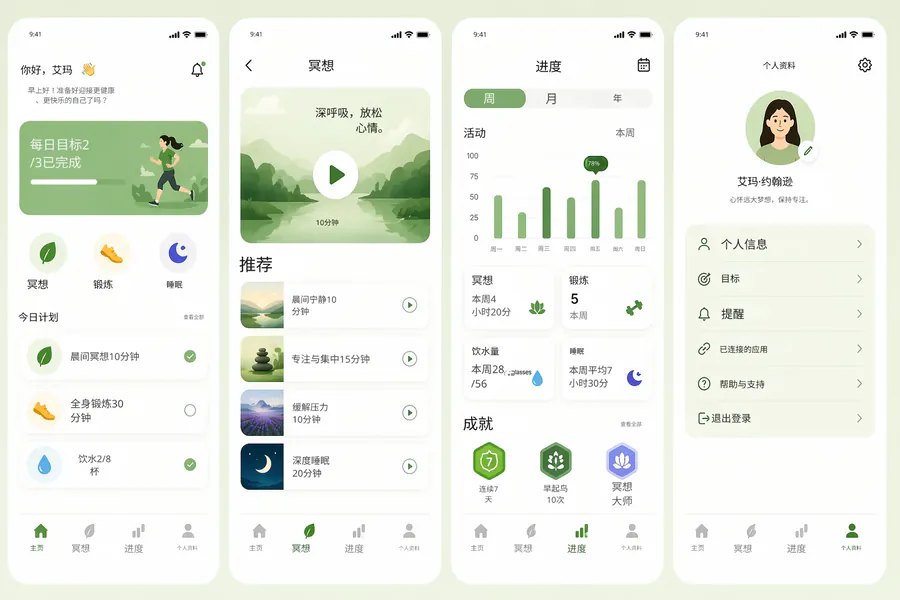
Source
Translated
Translating multiple images, step by step
Add all your images
Upload the whole set in one go. Starter accepts up to 20 images per batch and Professional up to 50.
Set the languages once
Leave the source on auto-detect, pick the target language, and the same choice applies to every file in the batch.
Collect the zip
When the run finishes, download everything as one archive, or open any single image to adjust it before saving.
Why bulk image translation works better as a batch
Volume
Sized to your plan
- Professional runs up to 50 images per batch and Starter up to 20.
- On the Free plan you can still try the workflow one image at a time.
- Over 130 languages are available as the target, with the source detected for each file.

Engines
Pick the engine per batch
- The Standard engine costs 10 credits an image and keeps the translated text editable afterwards.
- GPT Image 2.5 costs 20 credits an image and redraws the entire picture with the new language in it.
- Both engines return files with no watermark added.

Output
Results you can find again
- A single zip download holds every translated image from the batch.
- Each run is kept in My Creations, so you can come back to a set days later.
- Any individual result opens in the editor for a wording or layout fix.
Fine-tune one image from the batch
Most of a set is fine as it comes out, but a headline may need a shorter phrasing. Open that result in the image translator’s editor, change the line, and save it without rerunning the batch.
Keep going
Popular ways people use it
Batch image translator FAQ
Translate Images in Bulk with Ease
- Sign up free to get starter credits
- No credit card required