
Translate Instruction Manual Images, One Page or the Whole Booklet
Translate user manuals in place with step instructions and technical specs exact.
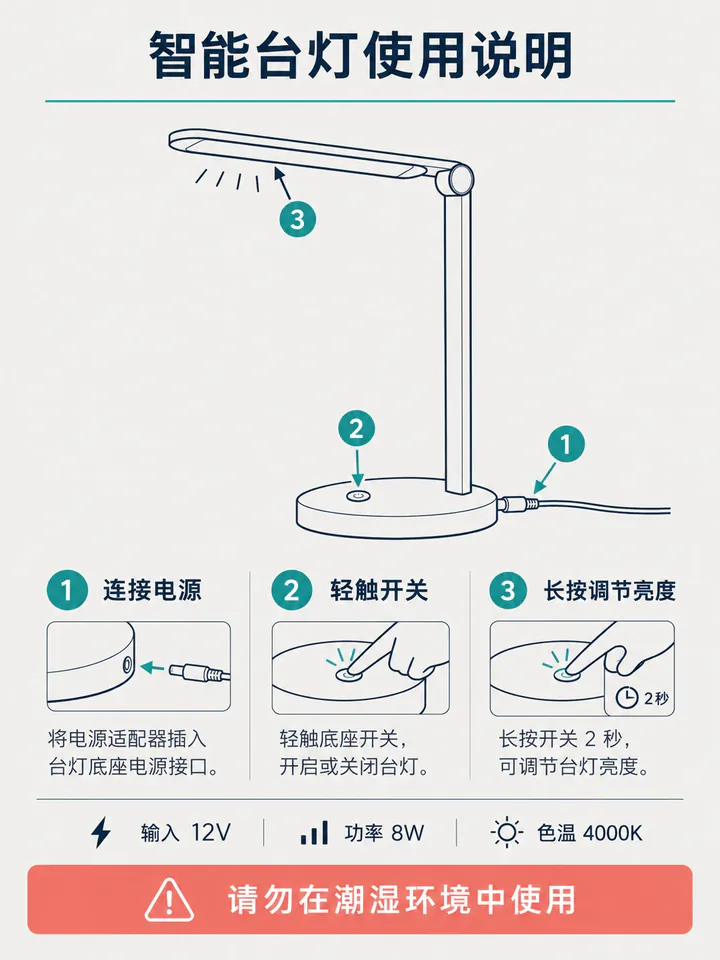
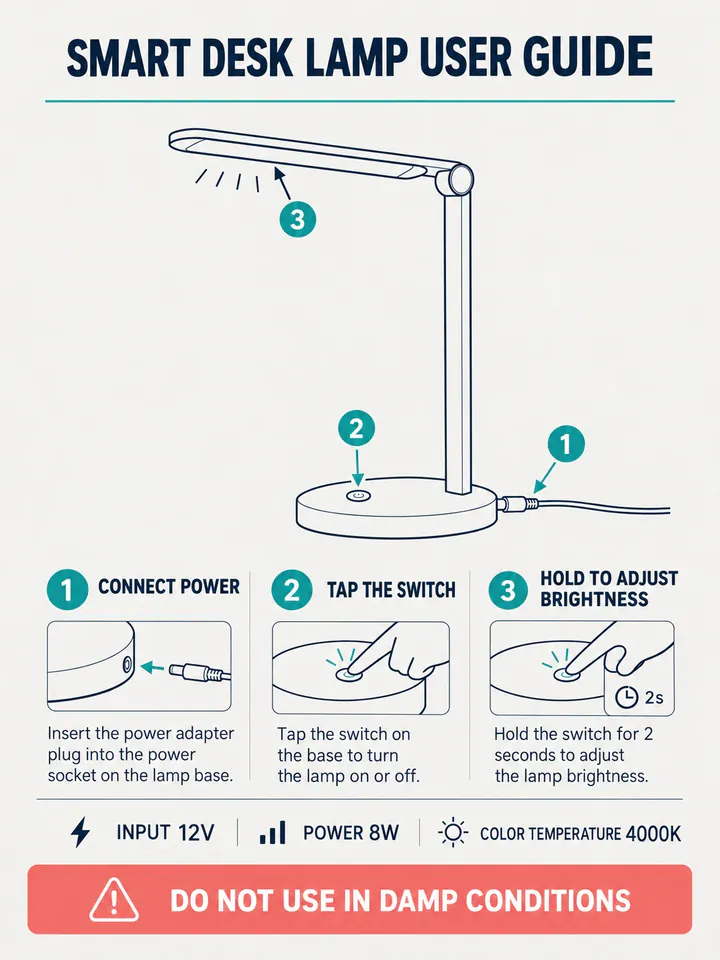
Before
After
Drop an image to preview translations — no sign-up neededOne image at a time · Free instant previewSupports PNG, JPG, WebP up to 30 MB
Real results for this kind of image
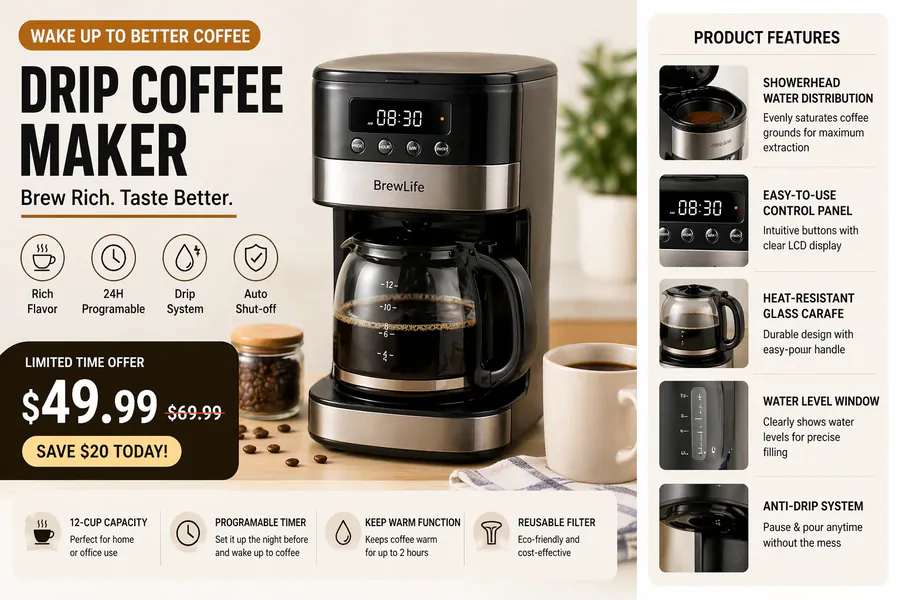
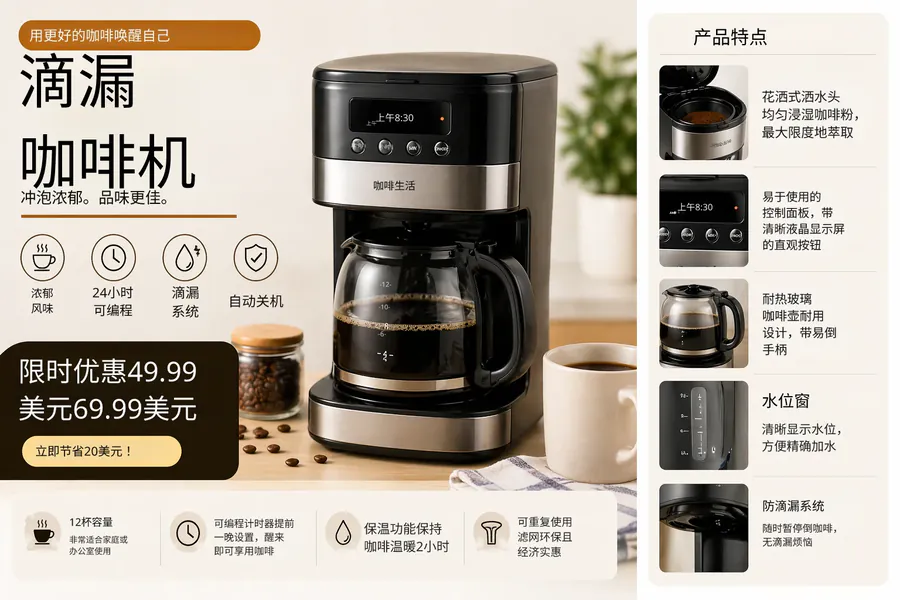
Source
Translated
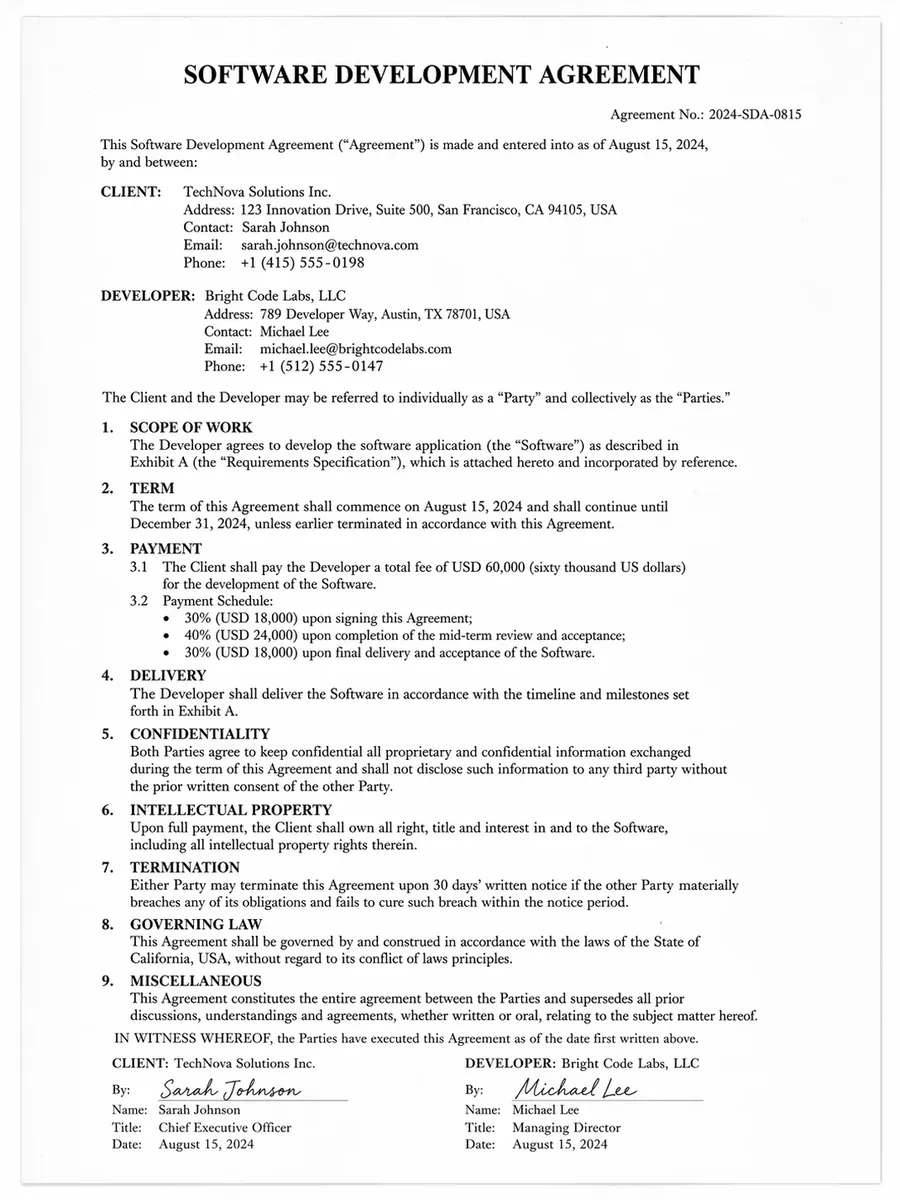
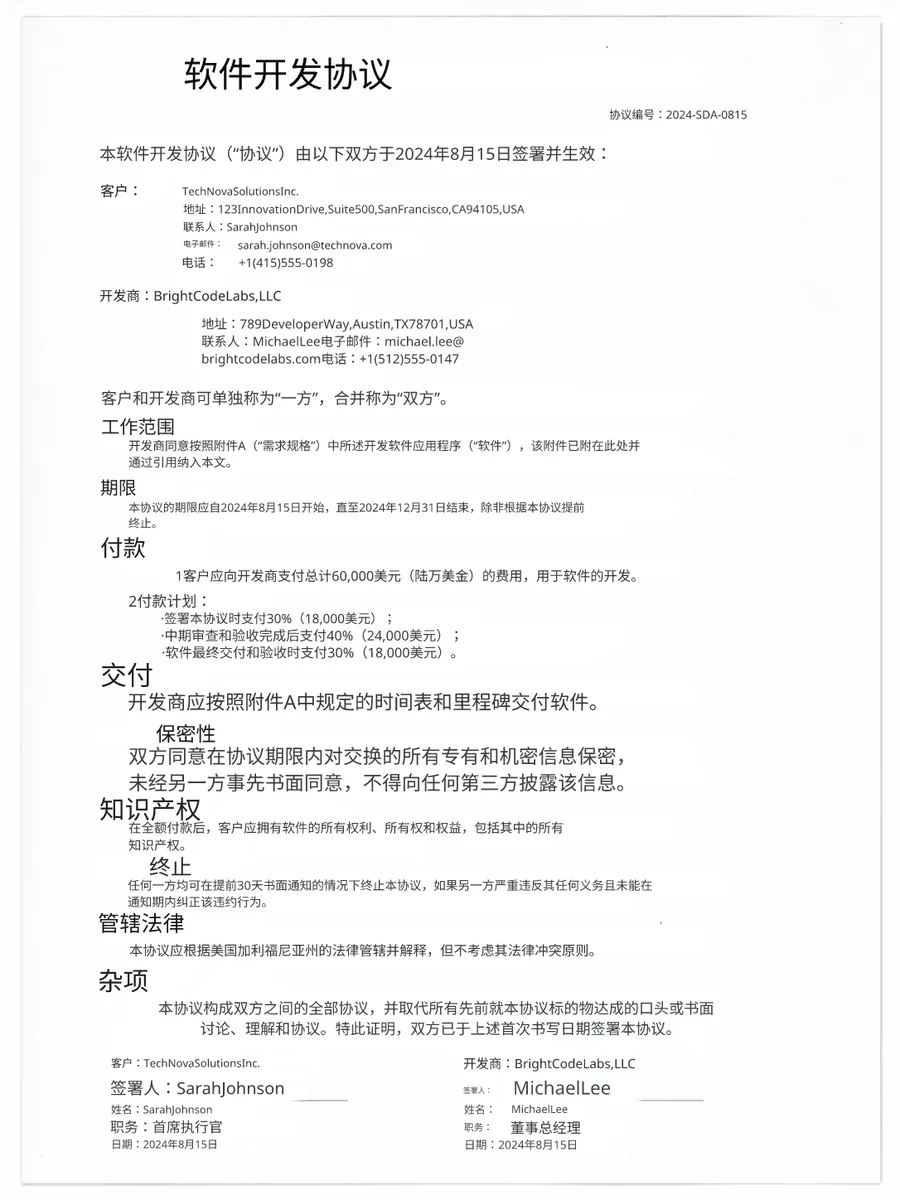
Source
Translated
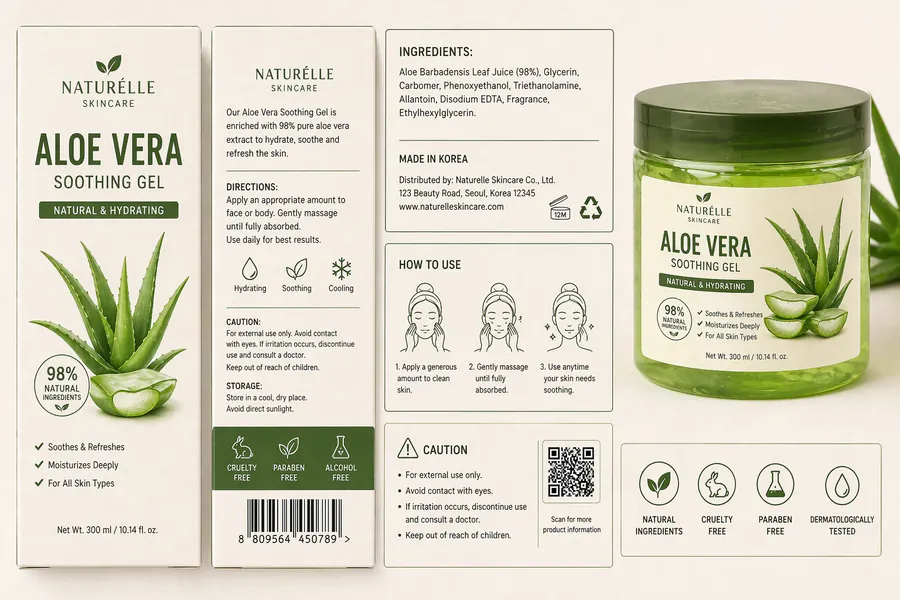
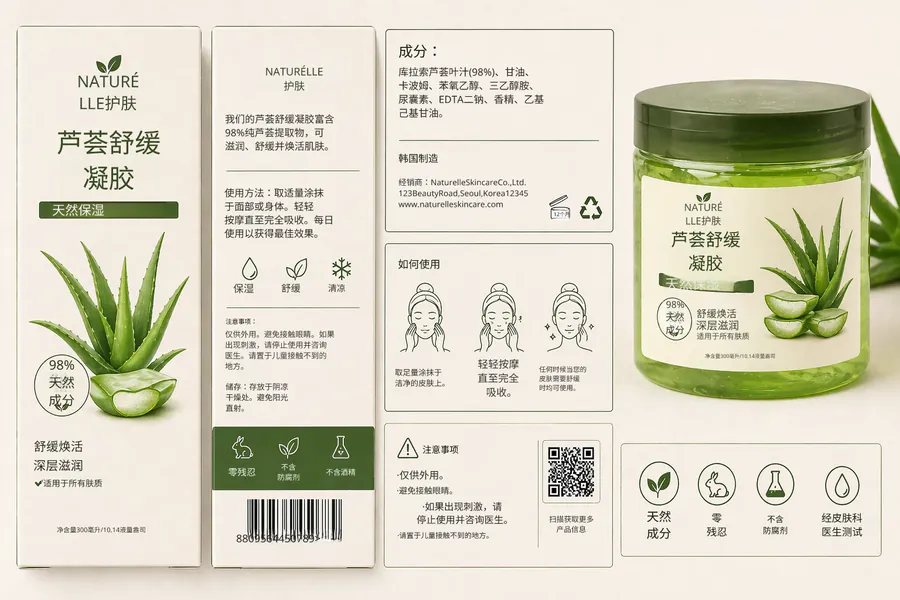
Source
Translated
Translating a manual in three steps
Scan or photograph the pages
Keep each page flat and evenly lit. Upload PNG, JPG or WebP files up to 30 MB, one page per image.
Run e-commerce mode
The source language is detected. Model numbers, settings and measurements are kept while the instructions are translated.
Check the critical lines
Read the warnings and setup steps in the editor, correct anything unclear, then download the pages.
Why manual pages need more than a text translator
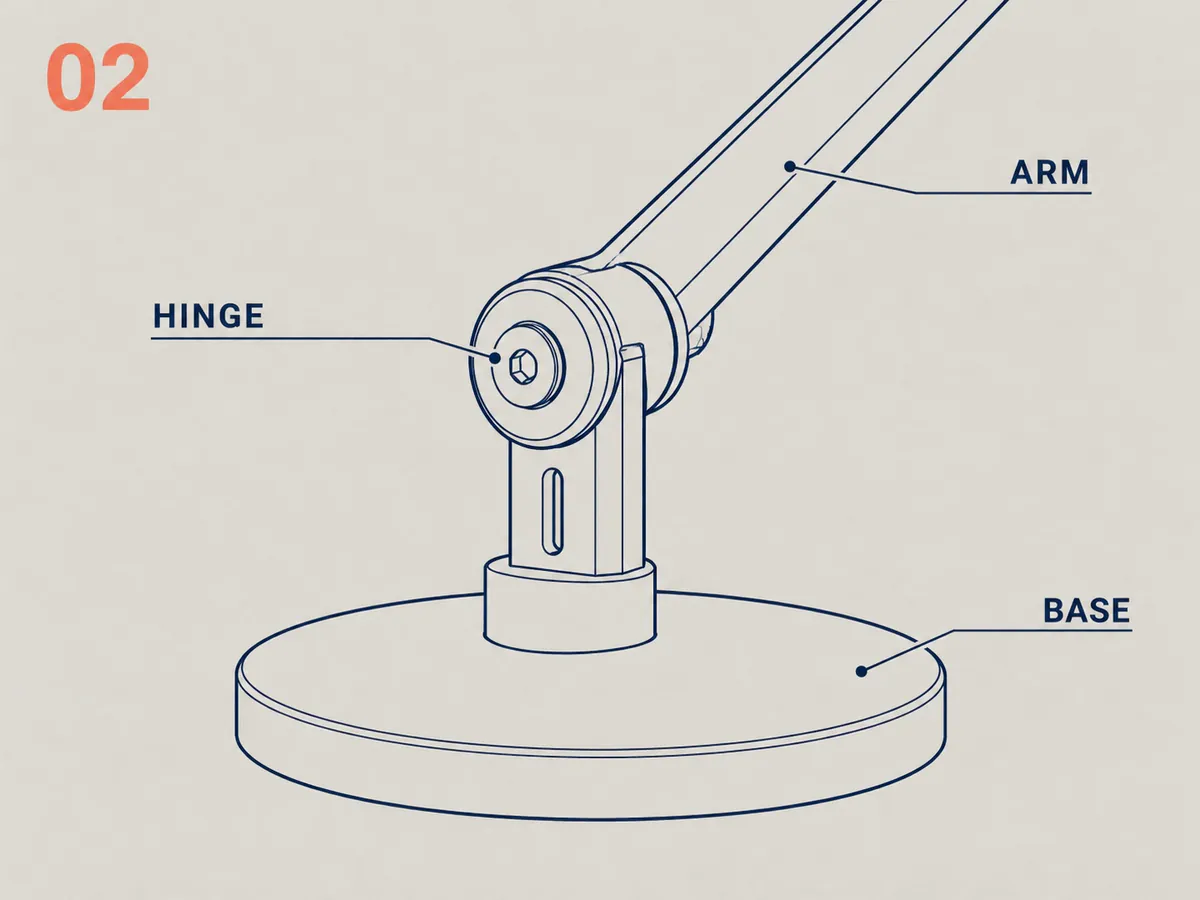
Diagrams
Labels translated where they point
- Part names around an exploded view are replaced in their own position, so each line still points at the right part.
- Step numbers and the illustrations beside them keep their order on the page.
- Icons and symbols are left as drawn.
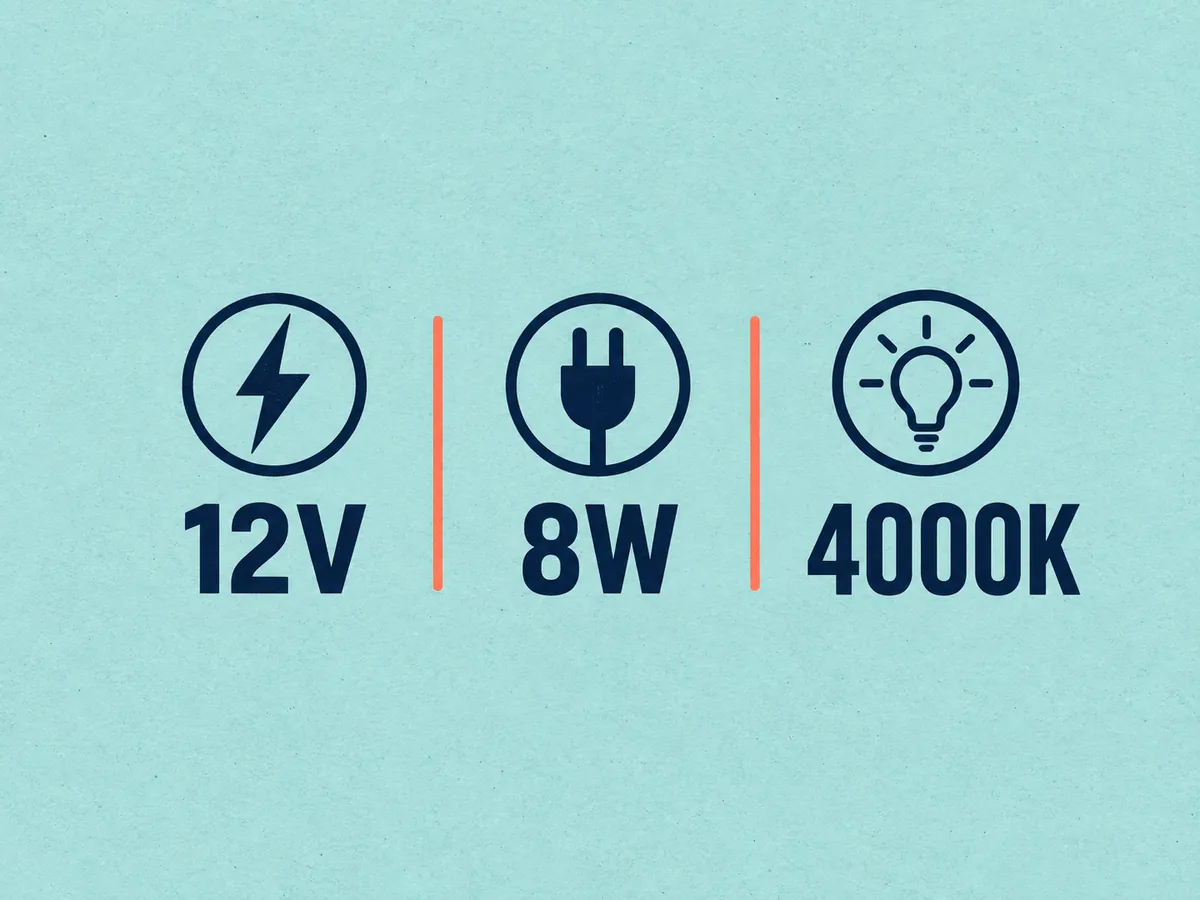
Values
Settings and measurements kept exact
- E-commerce mode does not touch voltages, temperatures, torque values or screw sizes.
- Error codes and button names on the device can be kept in the original with a custom instruction, so they match what the user sees.
- Tables of specifications keep their numbers while row labels are translated.
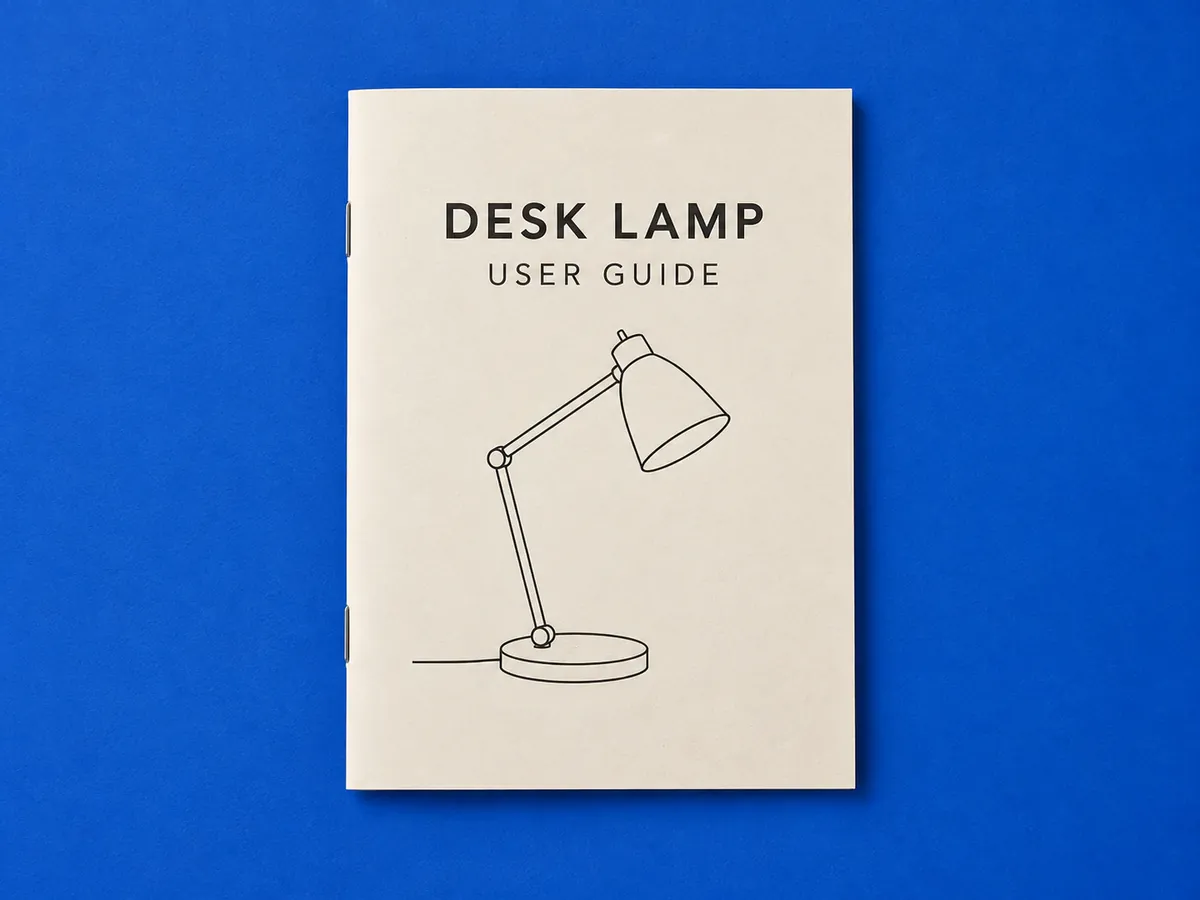
Pages
The whole booklet in one run
- Upload up to 20 pages per batch on Starter or 50 on Professional.
- Download pages one by one or the complete manual as a single zip.
- The run stays in My Creations if a page needs another pass later.
Batch convert full manual pages
A 40-page manual is one batch on Professional. The batch image translator processes up to 50 pages per run and returns them as a single zip, in the order you uploaded.
Keep going
More tools for E-commerce & marketing
Instruction manual image translation questions
Manual Translator · Keep Layout Intact
- No sign-up required
- Preview the translated result in seconds