
Translate Error Message Screenshots From Any Language
Translate system error dialogs in place while keeping error codes intact.
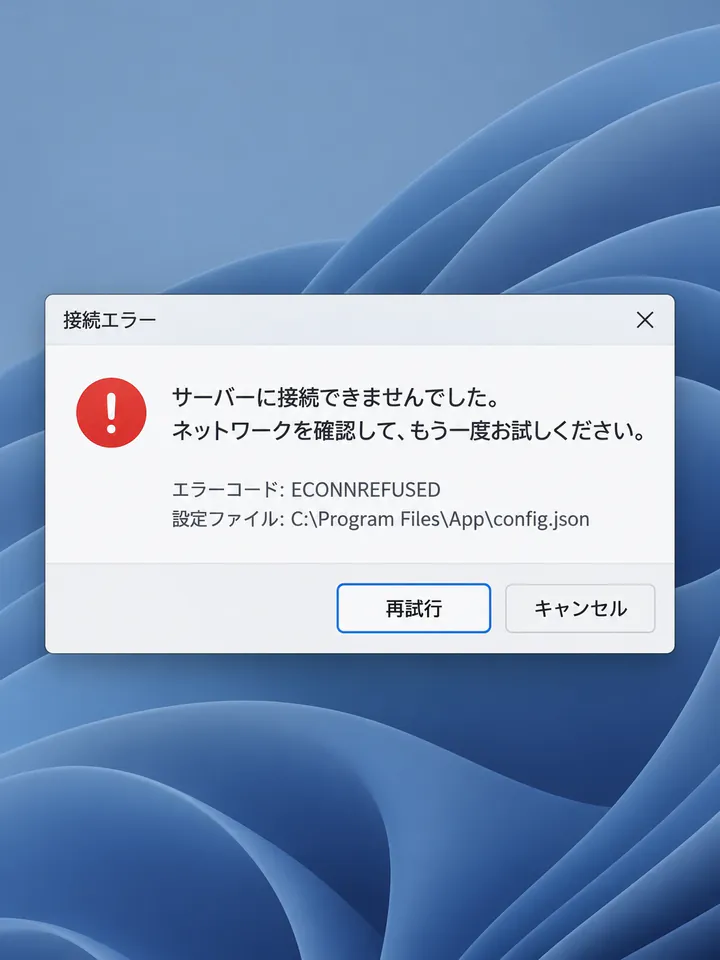
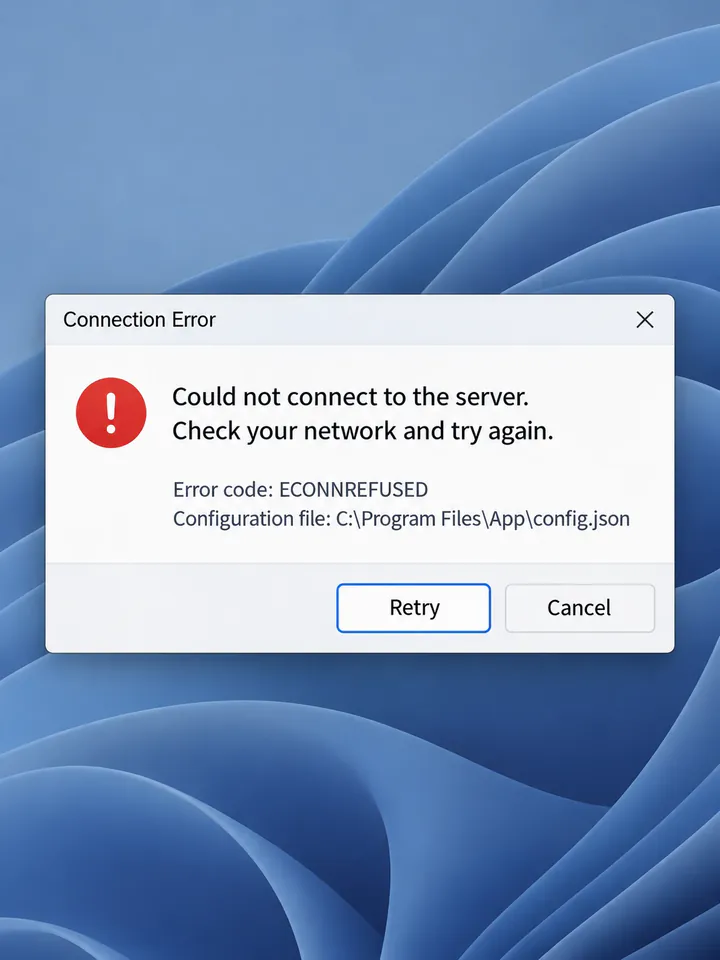
Before
After
Drop an image to preview translations — no sign-up neededOne image at a time · Free instant previewSupports PNG, JPG, WebP up to 30 MB
Real results for this kind of image
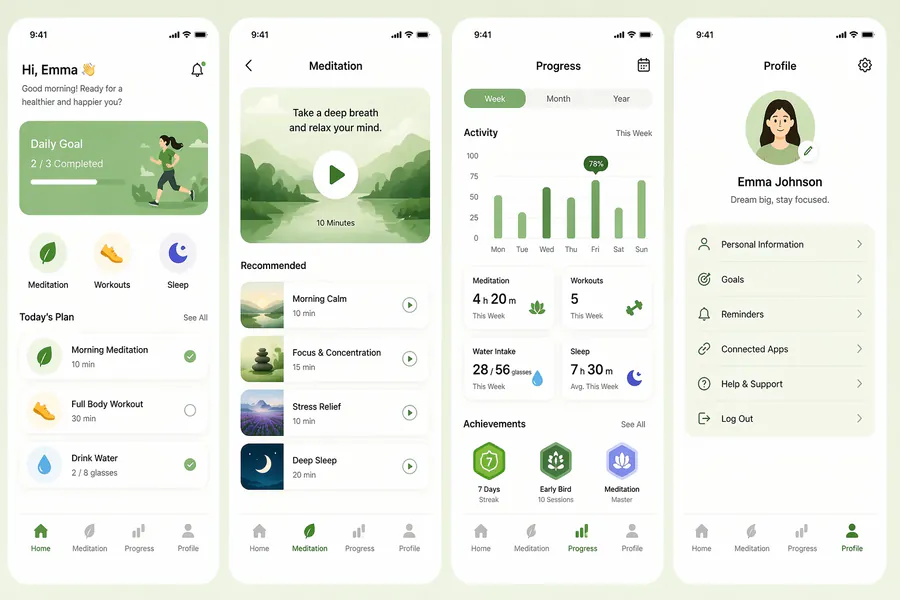
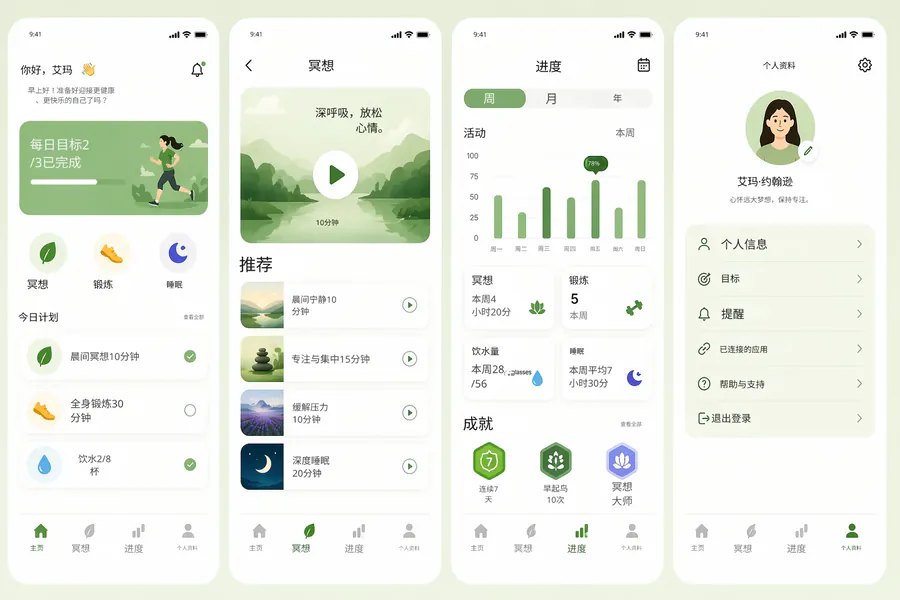
Source
Translated
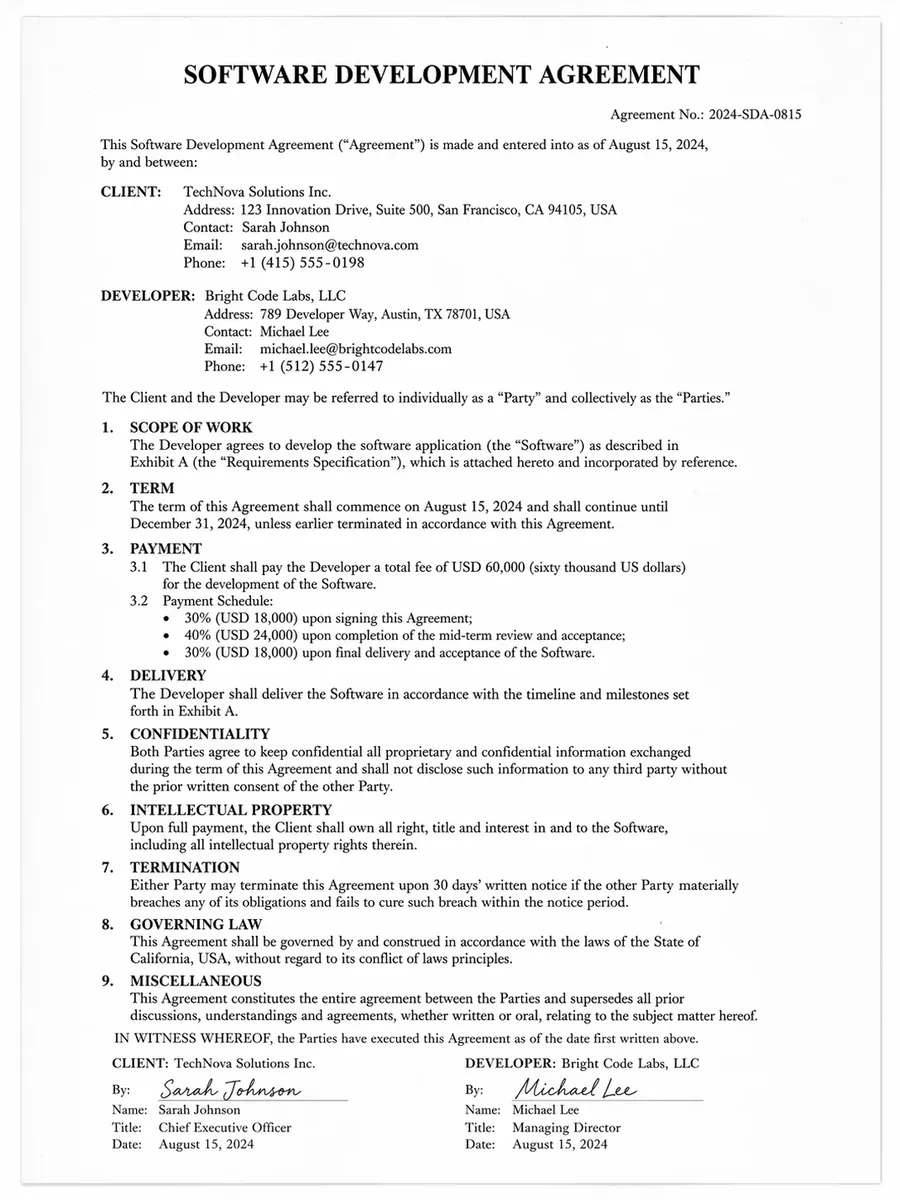
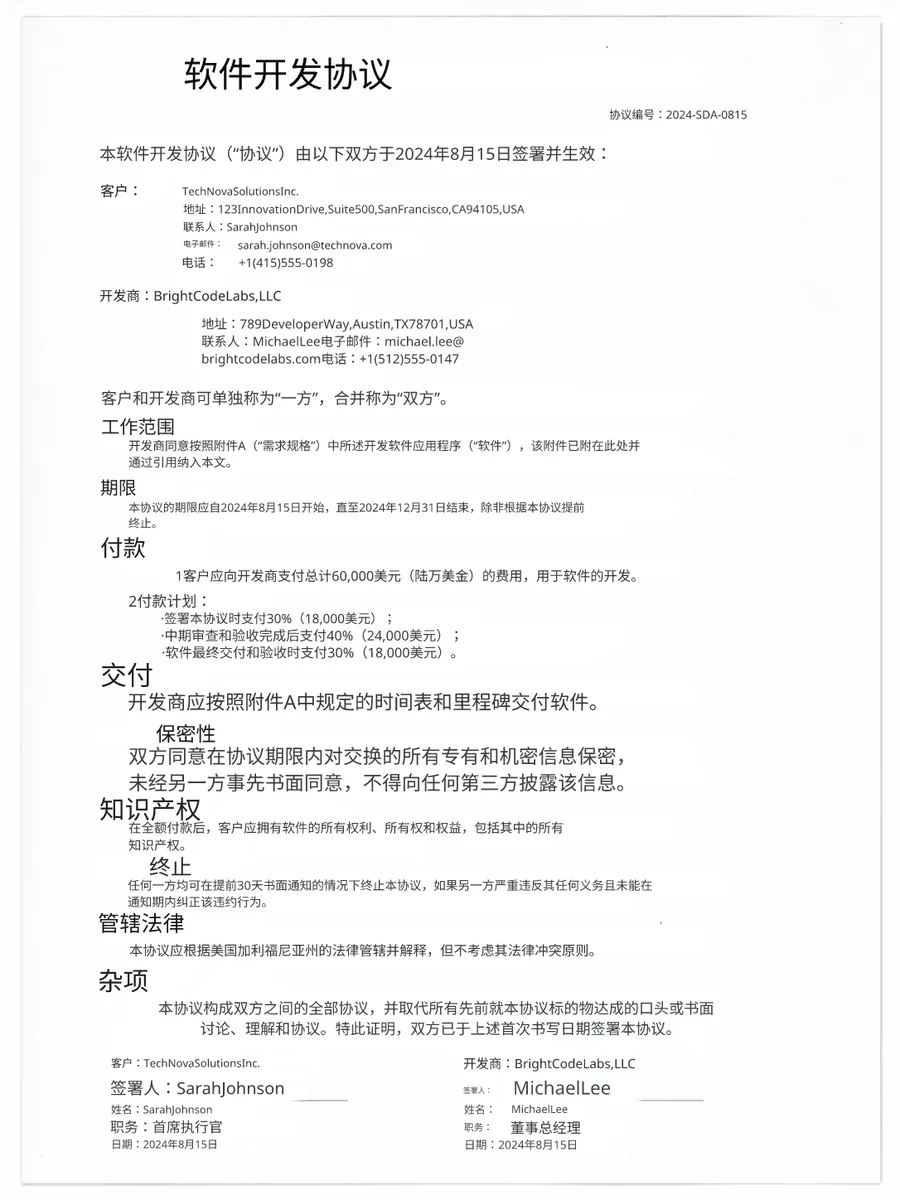
Source
Translated
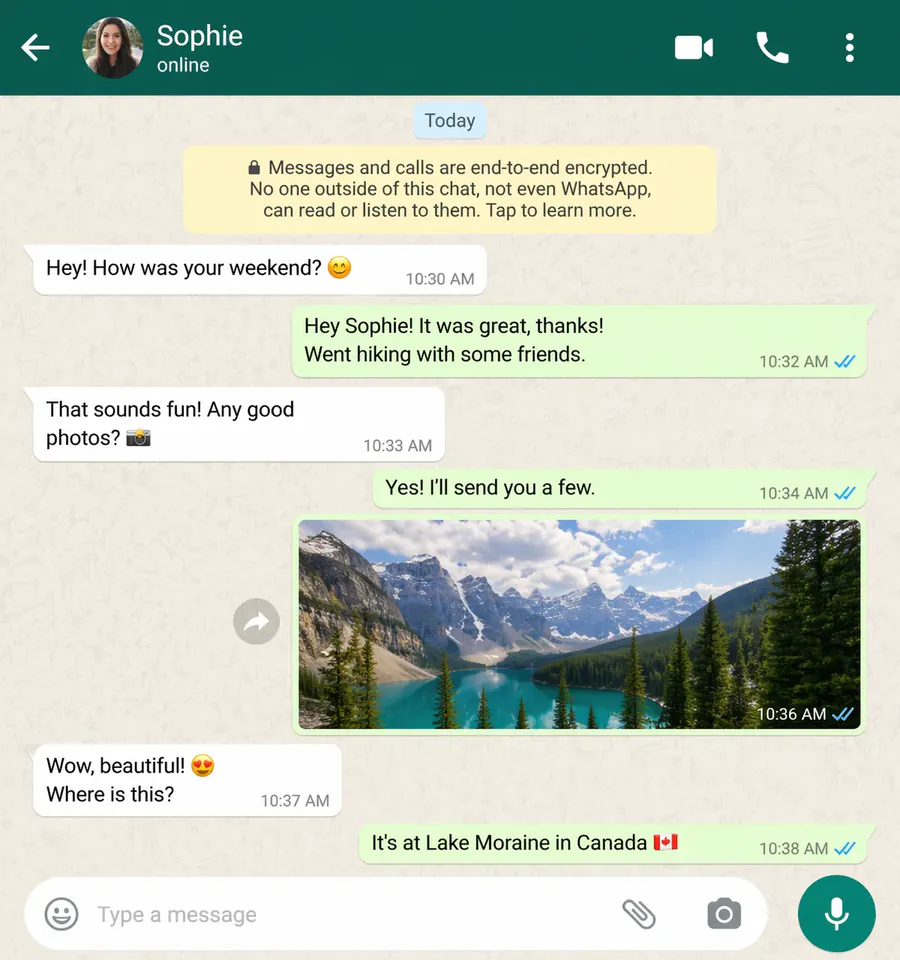
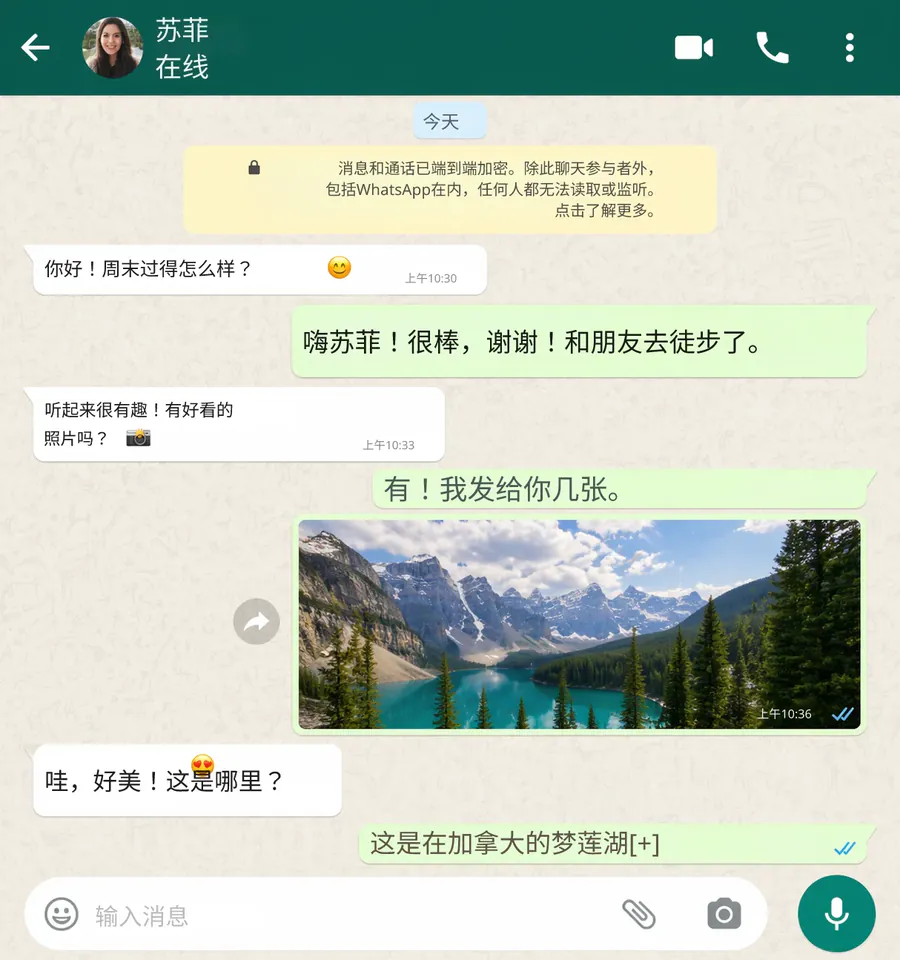
Source
Translated
From an unreadable dialog to a fix
Upload the error screenshot
A cropped dialog, a full window or a phone photo of a monitor — PNG, JPG or WebP up to 30 MB. The language is detected for you.
Protect the technical parts
Add an instruction such as "keep error codes, file paths and function names unchanged", so only the human-readable message is translated.
Read it, then act
The translated dialog shows which button says retry and which says cancel. Need the text for a search or a ticket? Extract it with the free image-to-text tool.
What makes error screenshots different
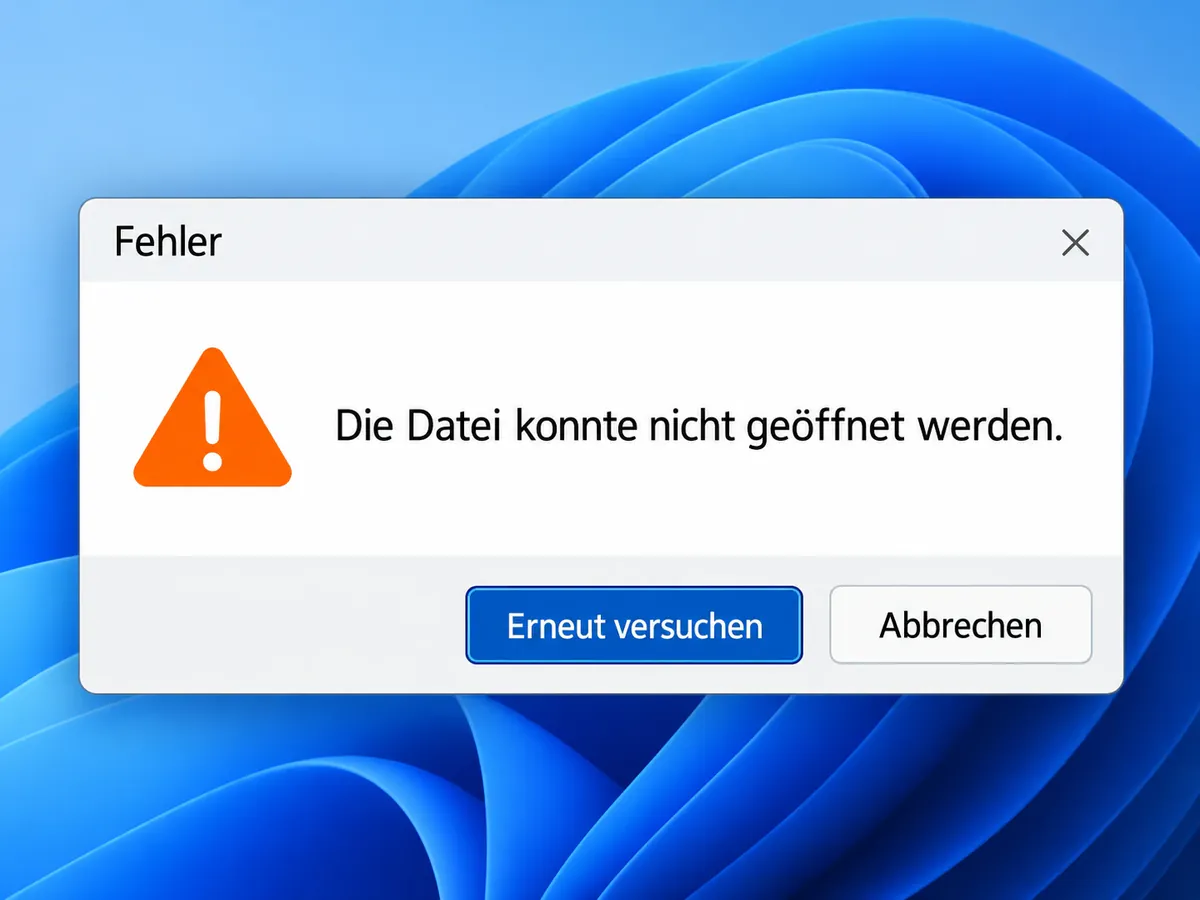
Technical text
Codes and paths stay searchable
- Error codes like 0x80070005 or ECONNREFUSED are what you search for; a custom instruction keeps them out of the translation.
- Class names, config keys and log timestamps can be left as they are while the sentence around them is translated.
- If something was translated that should not have been, retype that line in the editor for free.
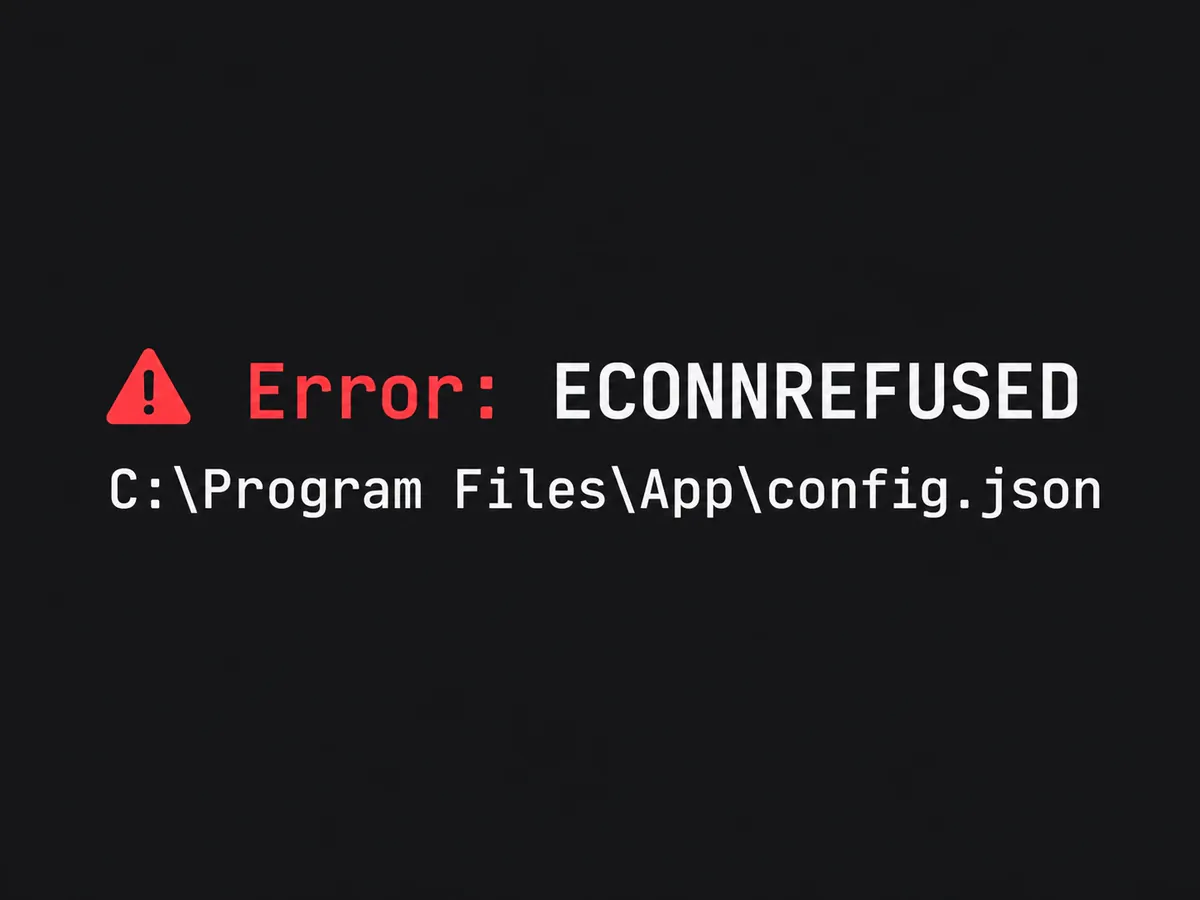
Context
The whole dialog, not just the sentence
- Button labels are translated in place, so you can tell whether OK means continue or abort before you click it.
- Warning banners, tooltips and status bars on the same screen are handled in the same run.
- The Standard engine replaces text only, so icons and severity colours stay as they were.
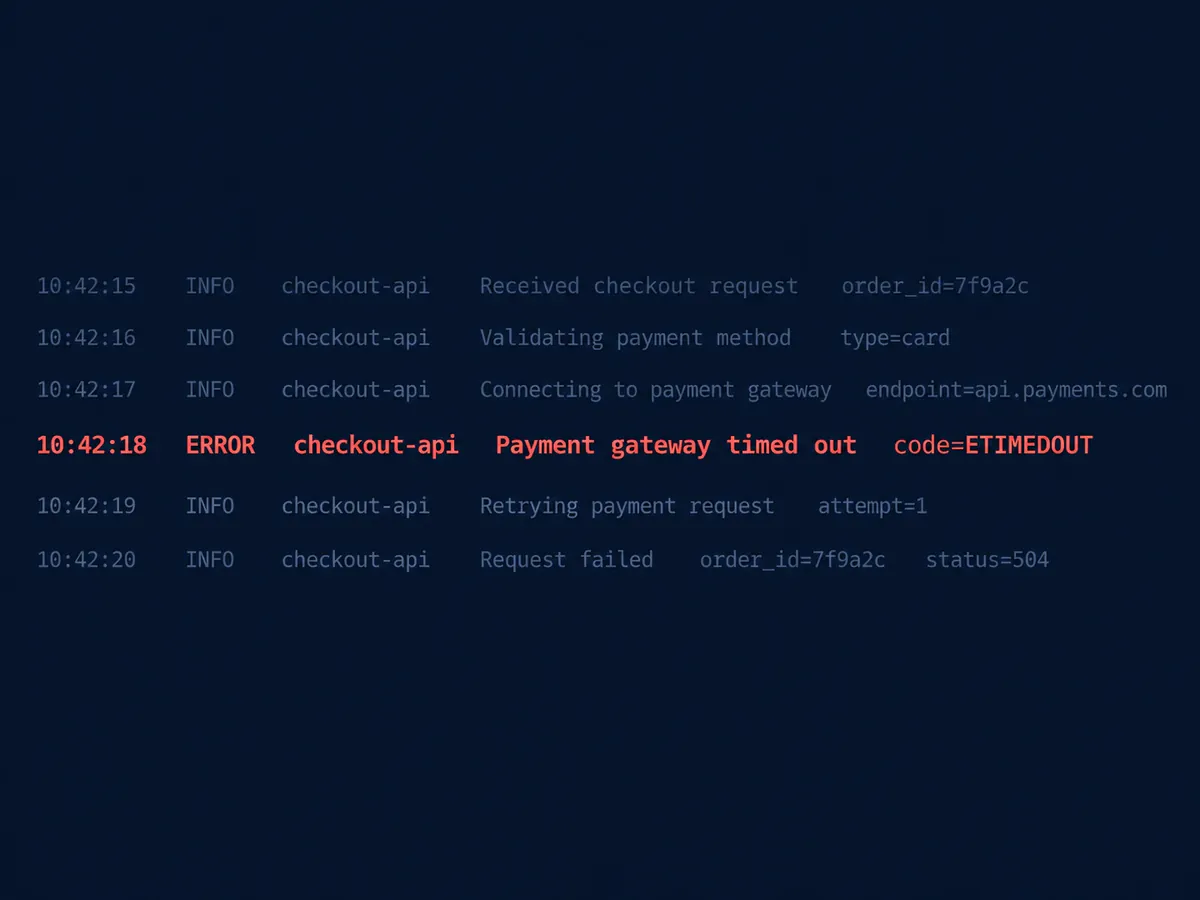
Support
Useful for support and QA teams
- Translate a customer screenshot before it reaches an engineer, and attach both versions to the ticket.
- When a bug report arrives with many screenshots, Starter translates up to 20 per batch and Professional up to 50.
- Every run is kept in My Creations, so the translated screenshot is still there when the ticket is reopened.
Copy the error as text
Searching a forum or pasting into a ticket needs text, not pixels. The image-to-text tool pulls the message out of the screenshot as clean Markdown, free of charge.
Keep going
More tools for Software, apps & diagrams
Error message screenshot questions
Error Message Translator · Keep Layout Intact
- No sign-up required
- Preview the translated result in seconds