
Replace Text in a Photo Online
Replace text in real photos with matching perspective and lighting.
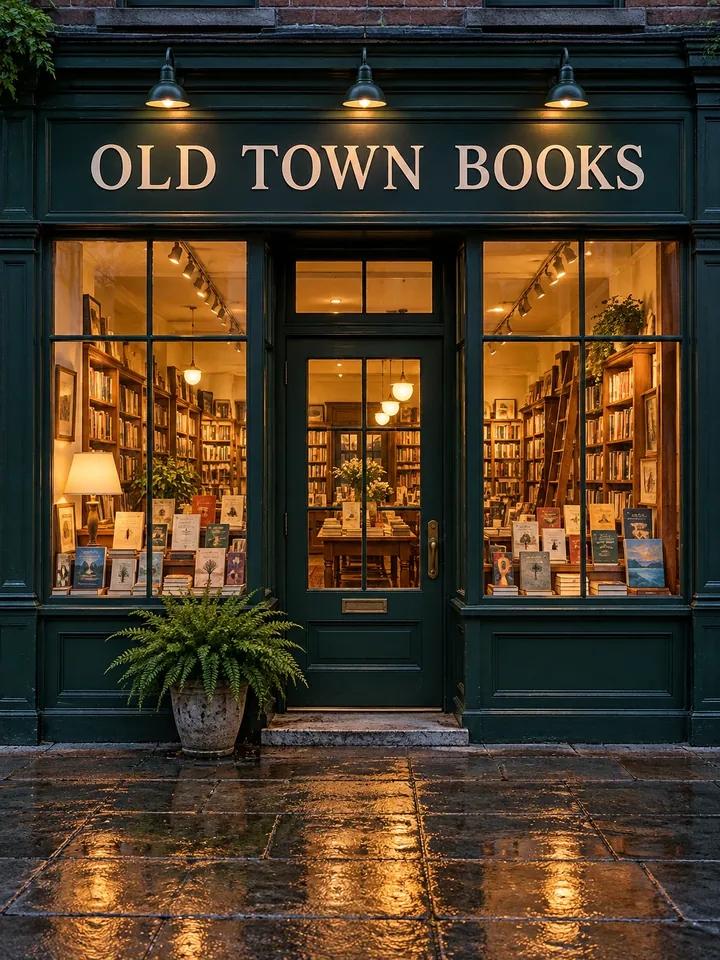
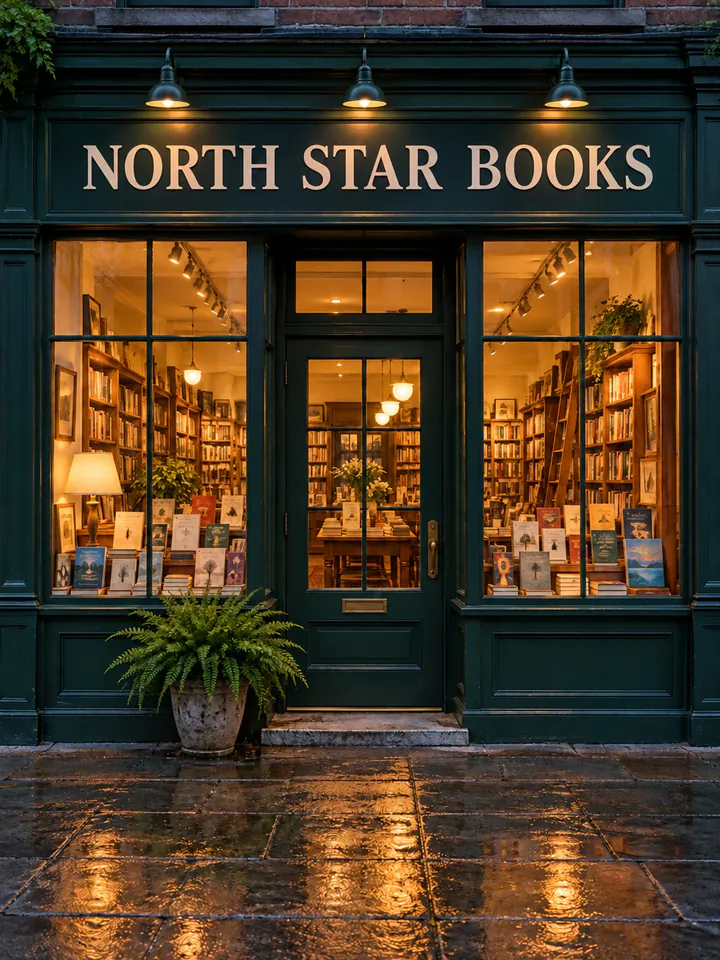
Before
After
Drop an image to extract & edit textOne image at a timeSupports PNG, JPG, WebP up to 30 MB
Real edits, made with this tool


Source
Translated

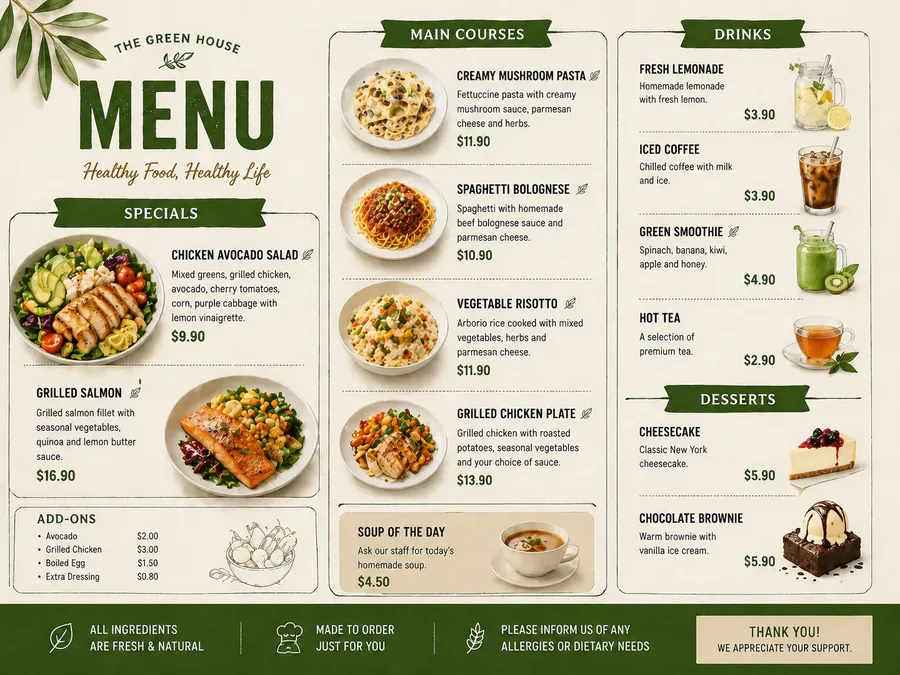
Source
Translated
How to replace text in a photograph
Upload the photo
A PNG, JPG or WebP up to 30 MB where the text is in focus — a shop sign, a product label, a banner at an event.
Box the text and add its replacement
Drag a box around the sign or label to read its words in, or type them, then enter what you want it to say. Add a row for each piece of text.
Review and refine
Compare with the original. If the angle or surface made it tricky, click “Keep editing this image” and try again on the result.
What works well in photos, and what needs care
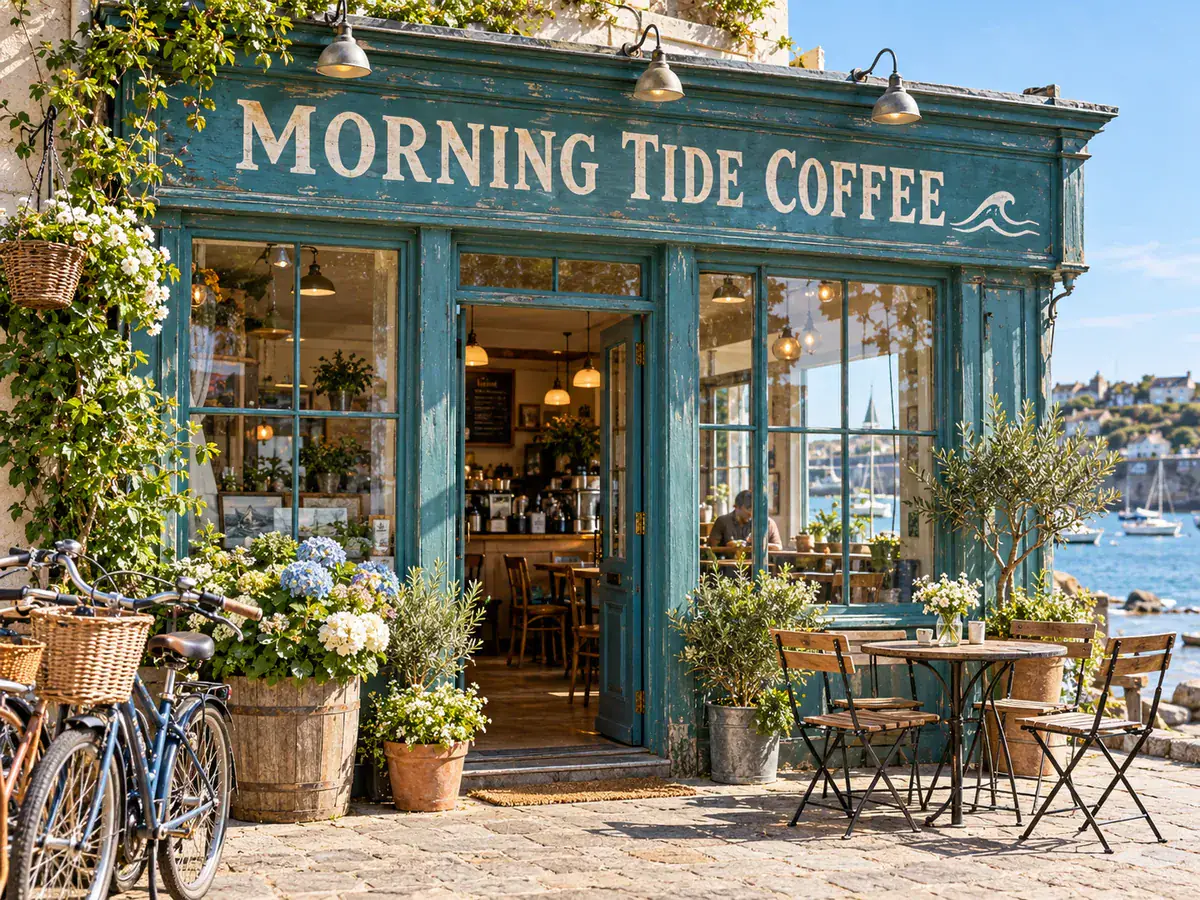
Good fit
Clear text facing the camera
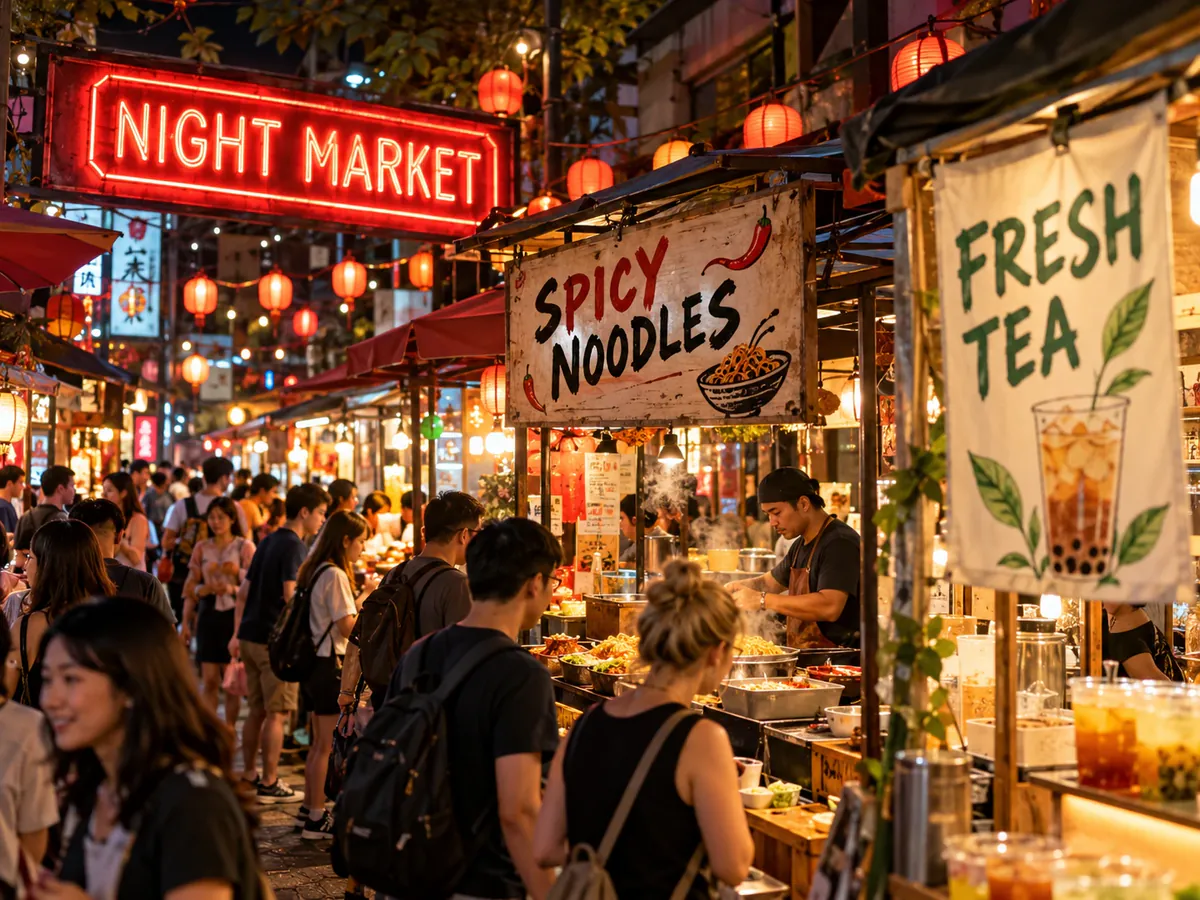
- Storefront signs, menu boards, product labels and printed banners shot roughly head-on give the most convincing results.
- The model follows the colour, weight and size of the photographed letters, along with the lighting it can see on them.
- Packaging and product photos for your own listings are a typical use.

Harder cases
Angles, curves and tiny type
- There is no manual perspective tool — text seen at a steep angle depends on how well the model reads the scene.
- Lettering wrapped around a bottle or can, or printed very small, may take a second attempt.
- Boxing the exact sign or label helps in busy scenes, especially when the same word shows up on more than one surface.
Output
Size, cost and several changes per run
- AI edit regenerates the whole photo at a fixed size like 1536×1024 or 1024×1536, not the camera’s original resolution.
- Small drift elsewhere in the photo is possible, so compare before you download.
- Up to 10 signs or labels can change in one run for 20 credits; keeping the list short makes mix-ups less likely.
Got a photo with a sign or label to change?
Upload it to the text editor, box the sign or label, and type the new wording to see it redrawn into the scene.
Keep going
More tools for Text editing & typo repair
Questions about replacing text in photos
Replace Text in Photo, Original Look Kept
- Sign up free to get starter credits
- No credit card required