
Edit a Typo in an Image Without the Source File
Fix typos in finished graphics with seamless background repair.
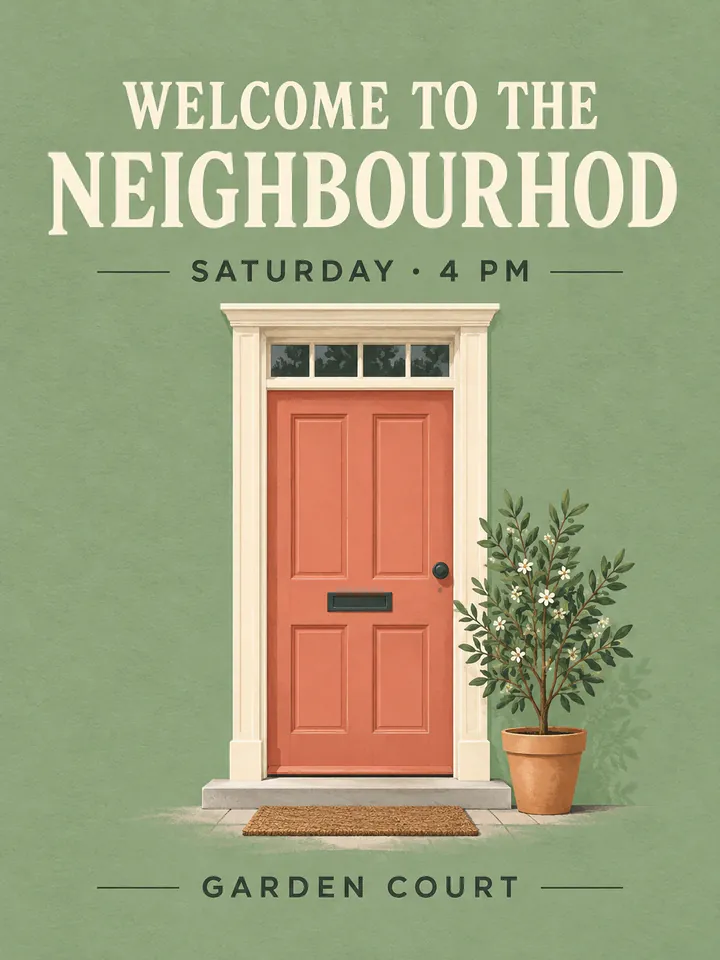
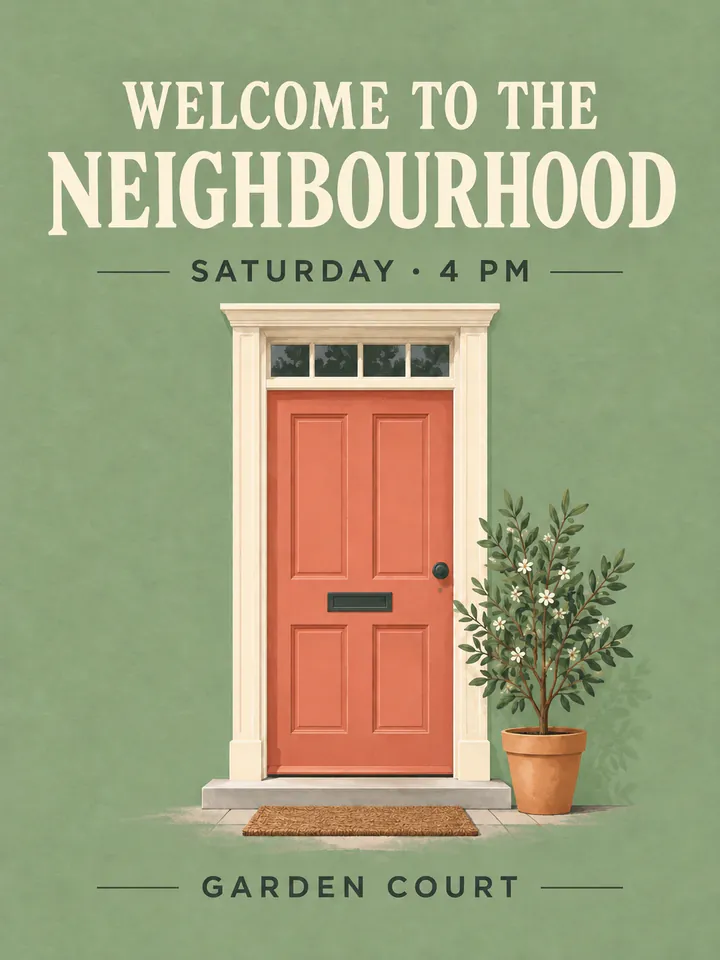
Before
After
Drop an image to extract & edit textOne image at a timeSupports PNG, JPG, WebP up to 30 MB
Real edits, made with this tool


Source
Translated
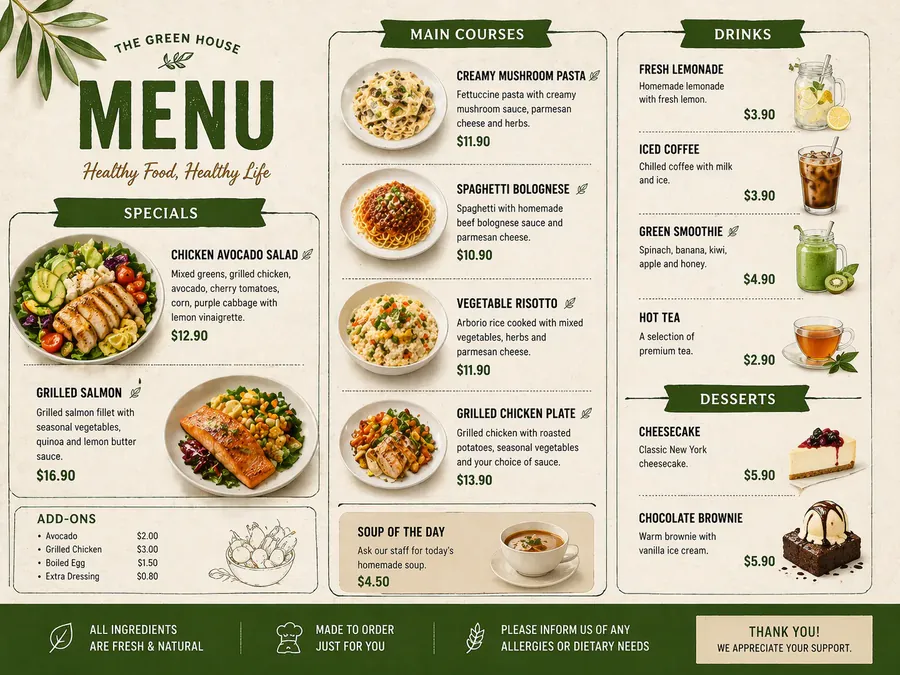
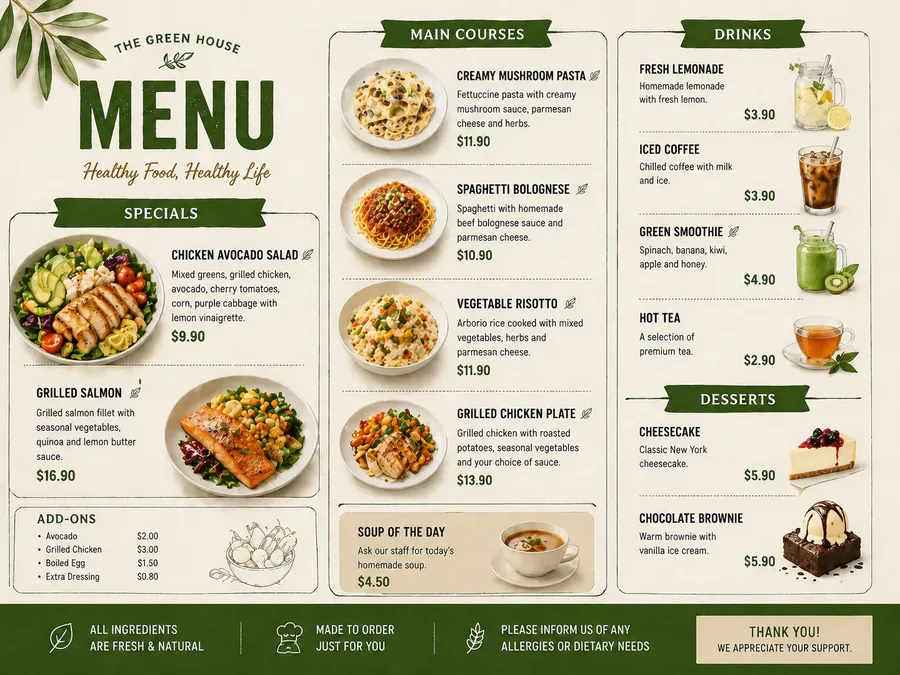
Source
Translated
How to fix a typo in an image
Upload the graphic
The exported PNG, JPG or WebP, up to 30 MB — a banner, menu, packaging shot or social post.
Add the misspelling and the correction
Drag a box around the wrong word to fill it in as it appears, or type it exactly as misspelled, then enter the correct spelling. More typos, more rows.
Zoom in and check
Compare with the original at full zoom. Something still off? Click “Keep editing this image” and correct it on the result.
A quick correction instead of a redesign
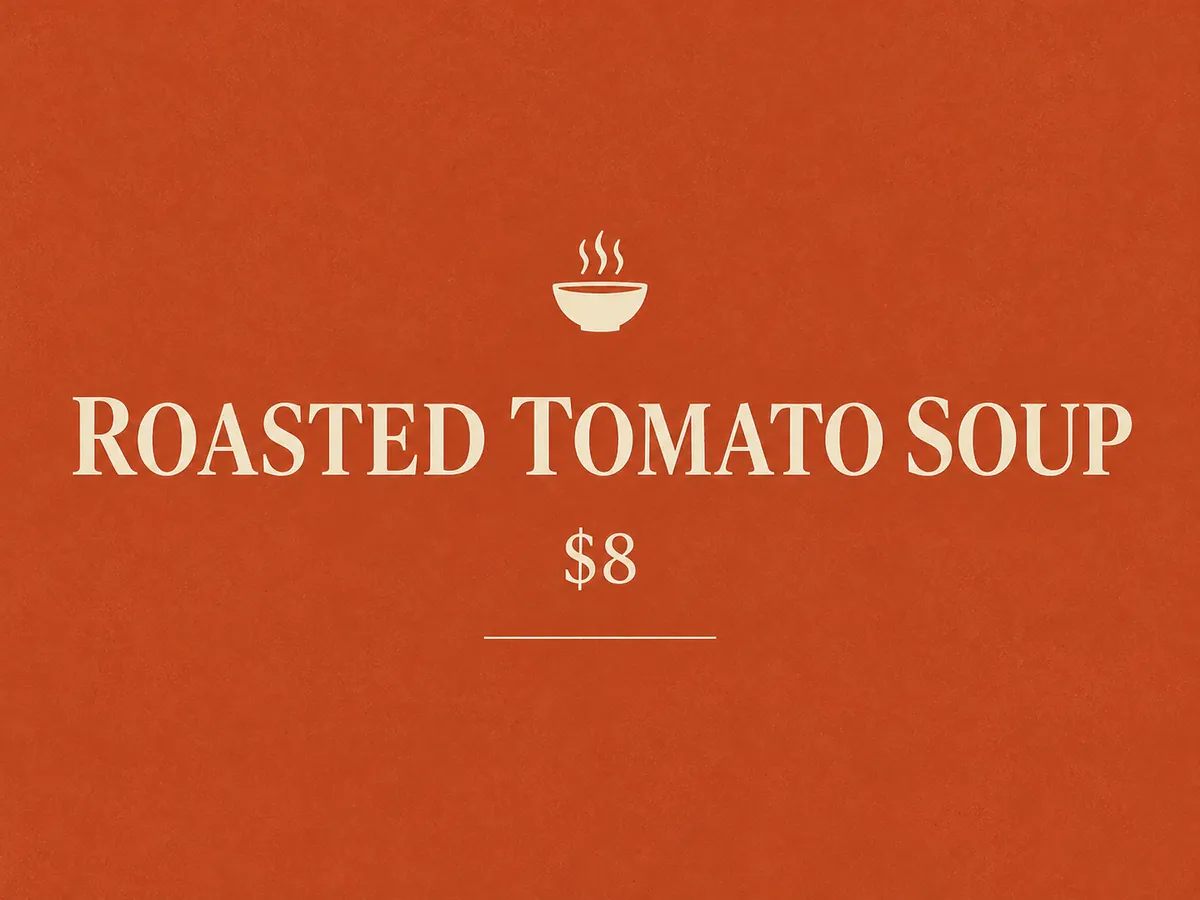
Word level
Fix the word, keep the layout
- Replace the whole misspelled word rather than a single letter, so the AI can respace it naturally.
- Punctuation slips — a missing apostrophe, a stray comma — can be corrected the same way.
- The new spelling follows the weight, colour and size of the lettering around it.
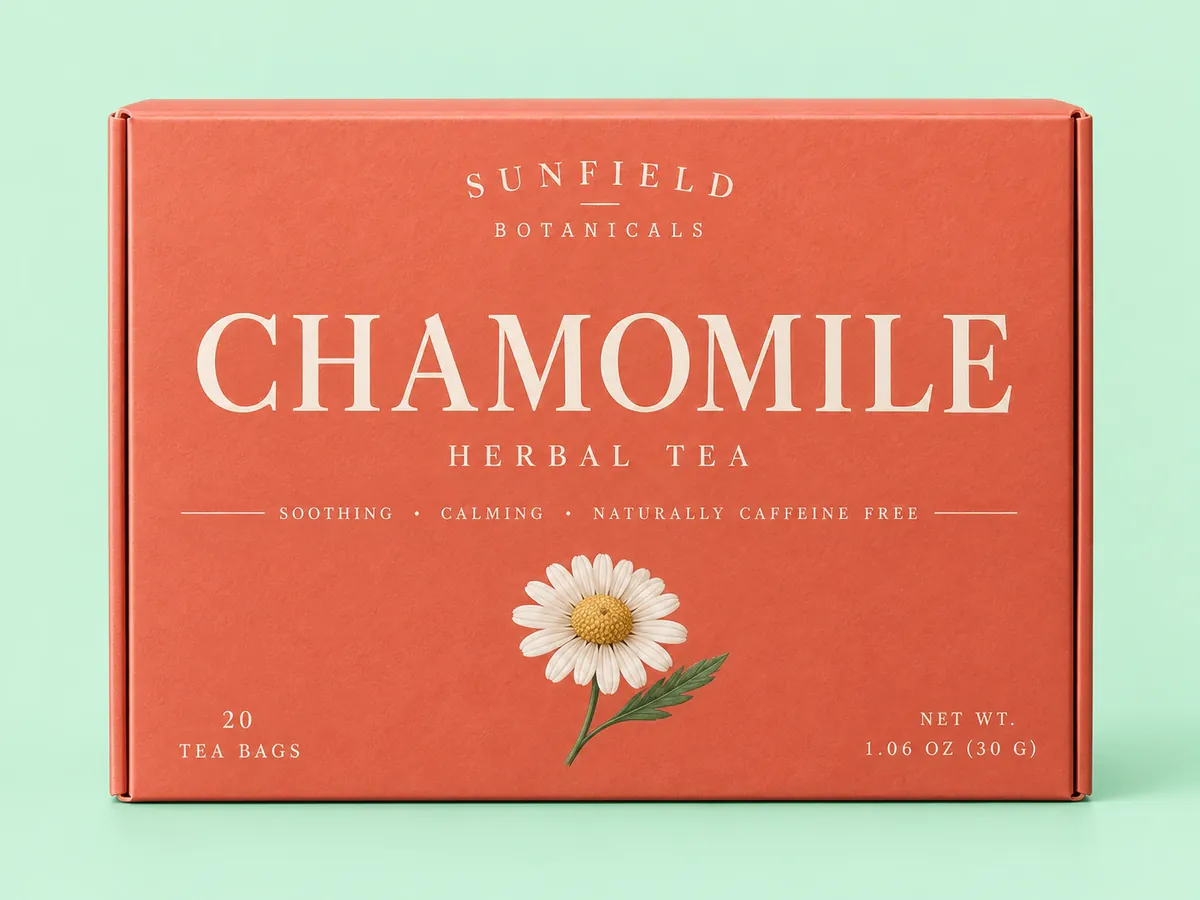
Several typos
Every correction in one run
- A menu with three mistakes needs three rows in the list, not three separate runs.
- If the same misspelling appears in more than one place, box the one you want changed so the model knows which it is.
- Each run is 20 credits whatever the number of rows, refunded automatically if it fails.
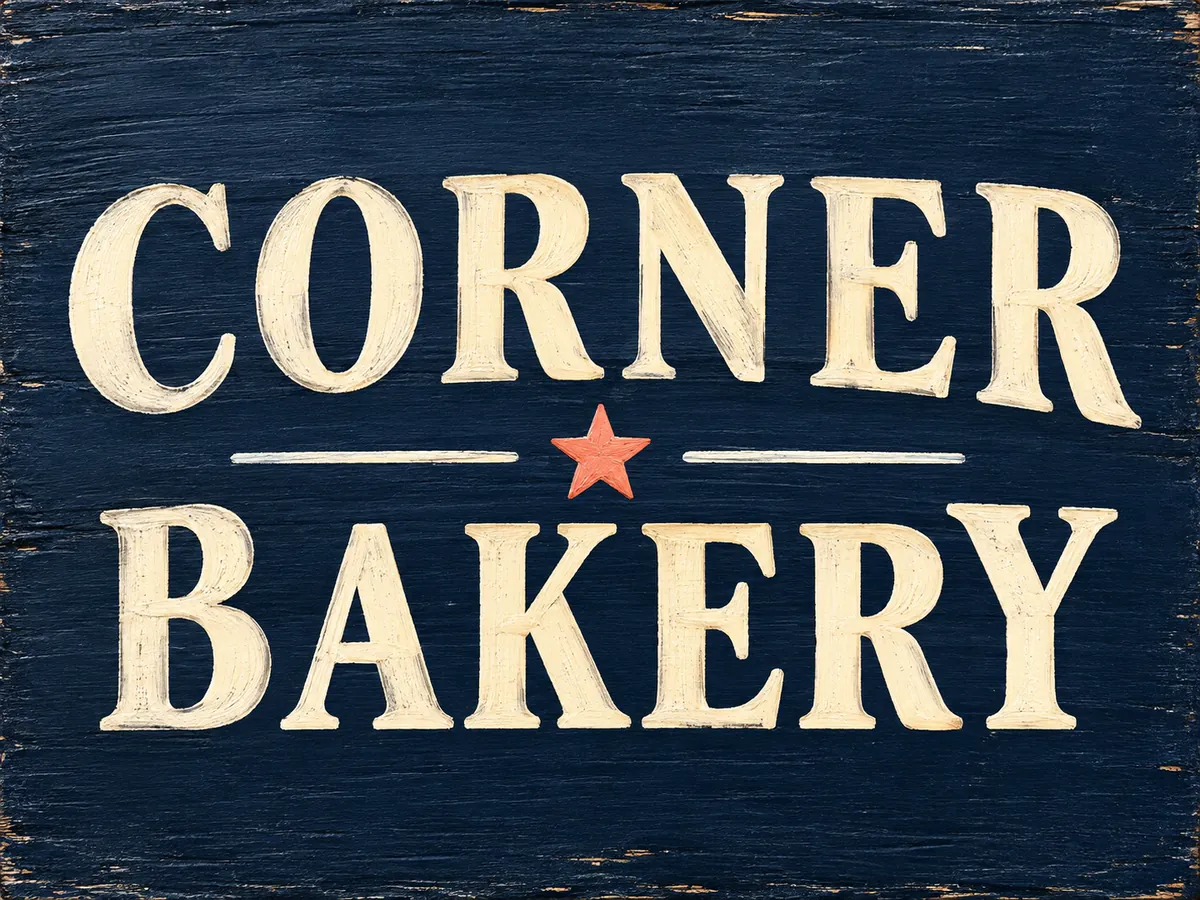
Know the trade-offs
What changes besides the word
- AI edit regenerates the image at a fixed size such as 1536×1024, so it won’t match your export’s pixel dimensions.
- Long lists occasionally swap a correction onto the wrong word; a few clearly boxed rows are the dependable way to work.
- Long passages of very small text are the hardest case and may need a second pass.
Found a typo on something already published?
Upload it to the text editor, use AI edit to swap the misspelled word for the right one, and download the corrected image.
Keep going
More tools for Text editing & typo repair
Questions about fixing typos in images
Fix Typo in Image, Original Look Kept
- Sign up free to get starter credits
- No credit card required