
Doujin Translator Online for Fan-Made Comics
Translate raw doujinshi with automated bubble cleaning and typography matching.
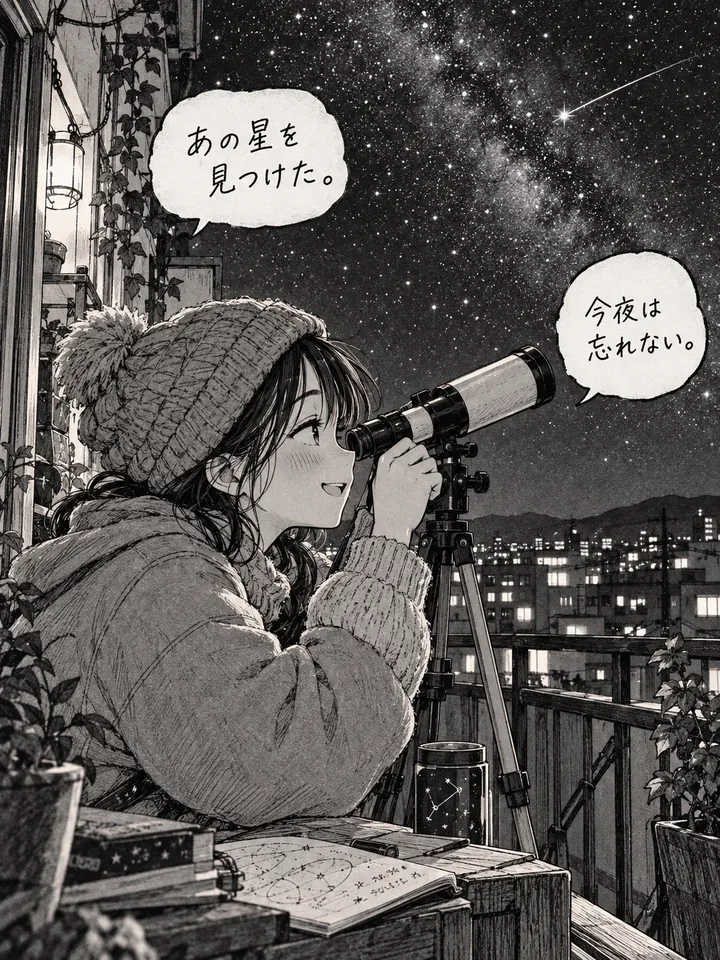
Before
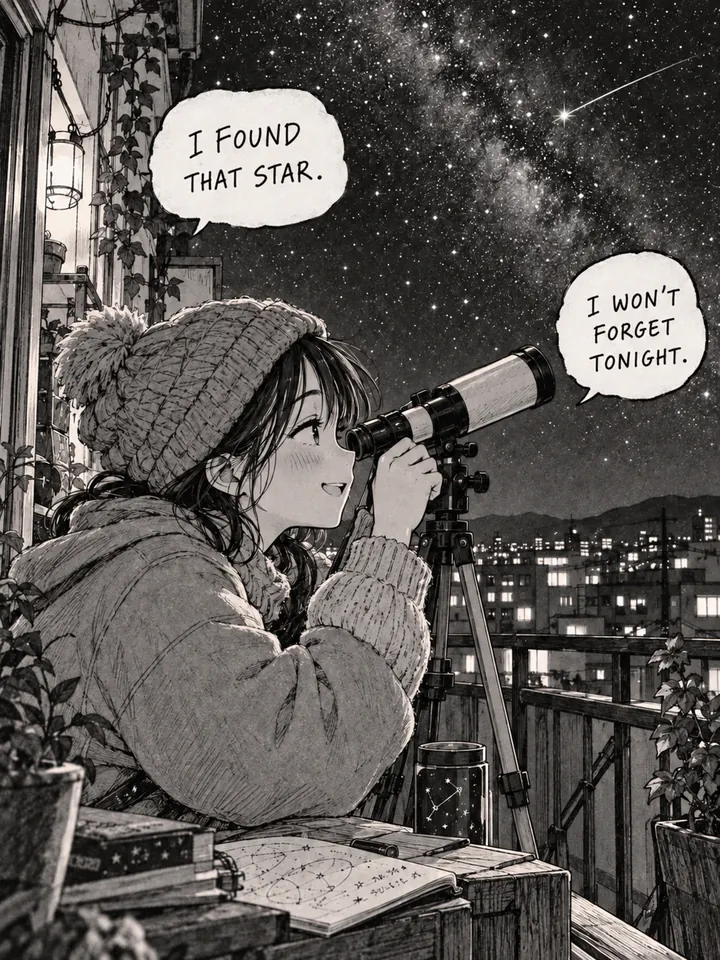
After
Drop an image to preview translations — no sign-up neededOne image at a time · Free instant previewSupports PNG, JPG, WebP up to 30 MB
Real results for this kind of image
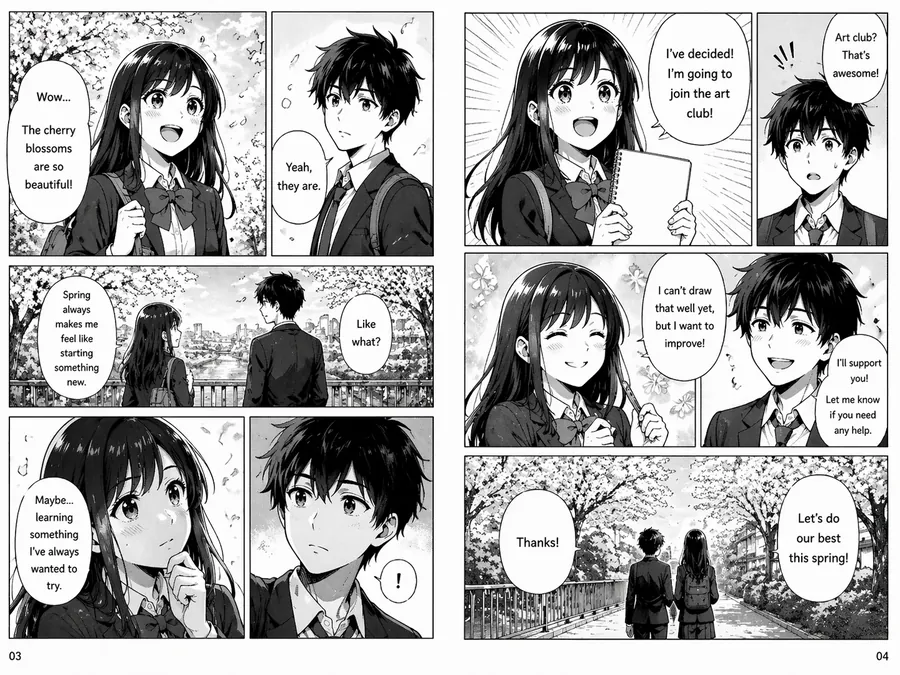
Source
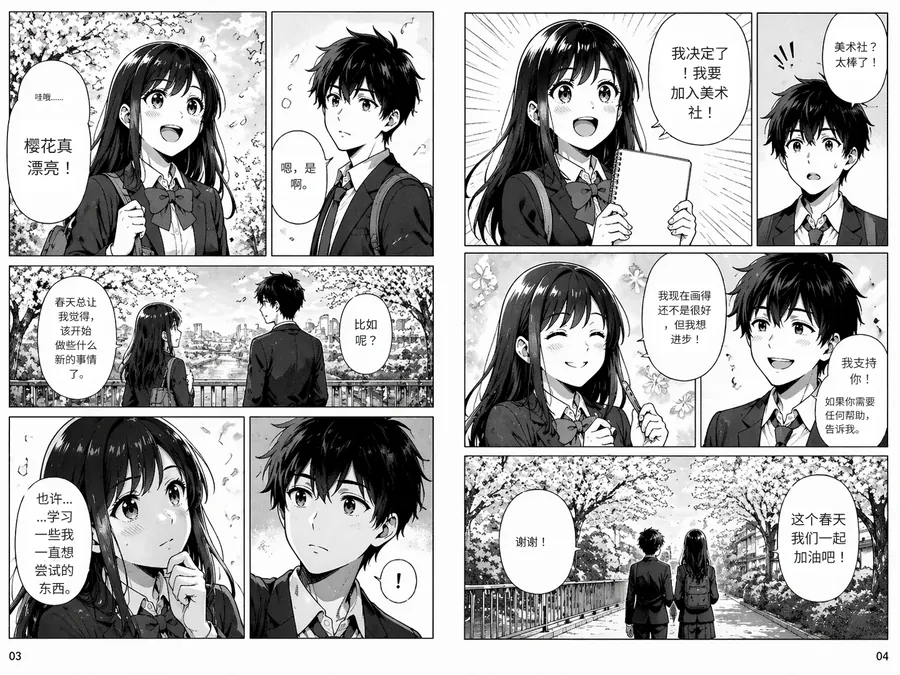
Translated

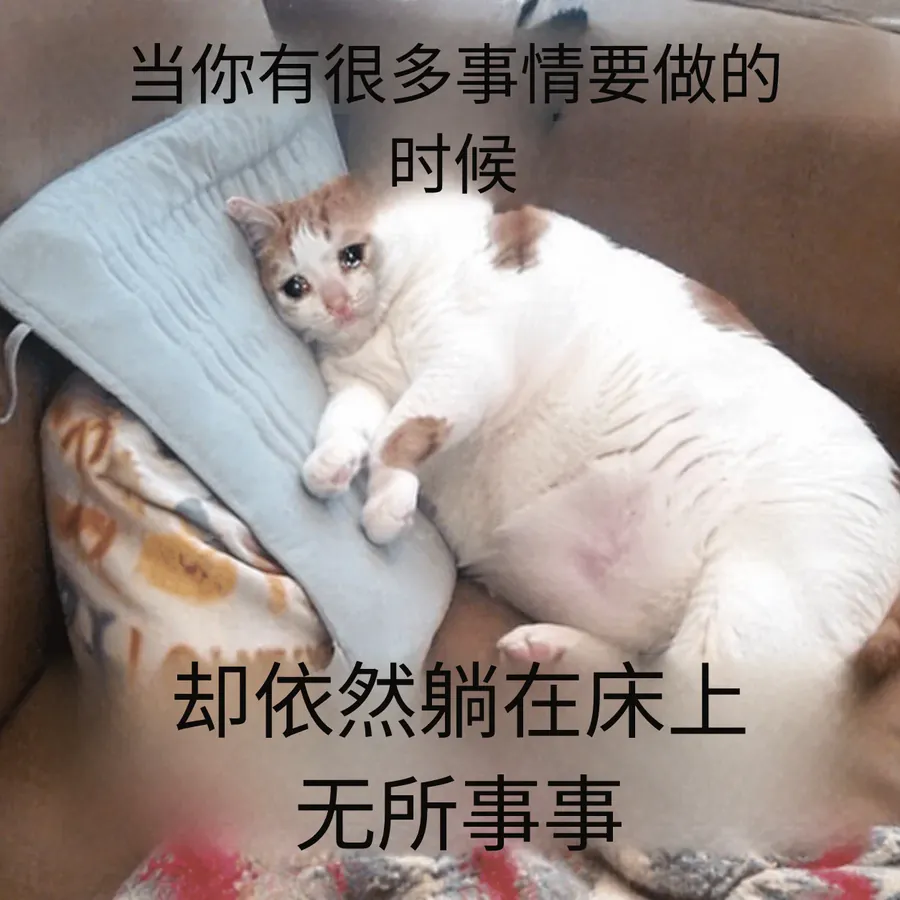
Source
Translated
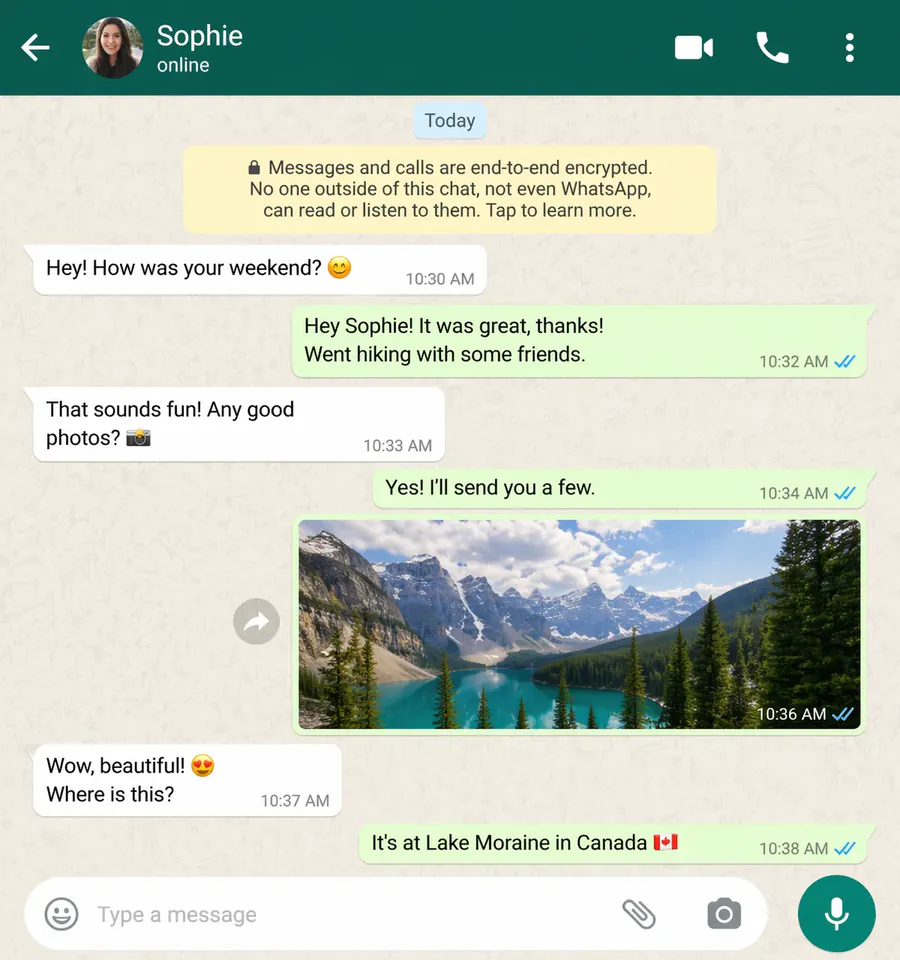
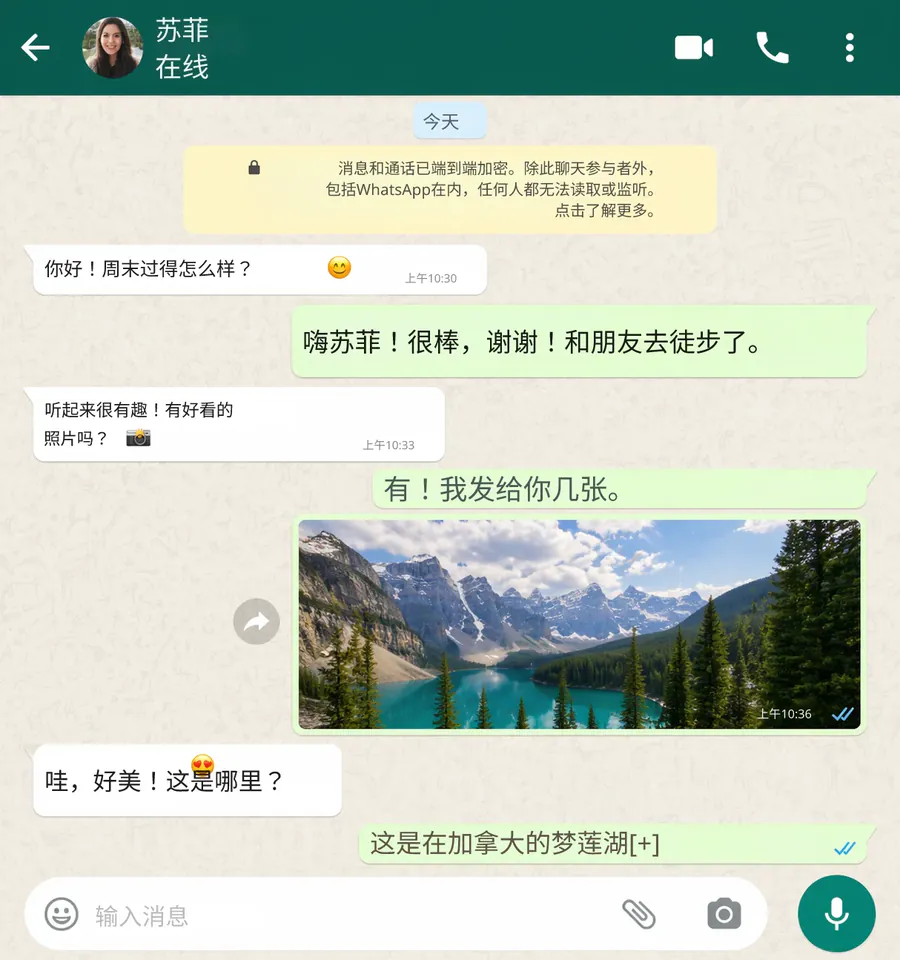
Source
Translated
Translate a doujinshi in three steps
Add the pages
Scans or photos of each page as PNG, JPG or WebP, up to 30 MB apiece. Nothing to install; it runs in the browser.
Tell it about the series
Doujinshi borrow characters from a known anime or game. Name the source work and its official character names in a custom instruction.
Translate and read
Manga mode replaces the bubble text. Download each page or the whole book as one zip.
Where doujinshi differ from commercial manga
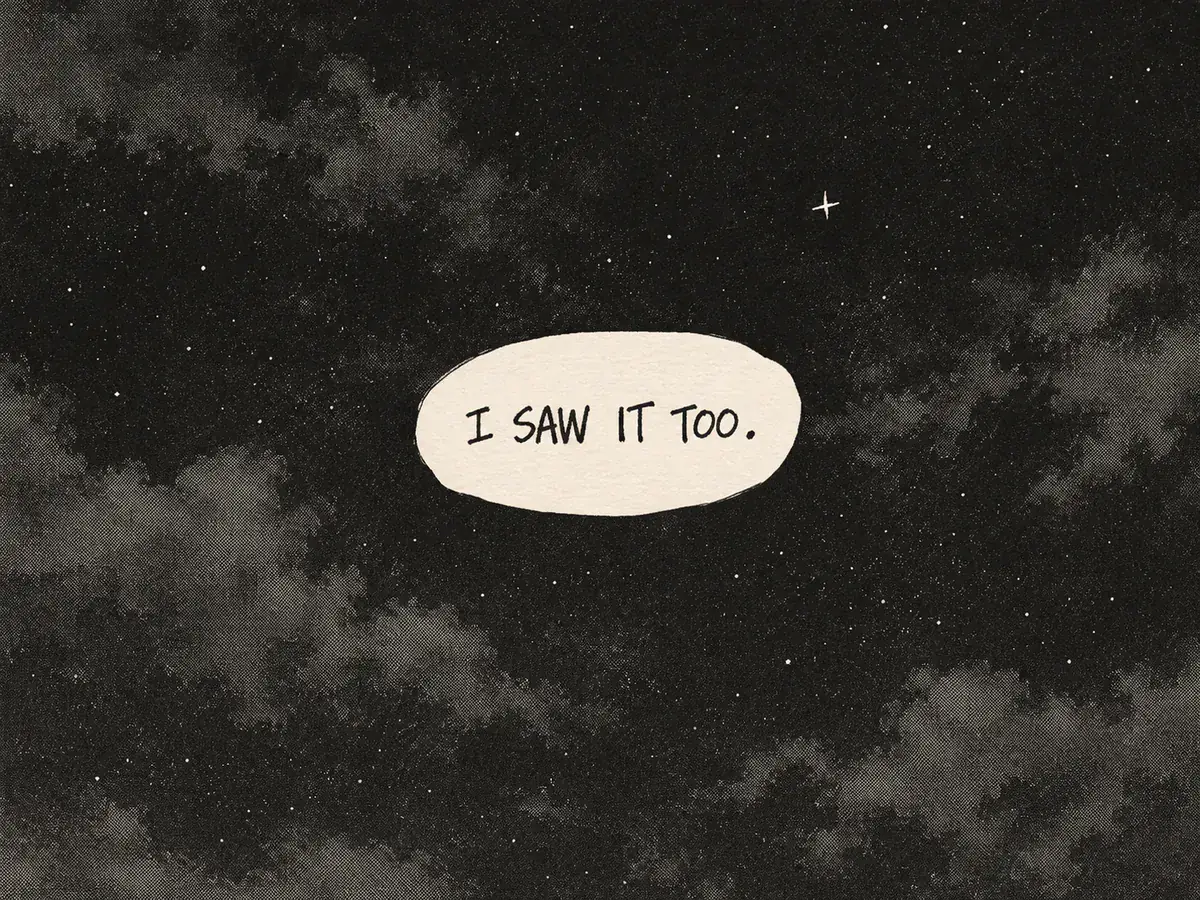
Lettering
Hand-written text, not typeset fonts
- Many circles letter by hand; the Standard engine erases the strokes and repairs the tone behind them before setting the translation.
- Pages where the lettering is woven into the drawing can use GPT Image 2.5, which redraws the whole page for 20 credits.
- Stroked lettering keeps its outline in the translated bubble.
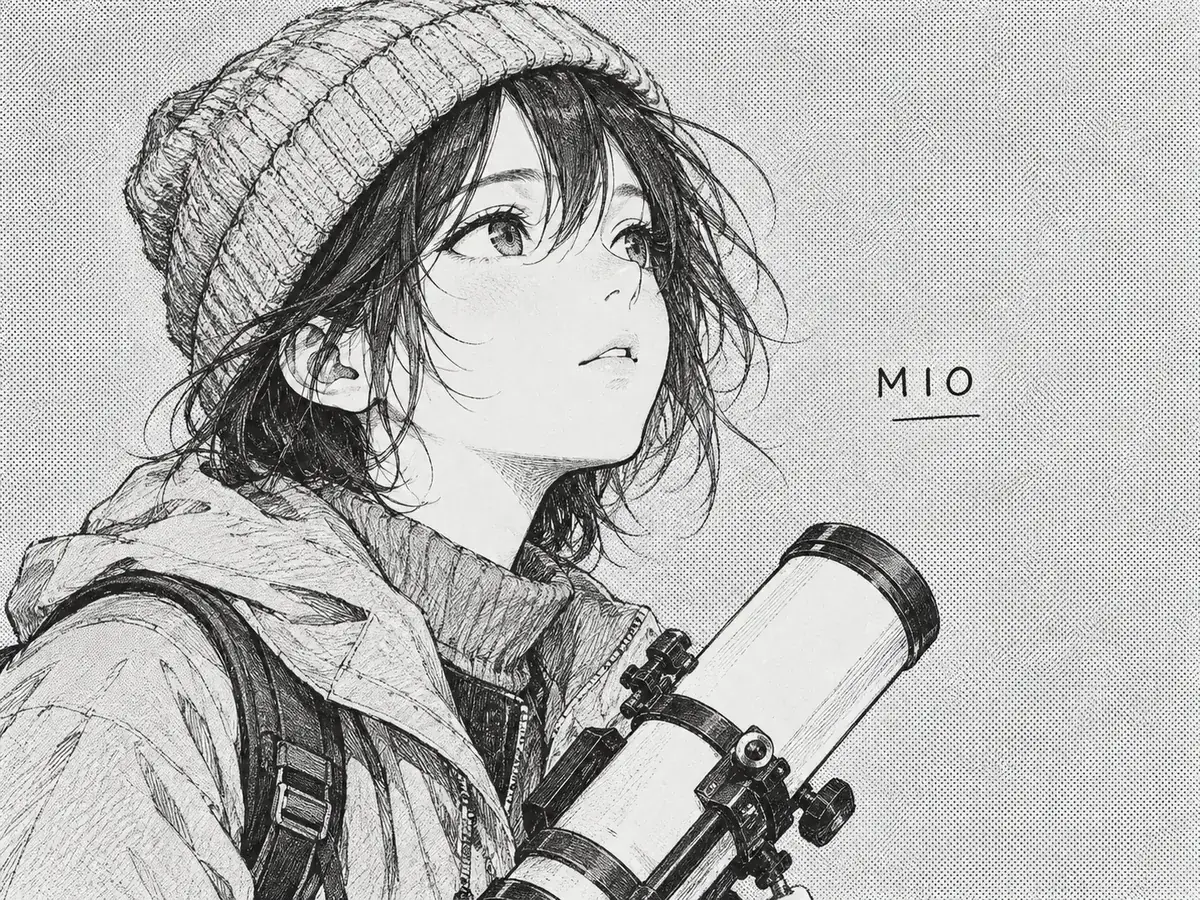
Fandom
Uses the names fans already know
- Borrowed characters should keep the names used in the official translation of the source work; set them once in your instruction.
- Fandom slang and in-jokes can be flagged in the same instruction so they are not flattened.
- Any line that still reads wrong can be retyped in the editor without spending credits.
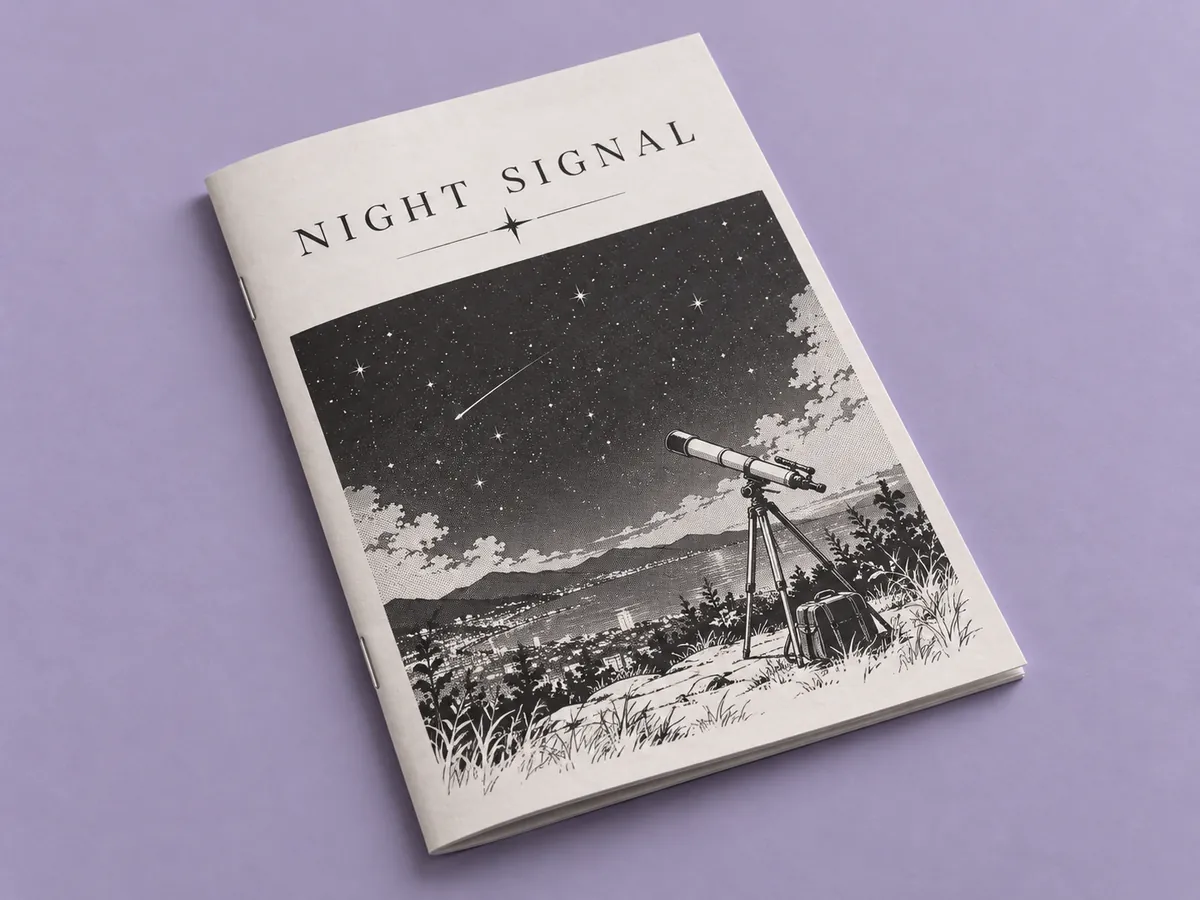
Short books
A whole book in one batch
- Doujinshi are often 20 to 40 pages, which fits one or two batches on Starter (20) or one on Professional (50).
- Download the finished book as a single zip in page order.
- Every run stays in My Creations if you want to revisit a page later.
Got a folder of books to get through?
The batch image translator runs up to 50 pages per batch on Professional and returns them as one zip, so an event haul goes through a book at a time.
Keep going
More tools for Manga, anime & comics
Doujin translator questions
Doujin Translator · Keep Layout Intact
- No sign-up required
- Preview the translated result in seconds