
Translate Architecture Diagrams and Keep Service Names Intact
Translate system architecture diagrams while preserving technical symbols and lines.

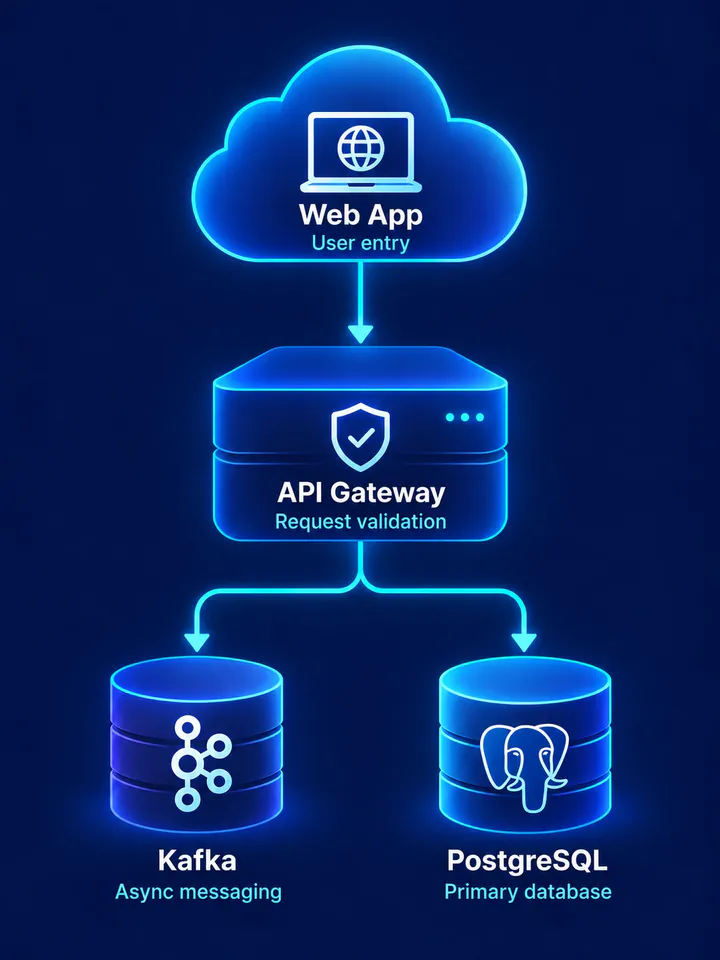
Before
After
Drop an image to preview translations — no sign-up neededOne image at a time · Free instant previewSupports PNG, JPG, WebP up to 30 MB
Real results for this kind of image
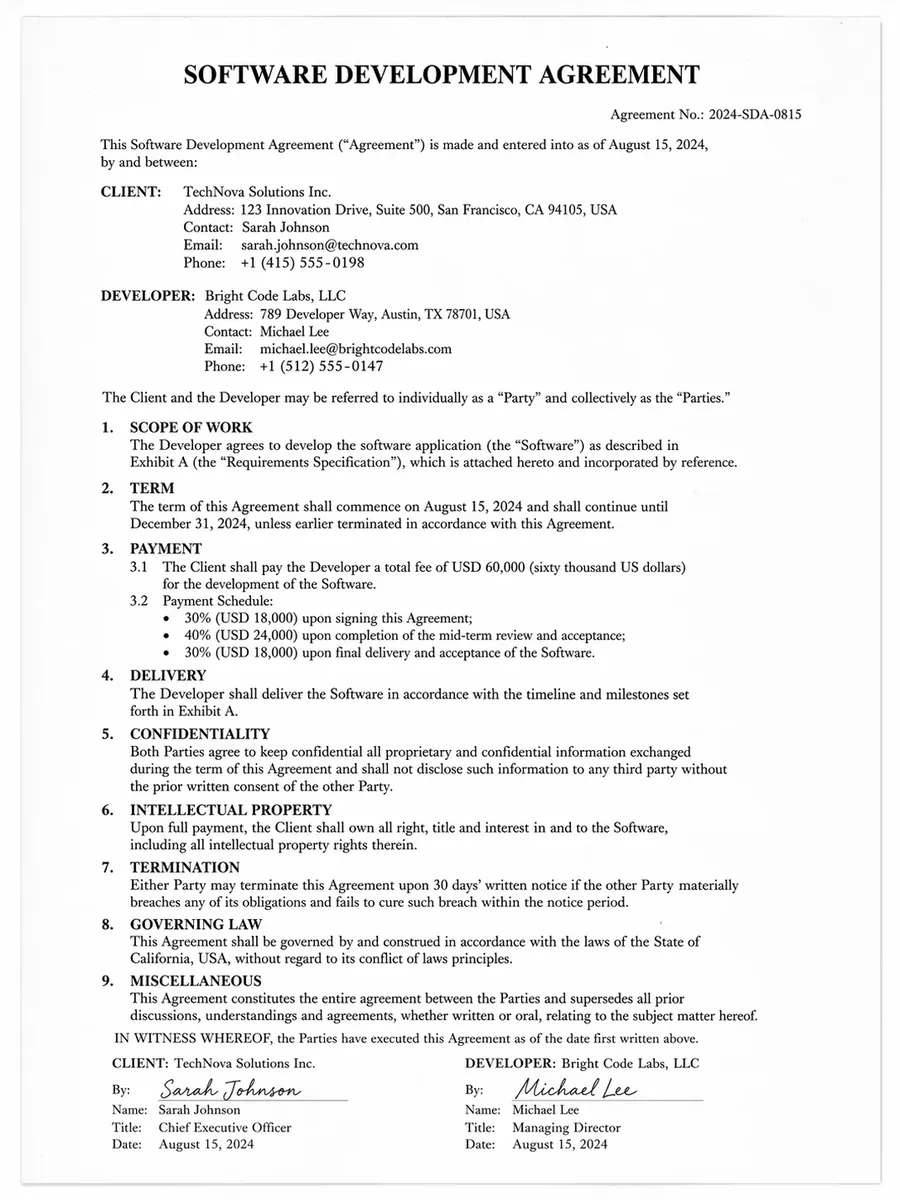
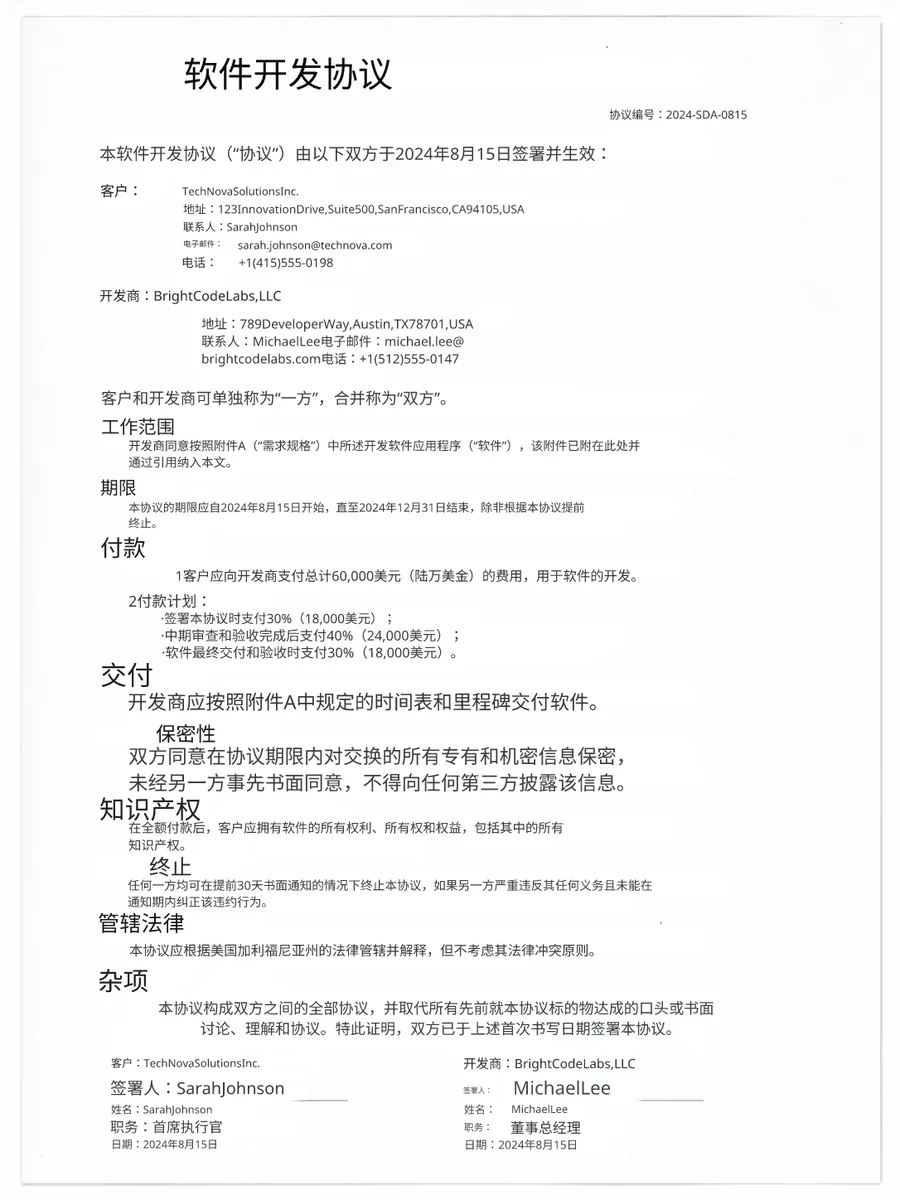
Source
Translated
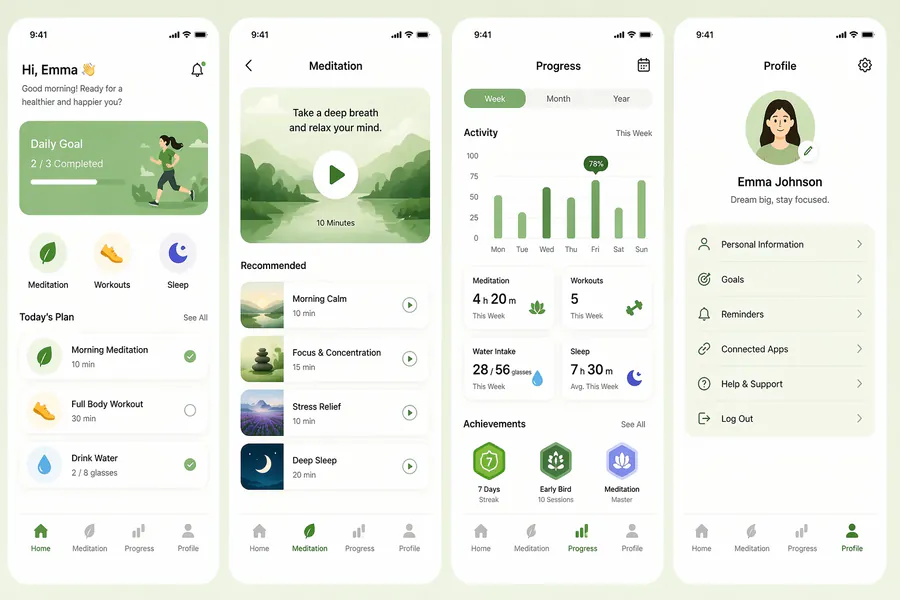
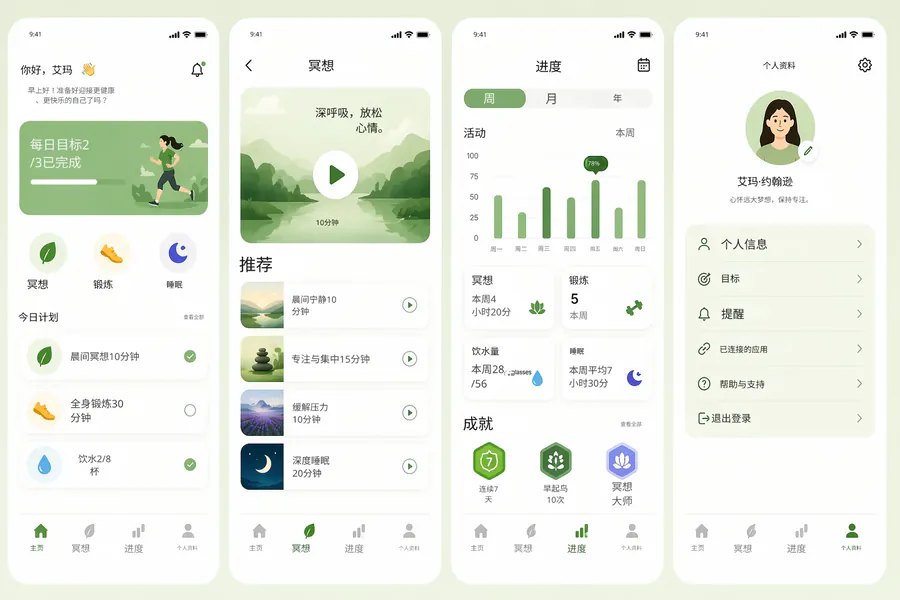
Source
Translated


Source
Translated
Translating an architecture diagram
Upload the diagram image
Exported from draw.io, Lucidchart, Excalidraw or a slide — PNG, JPG or WebP up to 30 MB. Export at full resolution so small labels stay legible.
List the terms to keep
Write an instruction like "keep AWS service names, hostnames and port numbers untranslated". Only the prose around them changes.
Review the dense areas
Look over crowded regions in the editor, move a label that sits too close to a connector, then download.
What an architecture diagram needs from a translator
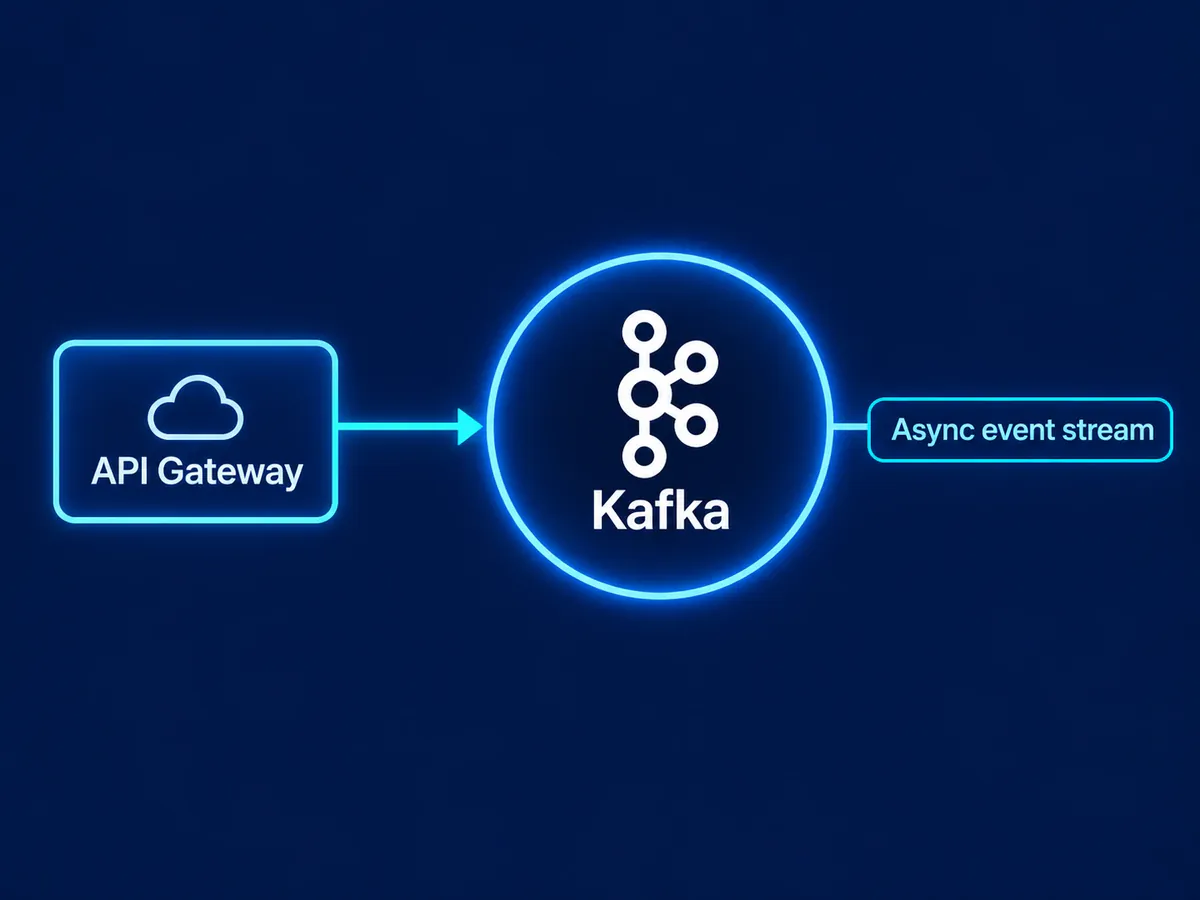
Terminology
Service names stay recognisable
- Product names, protocols and resource IDs can be kept in the original through custom instructions.
- Descriptions such as "handles auth for internal apps" or "read replica, async" are translated around them.
- Mixed-language labels — a Chinese note beside an English service name — are handled in the same pass.
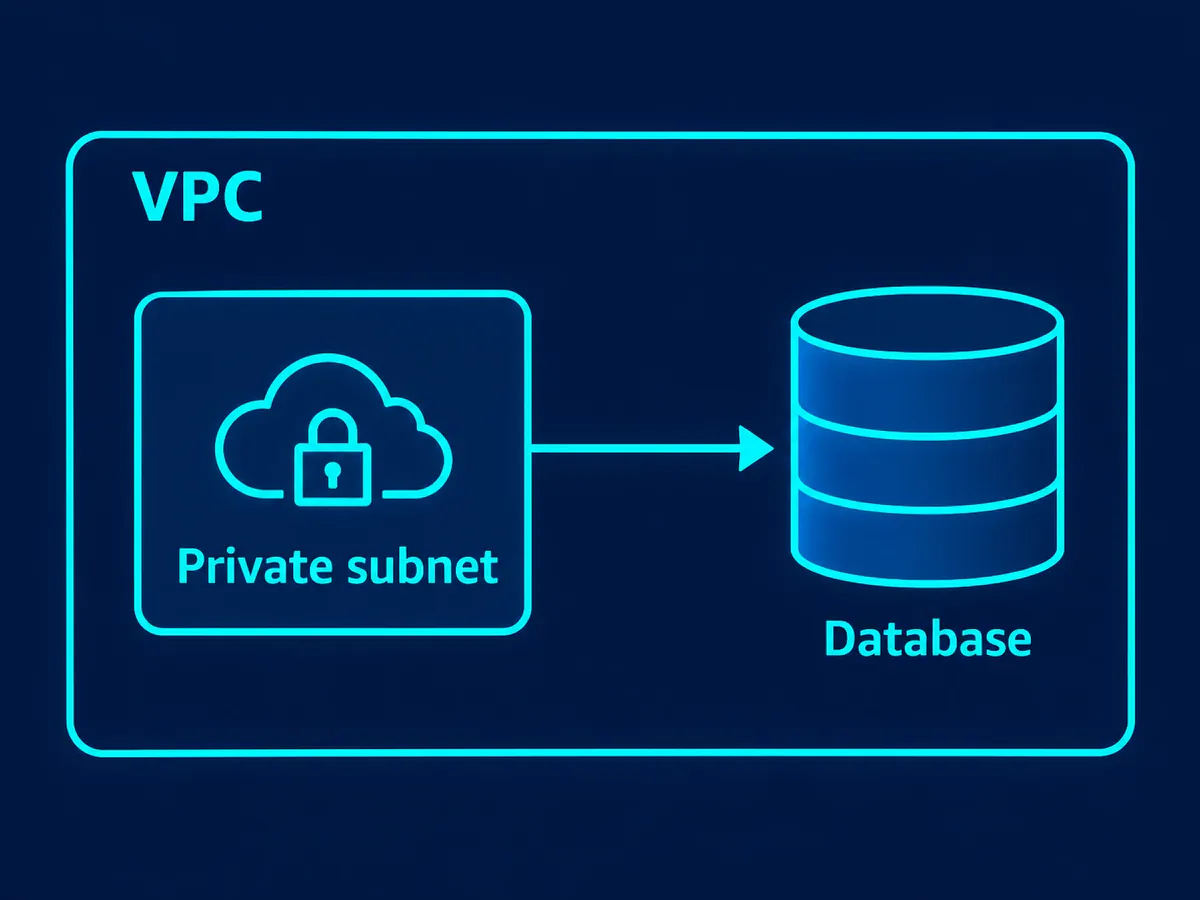
Layout
Icons and lines stay where they are
- The Standard engine replaces text only; cloud icons, boundary boxes and arrows are not redrawn.
- Region, VPC and subnet labels are placed back inside their own zones.
- Any translated label can be moved or resized in the editor if it crowds a connector.
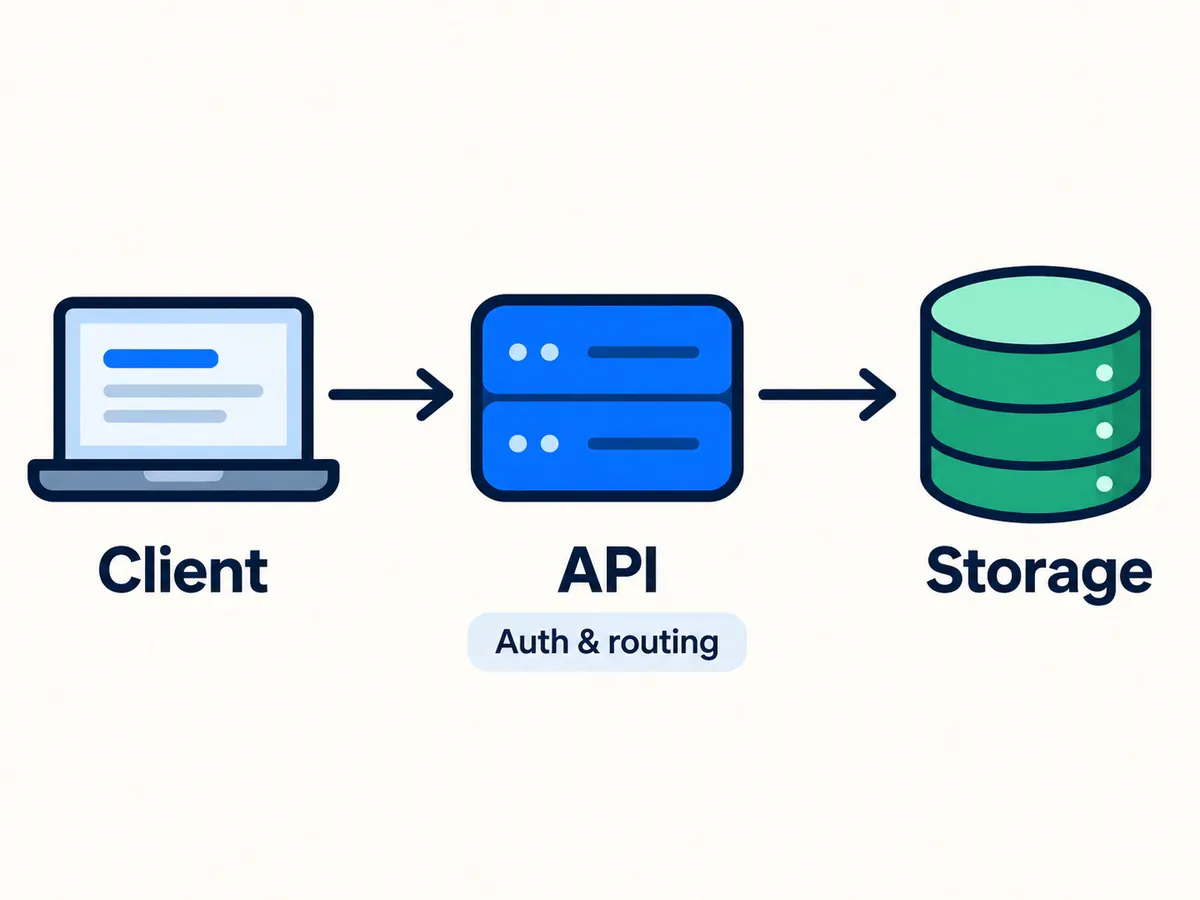
Handover
For design reviews across teams
- Give an offshore team or a vendor a translated copy without redrawing the diagram in their language.
- Translate every diagram from a design doc in one batch: 20 on Starter, 50 on Professional.
- Each translated version stays in My Creations for the next review.
Pull the labels into your docs
Writing up the design? Image-to-text lifts every label and note off the diagram as Markdown, so service names and descriptions can go straight into your README or wiki — free.
Keep going
More tools for Software, apps & diagrams
Architecture diagram translation questions
Architecture Diagram Translator · Keep Layout Intact
- No sign-up required
- Preview the translated result in seconds