
Edit Text in Image with the Same Font
Edit text in any image with matching font style, weight, and background.

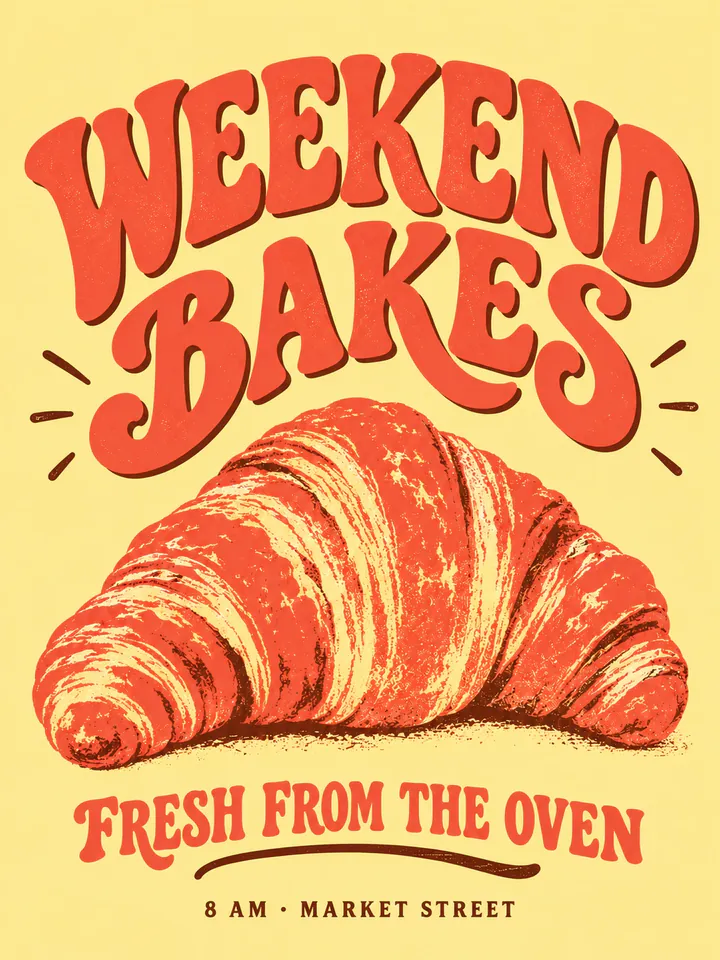
Before
After
Drop an image to extract & edit textOne image at a timeSupports PNG, JPG, WebP up to 30 MB
Real edits, made with this tool


Source
Translated


Source
Translated
How to edit text in an image with the same font
Upload the image
A PNG, JPG or WebP file up to 30 MB — a banner, flyer, product shot or social graphic.
Add original text → new text
Drag a box around the words to read them in automatically, or type them exactly as they appear, then enter the new wording. Add more rows for other lines.
Check the match and continue
Compare with the original and zoom in on the lettering. To adjust anything, click “Keep editing this image” and run again on the result.
Matching the lettering without identifying the font
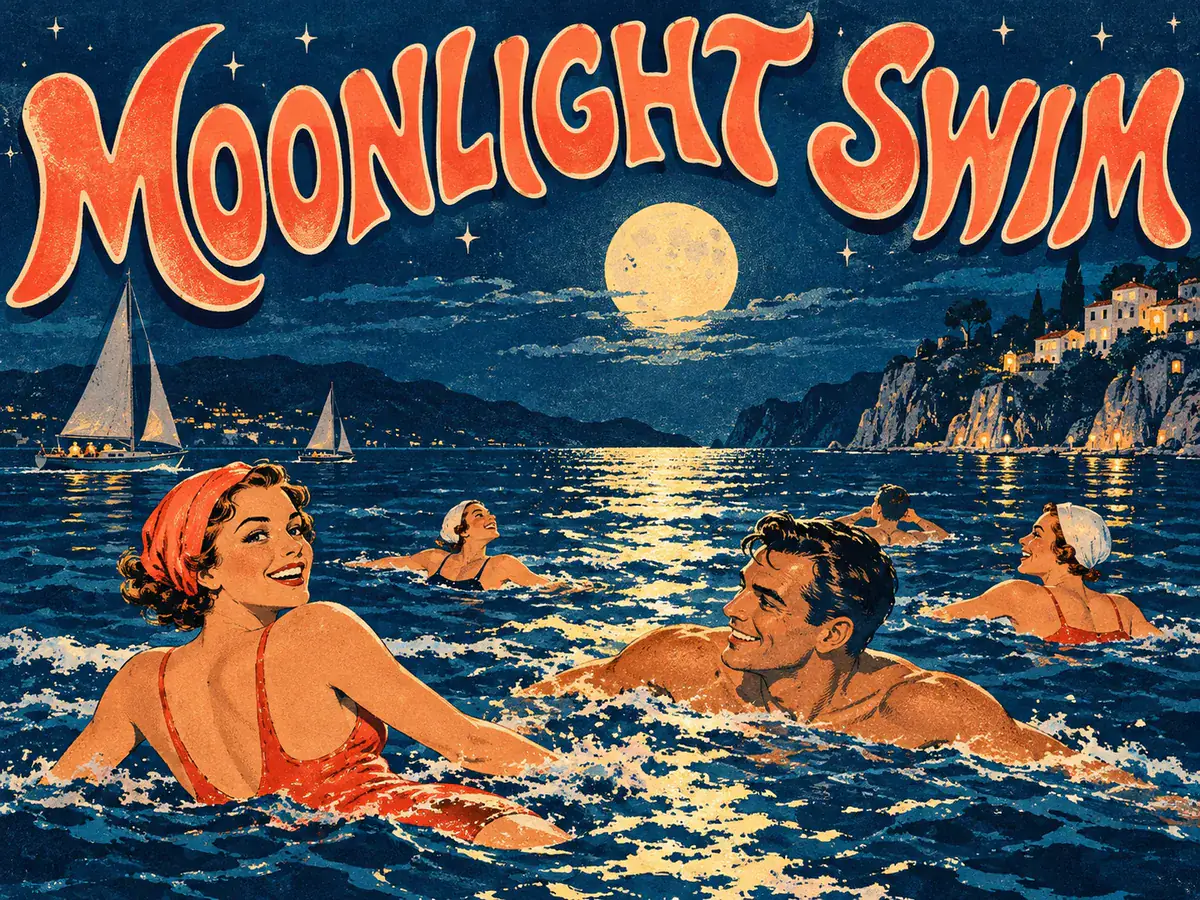
Style match
Drawn, not typeset
- The generative model paints the new words to look like the surrounding letters instead of picking a font from a list.
- That means it can follow custom lettering, logotypes and styled headlines that no installed font would reproduce.
- Outlines, shadows and colour fills on the original text are carried over where the model can see them clearly.

Several lines
One list, one run
- Put up to 10 “original → new” rows in the list and every line is redrawn in its own lettering in a single run.
- Boxing each line keeps the model on the right spot, and fewer rows per run keep the match closest.
- A run costs 20 credits whatever the number of rows, and a failed run gives its credits back automatically.
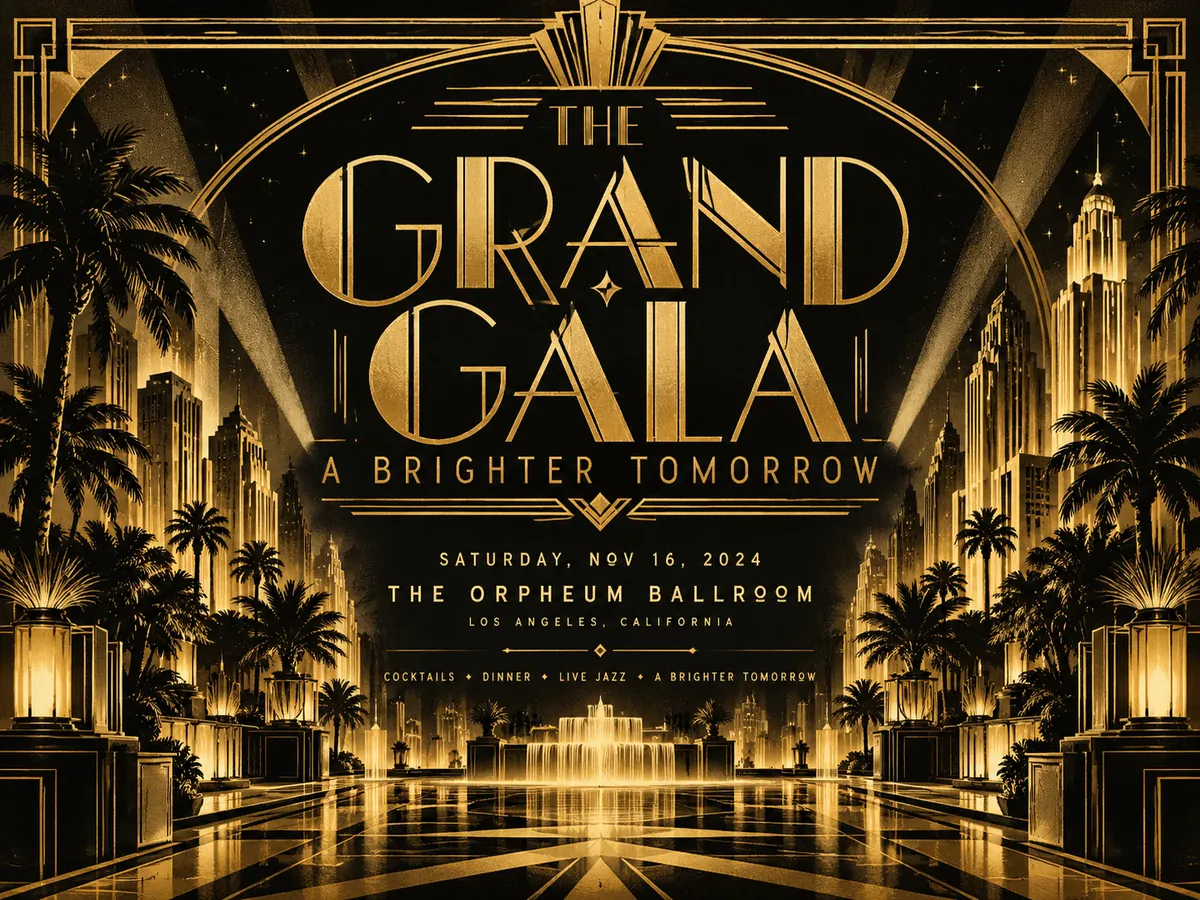
Honest limits
What to expect from the output
- The whole picture is regenerated, so look over the rest of the image — small drift is possible even though the model is told to leave it alone.
- The result comes back at a fixed size such as 1024×1024 or 1536×1024, not at the source resolution.
- Clear, front-facing text that looks printed matches best; tiny or heavily distorted lettering may need another pass with “Keep editing this image”.
Ready to change the words on your graphic?
Upload the image on the text editor page, box the words you want to change, and type the new wording to see how closely the lettering matches.
Keep going
More tools for Text editing & typo repair
Questions about keeping the same font
Edit Text with Same Font, Original Look Kept
- Sign up free to get starter credits
- No credit card required