
Fix Garbled Text in AI-Generated Images
Fix scrambled text and garbled letters in AI-generated images with clean typography.
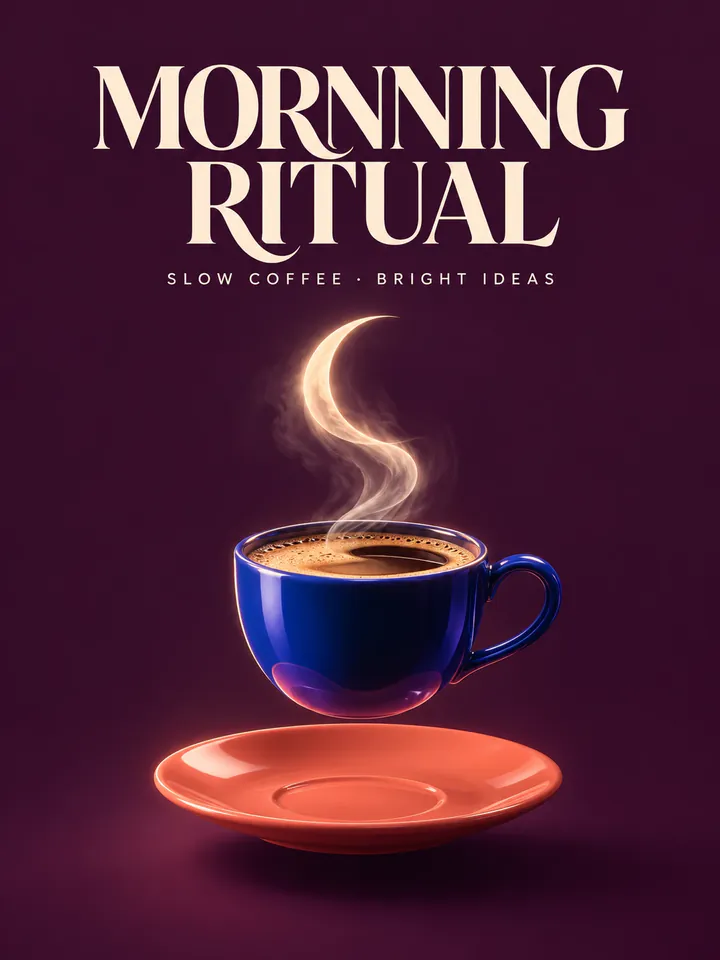
Before
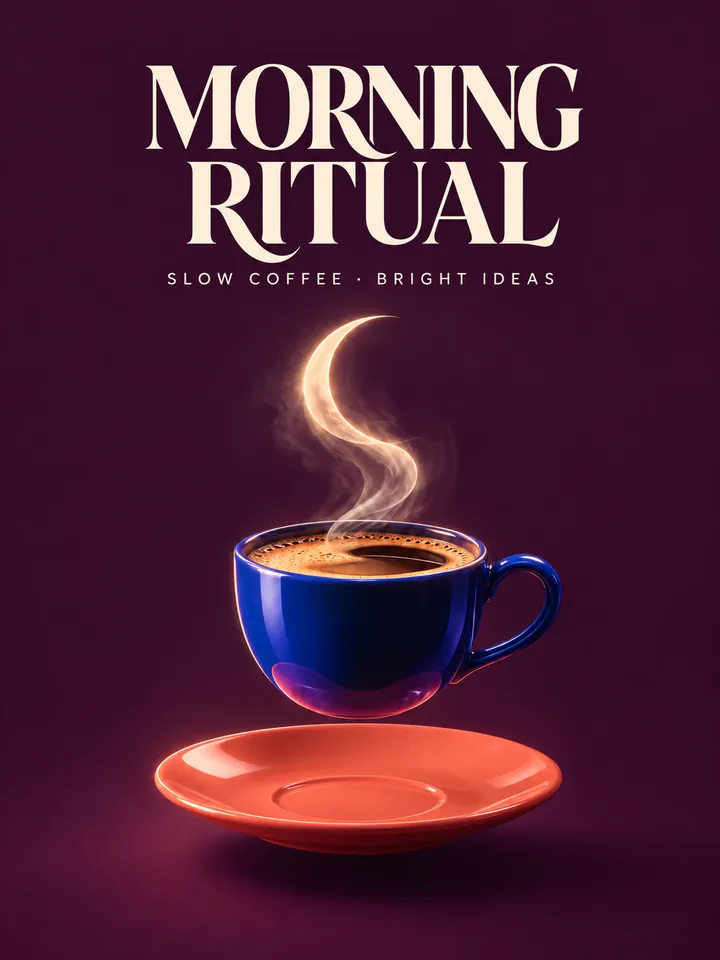
After
Drop an image to extract & edit textOne image at a timeSupports PNG, JPG, WebP up to 30 MB
Real edits, made with this tool
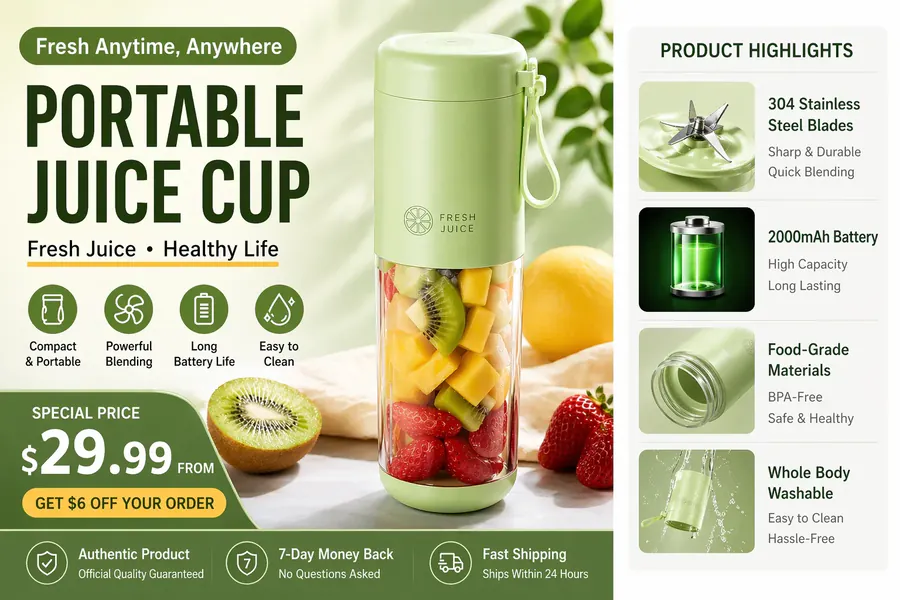
Source
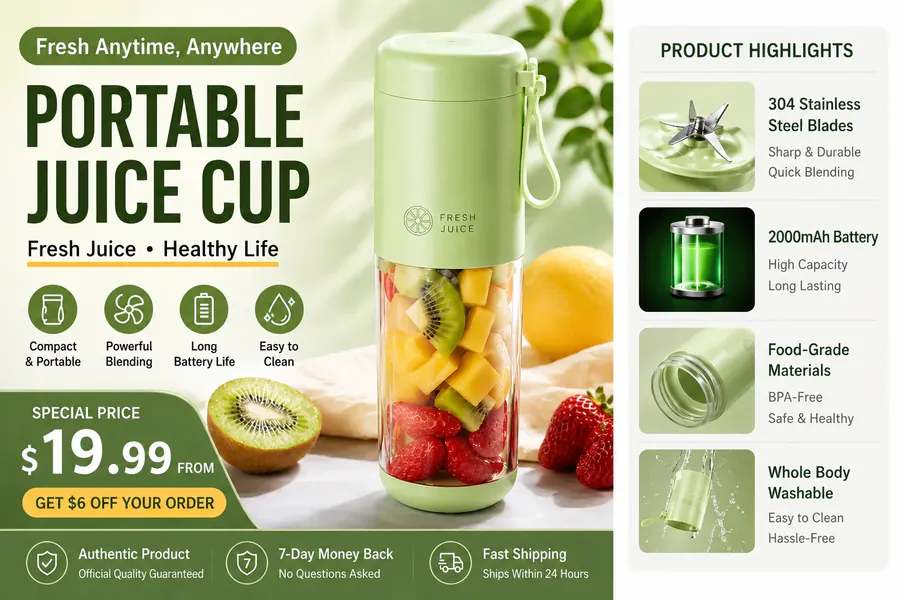
Translated
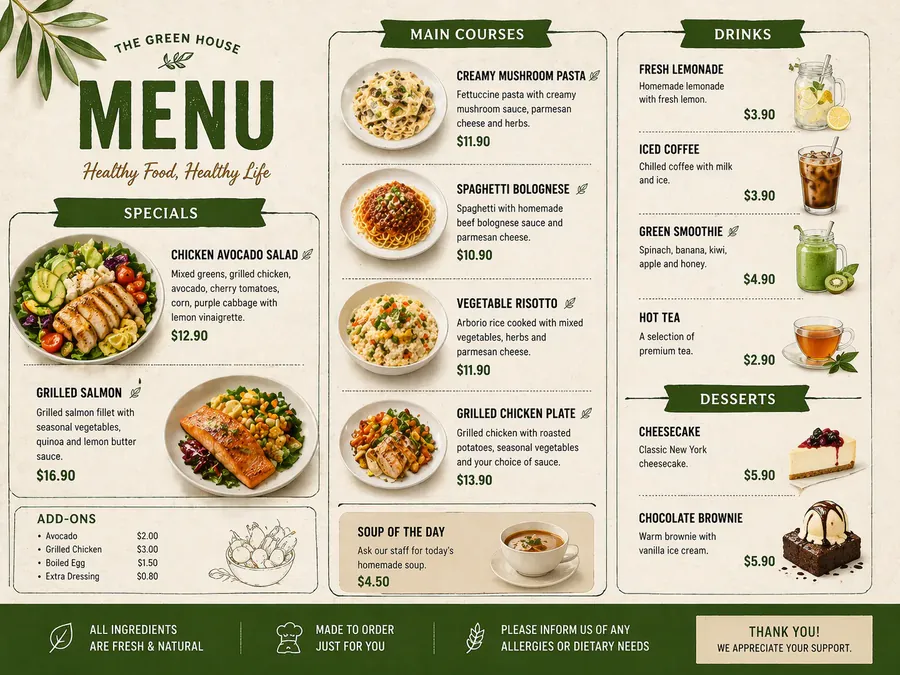
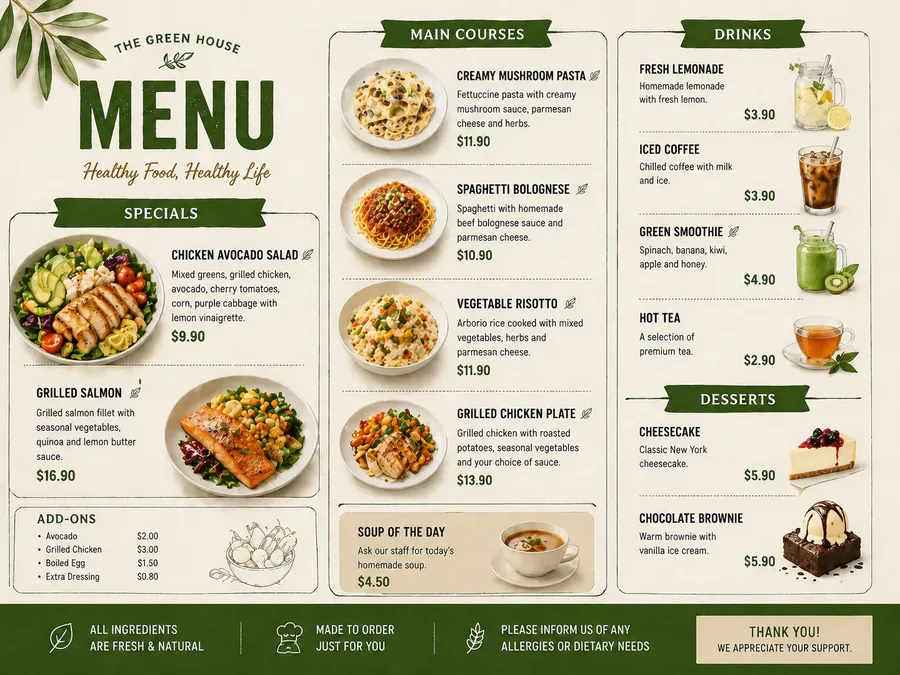
Source
Translated
How to fix garbled text in AI art
Upload the generated image
Any PNG, JPG or WebP export up to 30 MB, from whichever image generator you used.
Box the wrong text, type the right text
Drag a box around each garbled word so it is read in as the original, or write it roughly as it appears, then type the correct spelling. Add a row per word.
Check the result and download
All rows are fixed in one run. If a word still looks off, click “Keep editing this image” to correct it on the result, then download.
Why redraw instead of re-generating
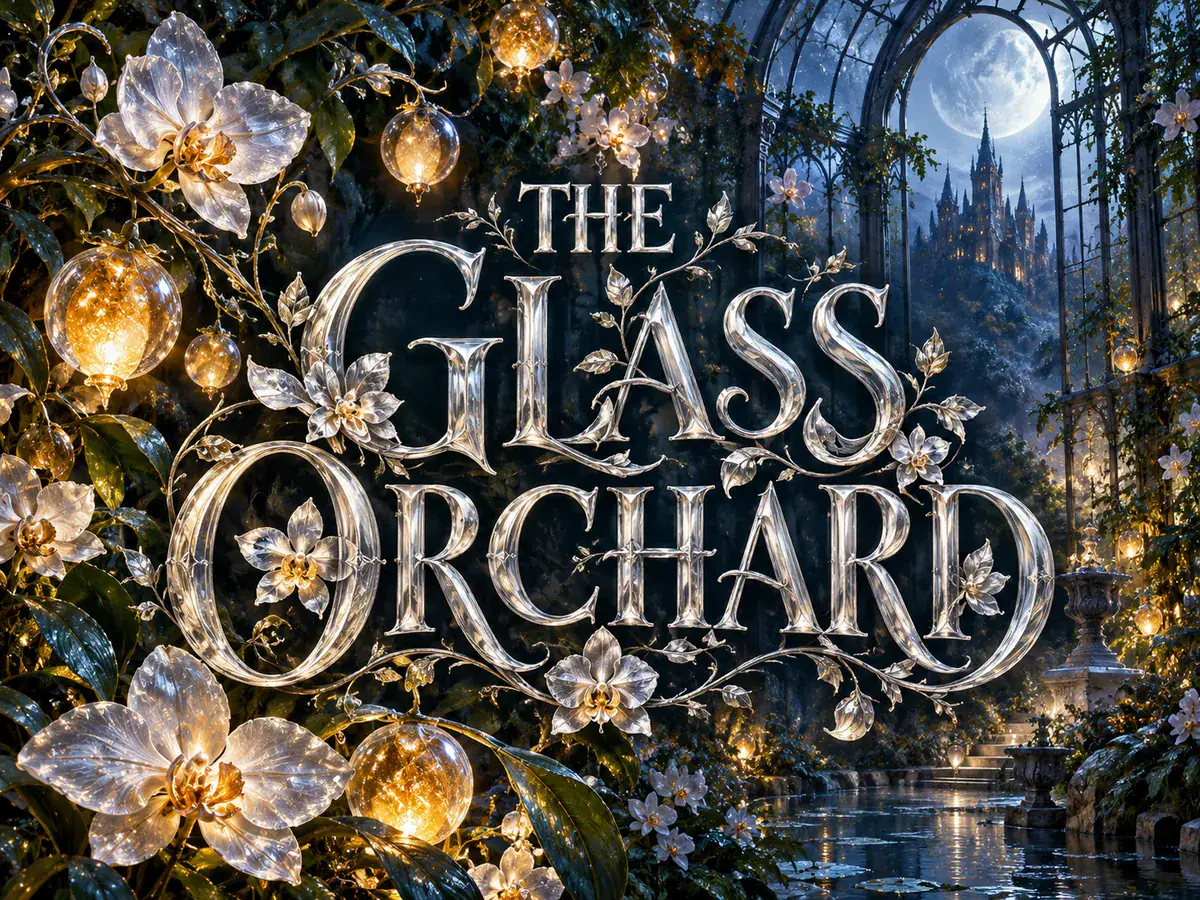
Keep the image
Hold on to the composition you liked
- You keep the generation you were happy with instead of gambling on a new seed that fixes the spelling and loses the picture.
- The model is told to change only the words you name and leave the scene as it is.
- Because the whole image is regenerated, small differences elsewhere can happen — compare with the original before you download.
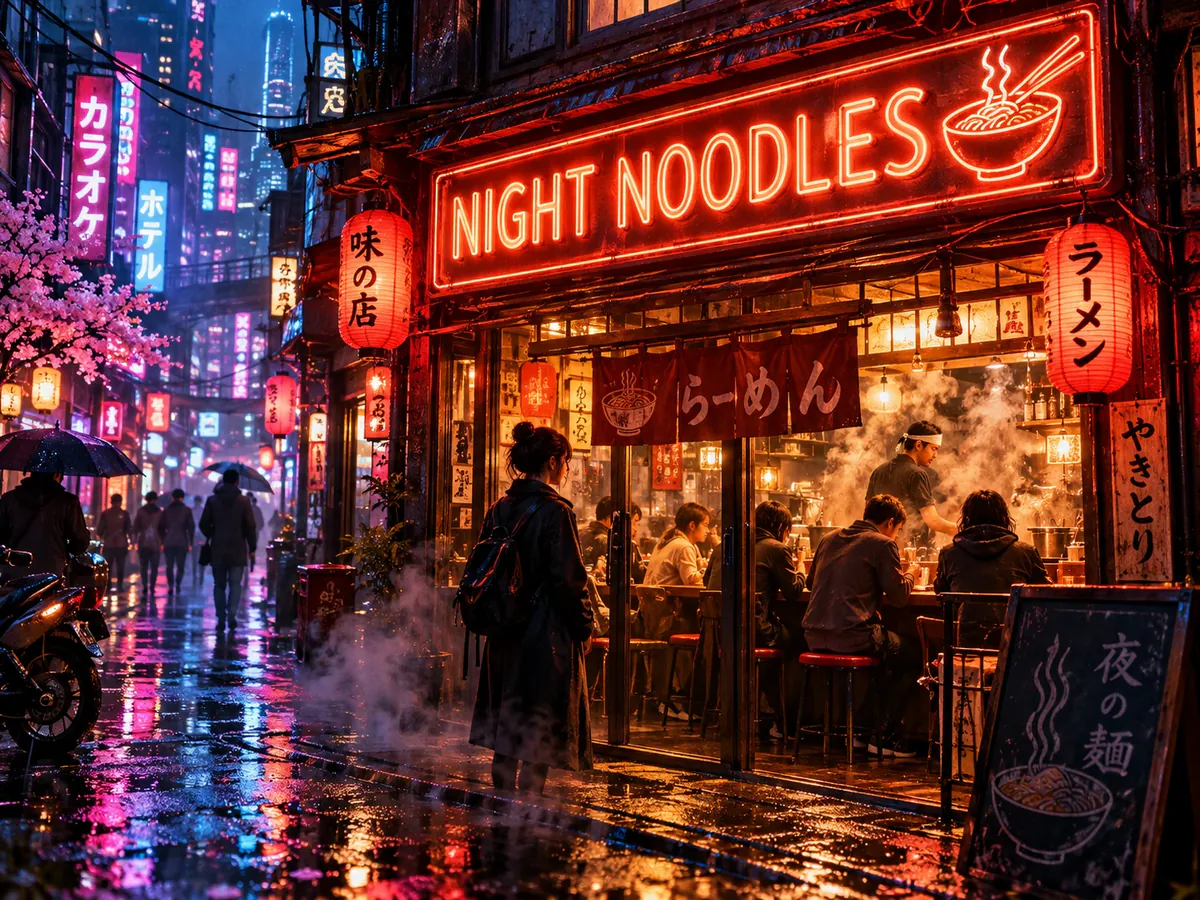
Matching style
New words in the lettering already there
- Neon signs, painted shop fronts, book covers and poster headlines are redrawn in the look the generator gave them.
- Colour, weight and size follow the text being replaced, so the fix doesn’t look pasted on.
- Boxing the nonsense text matters most here: it shows the model exactly which scribble to replace, even when the reading is unclear.
Practical details
Sizes, cost and retries
- AI edit outputs a fixed size such as 1024×1024, 1536×1024 or 1024×1536, which suits most generator exports.
- Each run costs 20 credits, however many words it fixes; if a run fails, the credits are returned automatically.
- Tiny or heavily stylised text may need a second attempt; a handful of clearly boxed words per run is the most dependable.
Have a generated image with broken lettering?
Take it to the text editor, box the nonsense words, and replace them with the ones you meant to prompt for.
Keep going
More tools for Text editing & typo repair
Questions about fixing text in AI images
Fix AI Image Text, Original Look Kept
- Sign up free to get starter credits
- No credit card required