
AI edit · Keeps the original lettering
Edit Text in Image Online with AI
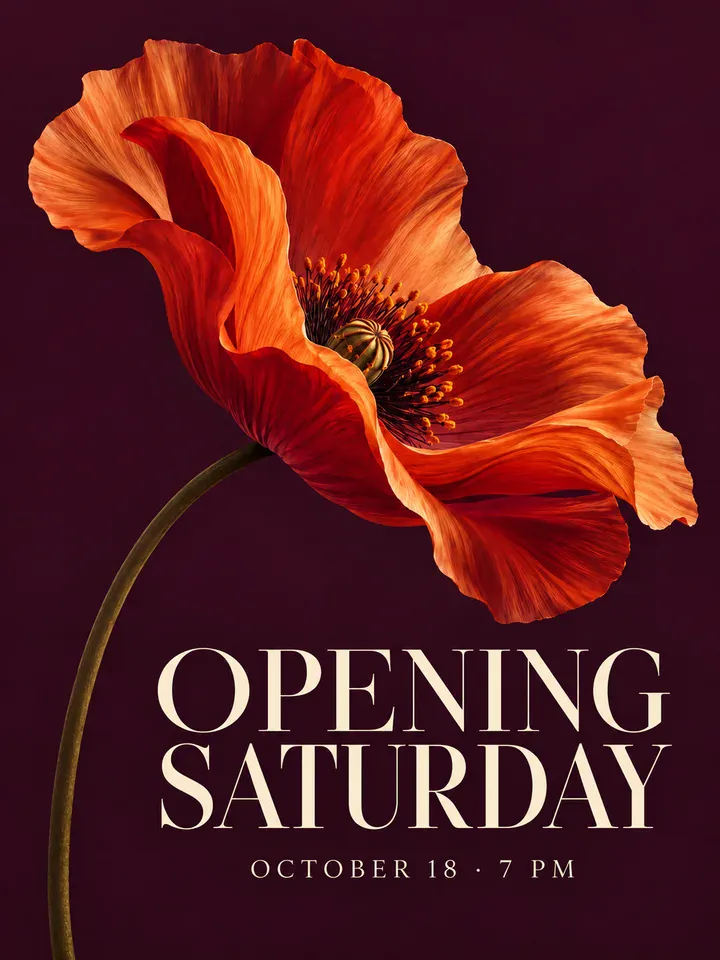
Change image text without source files. AI matches original fonts and styles.
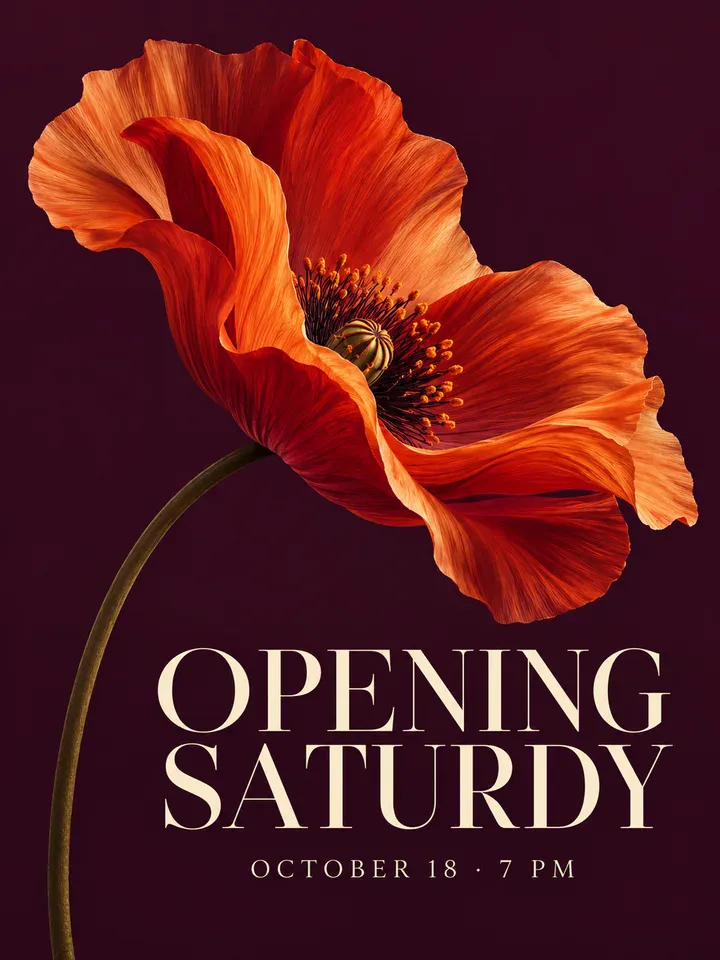
Before
After
Drop an image to extract & edit textOne image at a timeSupports PNG, JPG, WebP up to 30 MB
Real edits, made with this tool


Source
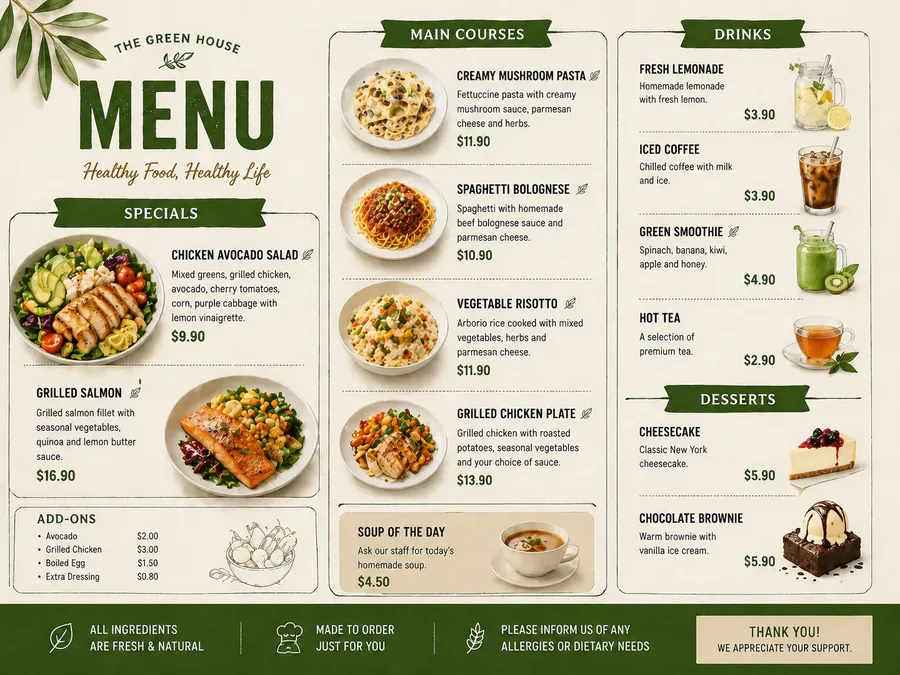
Translated
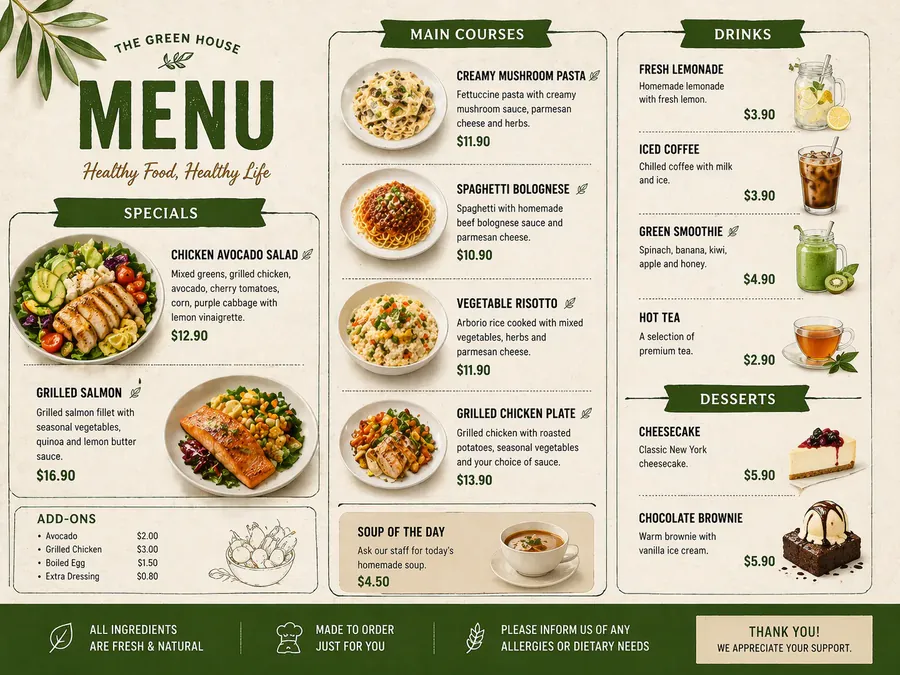
Source
Translated
How to edit text in an image
Upload one image
Drop in a PNG, JPG or WebP file up to 30 MB: a poster, menu, banner, product shot or UI screenshot.
Build your replacement list
Drag a box around the text to fill in the original automatically, or type it, then enter the new text. Add up to 10 rows and run them all at once.
Compare, then download
Check the result against the original, zoom in on the details, and download it — or click “Keep editing this image” for another round.
How AI edit changes the words on a picture
AI edit
Rewrites text in the existing lettering
- A generative image model redraws the picture with your words swapped in, following the original font style, weight, colour, size and position.
- Every row in your list is applied in the same run, so a flyer with a new date, time and price can be updated in one go.
- Costs 20 credits per run however many rows it holds. The output comes back at one of the model’s fixed sizes, such as 1536×1024, rather than your original resolution.

Box select
Point at the text instead of retyping it
- Drag a box around any text on the image and the words inside it are read and filled in as that row’s original text.
- The box also tells the model which occurrence you mean when the same word appears more than once.
- A few clearly boxed rows give the most reliable result; anything that slips can be touched up with “Keep editing this image”.

Everyday fixes
For graphics that are already finished
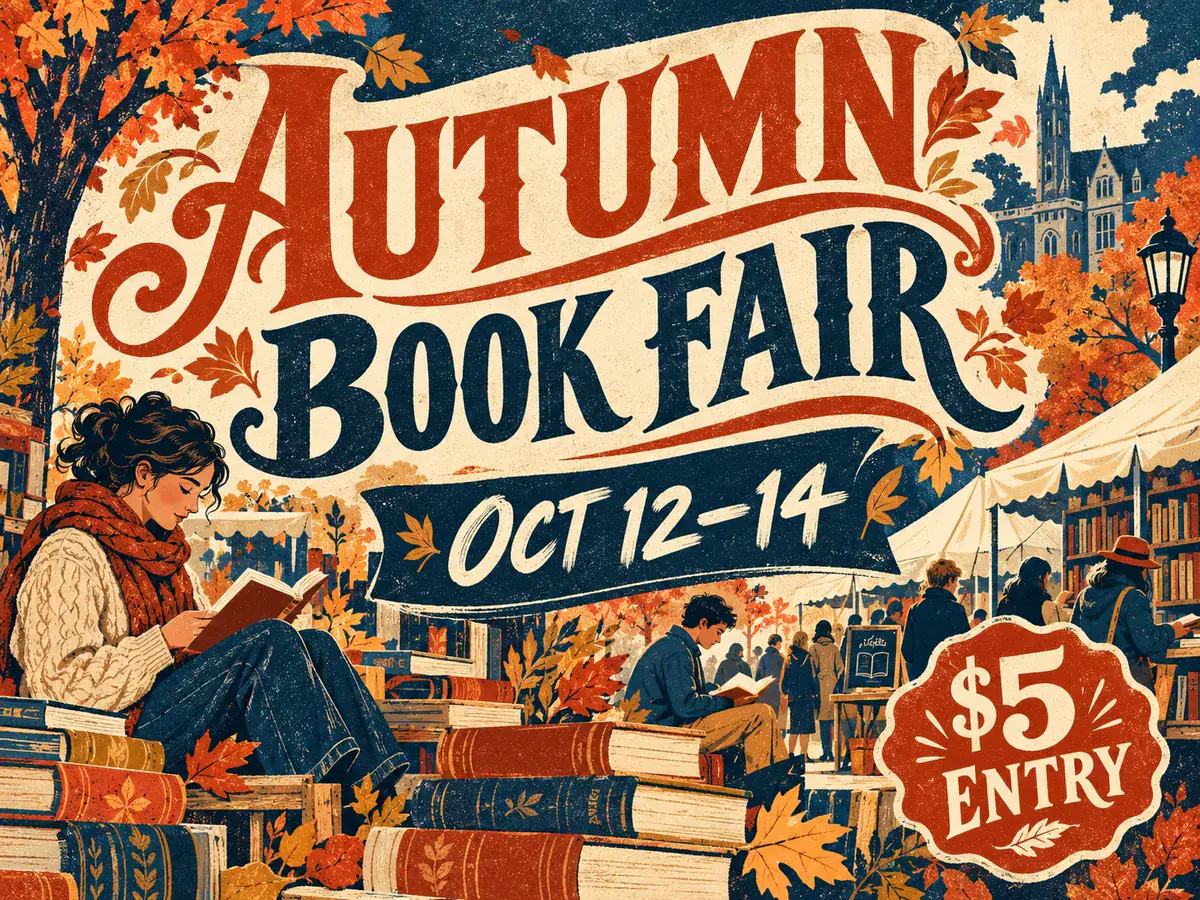
- Update a price, a date or a venue on a flyer without asking a designer to reopen the file.
- Correct a typo spotted on a banner after it was exported.
- Clean up the garbled lettering that AI image generators tend to produce.
Need every word in the image in another language?
Editing is for changing a few words. To translate all of the text in an image at once, use the Image Translator instead.
Keep going
Popular ways people use it
Questions about editing text in images
Edit Text in Any Image with Matching Fonts
- Sign up free to get starter credits
- No credit card required