
Edit Text in a Screenshot Online
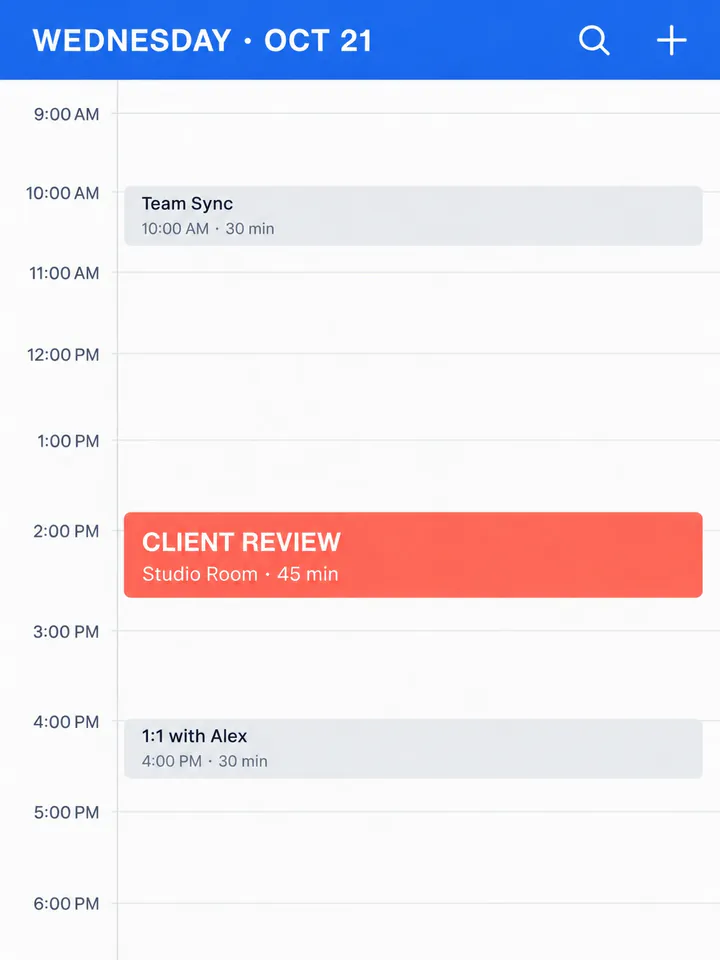
Edit text and numbers in UI screenshots seamlessly without Photoshop.
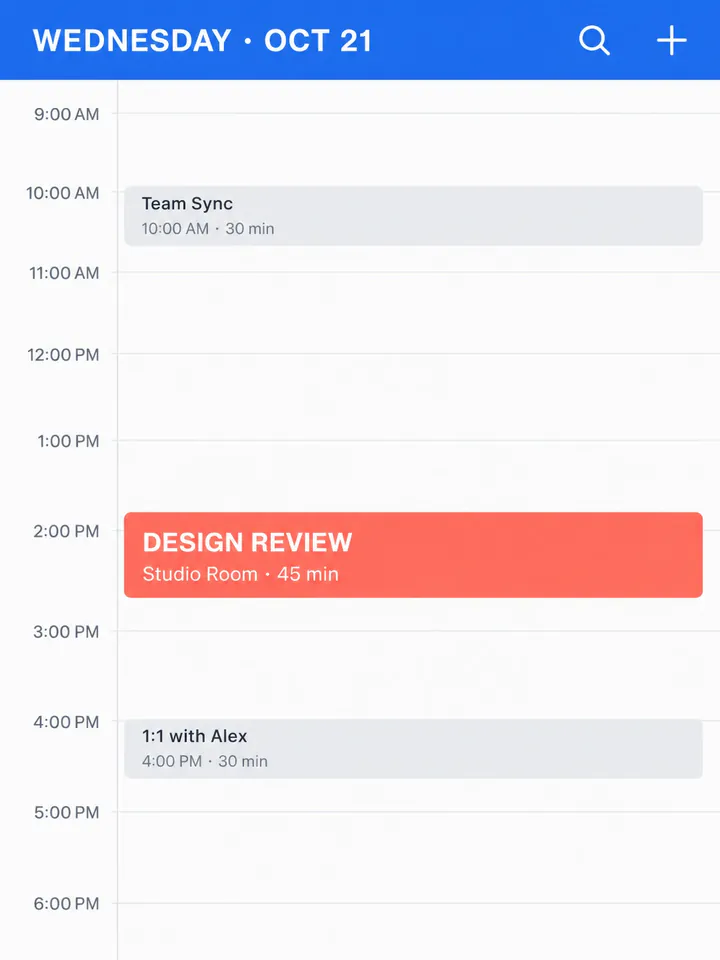
Before
After
Drop an image to extract & edit textOne image at a timeSupports PNG, JPG, WebP up to 30 MB
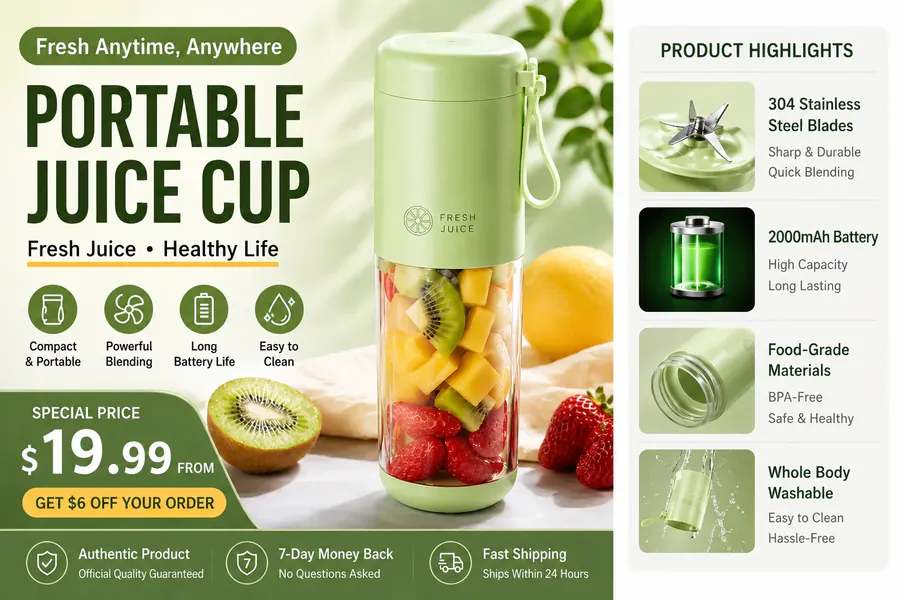
Real edits, made with this tool
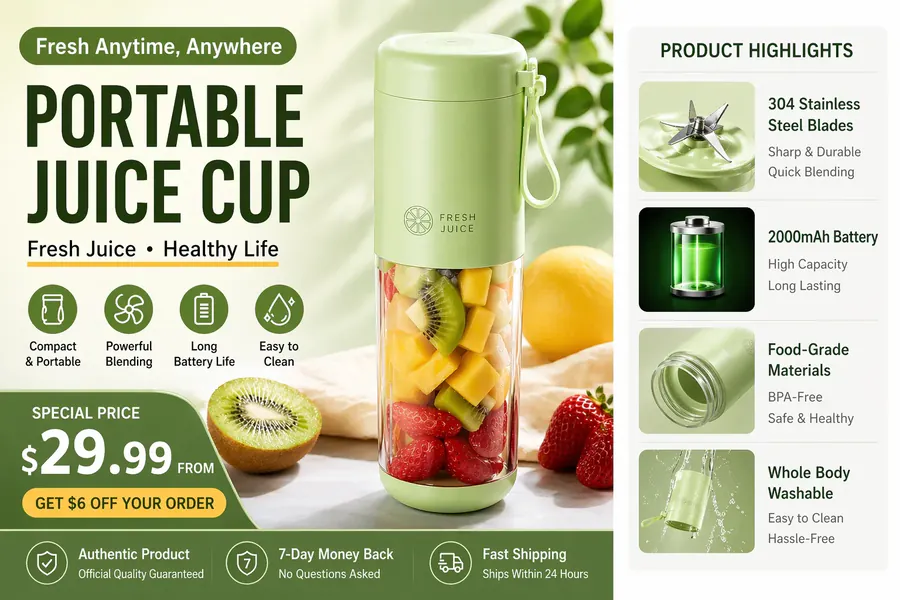
Source
Translated
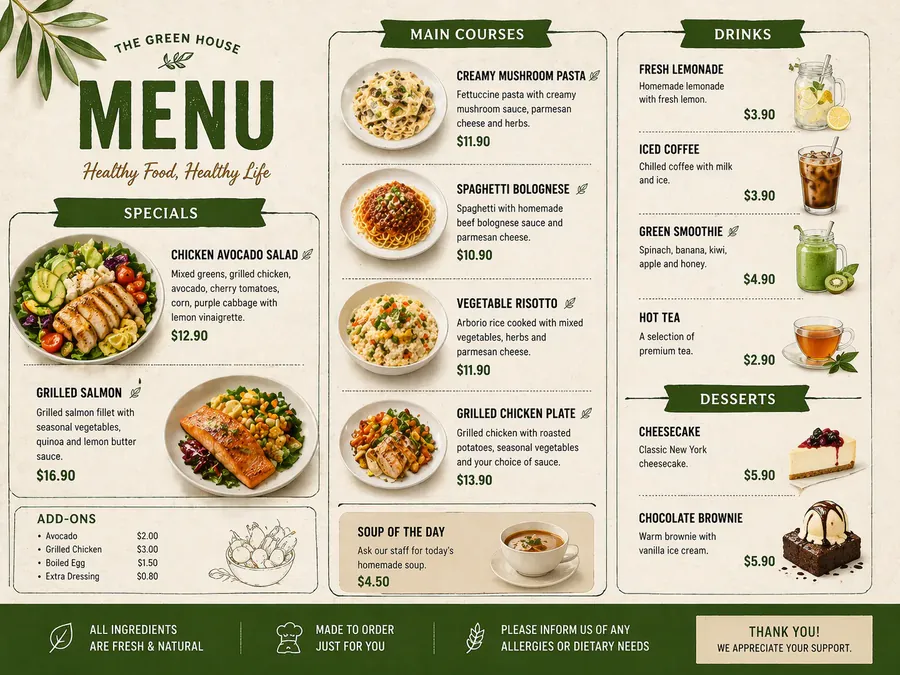
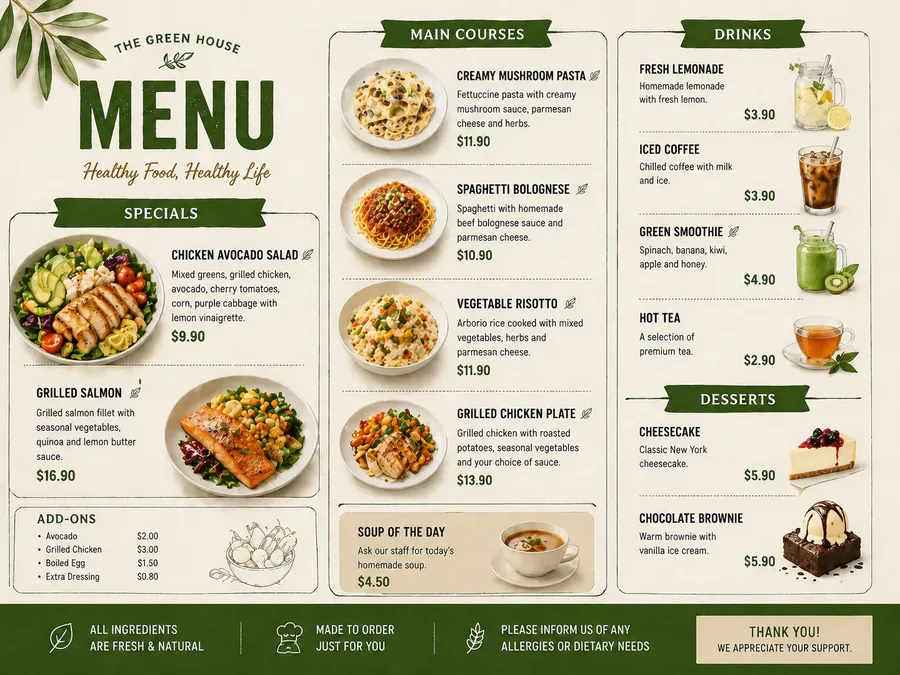
Source
Translated
How to edit text in a screenshot
Upload the screenshot
A PNG, JPG or WebP capture of an app, website or desktop tool, up to 30 MB.
List the labels to change
Drag a box around each label to read it in, or type it as shown, then enter the new wording. Several labels can go in the same run.
Compare and export
Check alignment against the original, then download — or click “Keep editing this image” to adjust a label on the result.
Screenshots for your own product and content
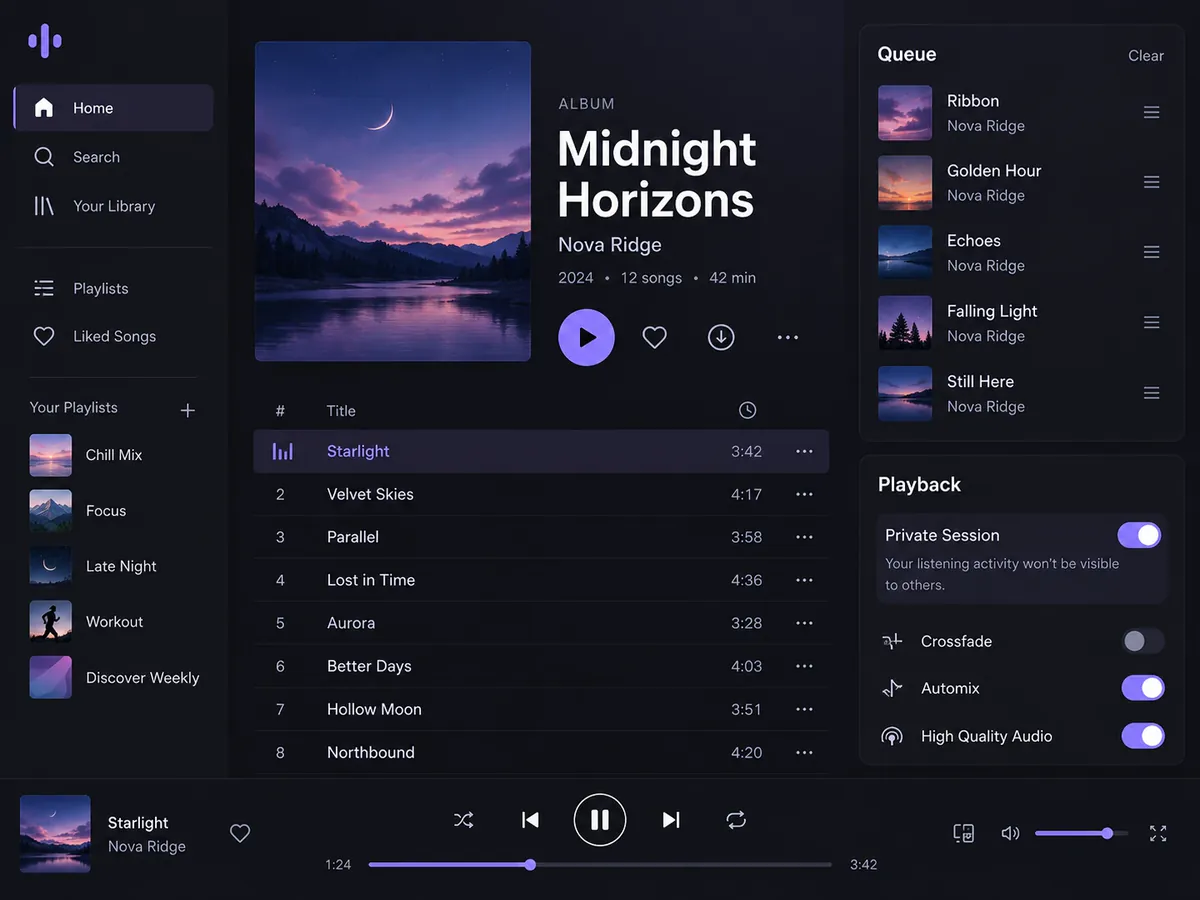
AI edit
New label, same interface look
- The replacement is drawn to match the UI text around it — its weight, colour and size — on light or dark backgrounds.
- Put up to 10 labels, headings or menu items in the list and they all change in one run for 20 credits.
- Returns a fixed size such as 1024×1536 for a phone capture, so check it suits where the screenshot is going.
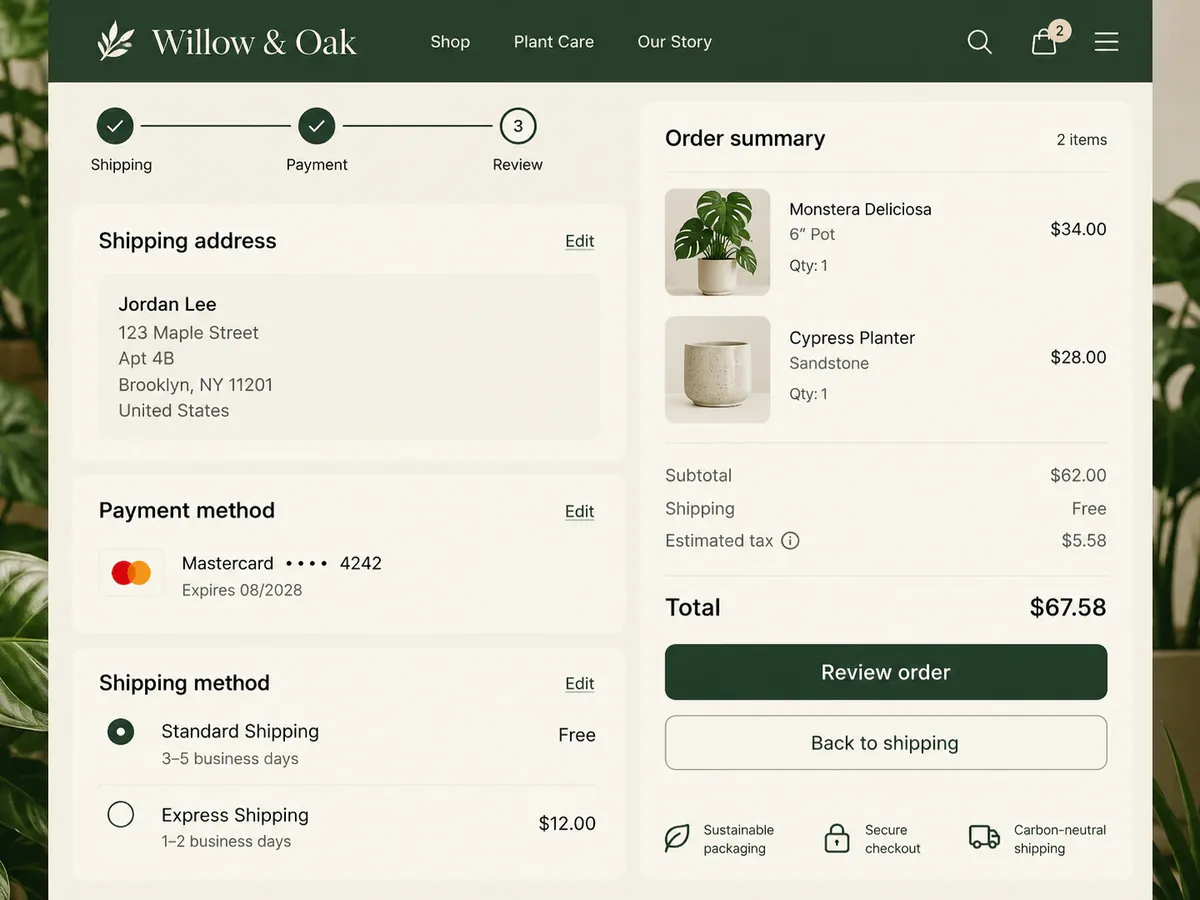
Box select
Point at the exact button
- Interfaces repeat words — “Save”, “Next”, “Settings” — so box the one you mean and only that occurrence changes.
- Boxing also reads short or tiny UI strings for you, which saves retyping them character by character.
- A few clearly boxed labels per run are the most reliable; a busy settings page is best done in a couple of passes.
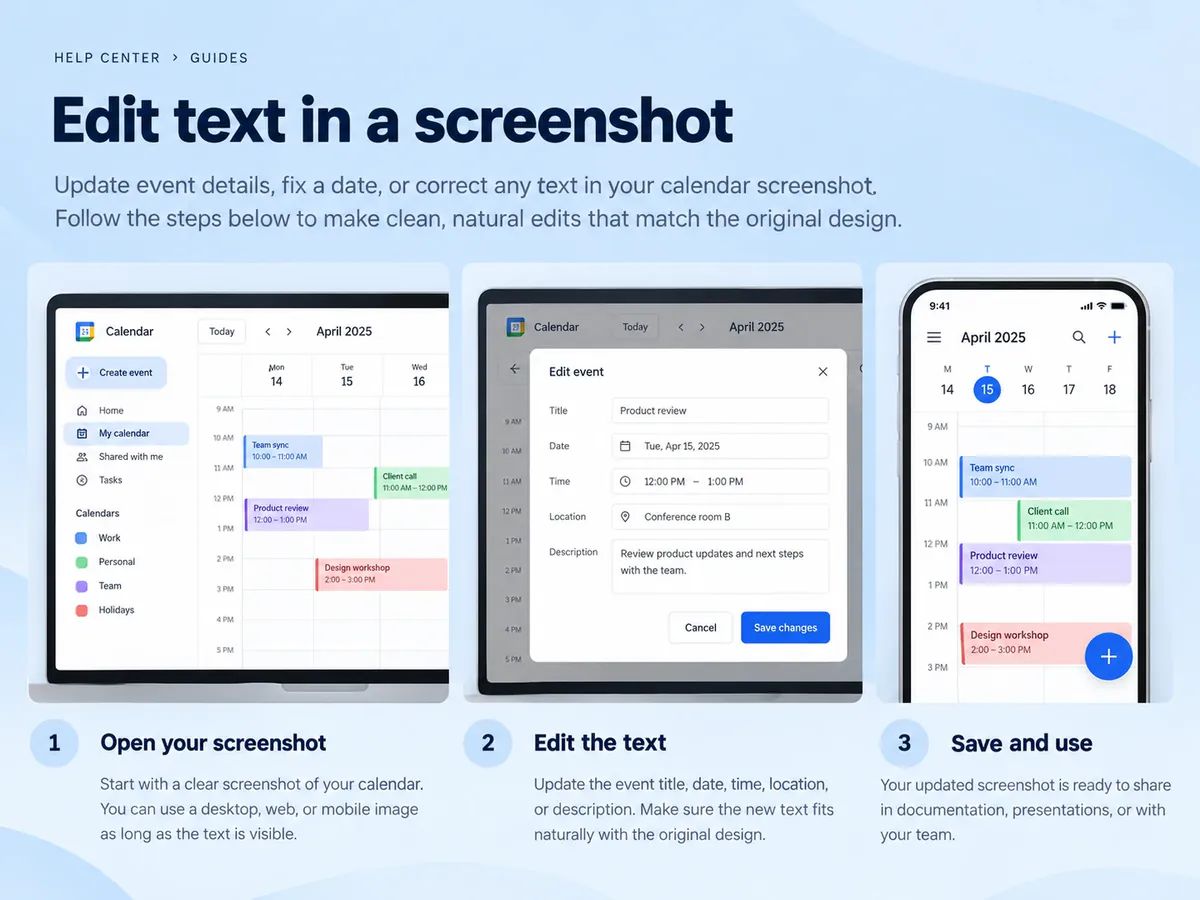
Good uses
Where it saves a recapture
- Refresh help-centre and tutorial screenshots after a copy change in your product.
- Try out alternative button text or headings in a mockup before engineering builds it.
- Fix wording on slides and app store images without rebuilding the screen.
A screenshot that needs new wording?
Upload it to the text editor, box the labels that changed, and type the new copy to update the screen in one run.
Keep going
More tools for Text editing & typo repair
Questions about editing screenshot text
Edit Text in Screenshot, Original Look Kept
- Sign up free to get starter credits
- No credit card required