
Translate Game Screenshots From Untranslated Games
Translate foreign game UI and dialogue in place for natural gameplay reading.
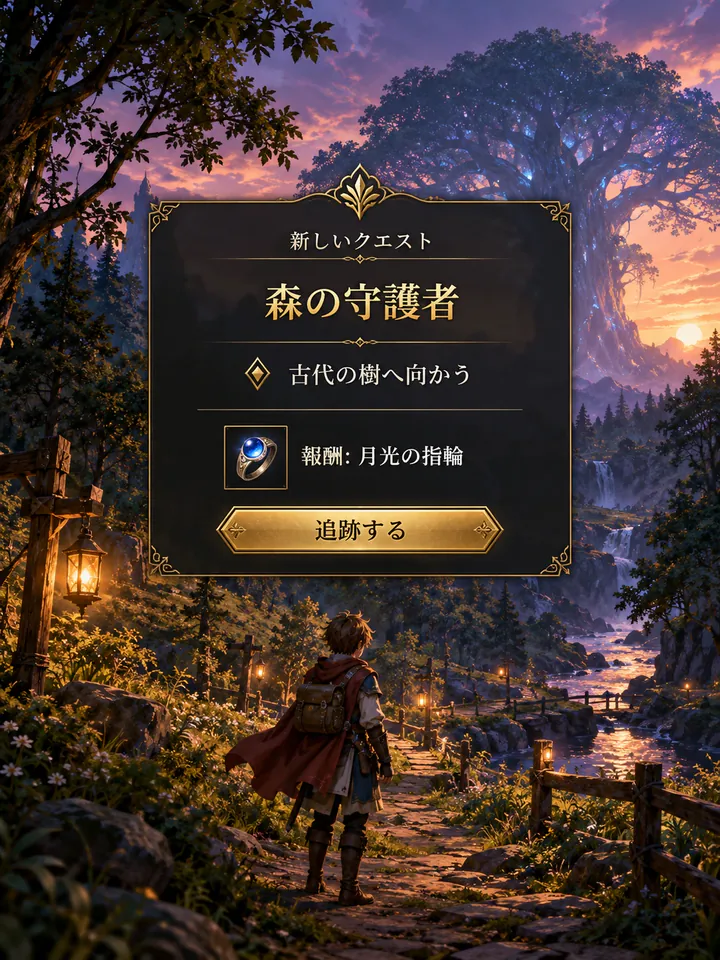
Before
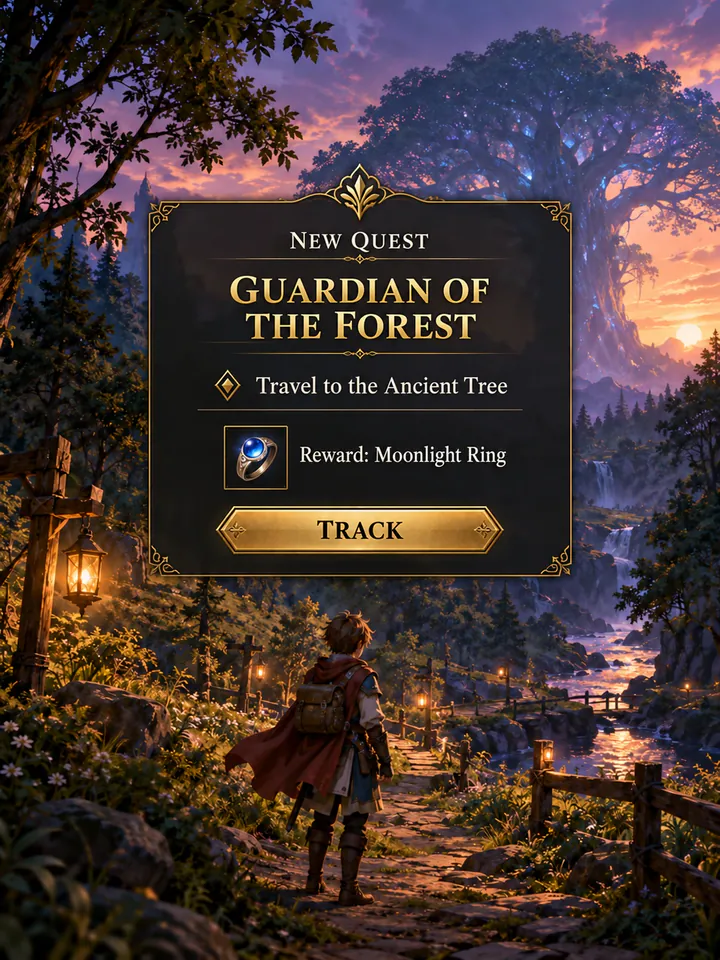
After
Drop an image to preview translations — no sign-up neededOne image at a time · Free instant previewSupports PNG, JPG, WebP up to 30 MB
Real results for this kind of image
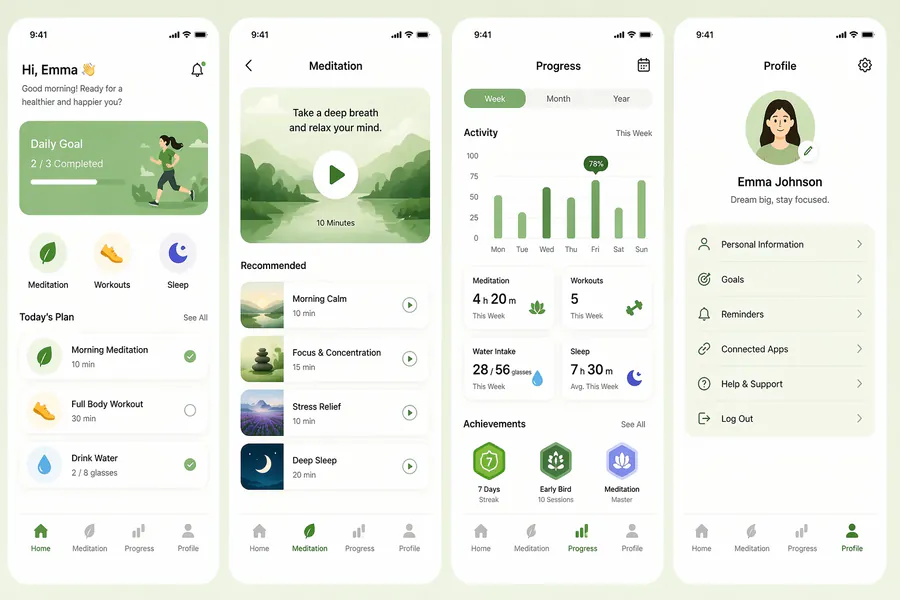
Source
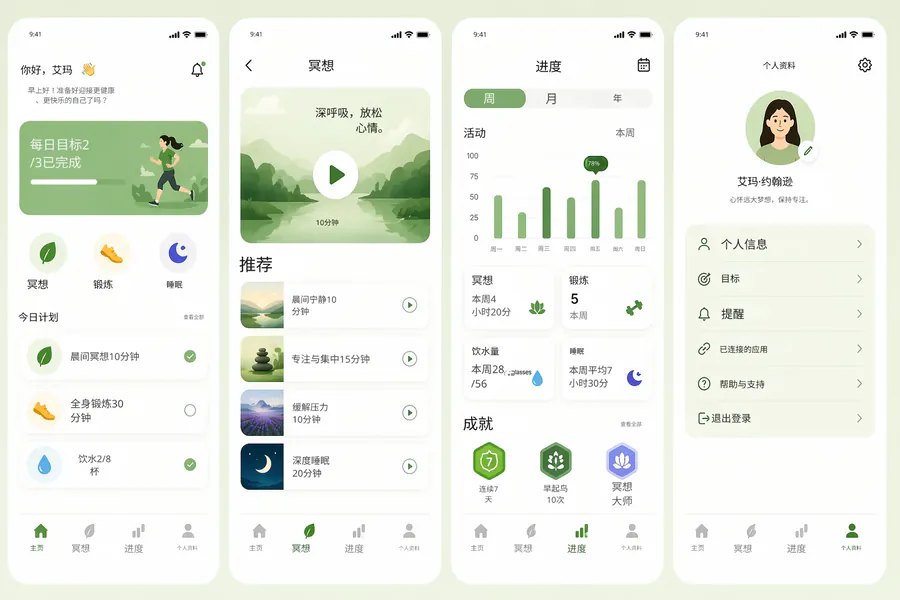
Translated

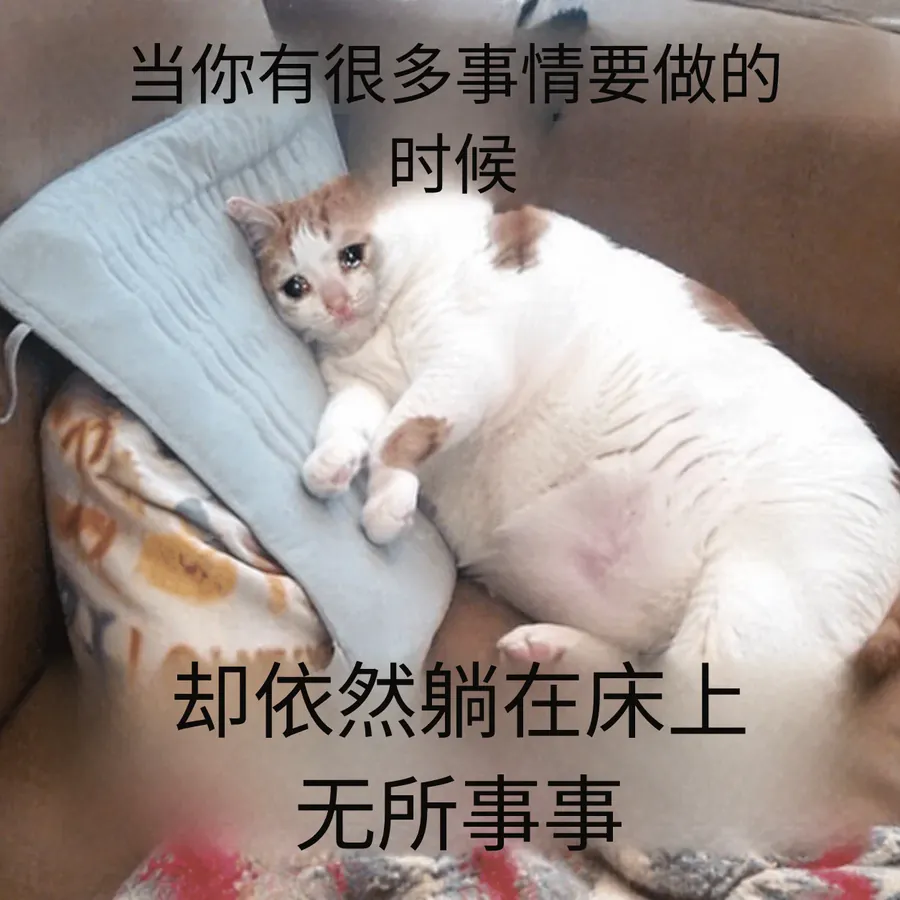
Source
Translated
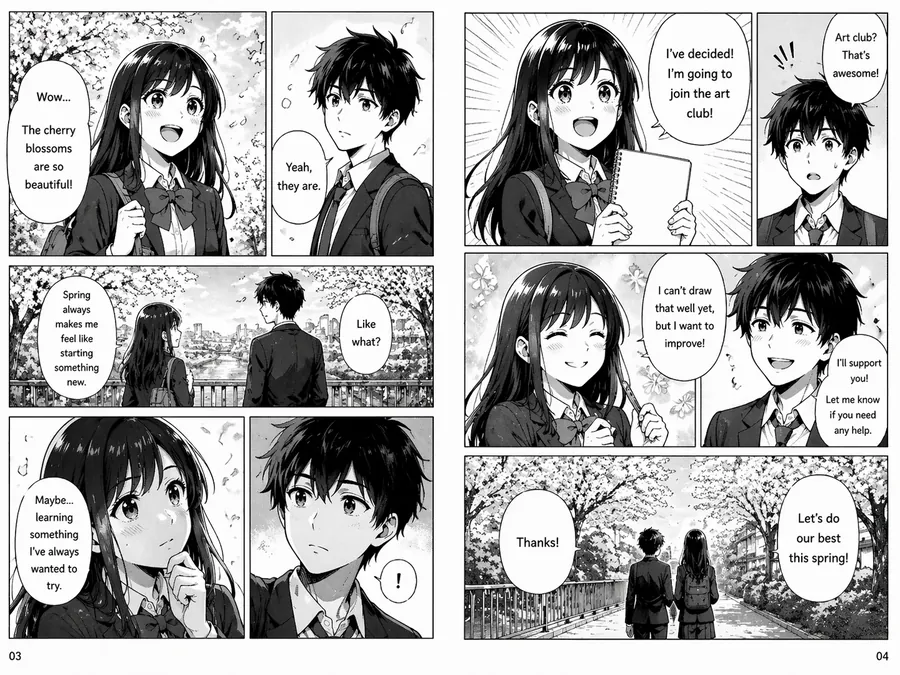
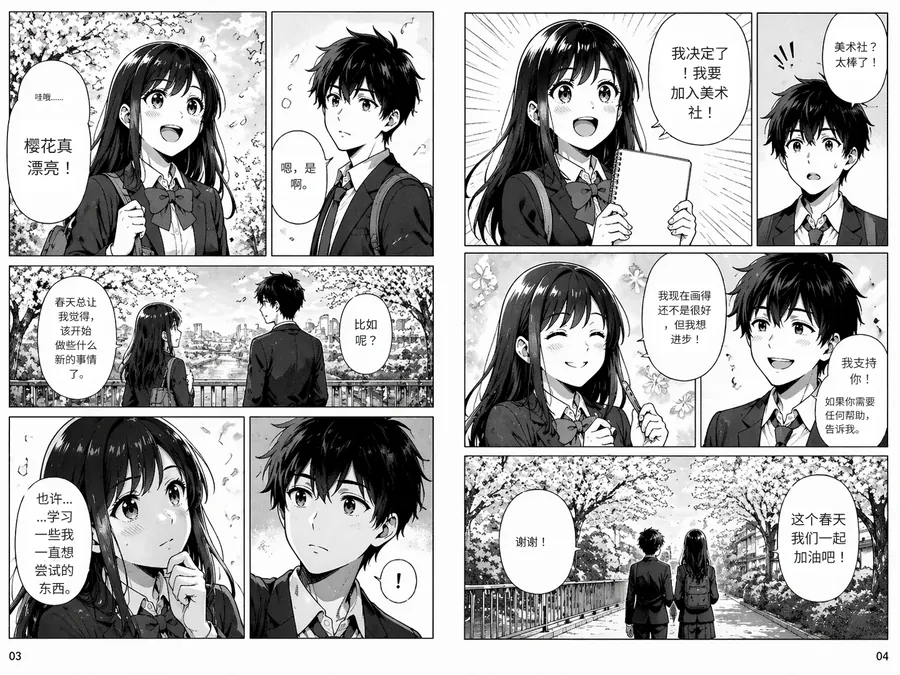
Source
Translated
Translate a game screen in three steps
Capture the screen
Use your console, PC or phone screenshot button, then upload the PNG, JPG or WebP (up to 30 MB).
Choose an engine
Standard keeps the translated text editable; GPT Image 2.5 redraws the screen and copes better with ornate game fonts.
Read or share it
Compare the result with the original, correct any term in the editor and download it for your notes or a guide thread.
Built around how game screens look
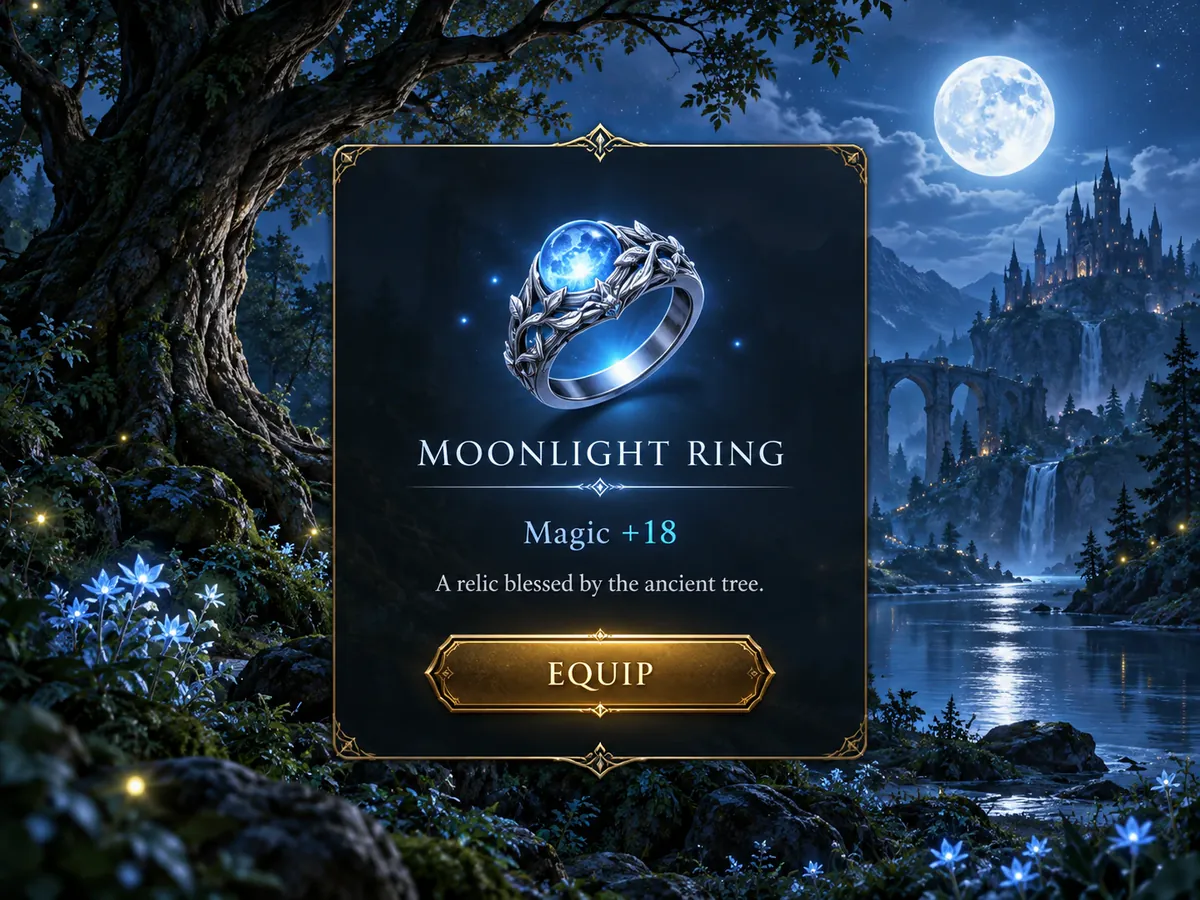
Game UI
Text stays inside its panel
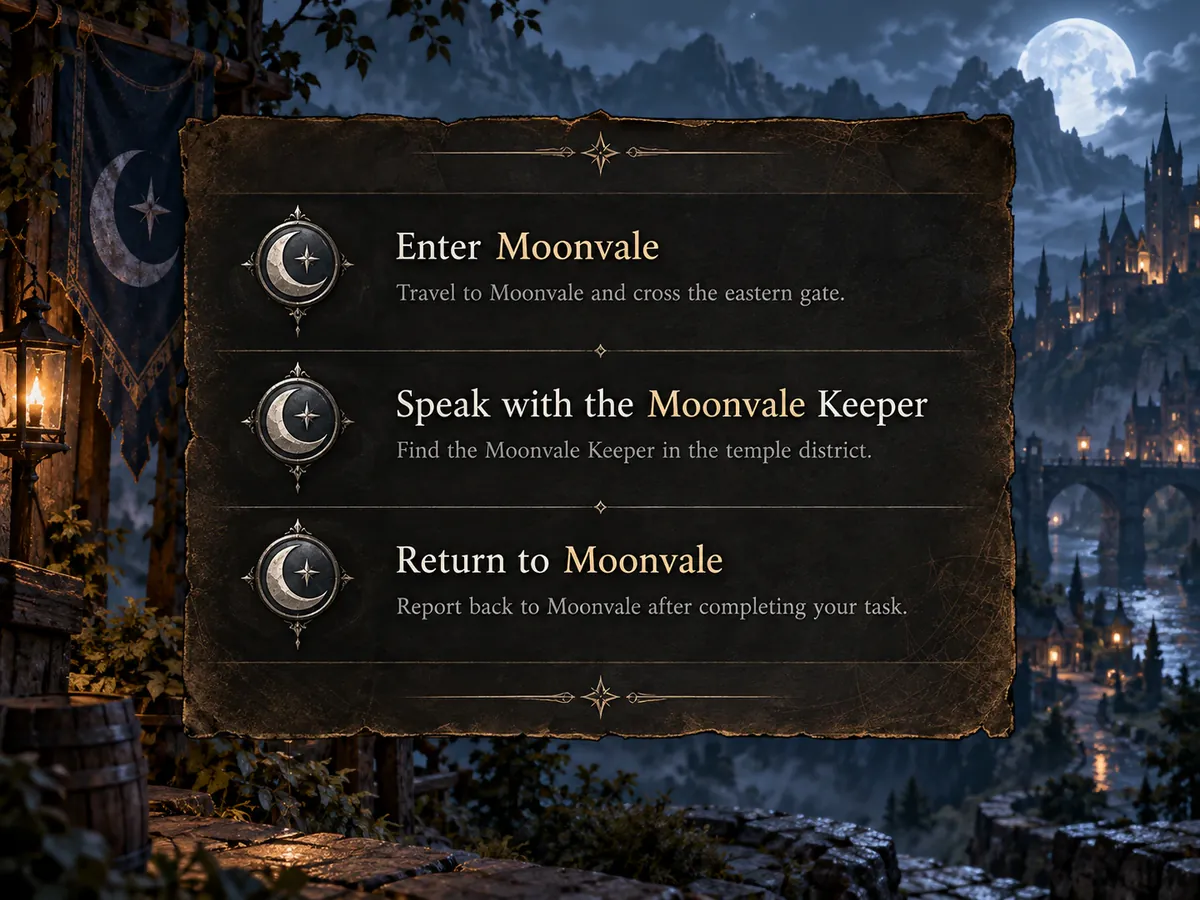
- Button labels, stat panels and dialogue windows are translated where they are, not dumped into a list below the image.
- The panel texture or gradient behind the text is repaired after the original is erased.
- Long translations are sized to fit the box the original occupied.

Fonts
Two engines for two kinds of screen
- Standard (10 credits) suits clean menus and settings screens, and leaves every line editable.
- GPT Image 2.5 (20 credits) redraws the whole screenshot, useful for stylised title cards, event banners and busy battle scenes.
- The redraw is a flat image, so pick Standard if you expect to correct wording later.
Terminology
Names that match across screens
- Custom instructions can fix how characters, items and places are rendered, so screen ten matches screen one.
- Over 130 target languages, with the game’s language detected automatically.
- Starter translates up to 20 screenshots per batch and Professional up to 50.
Translate a whole play session
Captured a folder of screenshots while playing? The batch translator takes up to 20 at a time on Starter and 50 on Professional, and hands them back as one zip in play order.
Keep going
More tools for Games & communities
Games & communities
All image translation scenarios →Game screenshot translation questions
Game Screenshot Translator · Keep Layout Intact
- No sign-up required
- Preview the translated result in seconds