
Patent Drawing Translation: Figure Labels on the Sheet
Translate patent drawings and circuit diagrams while keeping reference labels exact.
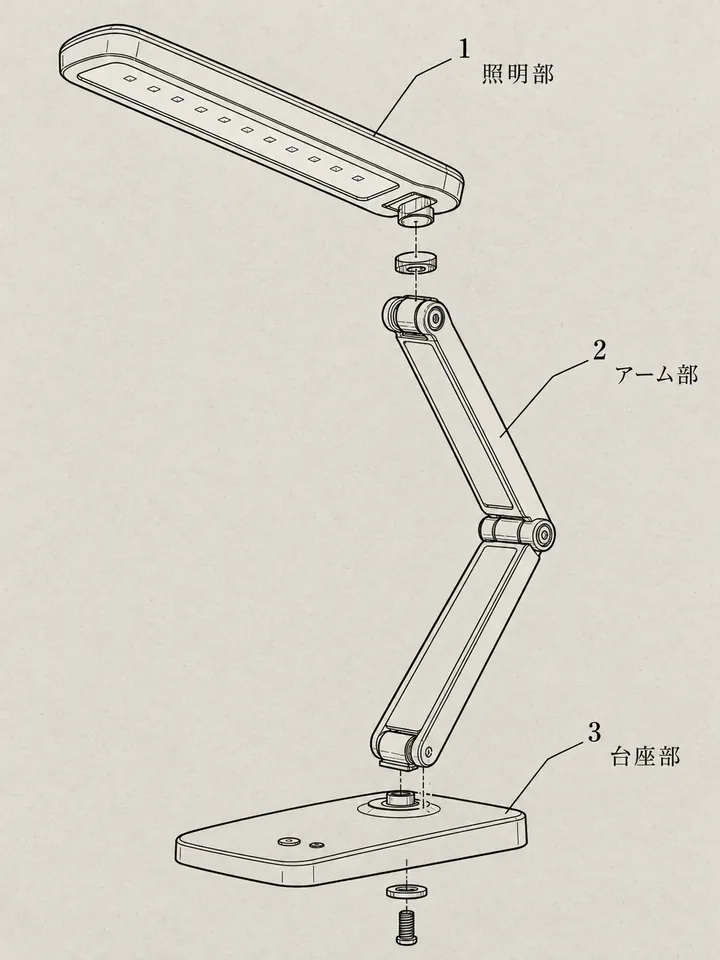
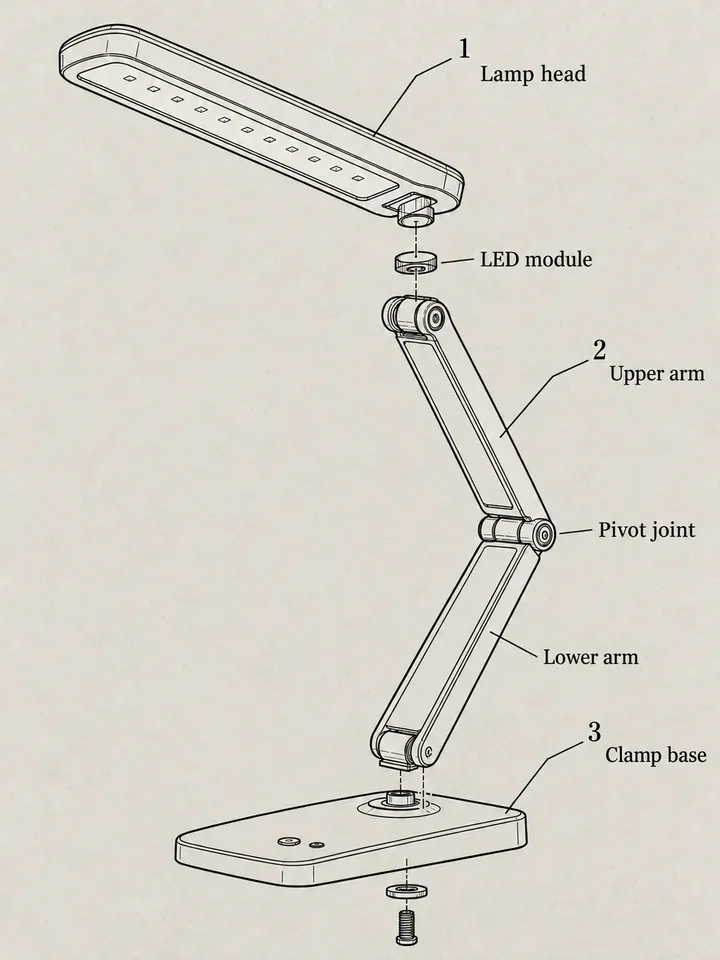
Before
After
Drop an image to preview translations — no sign-up neededOne image at a time · Free instant previewSupports PNG, JPG, WebP up to 30 MB
Real results for this kind of image
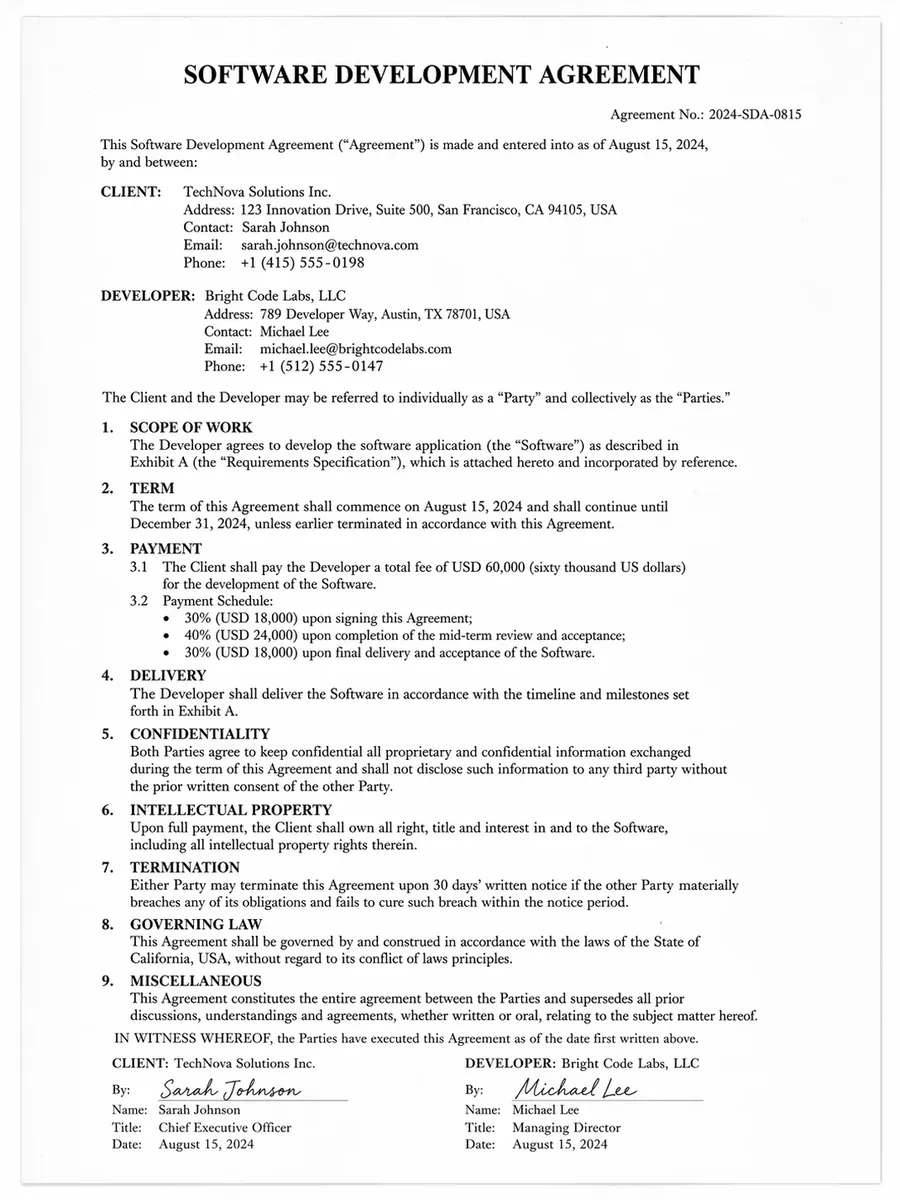
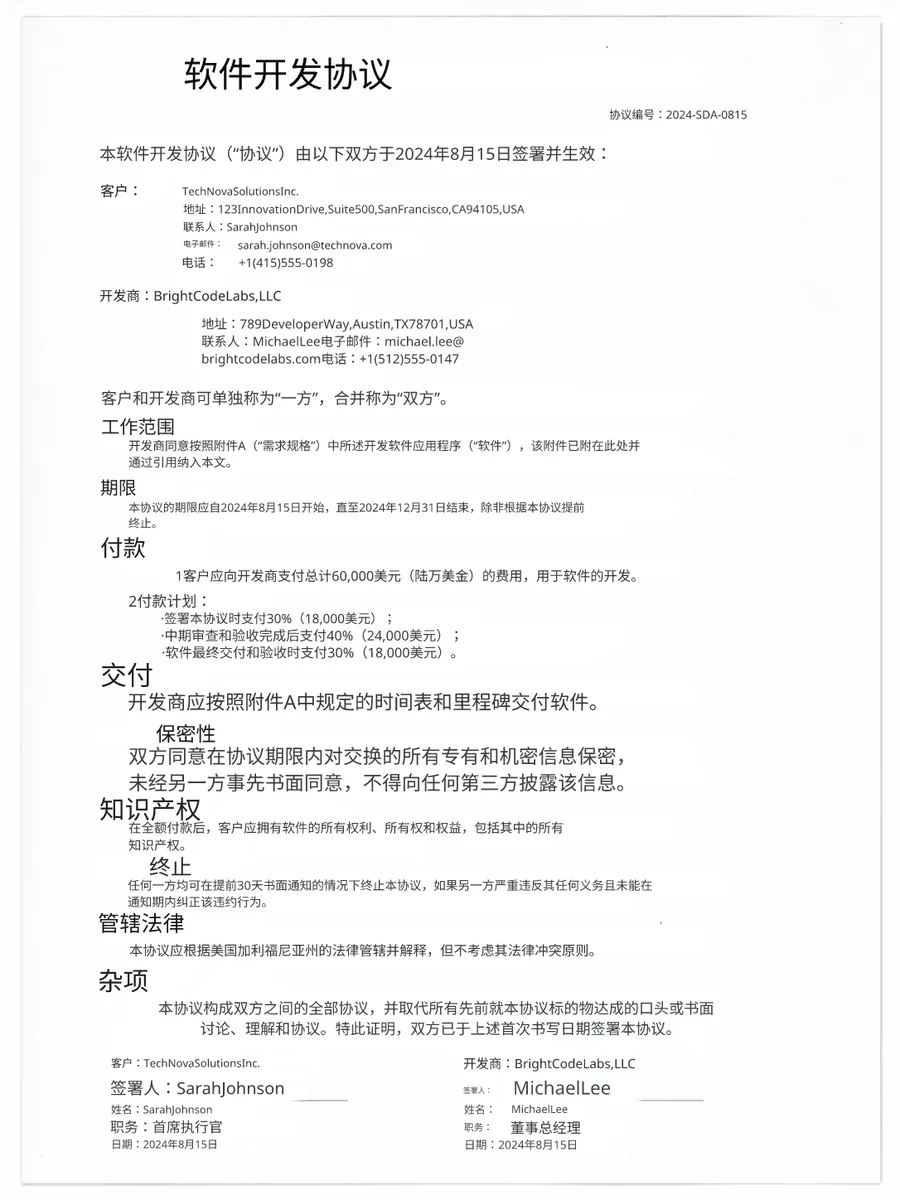
Source
Translated
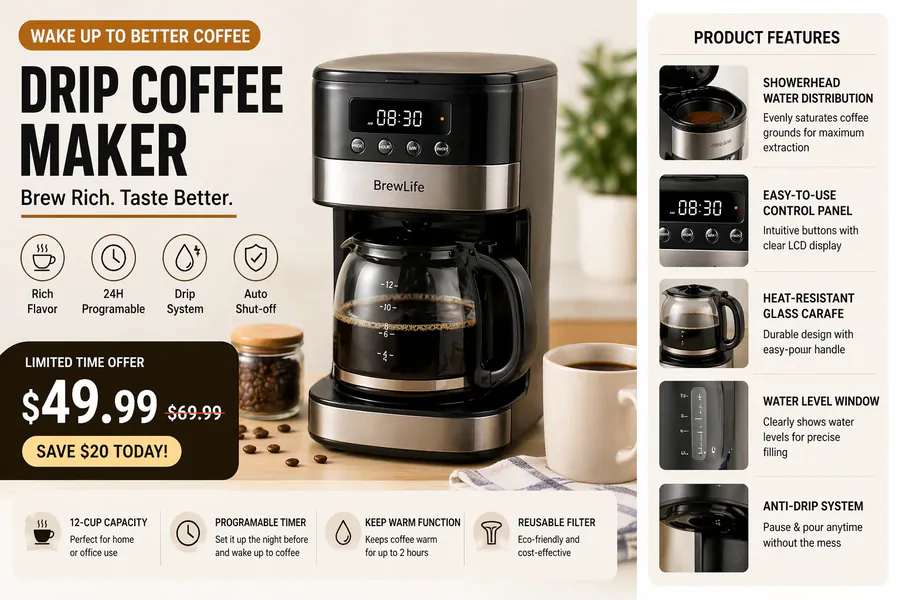
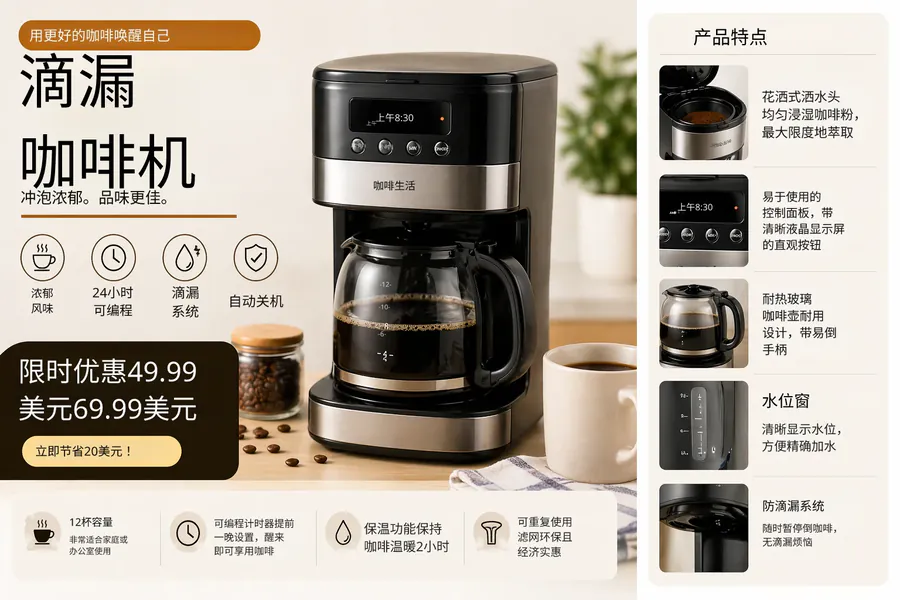
Source
Translated
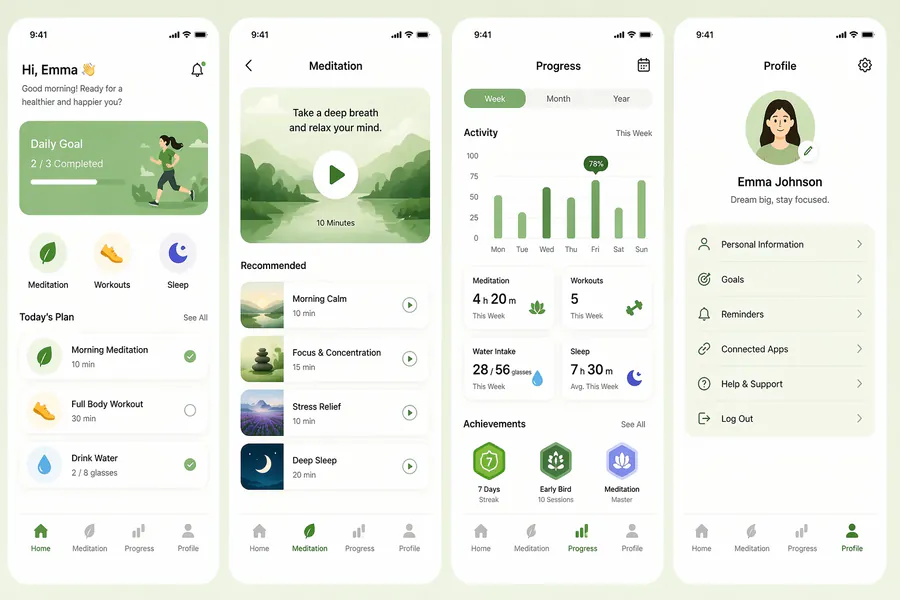

Source
Translated
Reading a foreign drawing sheet in three steps
Save the sheet as an image
Patent office viewers usually offer sheets as PDF or TIFF; screenshot or convert each sheet to PNG or JPG, up to 30 MB.
Protect the numerals
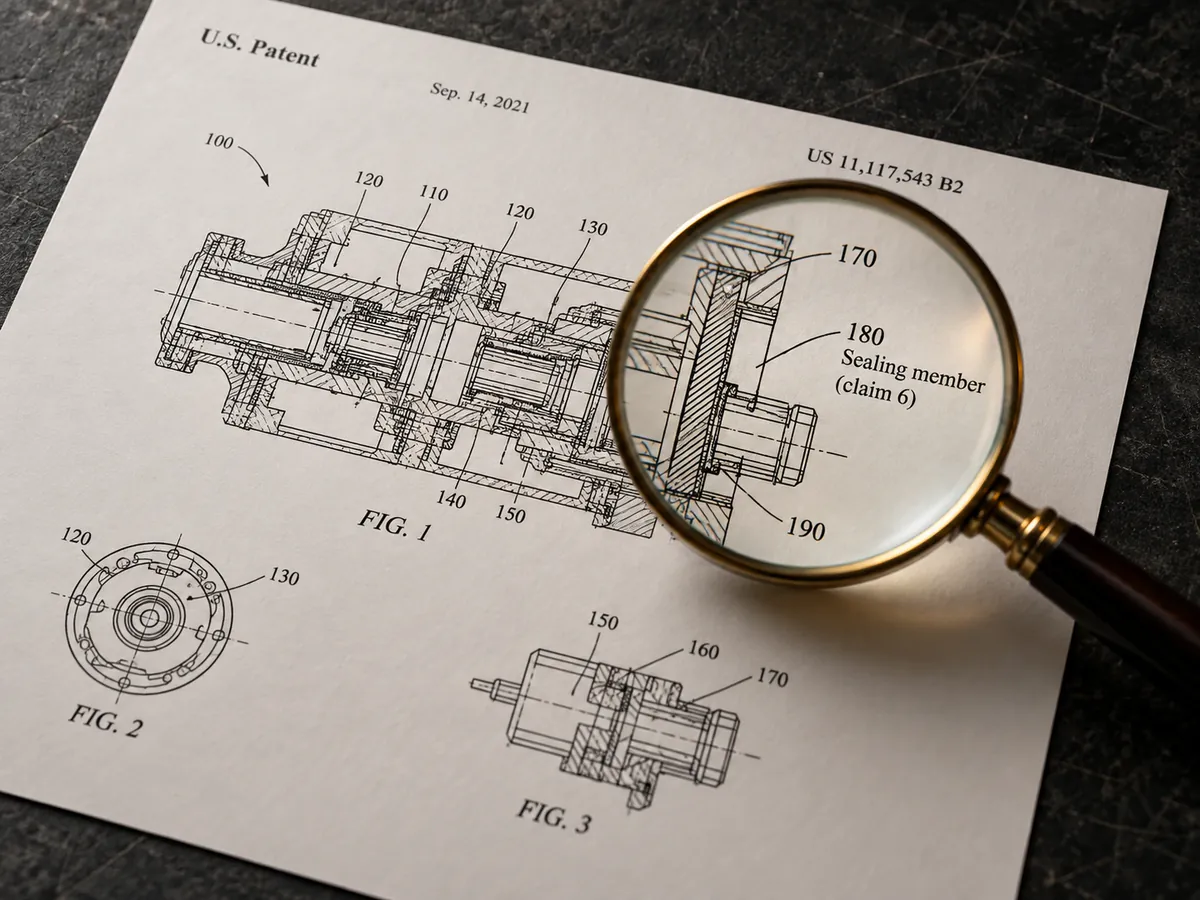
Add an instruction such as "do not translate reference numerals or FIG. numbers", and name the technical field so component names come out right.
Read it with the claims
Open the translated sheet beside the description. Fix any component name in the editor so it matches the term you use in your search notes.
Suited to how patent drawings are made
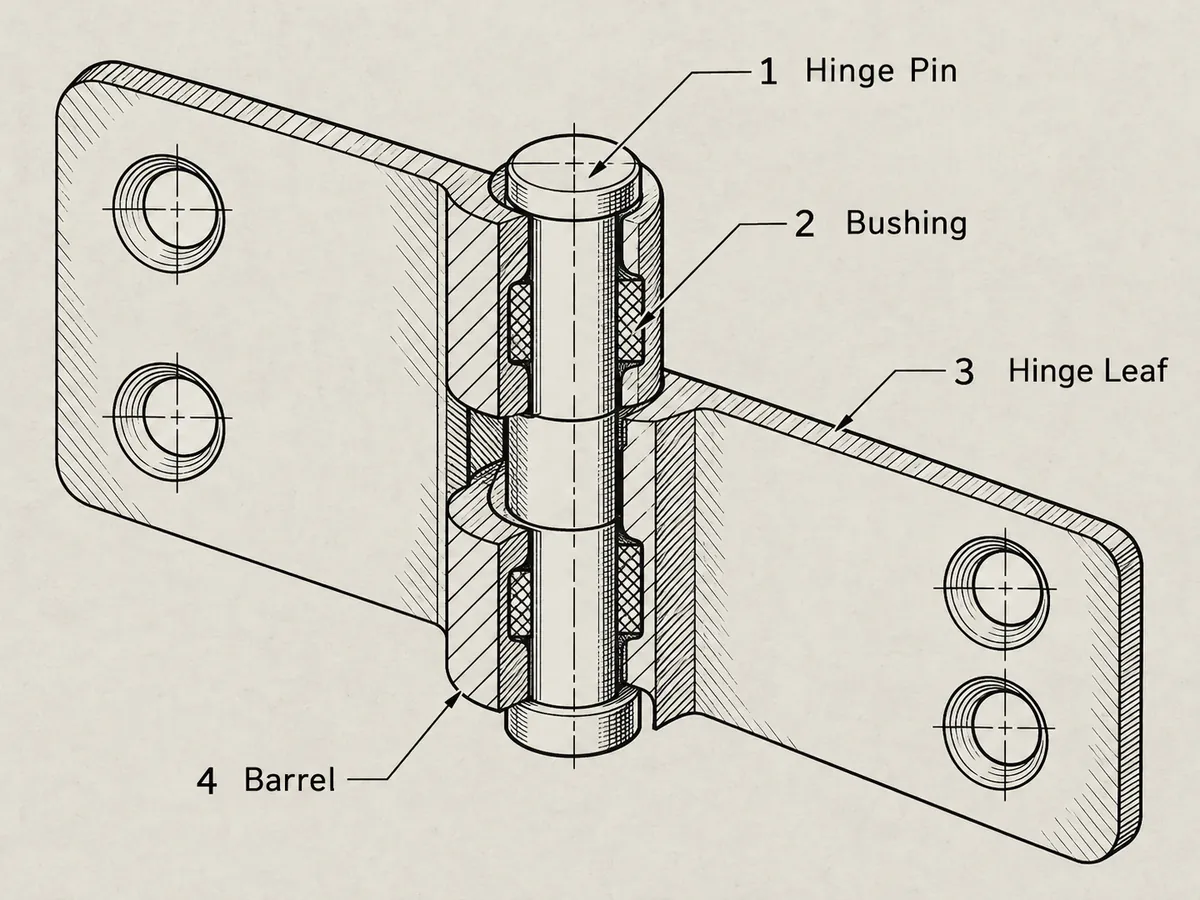
Line art
Black-and-white sheets kept clean
- The Standard engine only erases and refills the text areas, so hatching, lead lines and outlines are not redrawn.
- Method flowcharts keep every box and arrow; only the step text inside changes language.
- GPT Image 2.5 redraws the full image and can shift fine linework, so Standard is the safer default for drawing sheets.
Terms
Component names that match the text
- Custom instructions can map recurring parts to fixed terms, so "housing" is not "casing" on the next sheet.
- Run all sheets of a publication together: 20 per batch on Starter, 50 on Professional.
- Correcting a label in the editor is free, and your runs are kept in My Creations for the next search session.
Scope
For reading, not for filing
- The output is a machine translation for understanding prior art or a competitor’s filing.
- It is not a certified translation and is not suitable for submission to a patent office.
- Questions of scope, validity or infringement belong with a patent attorney or agent.
Pull the reference numerals as text
Matching callouts to the claims? OCR reads the numerals and labels off the sheet as plain text in reading order, ready to paste next to the specification — free for every account.
Keep going
More tools for Academic, medical & documents
Academic, medical & documents
All image translation scenarios →Patent drawing translation questions
Patent Drawing Translator · Keep Layout Intact
- No sign-up required
- Preview the translated result in seconds