
Translate Raw Manga Pages Without Waiting for a Release
Translate raw Japanese manga in seconds with vertical bubble recognition.
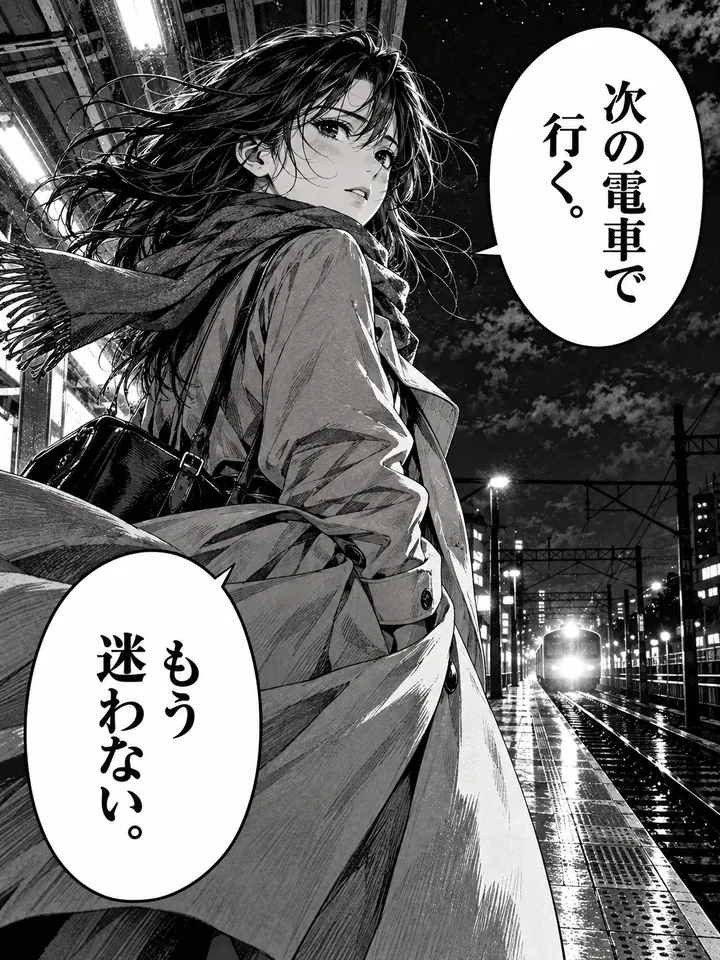
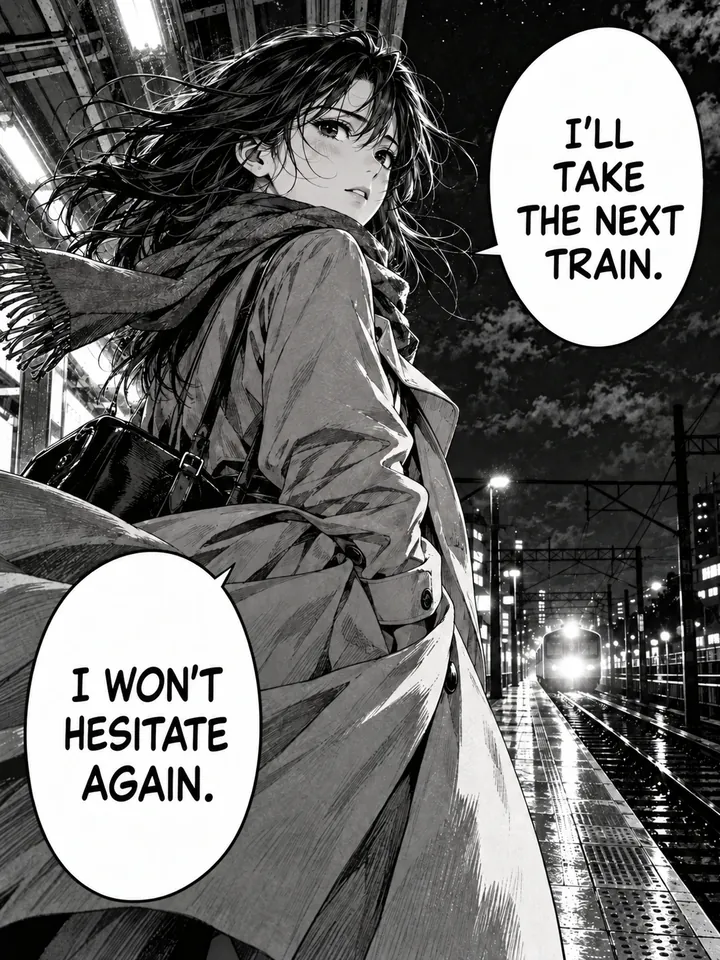
Before
After
Drop an image to preview translations — no sign-up neededOne image at a time · Free instant previewSupports PNG, JPG, WebP up to 30 MB
Real results for this kind of image
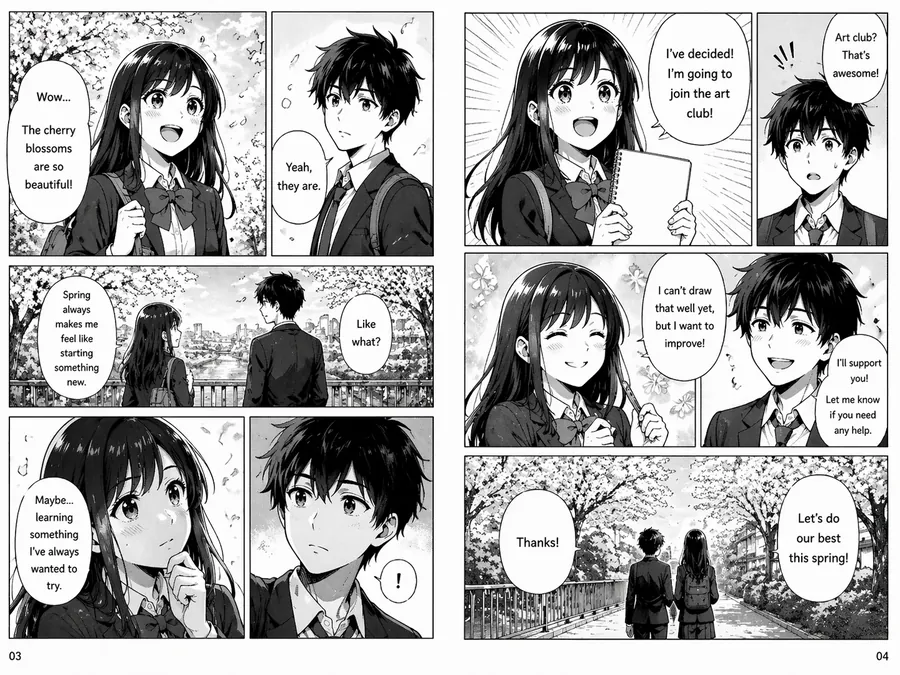
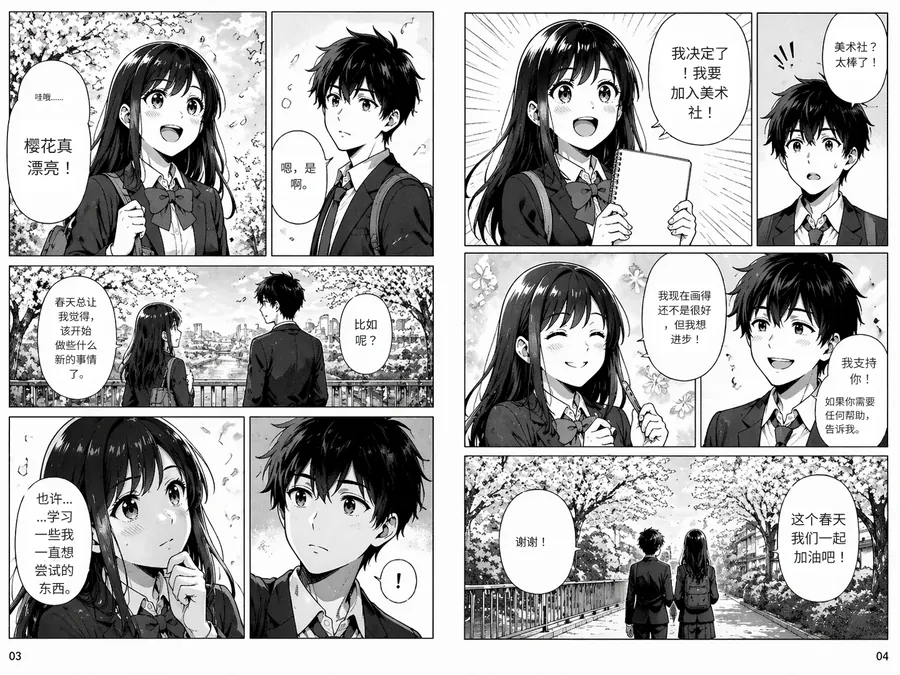
Source
Translated

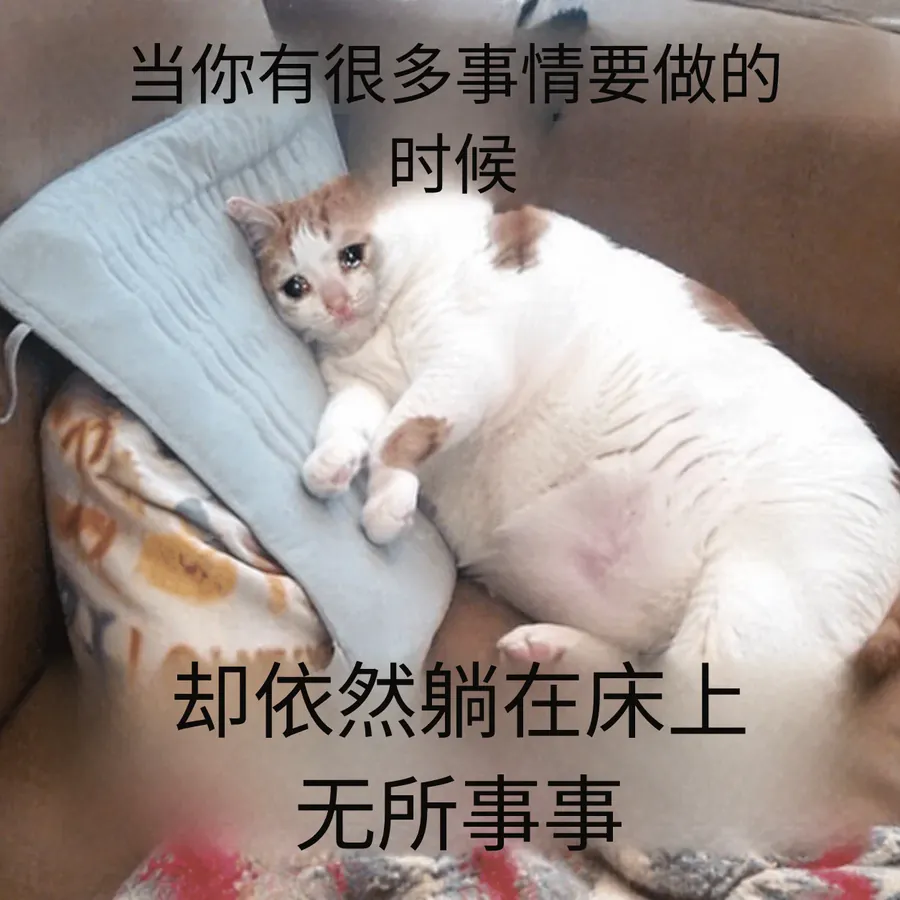
Source
Translated
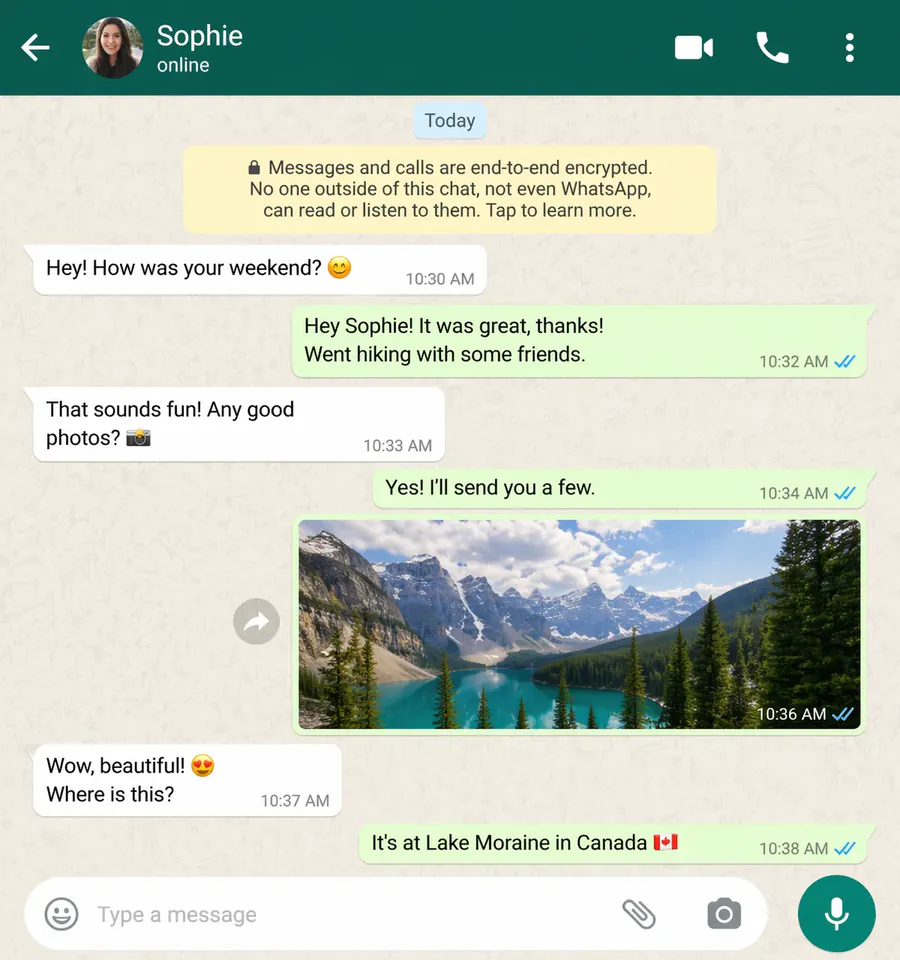
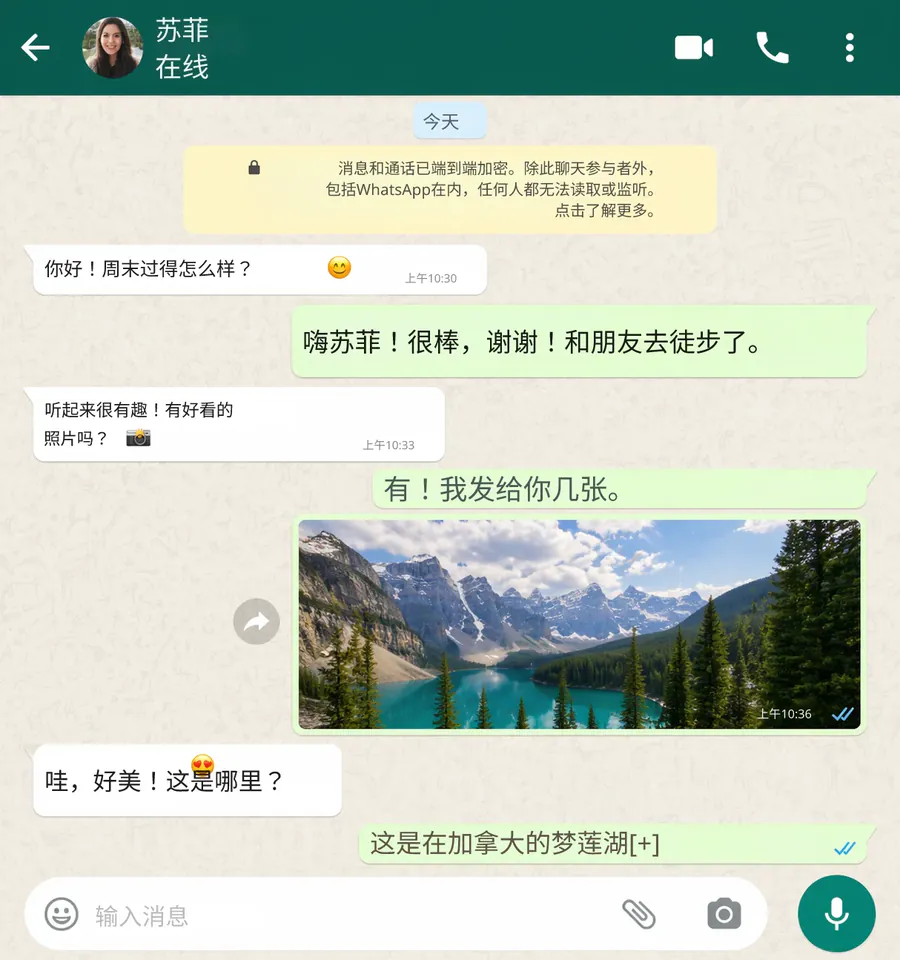
Source
Translated
From raw page to readable page
Save the raw page
Any PNG, JPG or WebP scan or screenshot up to 30 MB. You do not need to pick the source language; vertical Japanese text is detected automatically.
Pick a target language
English is the usual choice, but any of 130+ languages works. Manga mode translates the bubbles and leaves the artwork outside them untouched.
Read, then fix what reads oddly
If a name or joke comes out wrong, open the page in the editor and retype that line. Editing costs no credits.
Why raw pages need more than a camera translator
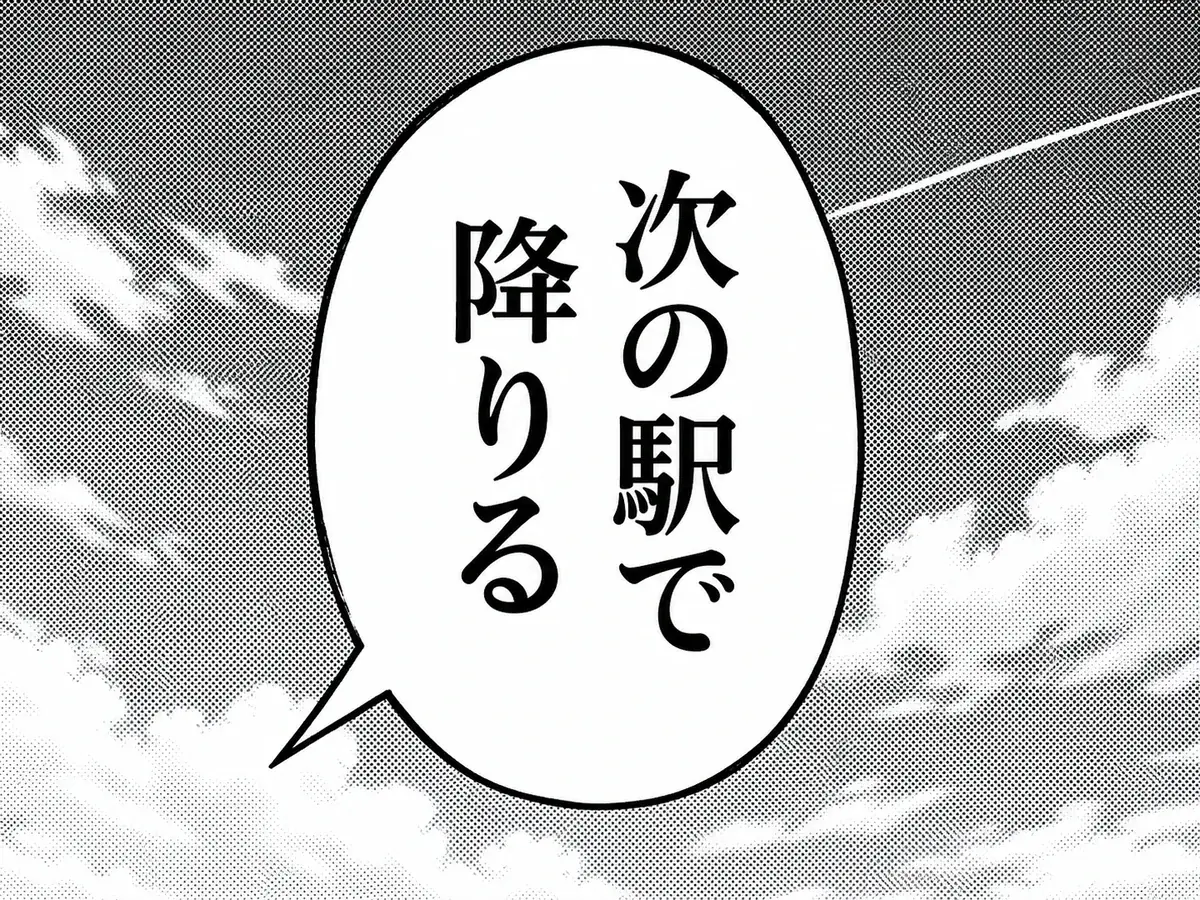
Vertical text
Reads top-to-bottom Japanese lettering
- Japanese bubbles run in vertical columns, right to left; the translation is laid out horizontally inside the same bubble.
- Phone screenshots from a reader app work as well as full-resolution scans, as long as the file is under 30 MB.
- Lettering with a white outline keeps its outline after translation.
Readability
The page still looks like the page
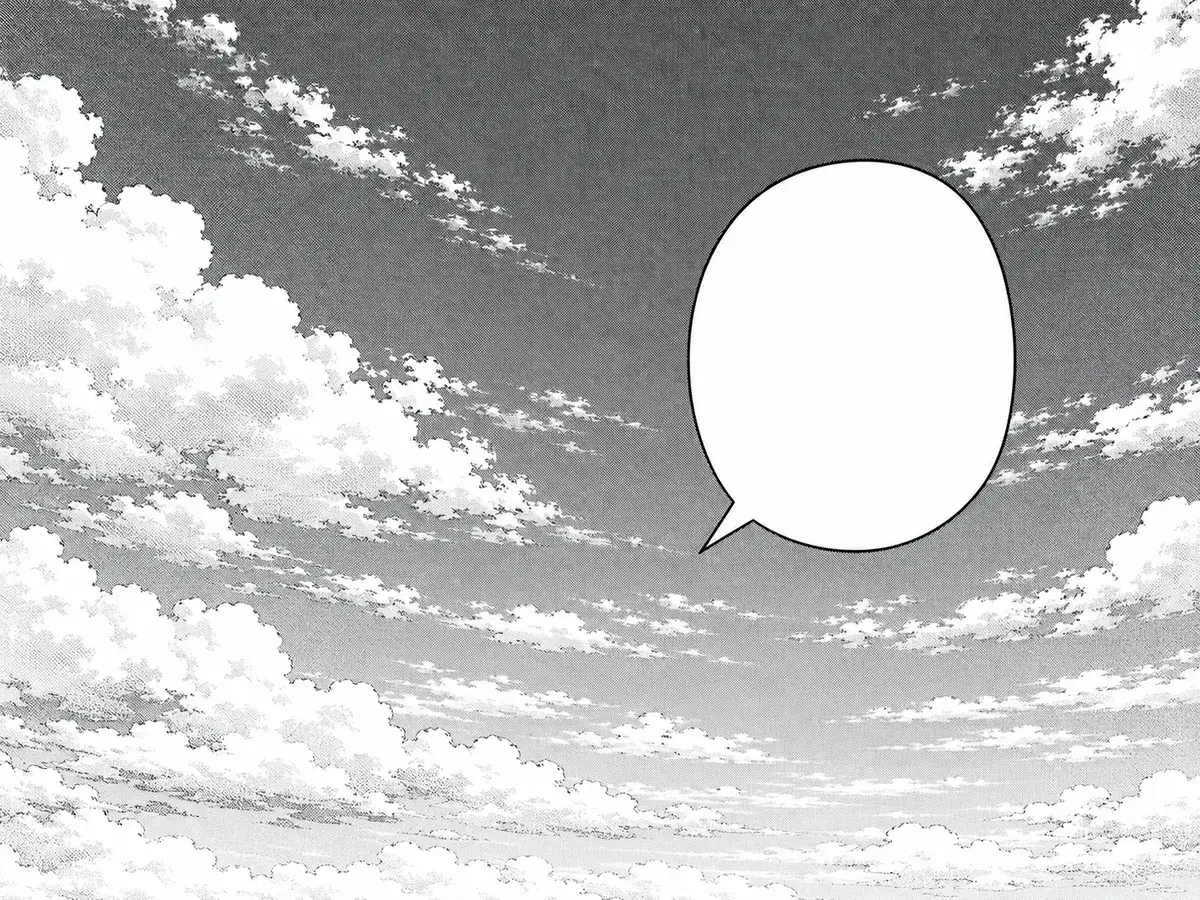
- The Standard engine erases the original characters and repairs the screentone behind them, so no grey boxes cover the art.
- Pages where the lettering is part of the drawing can go through GPT Image 2.5, which redraws the whole image for 20 credits.
- No watermark is added to the translated page.
Consistency
Names stay the same from page to page
- Add a custom instruction such as the romanised spelling of each character name, and every page follows it.
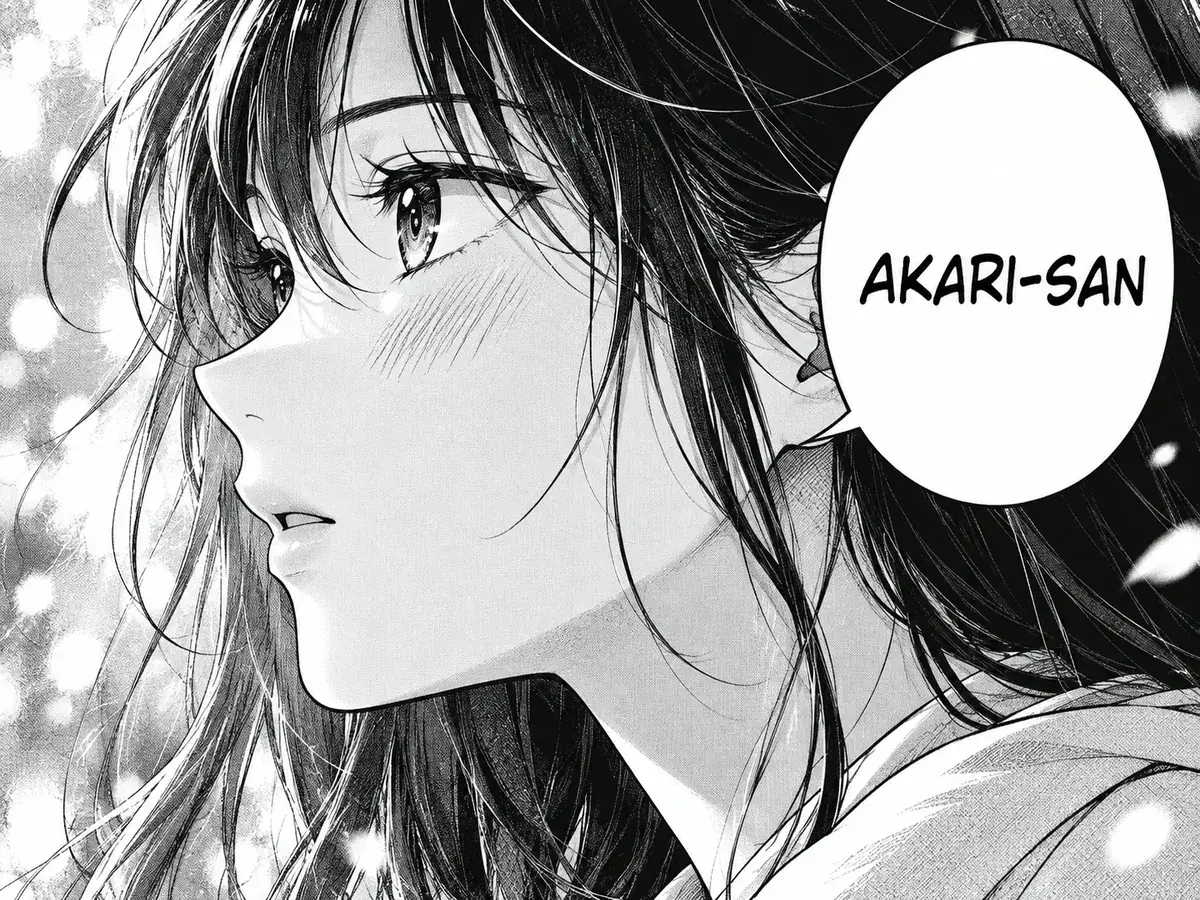
- Tell it the tone you want, for example keeping honorifics like -san and -senpai.
- Your runs are kept in My Creations, so you can come back to chapter 12 when chapter 13 is out.
Export a clean background for cleaning
Prefer to letter the page yourself? The text remover erases the raw lettering and rebuilds the art behind it, and adds nothing back — a clean page ready for your typesetter.
Keep going
More tools for Manga, anime & comics
Translating raw manga: common questions
Raw Manga Translator · Keep Layout Intact
- No sign-up required
- Preview the translated result in seconds