
Translate Flowchart Images Without Redrawing the Chart
Translate flowchart and SOP node text while keeping diagram shapes and arrows intact.
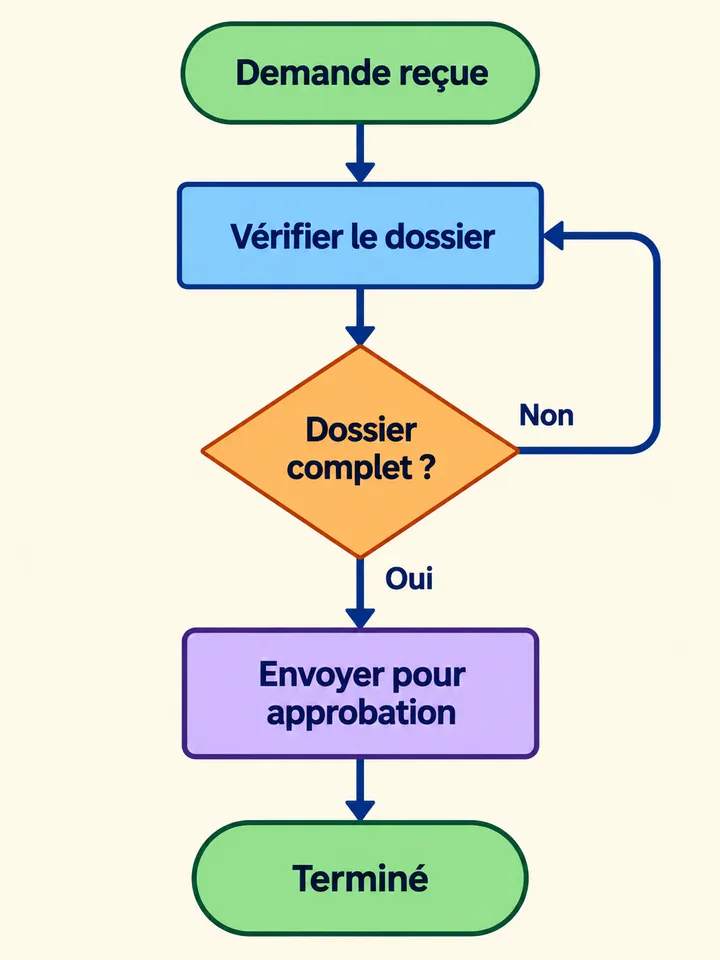
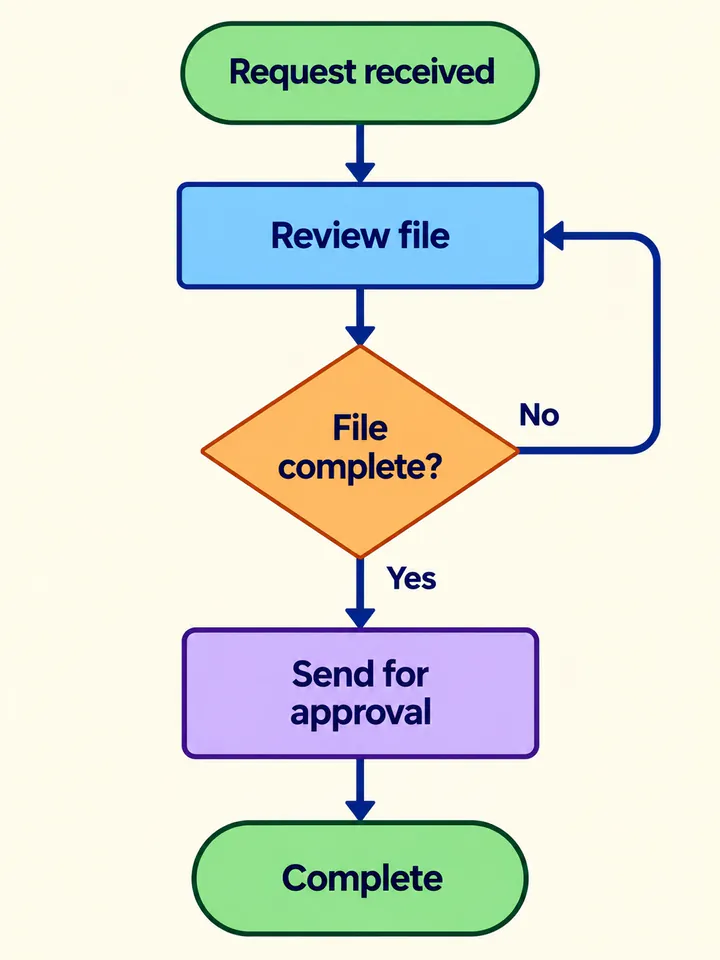
Before
After
Drop an image to preview translations — no sign-up neededOne image at a time · Free instant previewSupports PNG, JPG, WebP up to 30 MB
Real results for this kind of image
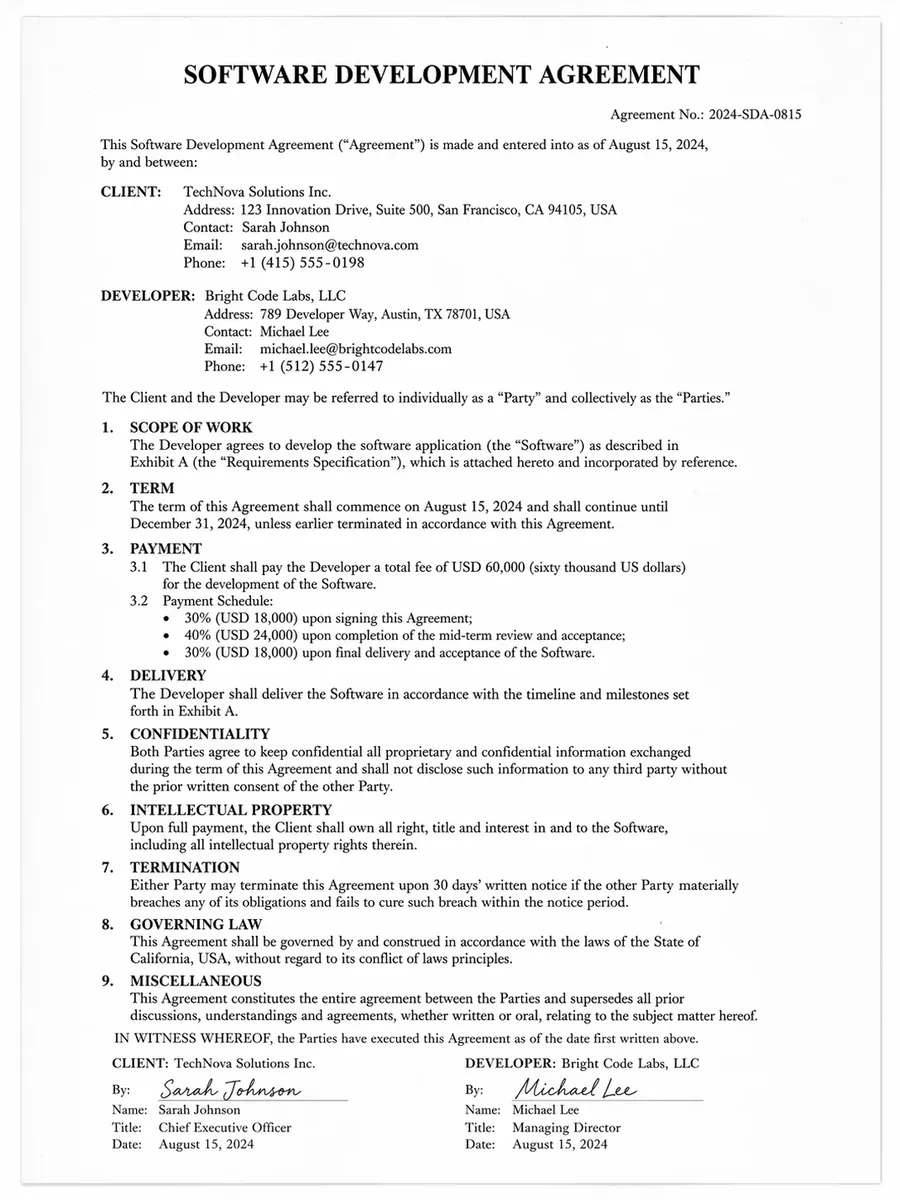
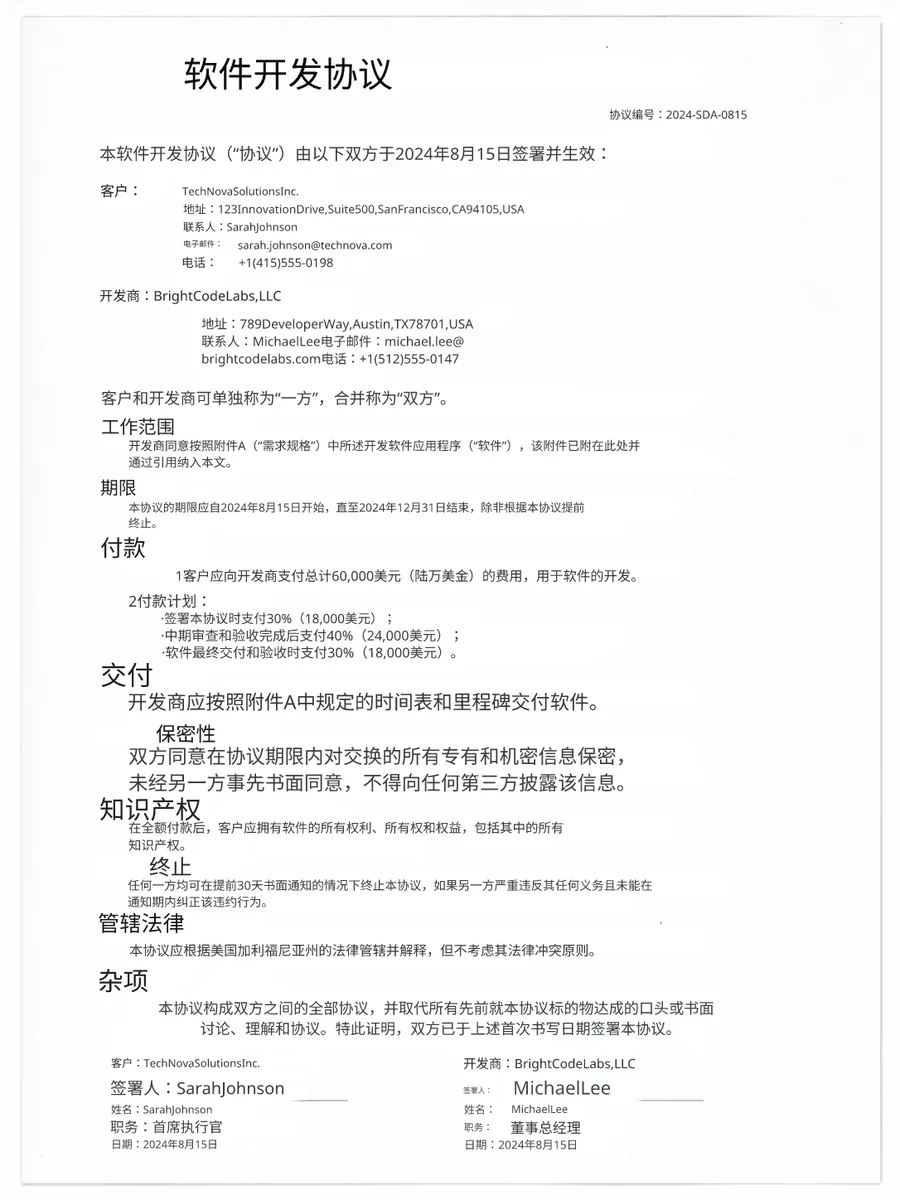
Source
Translated
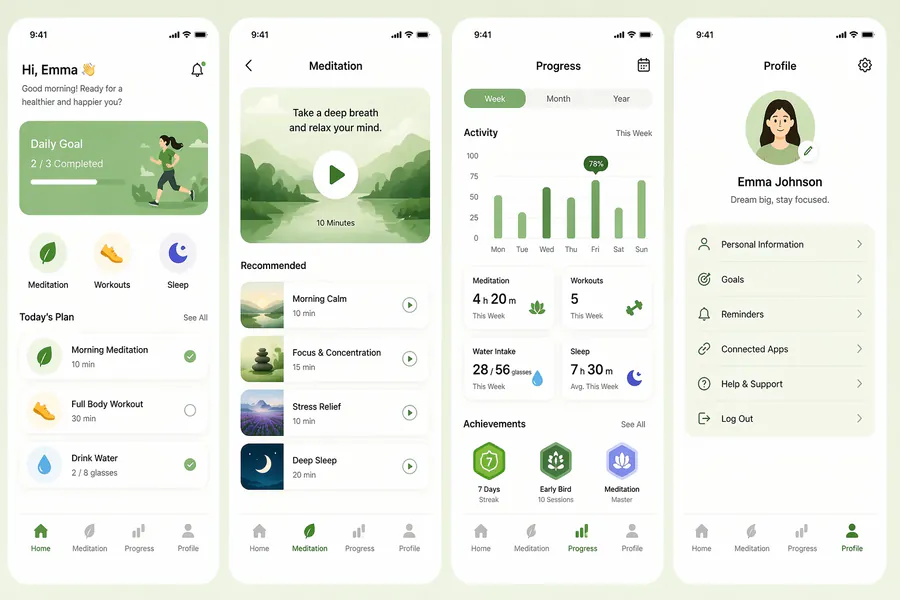
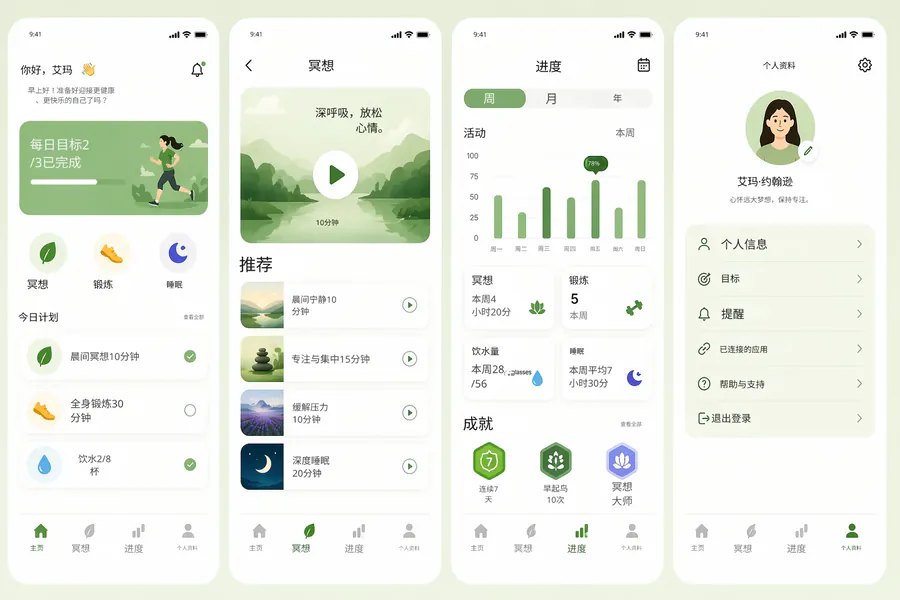
Source
Translated
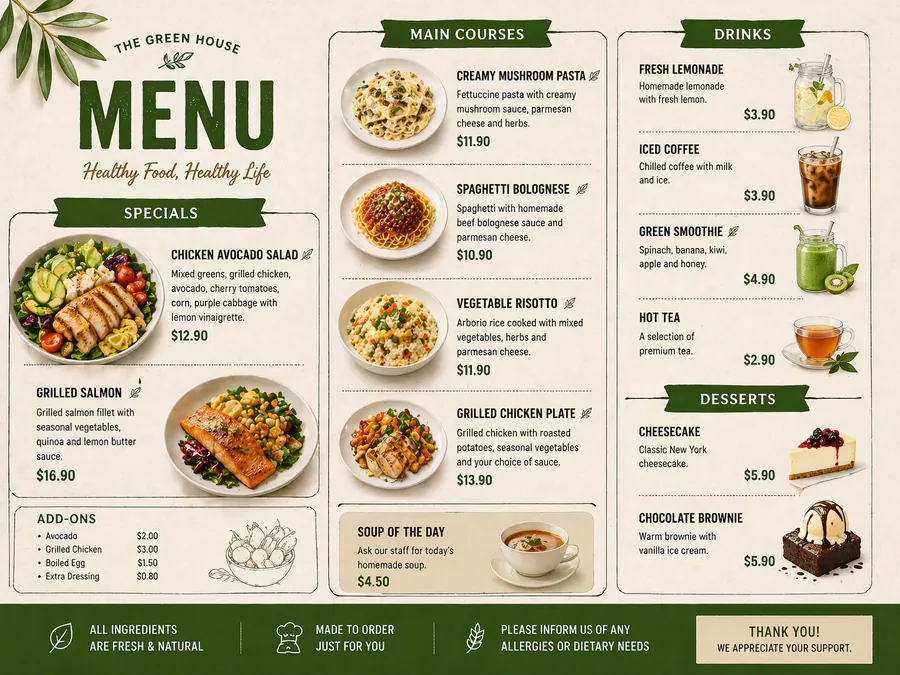
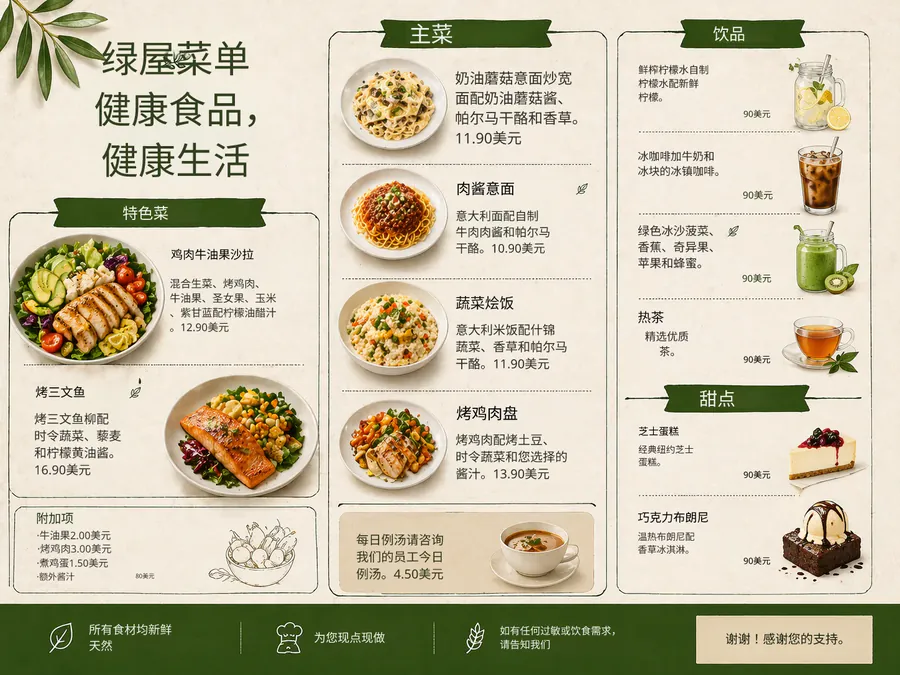
Source
Translated
Translating a flowchart image
Upload the exported chart
A PNG from Visio, draw.io or Miro, or a scanned page of an SOP — PNG, JPG or WebP up to 30 MB.
Keep system names as they are
Add an instruction to leave step IDs, system names or role titles untranslated if your team refers to them in the original language.
Tidy long labels
Where a translated label is longer than its box, open the editor and shorten it or lower the font size. Then download.
Built around how flowcharts are read
Shapes
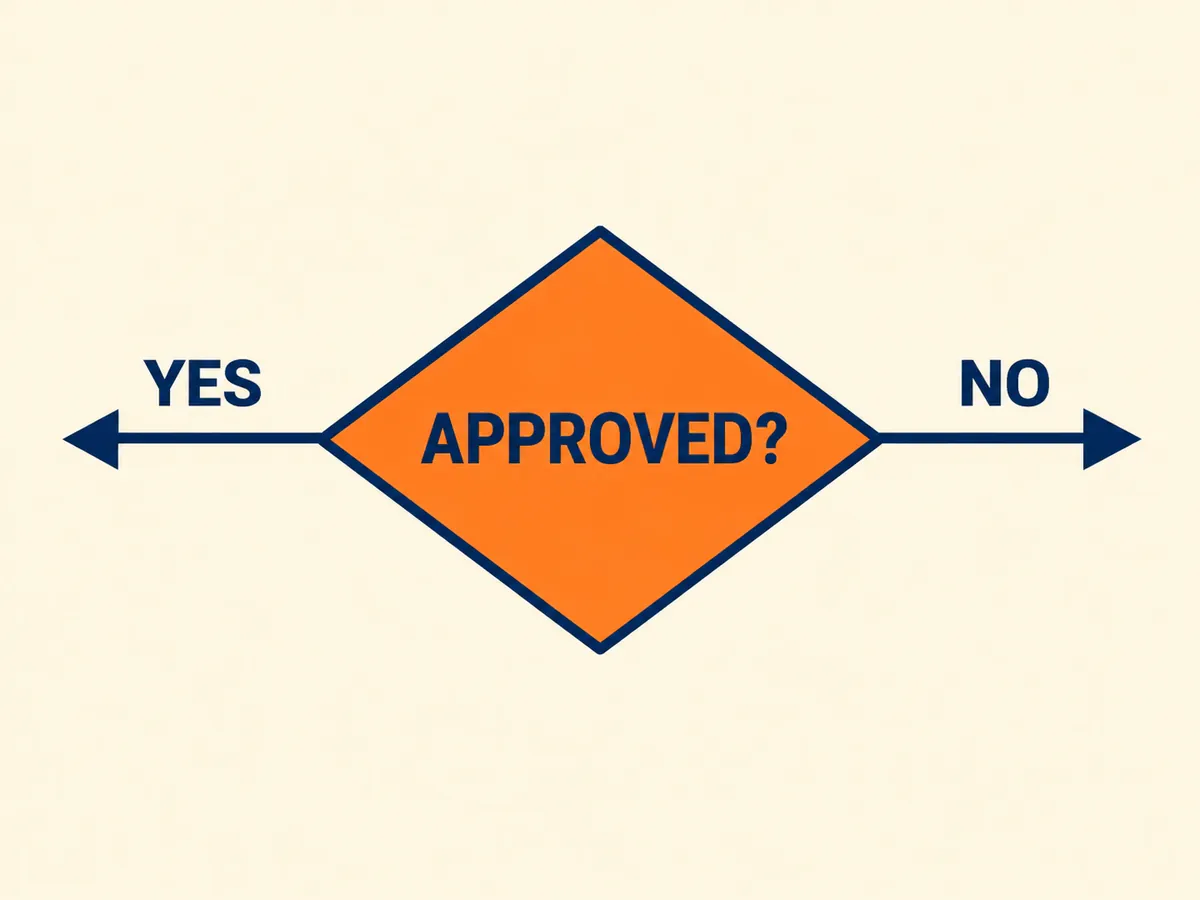
Boxes and connectors stay put
- The Standard engine works on the text; shapes, arrows and swimlane borders are not redrawn.
- Labels go back inside the box or onto the branch they came from, so yes and no paths still point the right way.
- Colour-coded steps keep their fill colour behind the new text.
Labels
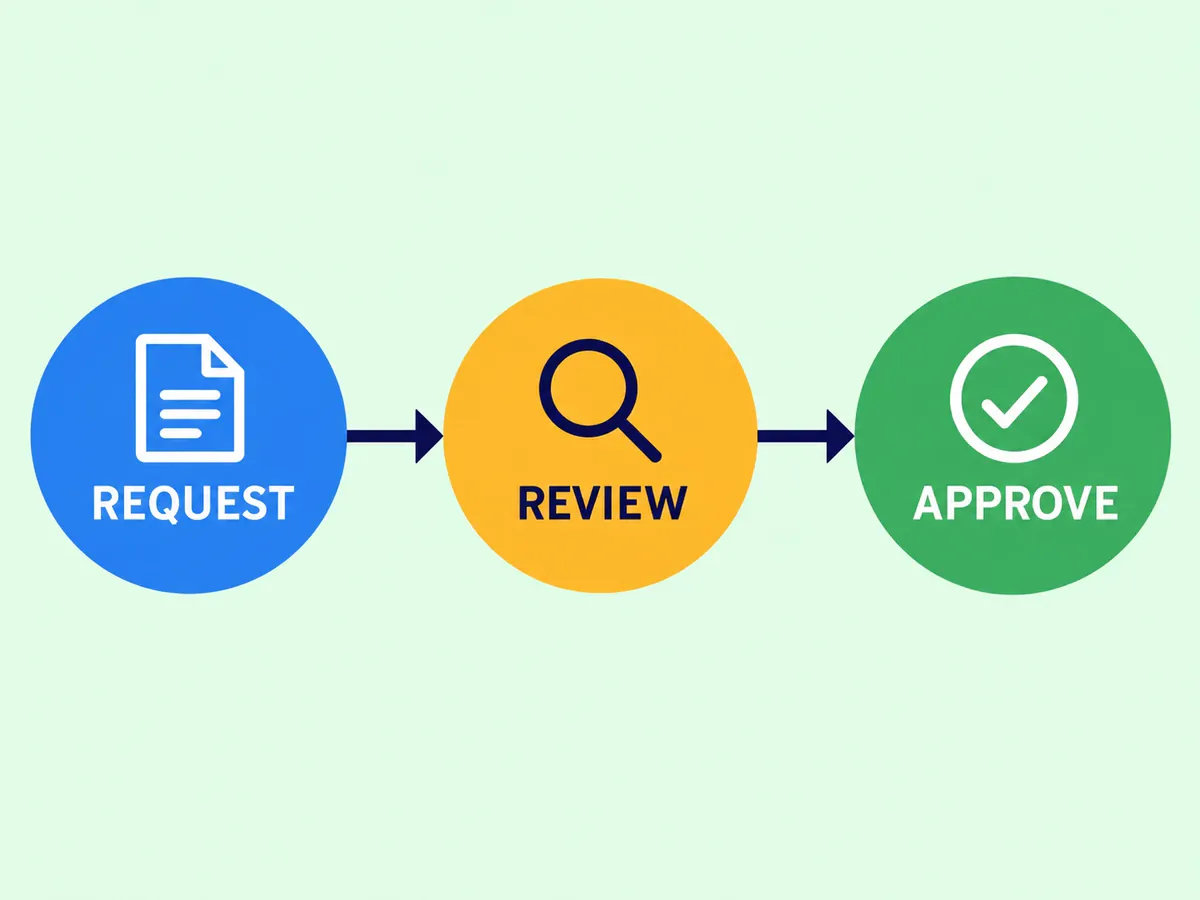
Terse labels, translated tightly
- Flowchart text is short — Approve?, Retry, Escalate — and each translation is fitted into the same space.
- When a language runs longer, retype the label in the editor; edits are free.
- Decision questions and notes beside connectors are translated along with the box text.
Use
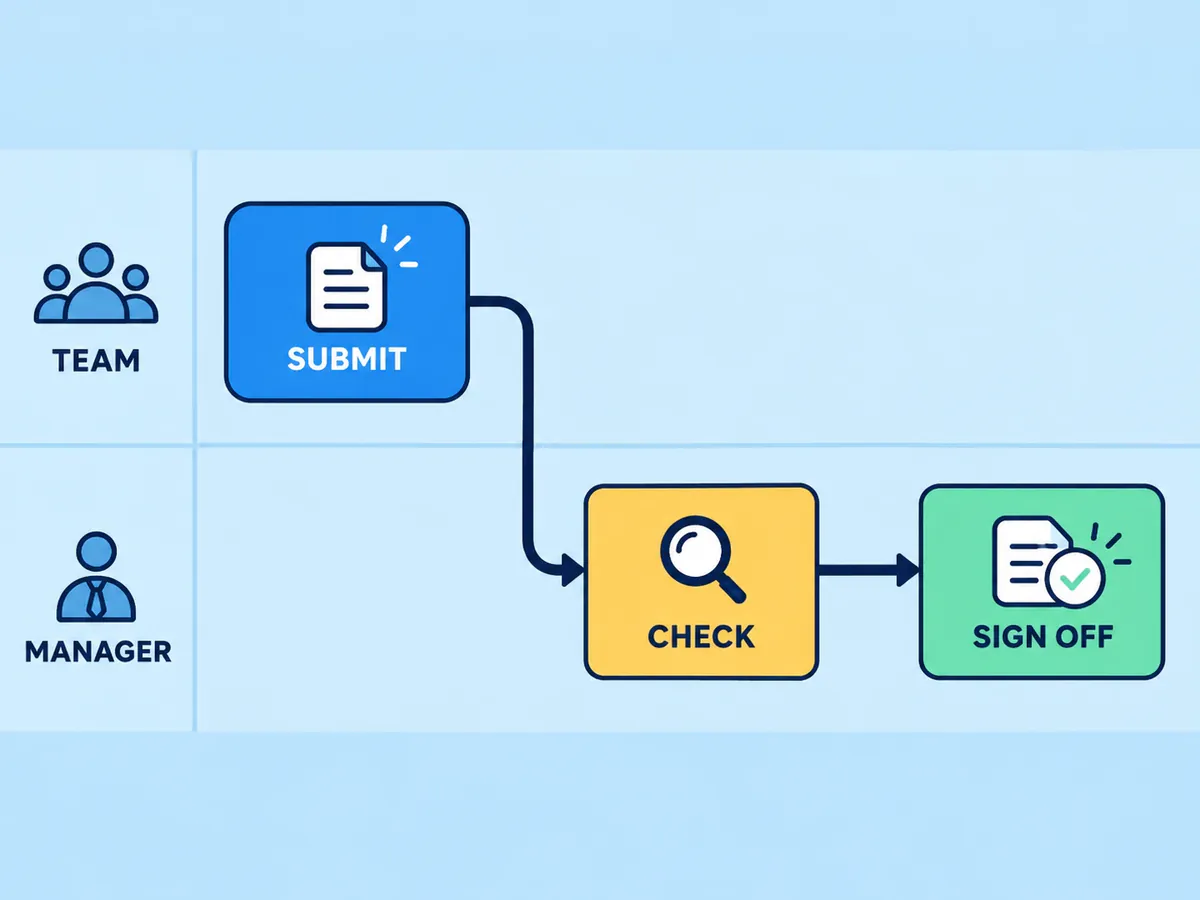
For SOPs, onboarding and audits
- Translate a procedure chart for a team in another country without rebuilding it in a diagram tool.
- Batch every chart in a manual: up to 20 per run on Starter, 50 on Professional.
- Only need a quick read? The free OCR tool lists the labels as plain text.
Translate the rest of the document
Flowcharts usually sit next to screenshots, tables and scanned pages. The image translator handles all of them the same way, one image at a time or in batches.
Keep going
More tools for Software, apps & diagrams
Flowchart image translation questions
Flowchart Translator · Keep Layout Intact
- No sign-up required
- Preview the translated result in seconds