
Translate a Receipt Image to English, Line by Line
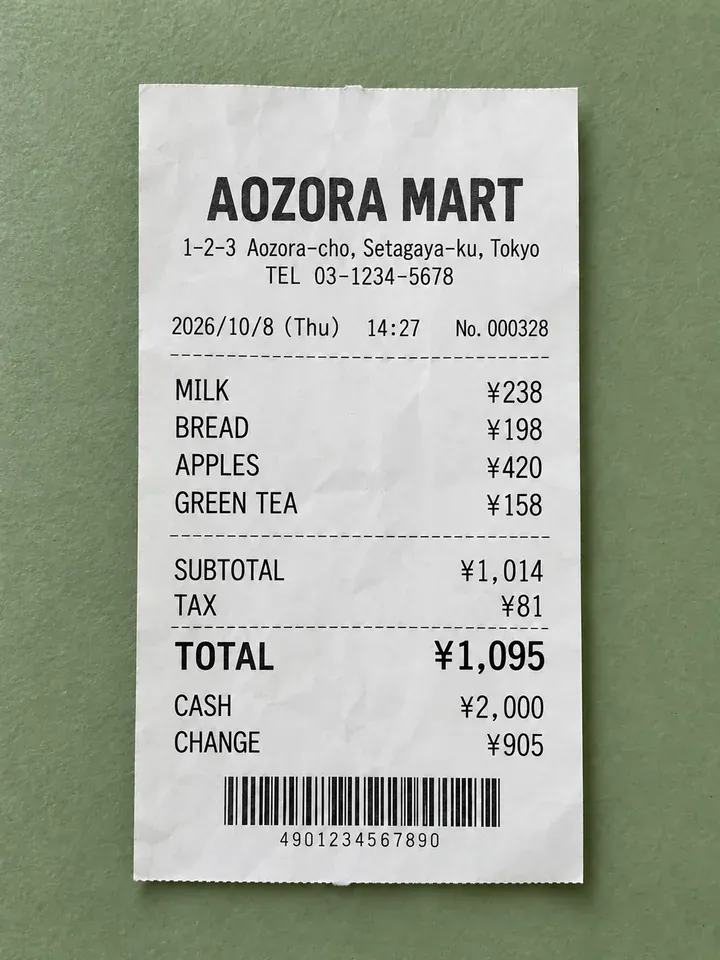
Translate receipts in place with item names matched and prices intact.
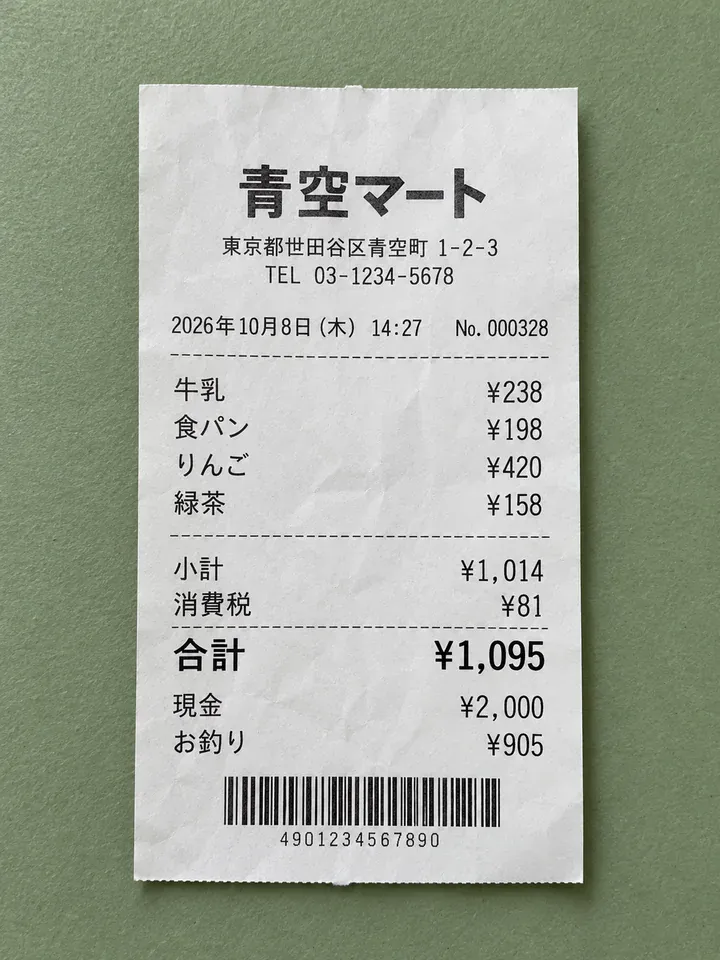
Before
After
Drop an image to preview translations — no sign-up neededOne image at a time · Free instant previewSupports PNG, JPG, WebP up to 30 MB
Real results for this kind of image
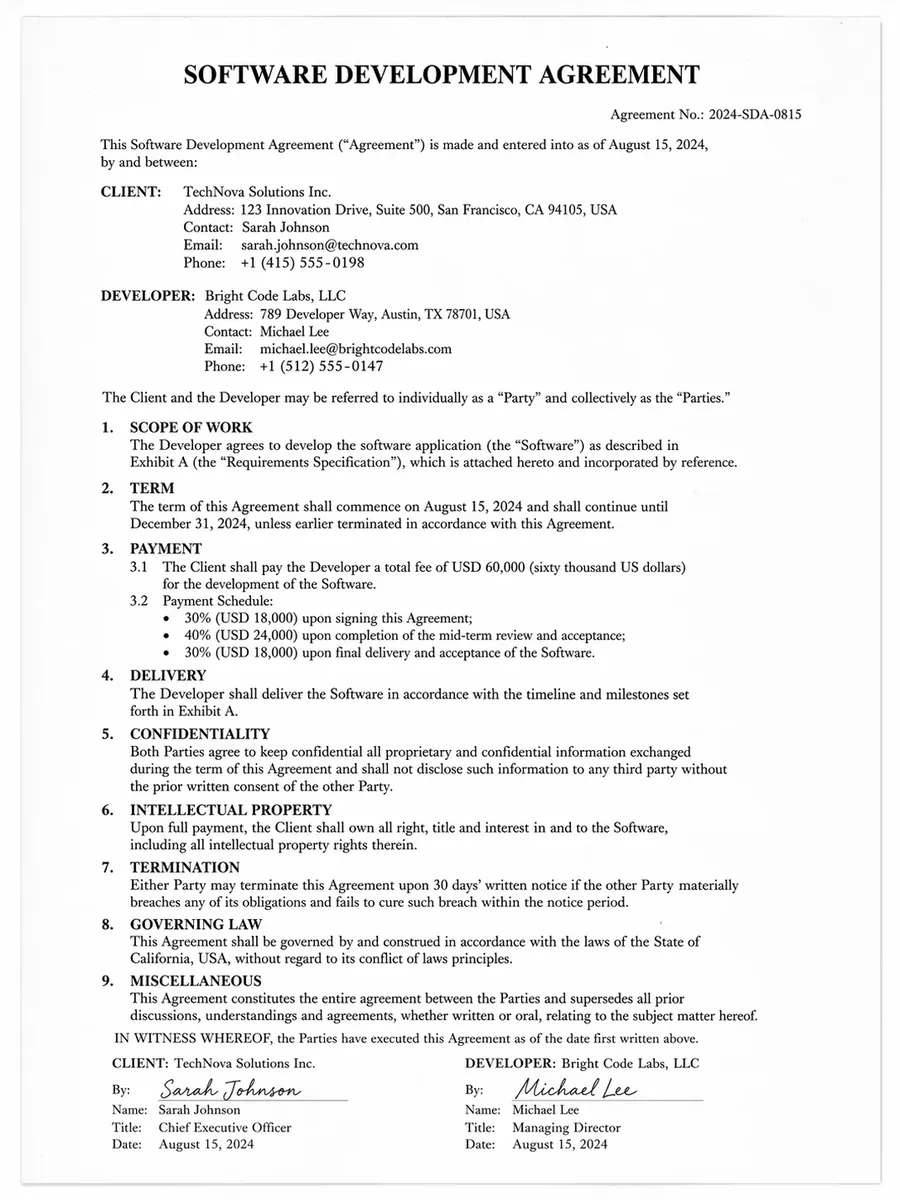
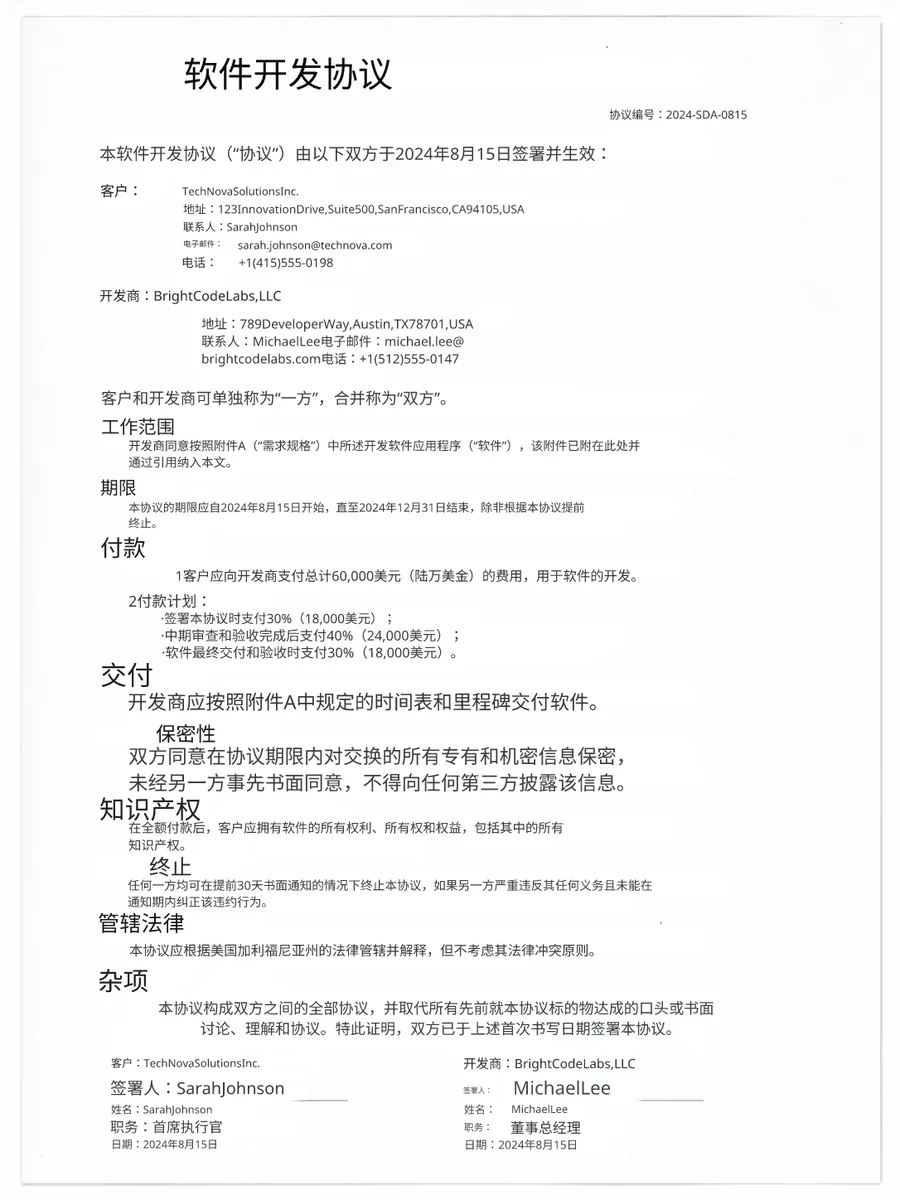
Source
Translated
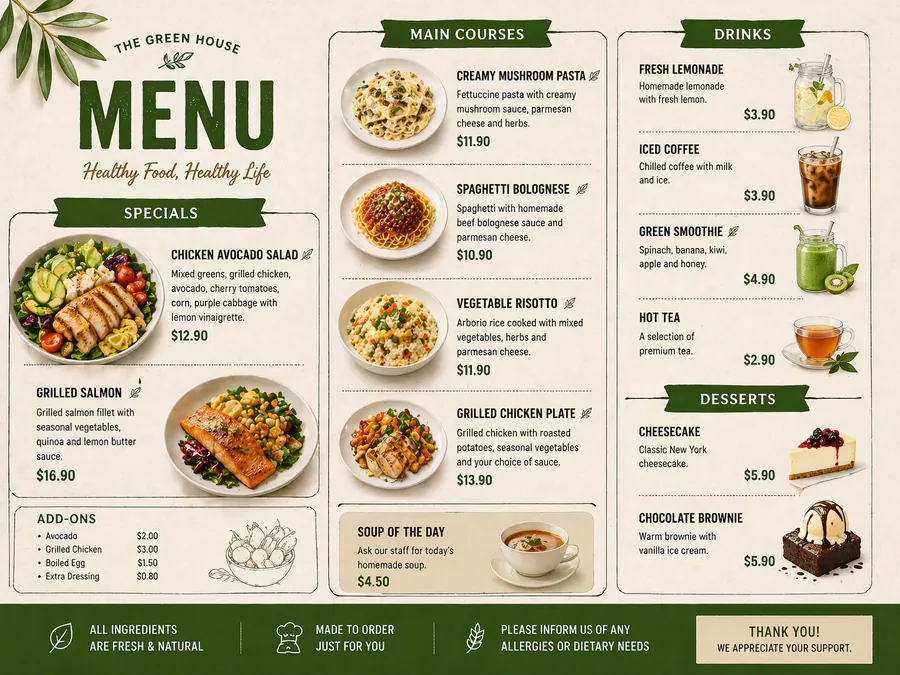
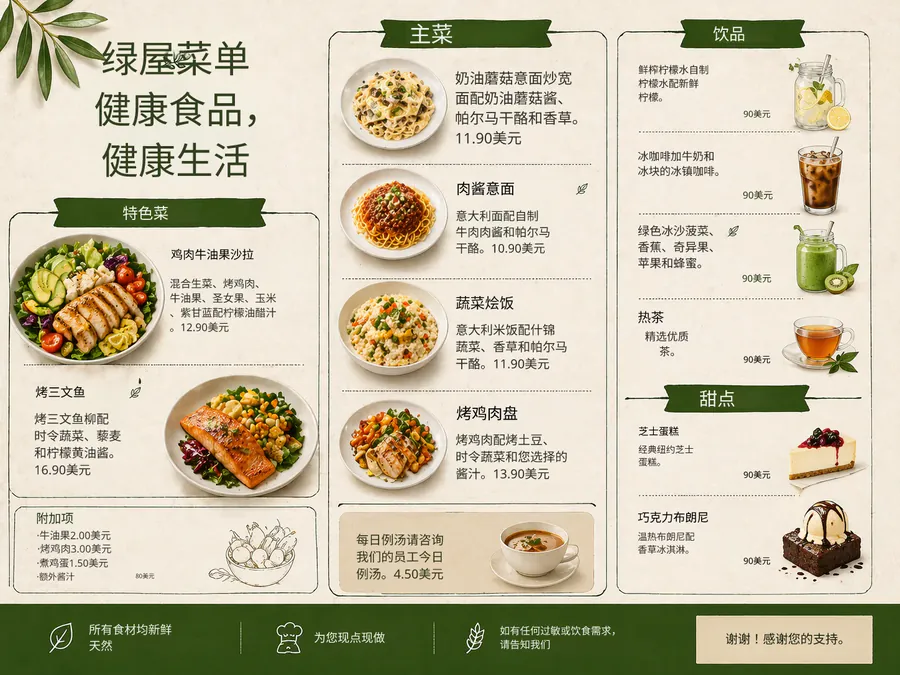
Source
Translated
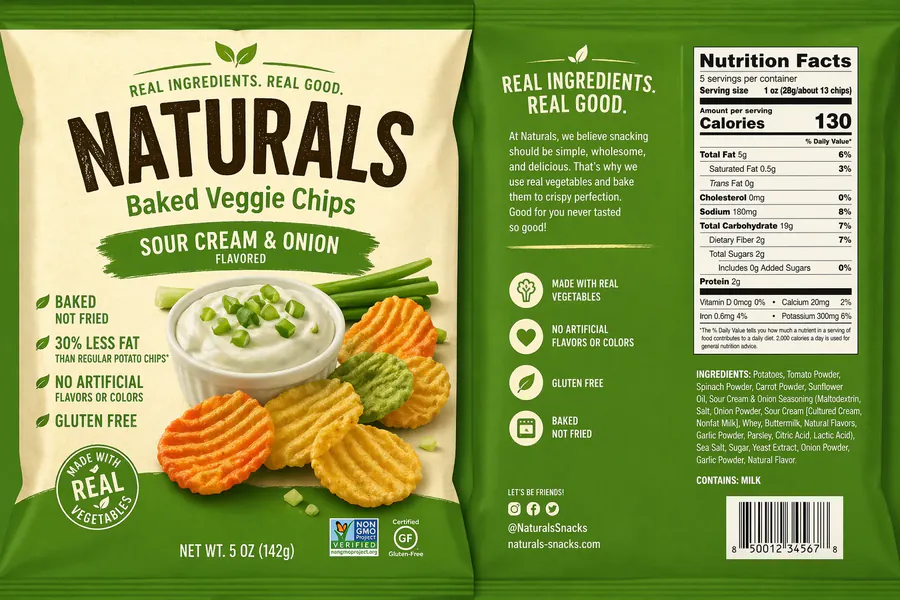
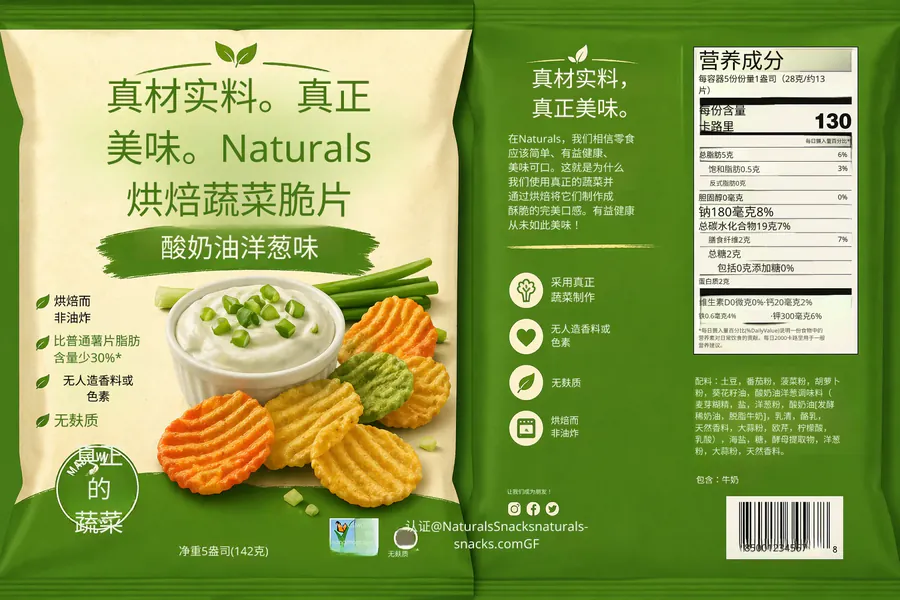
Source
Translated
From paper slip to readable receipt
Photograph the receipt flat
Lay it on a table in good light so the thermal print is sharp, then upload the JPG, PNG or WebP (up to 30 MB) from your phone browser.
Choose English as the target
The source language is detected for you, whether the receipt is Japanese, Korean, Thai, German or any of 130+ languages.
Check the lines that matter
Open the result in the editor if a product name reads oddly and retype it. Edits are free, and the file downloads without a watermark.
Why a receipt is harder to read than it looks
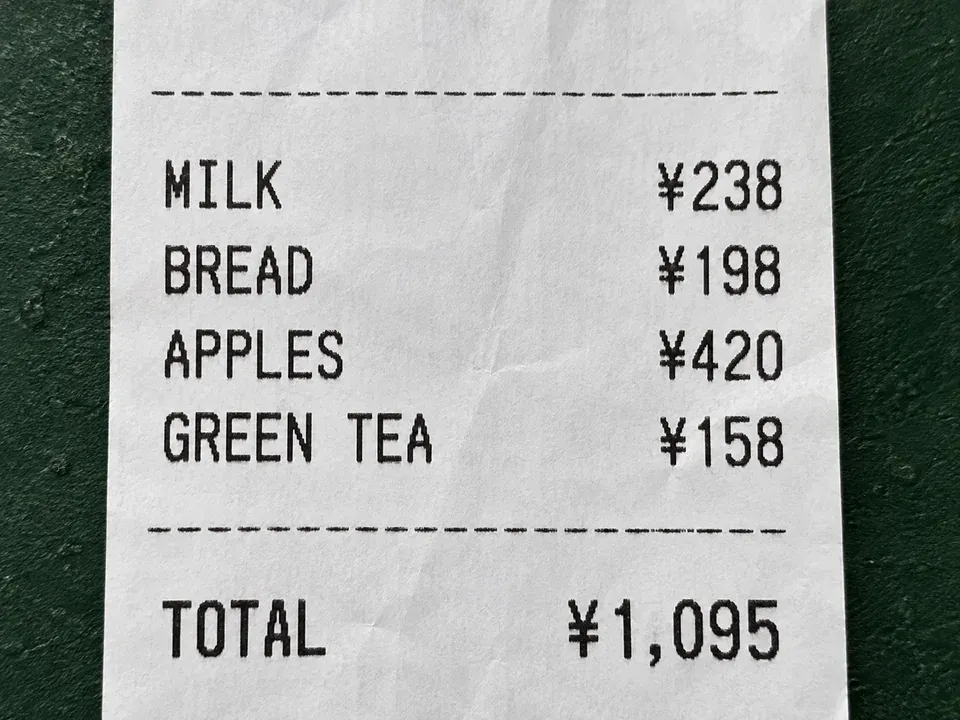
Layout
Prices stay in their column
- Only the words are replaced; each translated item sits on the same row as its original amount.
- Headers such as store name, date, tax and change are translated where they appear, so the slip still reads top to bottom.
- Figures are left as printed. The tool translates text; it does not convert currency.
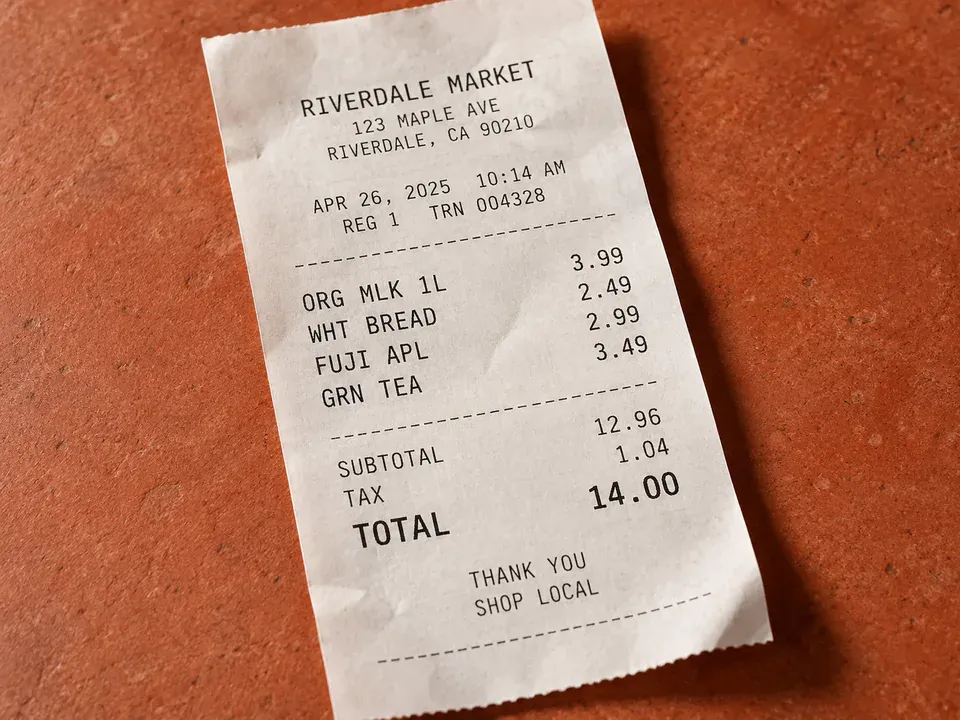
Small print
Short, abbreviated item names
- Receipts squeeze product names into a few characters. Where the translation is too literal, retype it in the editor.
- Change font size or colour so a longer English word still fits the narrow line.
- A long receipt can be photographed in two halves and uploaded as two images.
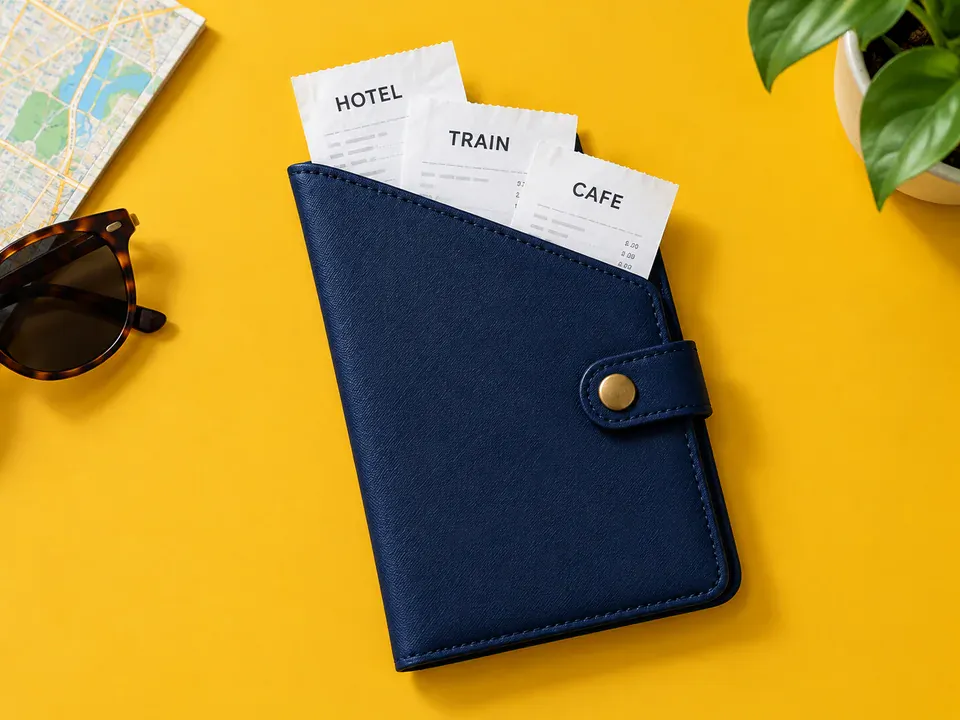
Trips
A week of receipts in one go
- Upload up to 20 receipts per batch on Starter, or 50 on Professional.
- Every run is saved in My Creations, so you can find a receipt again when you file expenses.
- Keep the original photo and the English copy side by side for your own records.
Need the numbers, not a picture?
For an expense sheet, the free OCR tool reads the receipt and gives you its text and amounts as plain text in reading order, ready to paste into a spreadsheet.
Keep going
More tools for Travel & everyday life
Travel & everyday life
All image translation scenarios →Receipt translation questions
Receipt Translator · Keep Layout Intact
- No sign-up required
- Preview the translated result in seconds