
Translate Screenshot Text in Place, Without Losing the Layout
Translate app and desktop screenshots in place with UI elements reflowed.
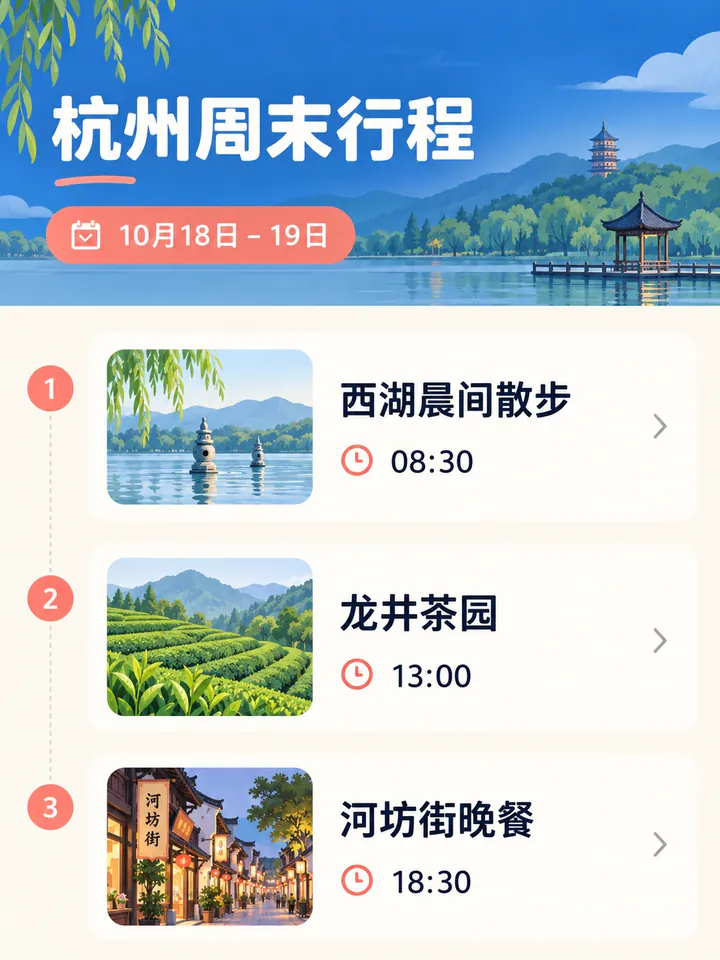
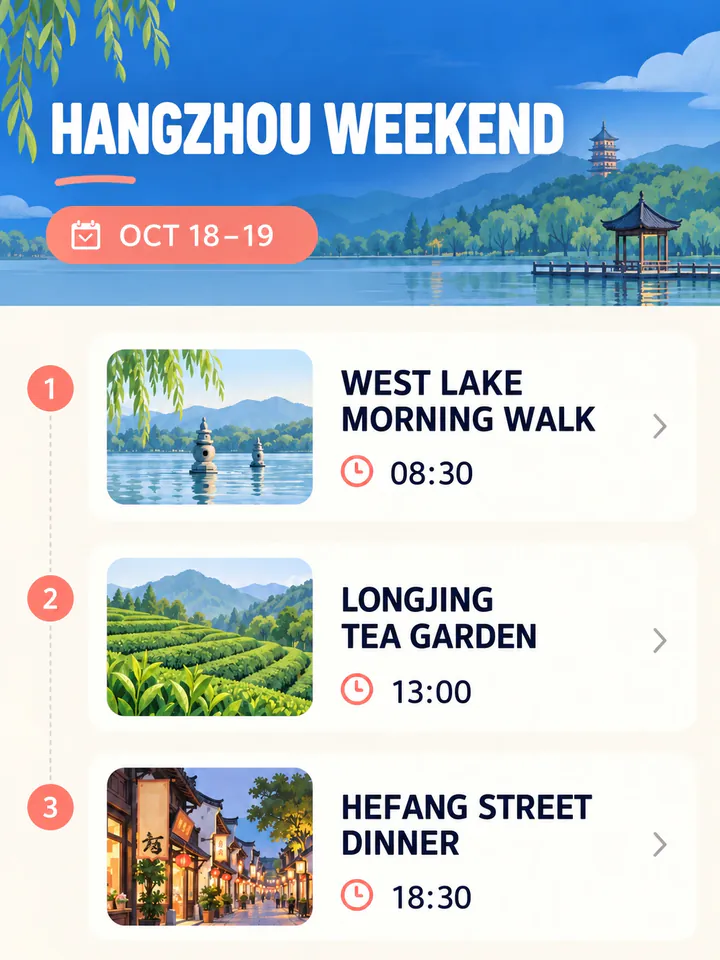
Before
After
Drop an image to preview translations — no sign-up neededOne image at a time · Free instant previewSupports PNG, JPG, WebP up to 30 MB
Real results for this kind of image
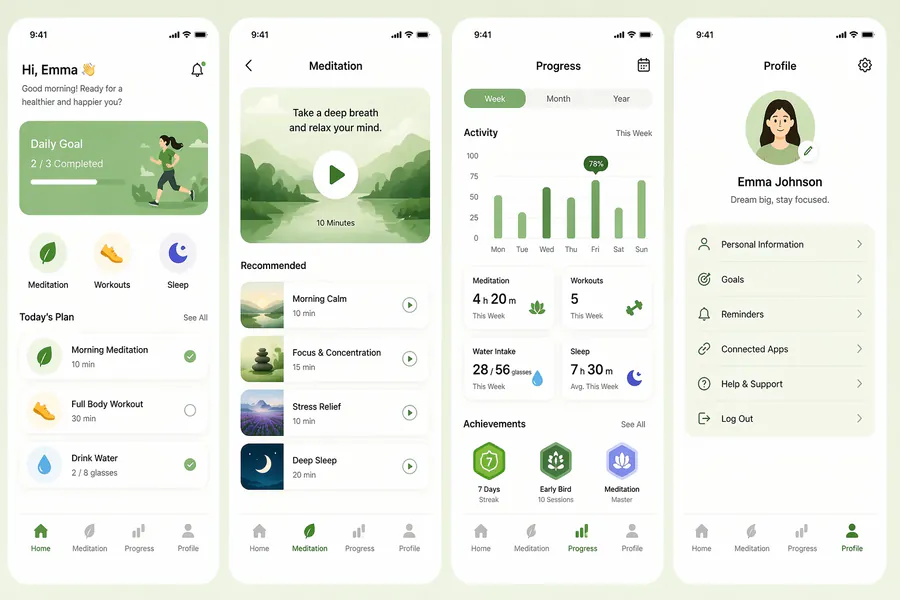
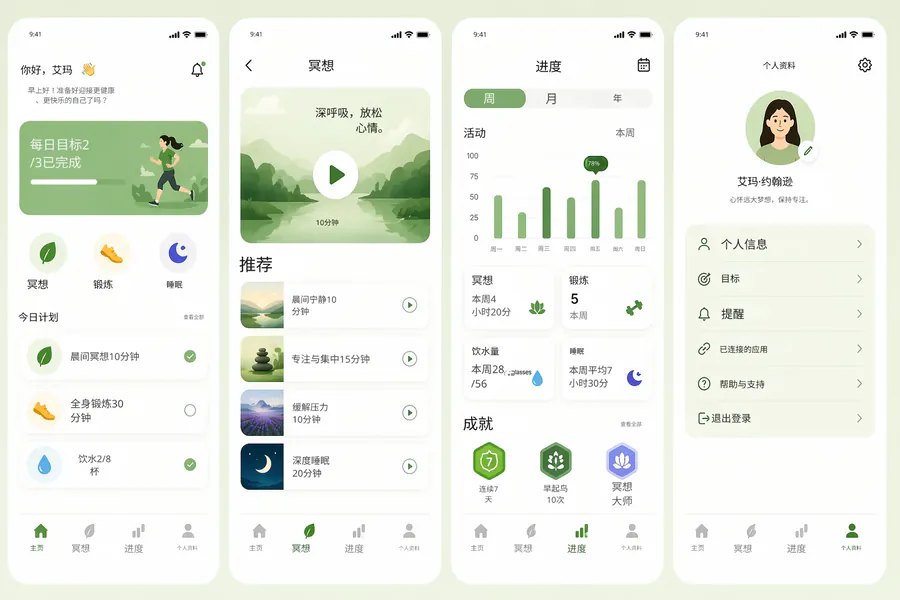
Source
Translated
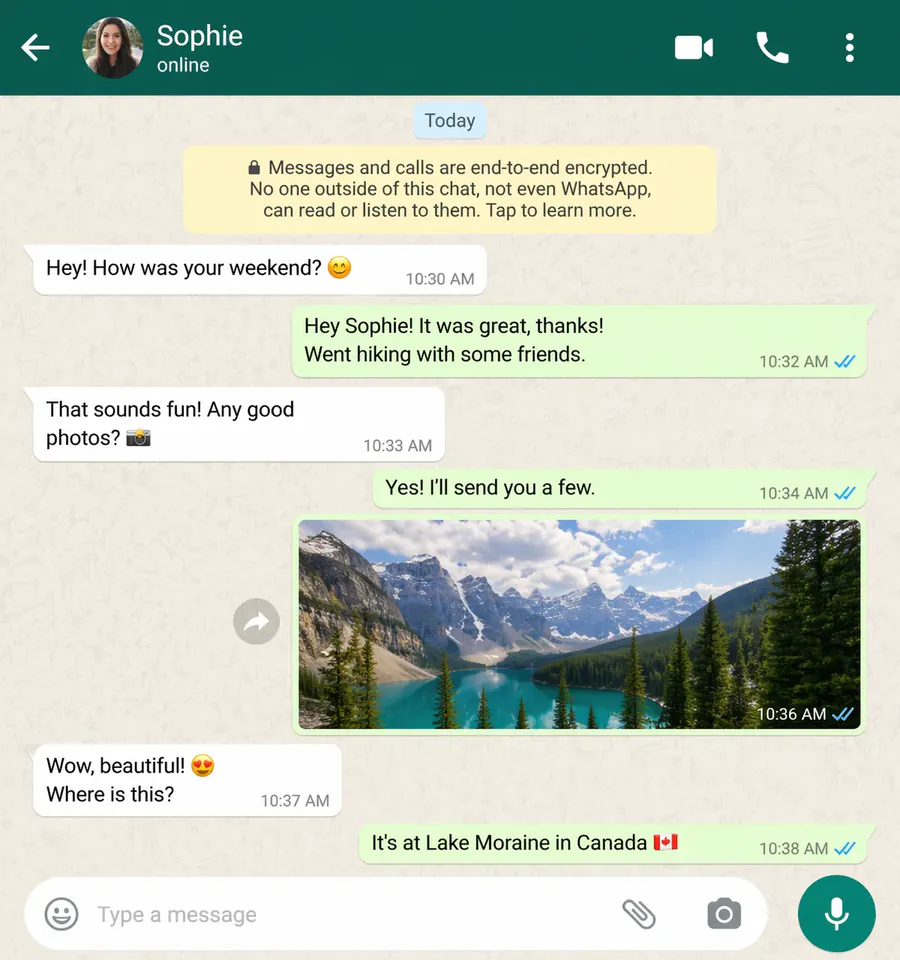
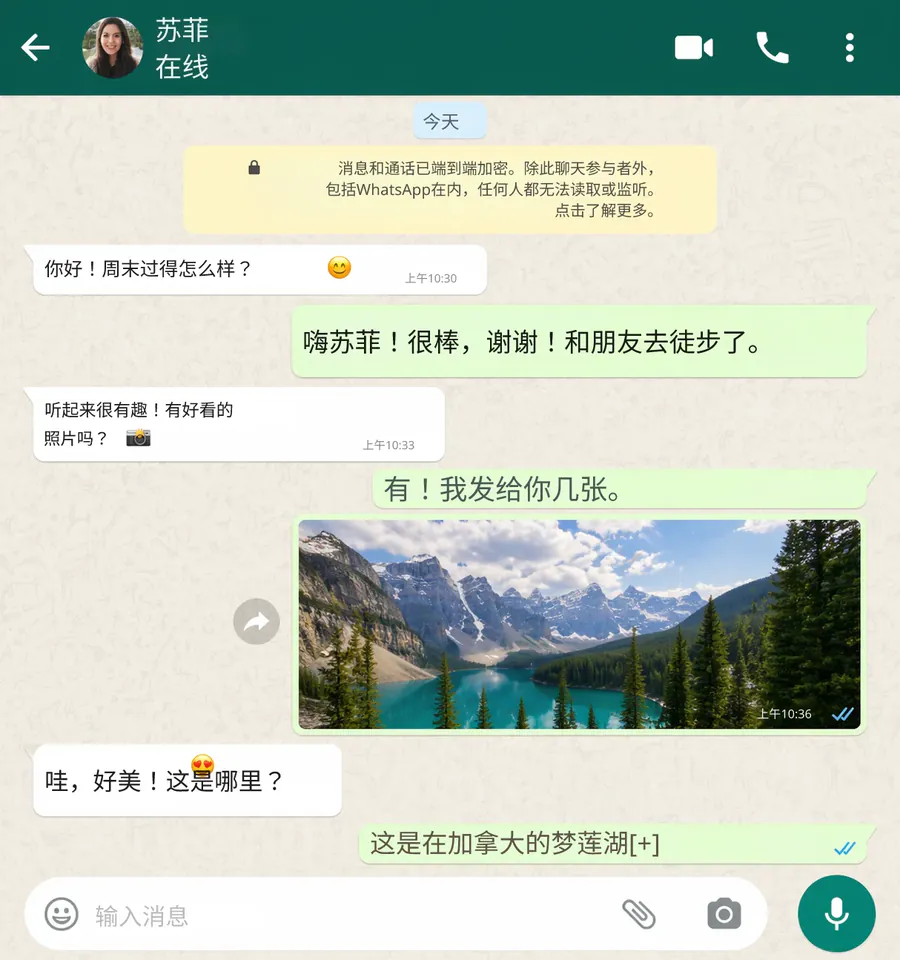
Source
Translated
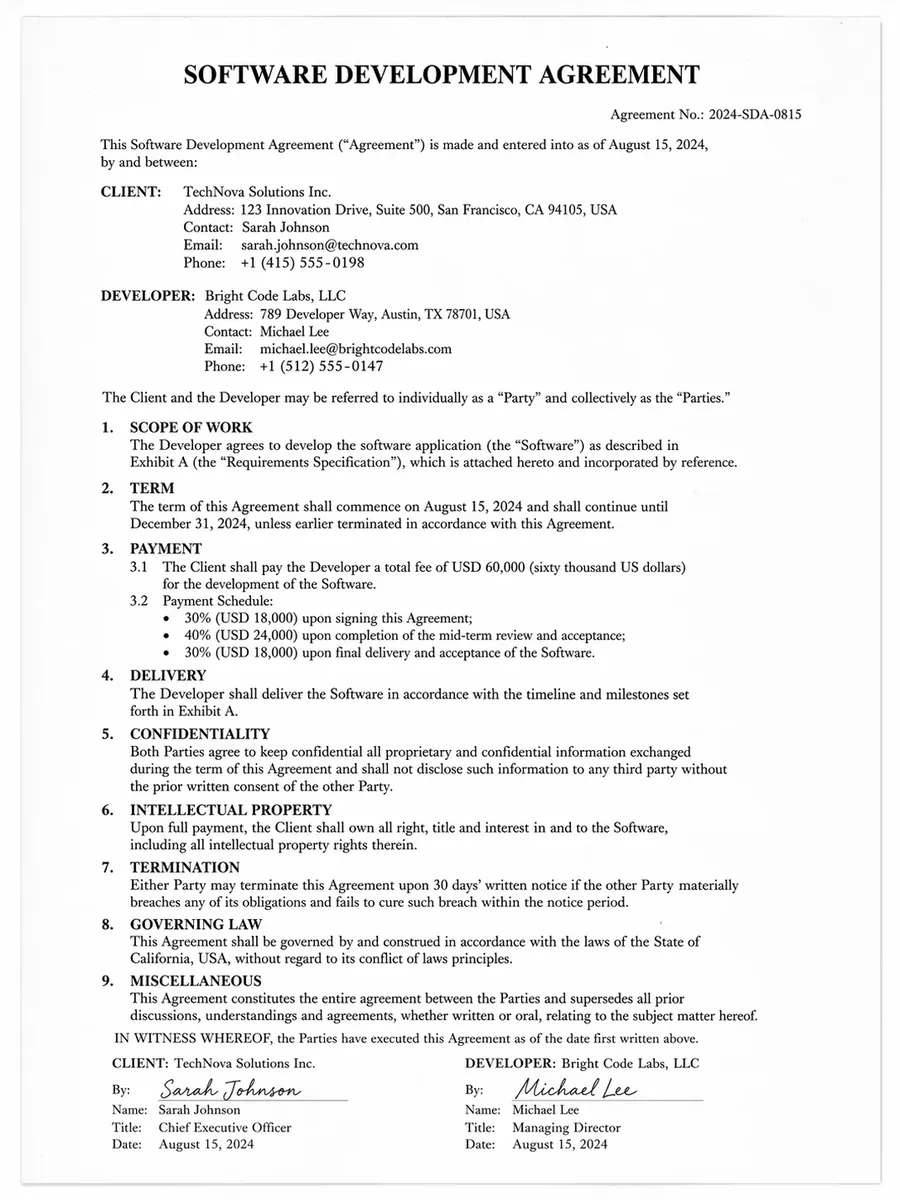
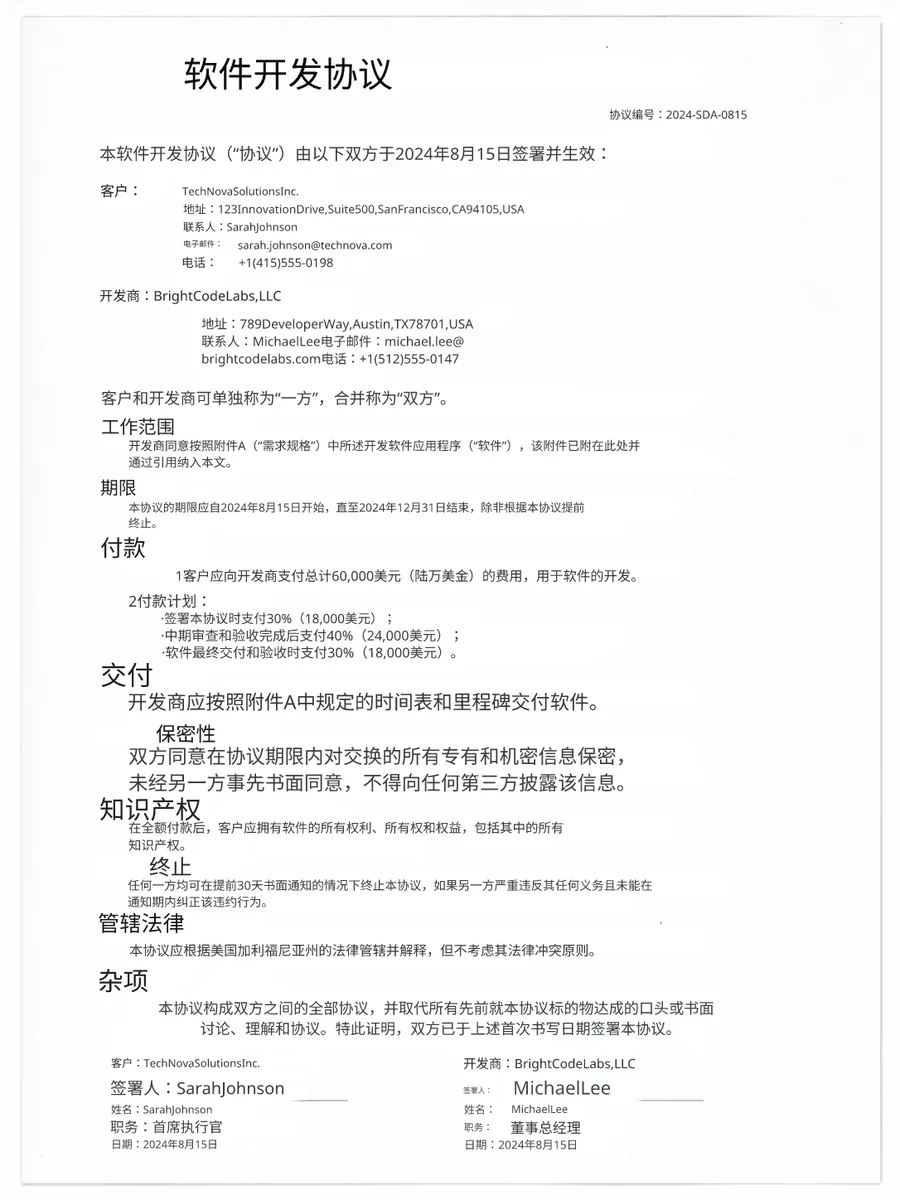
Source
Translated
How to translate a screenshot
Capture and upload
Take the screenshot as usual and upload the PNG, JPG or WebP, up to 30 MB. Full-page captures and small cropped snippets both work.
Choose the target language
Pick from 130+ languages; the source is detected for you. Add an instruction such as "leave product names in English" if some words should stay as they are.
Check it and download
Open the result in the editor to retype a label or nudge a line into place, then download the screenshot. Edits cost nothing.
Why a screenshot needs more than copy-and-translate
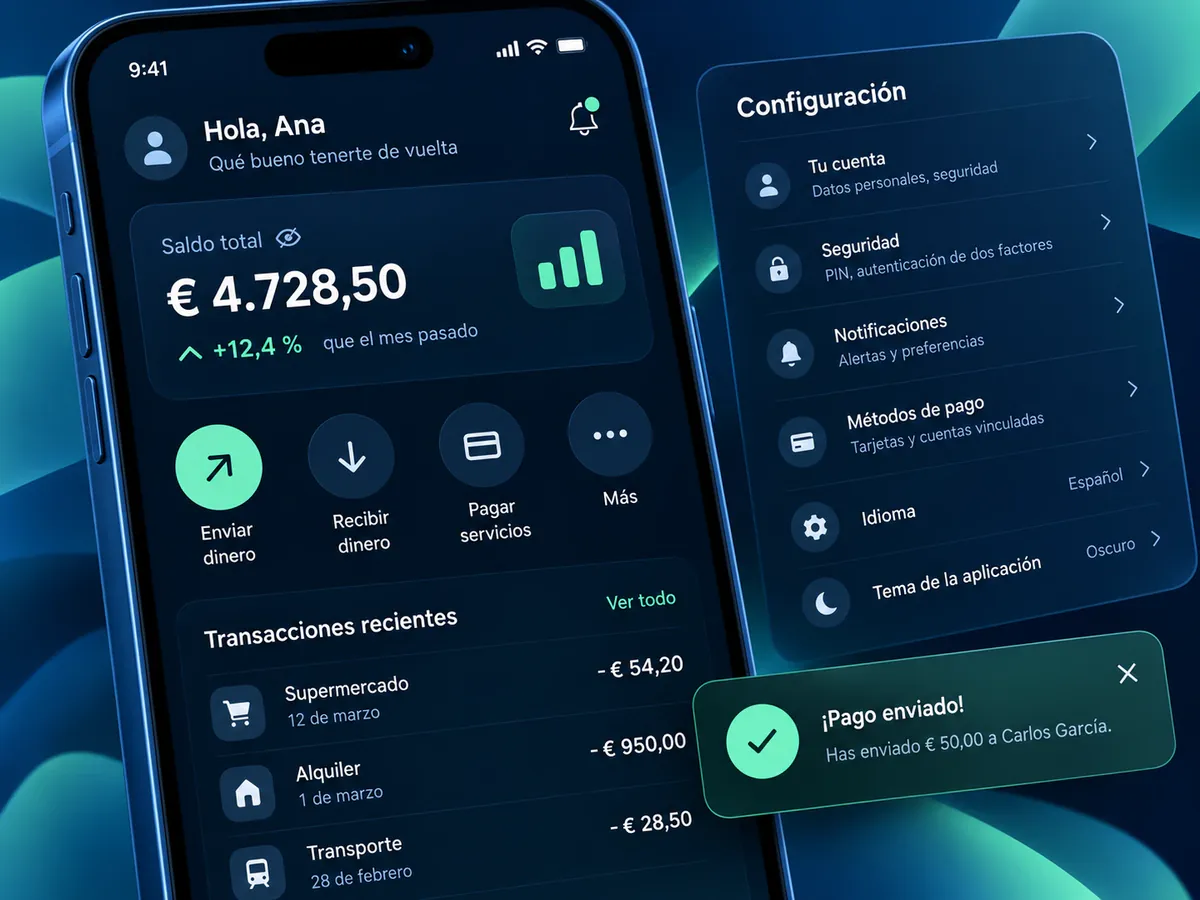
In place
The translation lands where the text was
- Buttons, menus, toasts and chat bubbles keep their position, so the screenshot still shows which control does what.
- The original words are erased and the background behind them is repaired before the translation is set in.
- Mixed screens — a chat with a banner on top, a settings page under a dialog — are translated in one pass.
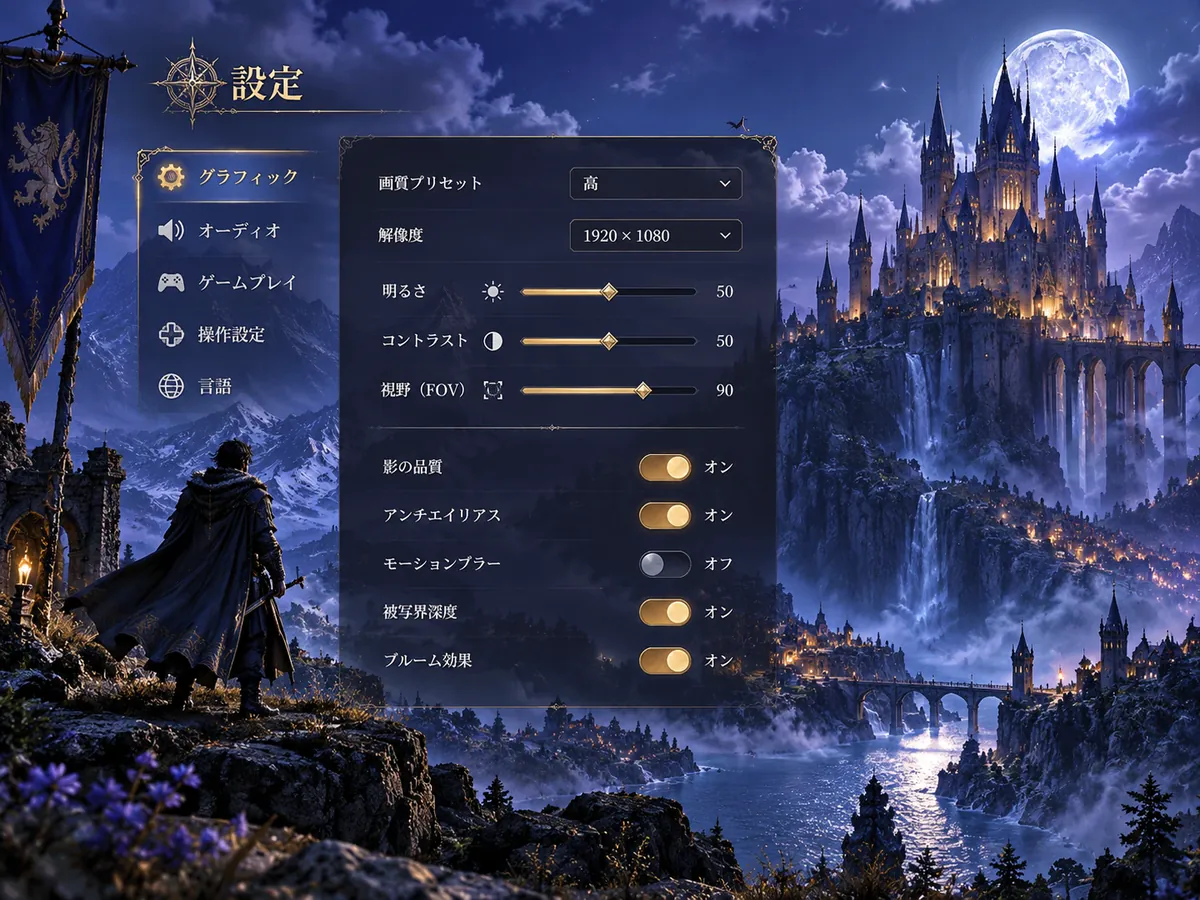
Control
Keep what should not be translated
- Custom instructions keep brand names, feature names and code identifiers in the original language.
- Every translated line stays editable: fix a term, shorten a label that runs long, or change its font size.
- A standard translation is 10 credits; changing the text afterwards is free.
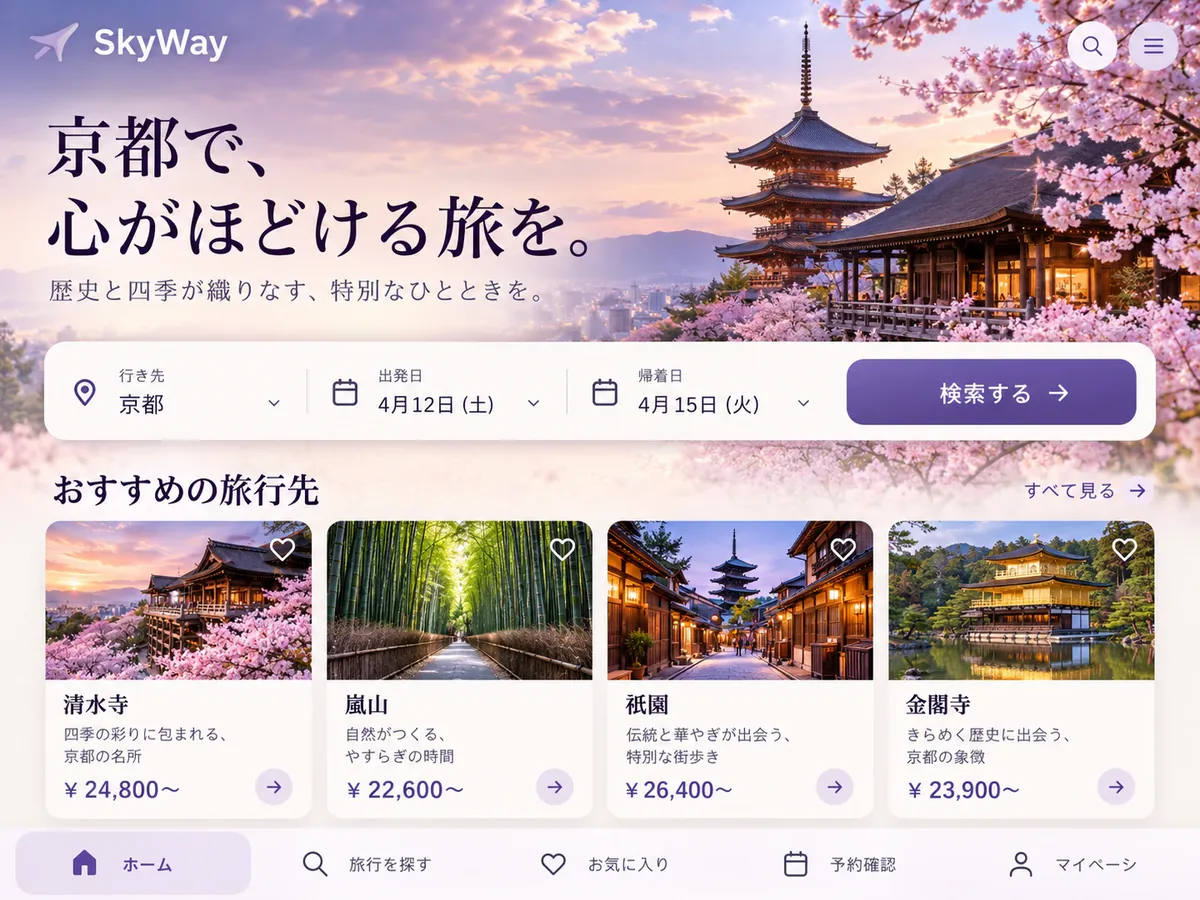
Engines
Two engines for two kinds of screenshot
- Standard swaps the text and leaves the rest of the screen alone — the right choice for UI, chats and documents.
- GPT Image 2.5 redraws the whole image, which suits stylised banners and in-app artwork; its result is a flat image.
- Every capture is saved in My Creations, so a translated screenshot can be reopened and corrected later.
Need the words, not the picture?
When you only want to paste the text into a ticket, a doc or a chat, image-to-text reads the screenshot and returns it as Markdown you can copy — free for every account.
Keep going
More tools for Software, apps & diagrams
Screenshot translation questions
Screenshot Translator · Keep Layout Intact
- No sign-up required
- Preview the translated result in seconds