
Translate a Textbook Page Image Without Losing the Layout
Translate foreign textbook pages in place with diagrams and captions intact.
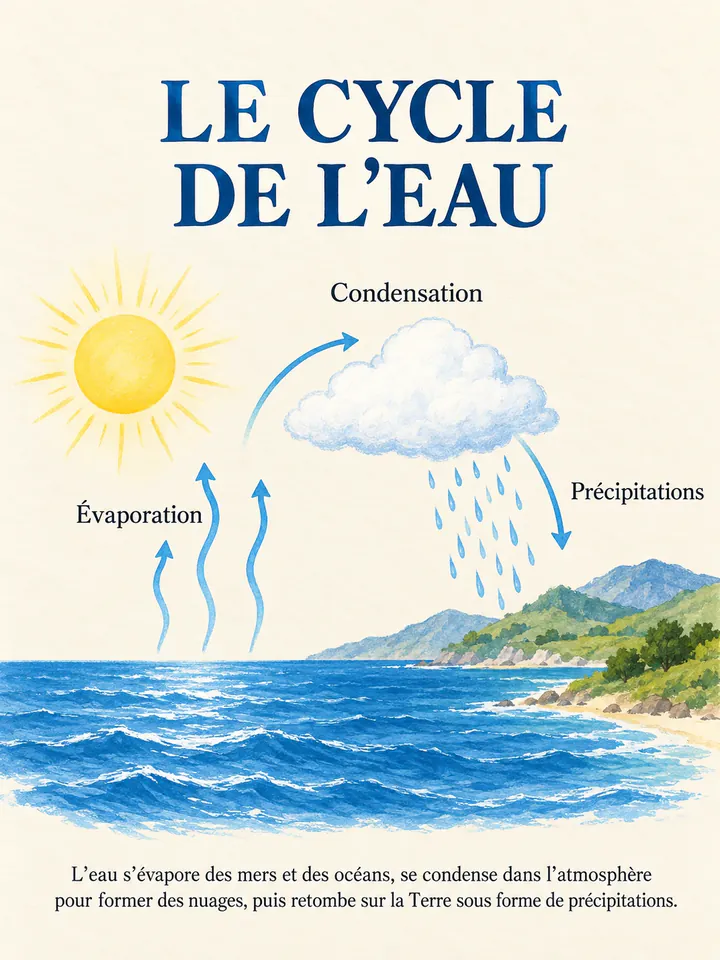
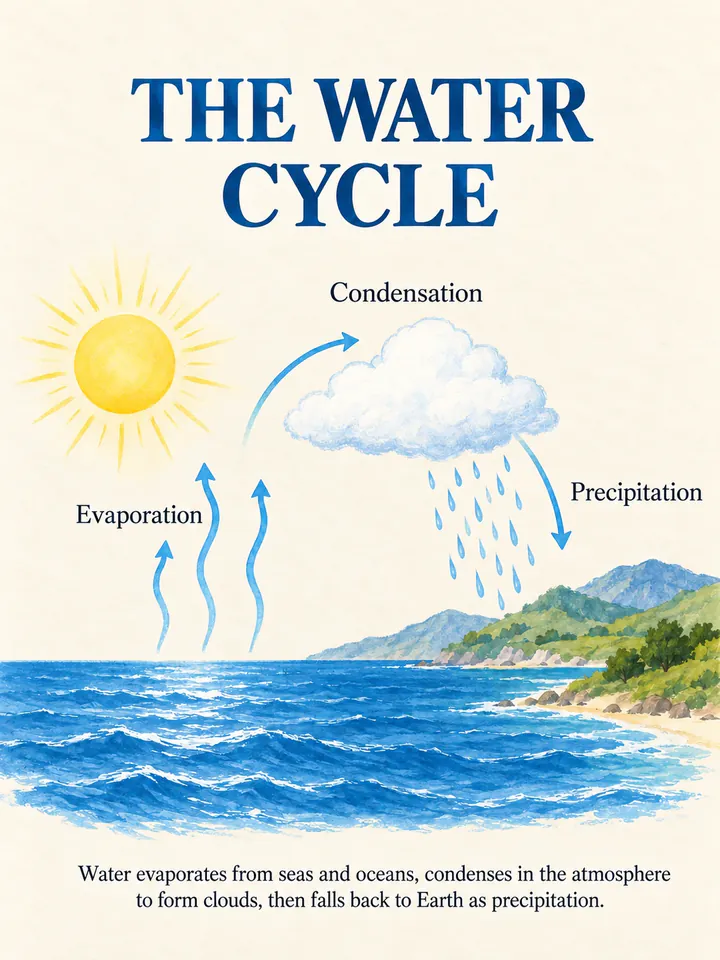
Before
After
Drop an image to preview translations — no sign-up neededOne image at a time · Free instant previewSupports PNG, JPG, WebP up to 30 MB
Real results for this kind of image
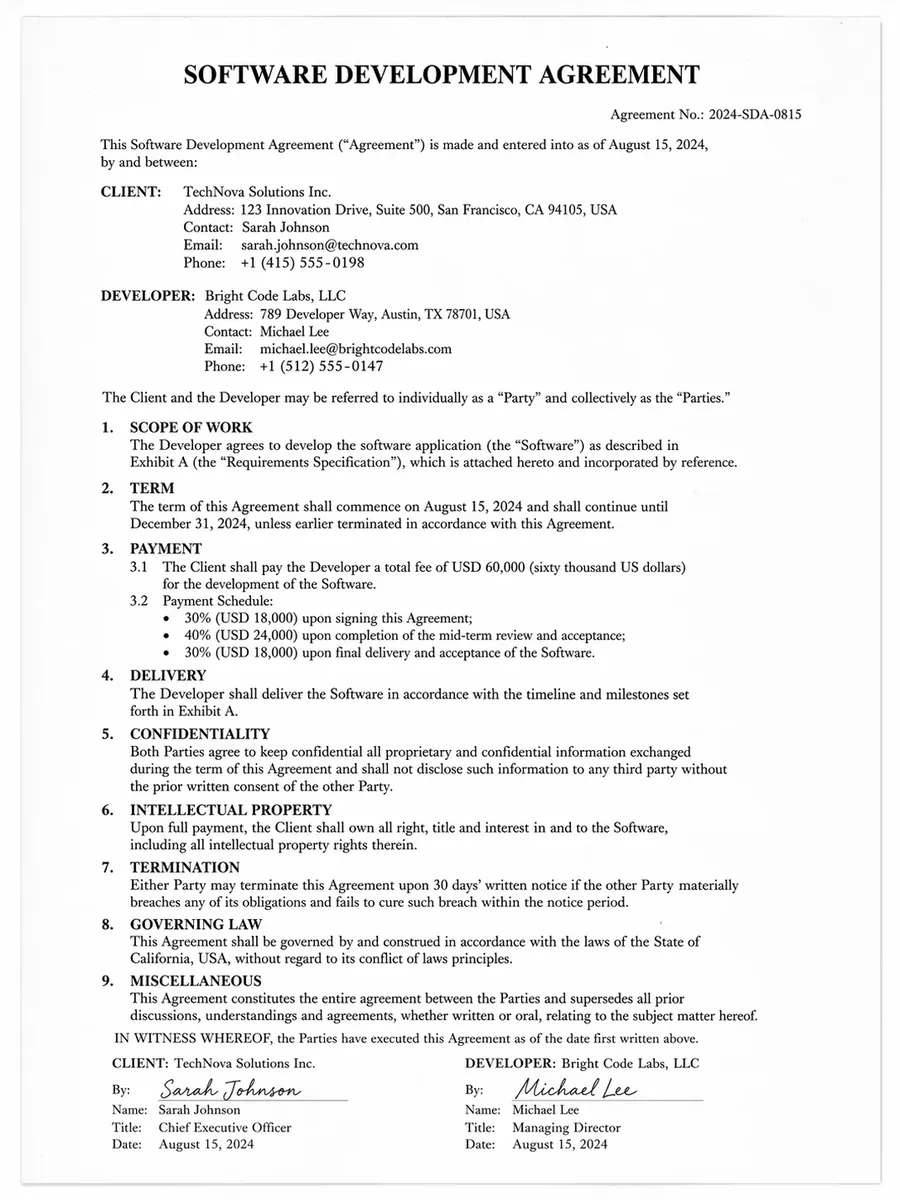
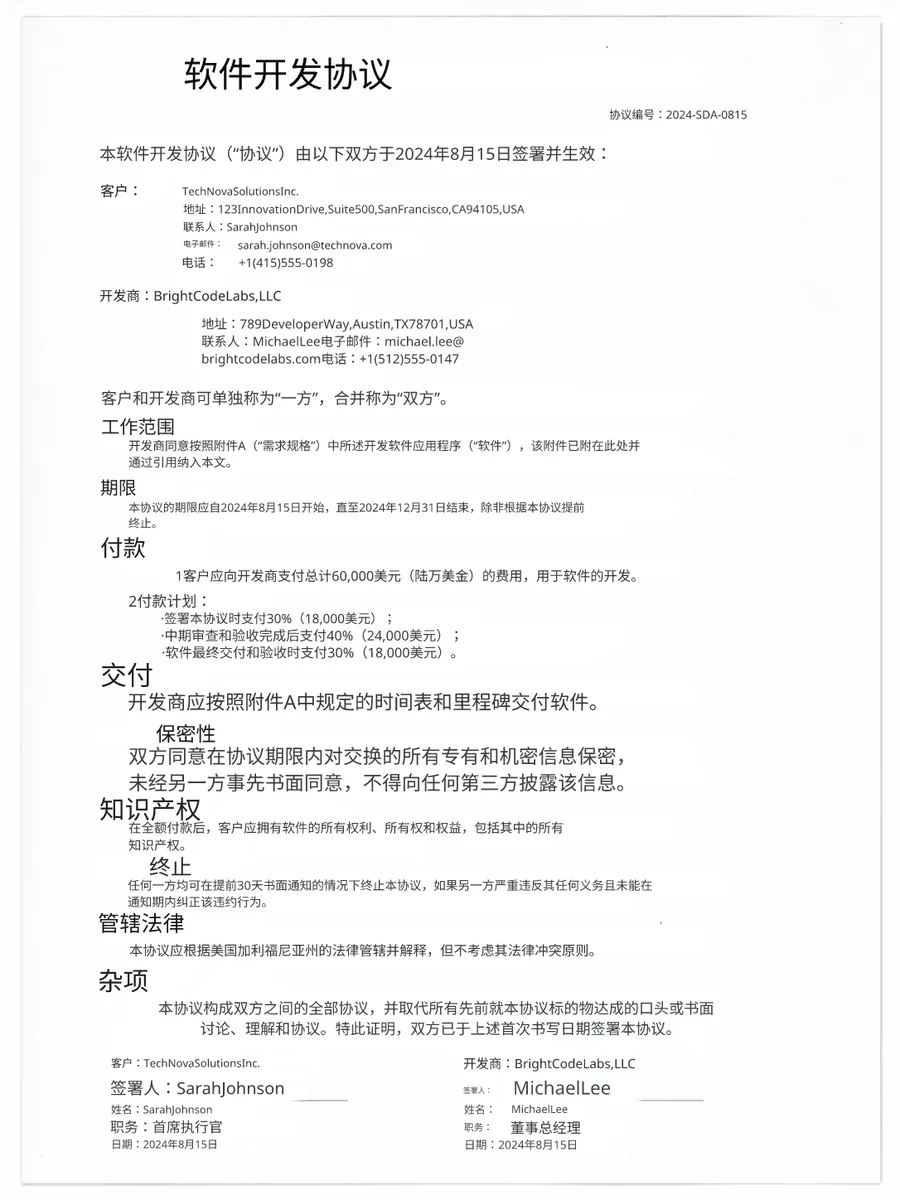
Source
Translated
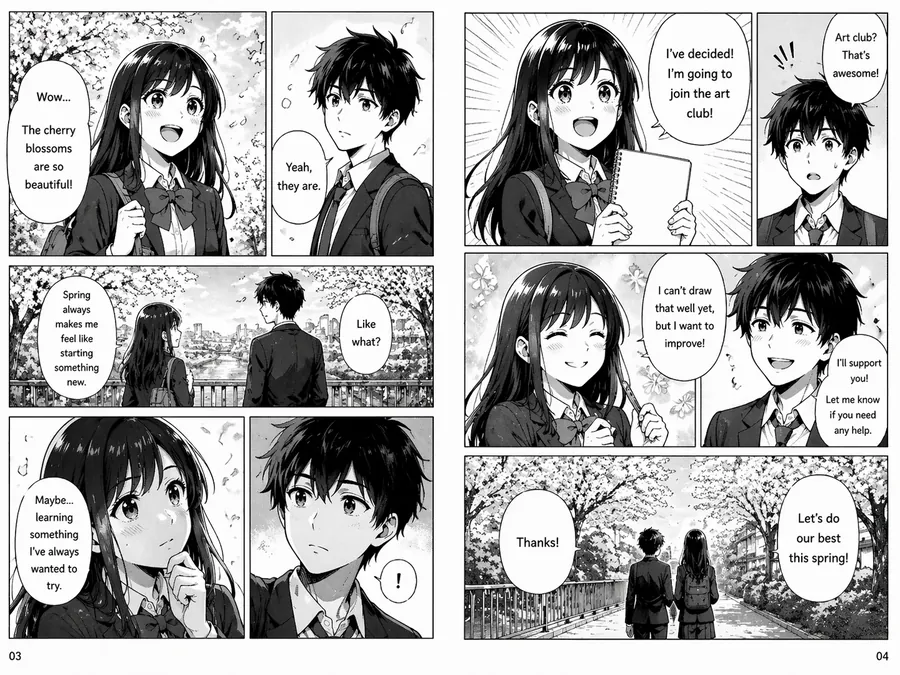
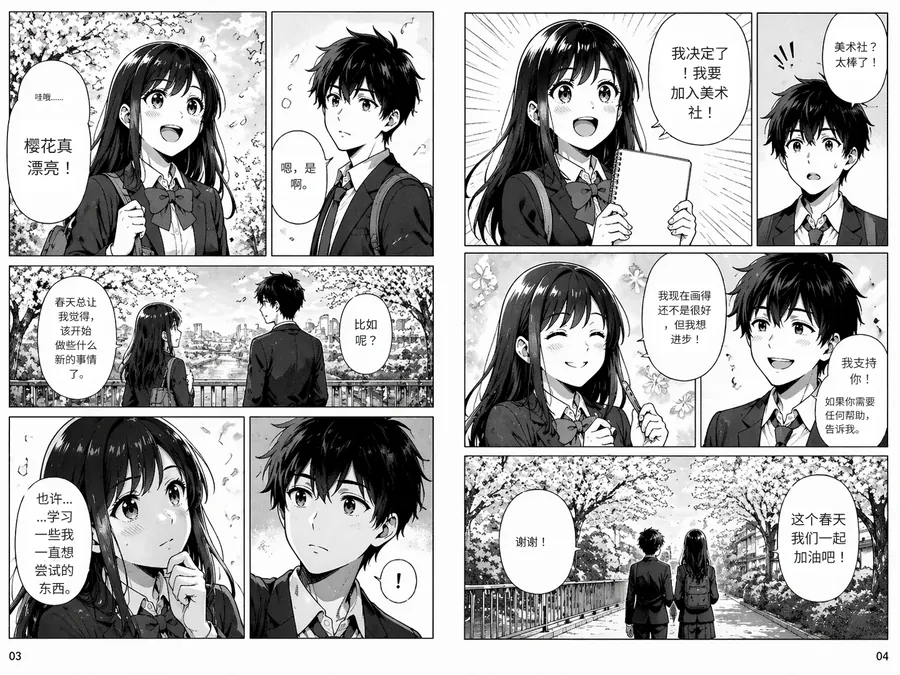
Source
Translated
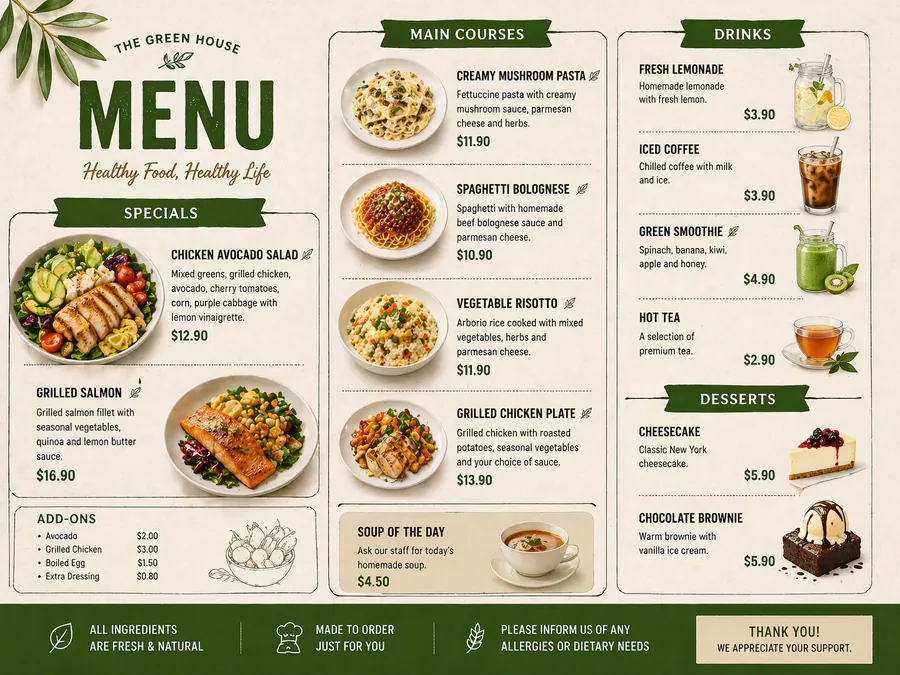
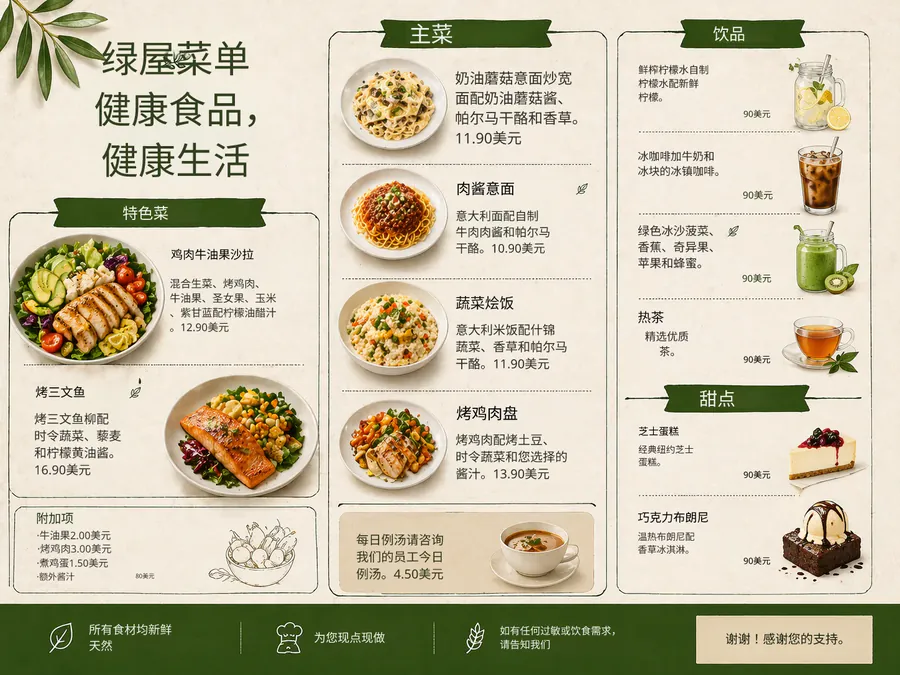
Source
Translated
From photographed page to readable page
Photograph or screenshot the page
Shoot it flat and in good light, or screenshot an e-textbook. Save as PNG, JPG or WebP up to 30 MB; PDFs need to be exported page by page as images first.
Pick your target language
The source language is detected. Add a custom instruction such as "use standard biology terminology" so subject terms come out the way your course uses them.
Study from the result
Diagram labels, exercise numbers and captions land in their original spots. Retype any term you want phrased differently in the editor, then download.
Why a page image beats copying text out of a textbook
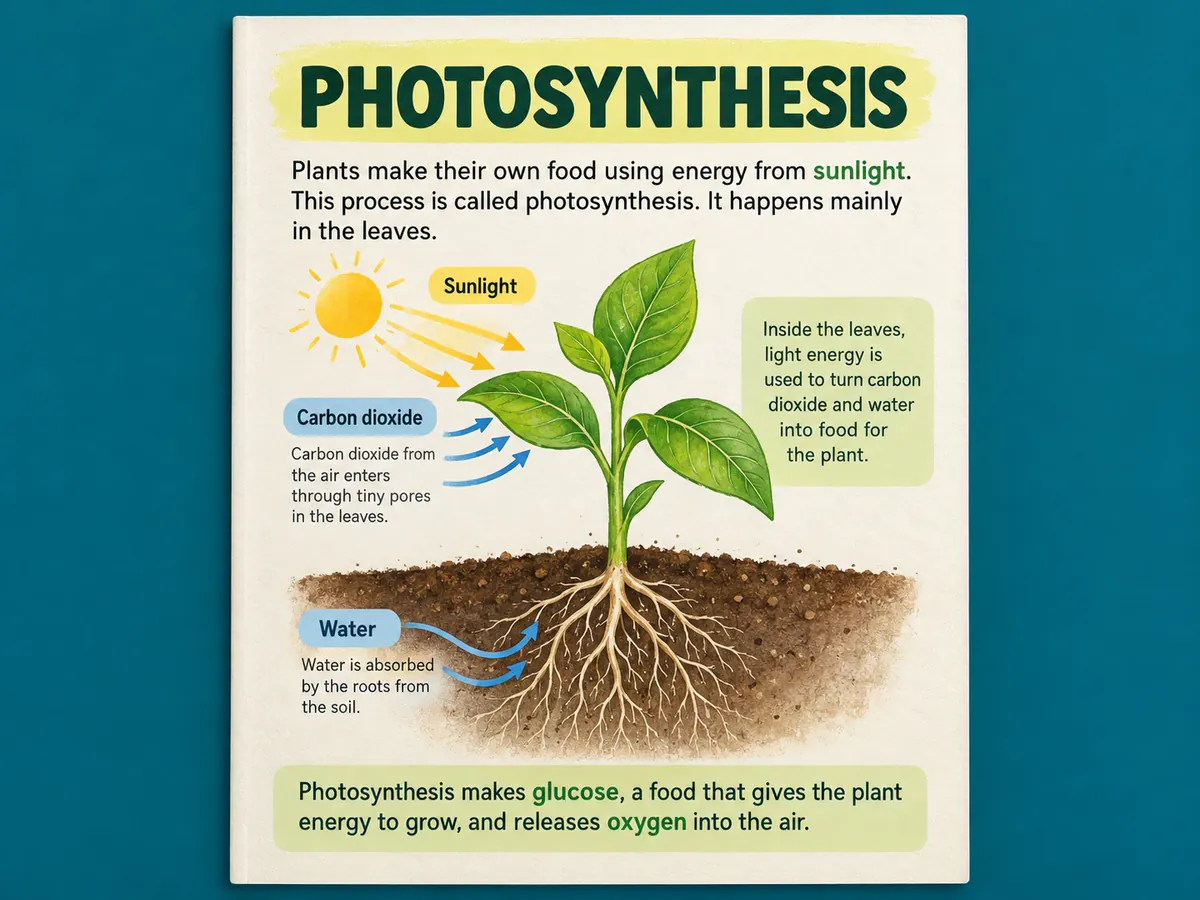
Diagrams
Labels stay attached to the figure
- The Standard engine erases each printed label and sets the translation in the same position, so arrows still point at the right part of a cell, circuit or map.
- Captions under figures and tables are translated with the rest of the page instead of being skipped.
- Equations and chemical formulas are dense symbol text that can be misread; check them against the printed original before relying on them.
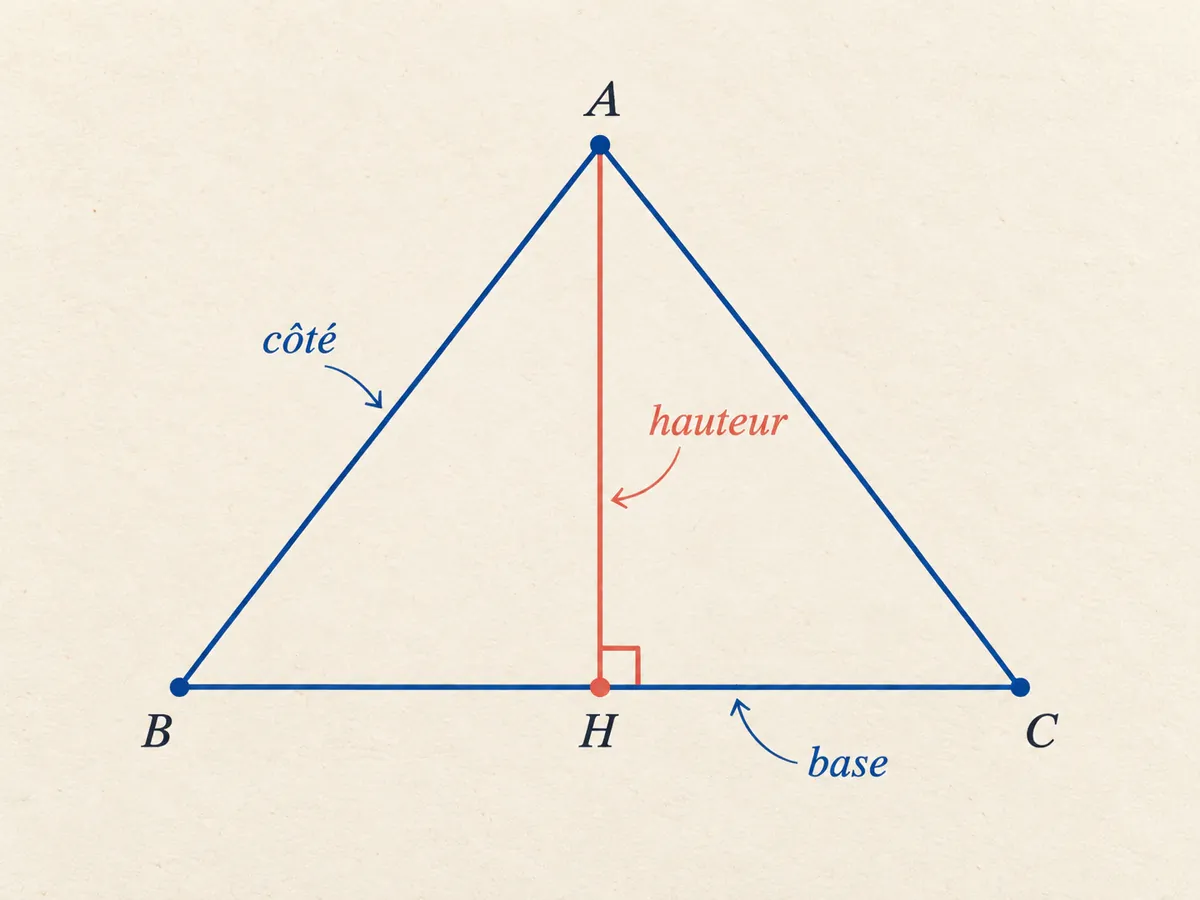
Terminology
The words your course expects
- Custom instructions let you name the field, list terms to keep in the original language, or ask for glossary-style wording.
- Using the same instructions across a chapter keeps a term translated one way from the first page to the last.
- Any term you disagree with can be retyped in the editor at no extra cost.
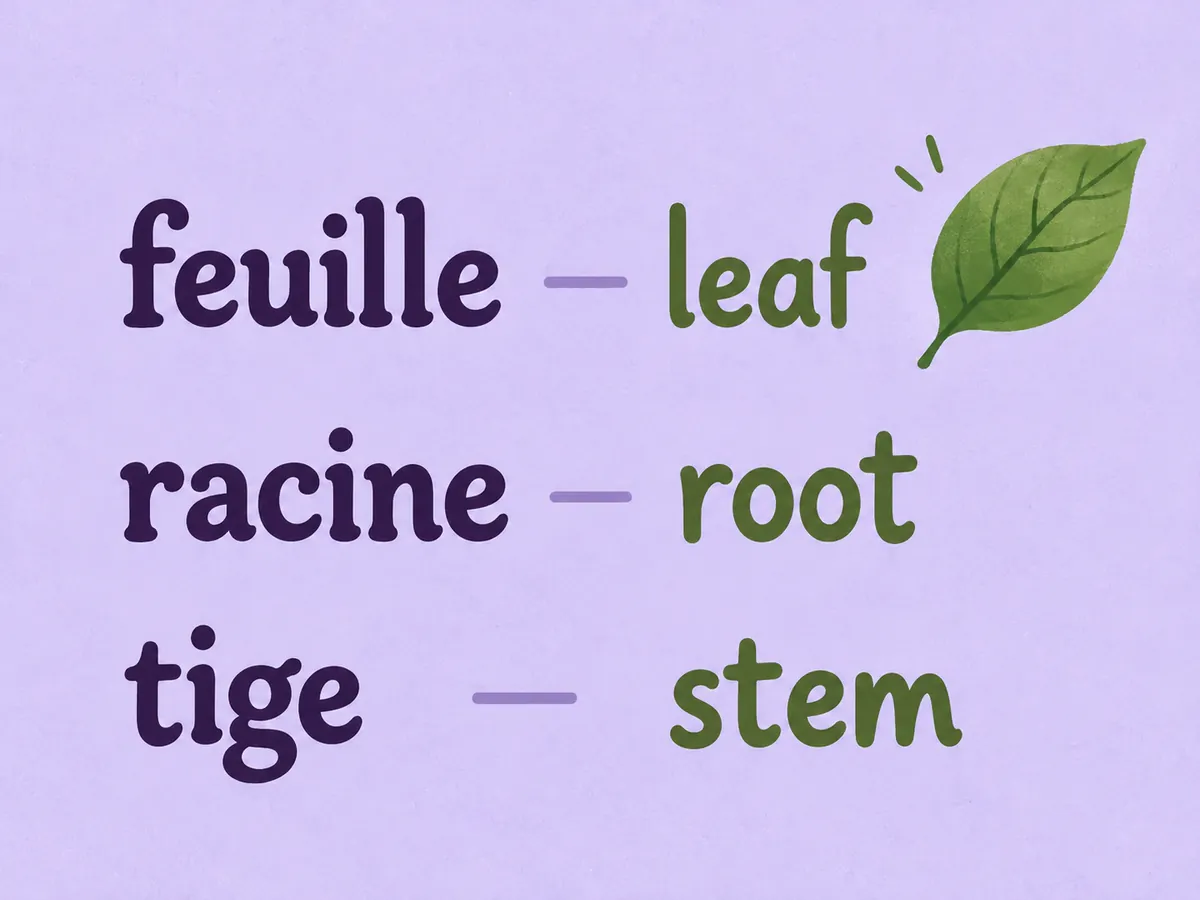
Chapters
A reading assignment at a time
- Starter handles up to 20 pages per batch and Professional up to 50, enough for most assigned chapters.
- Your runs stay in My Creations, so the pages from week three are still there before the exam.
- Download a single page or the whole chapter as one zip for your notes folder.
Translating more than one subject?
The main image translator takes any page, worksheet or handout, and lets you switch engines when a page is mostly illustration rather than text.
Keep going
More tools for Academic, medical & documents
Academic, medical & documents
All image translation scenarios →Textbook page translation questions
Textbook Translator · Keep Layout Intact
- No sign-up required
- Preview the translated result in seconds