
The Scanlation App That Cleans, Translates and Typesets Raw Pages
All-in-one scanlation tool for manga cleaner, translator, and typesetter.
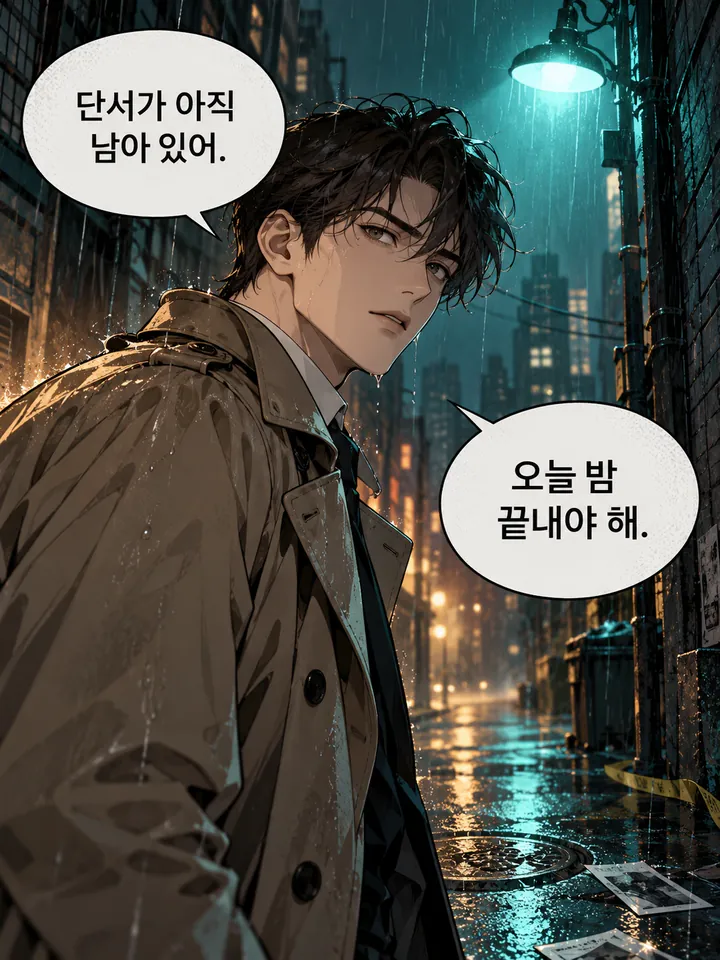
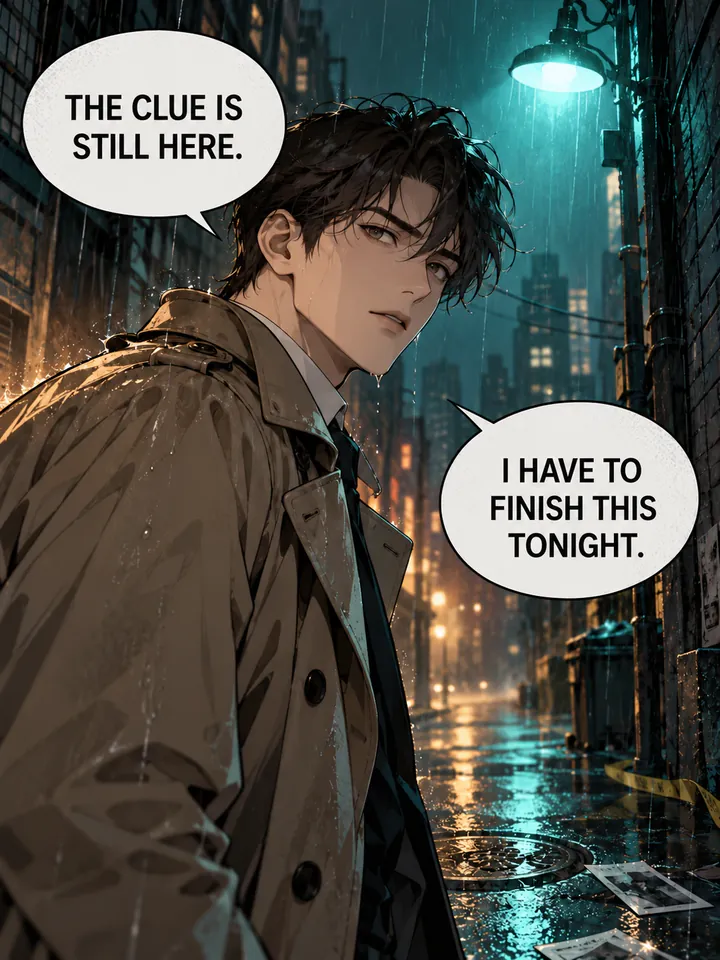
Before
After
Drop an image to preview translations — no sign-up neededOne image at a time · Free instant previewSupports PNG, JPG, WebP up to 30 MB
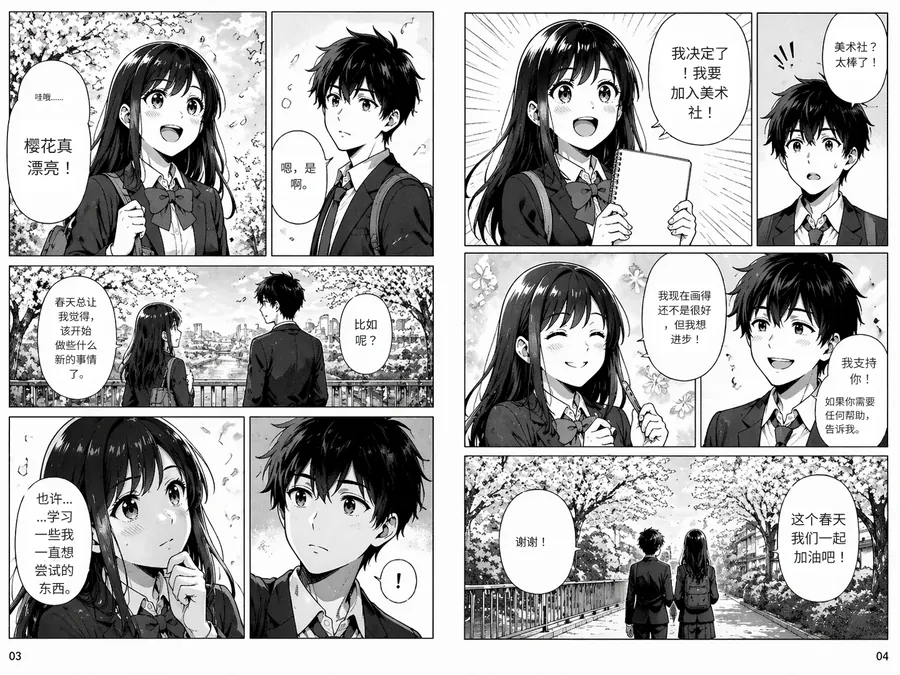
Real results for this kind of image
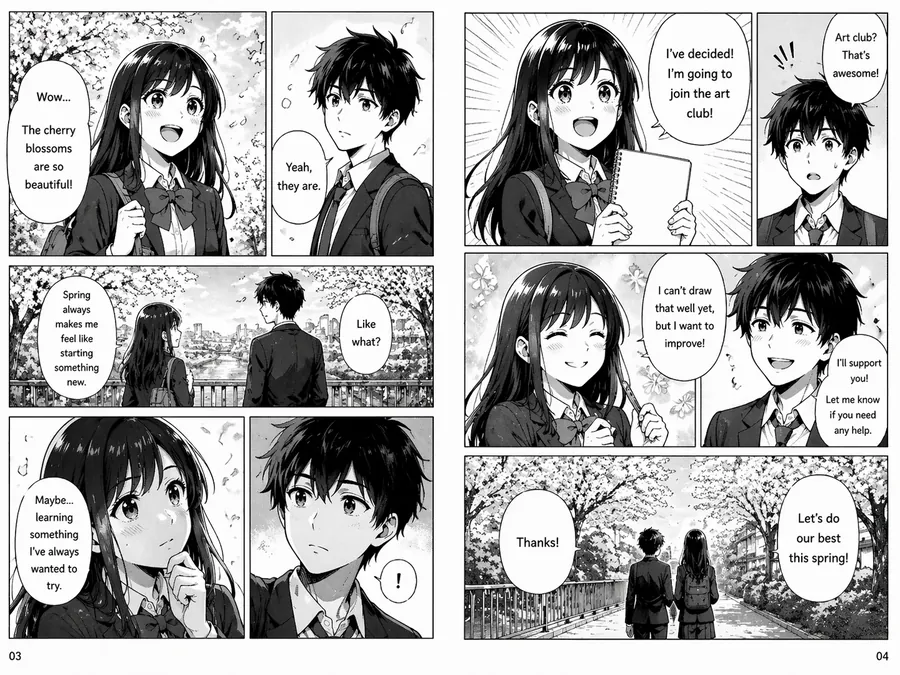
Source
Translated


Source
Translated
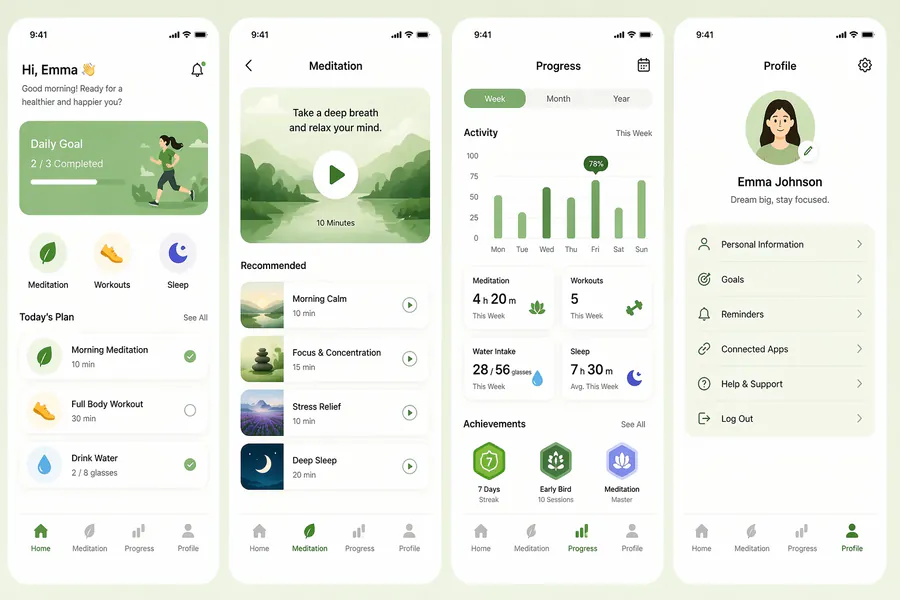
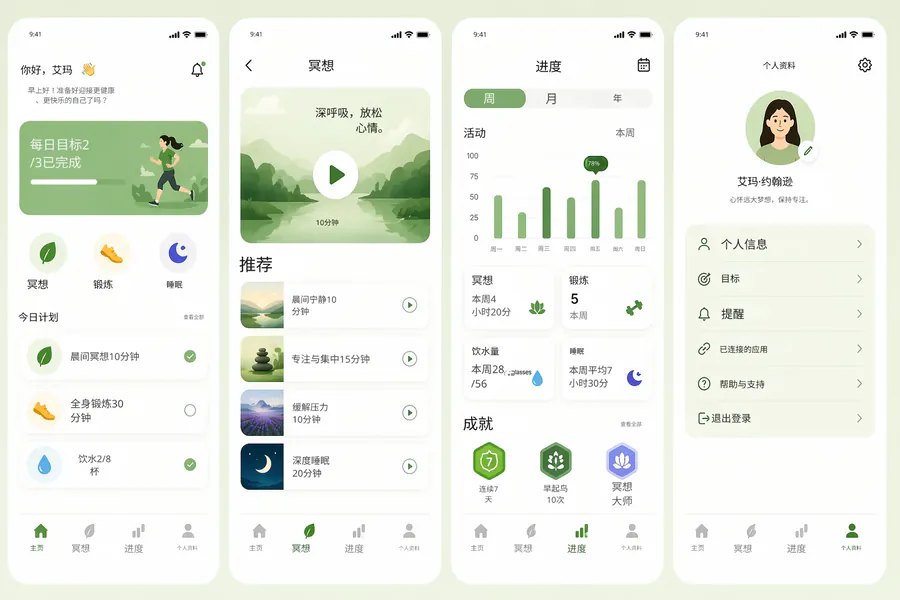
Source
Translated
A scanlation workflow in three steps
Upload the raw page
PNG, JPG or WebP up to 30 MB. Japanese, Korean and Chinese raws all work; the source language is detected for you.
Clean and translate in one pass
Manga mode targets speech bubbles, erases the lettering and rebuilds the art behind it before typesetting the translation.
Proof it in the editor
Open the result, retype any line your translator wants changed, adjust size or position, and download the finished page.
What a scanlation team actually needs from a tool
Cleaning
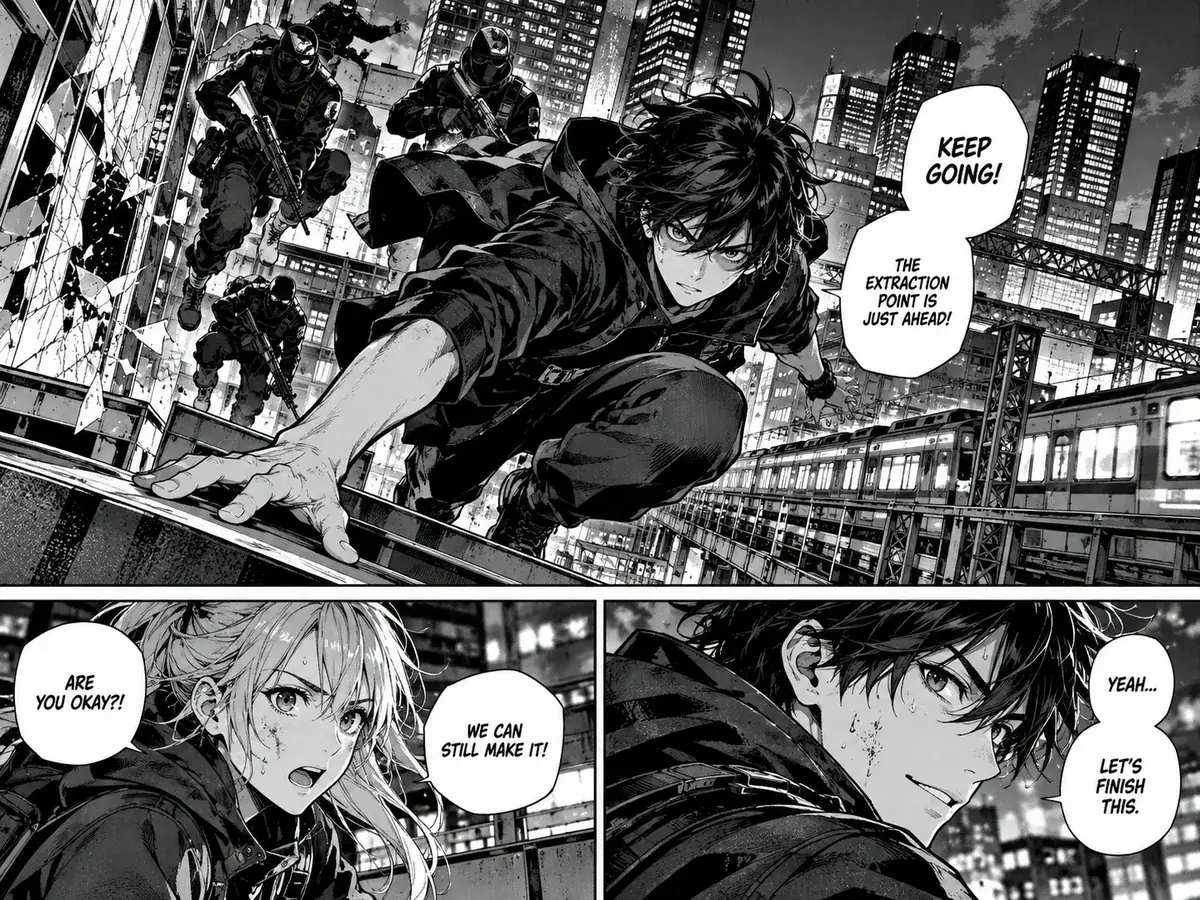
Bubble cleaning without redrawing
- Original lettering is erased and the screentone, gradients and line art behind it are rebuilt, not smeared.
- Manga mode works bubble by bubble, so narration boxes and art outside them are left alone.
- Outlined text keeps its stroke, the way manga lettering is set.
Typesetting
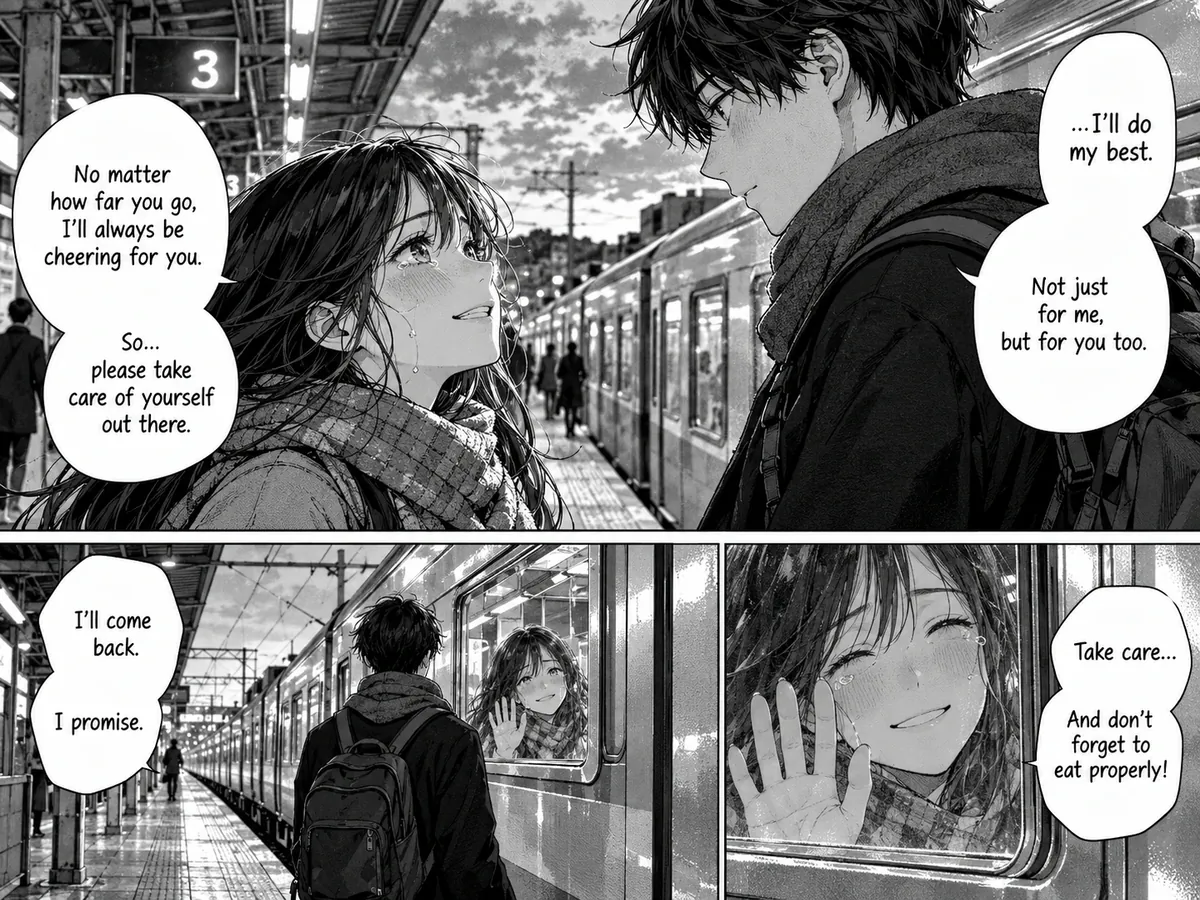
Translations set back into the bubble
- Each line is fitted to the space its original occupied, sized so it does not spill out of the bubble.
- The typeset text stays editable: change the wording, font, size or colour after the run at no extra cost.
- Keep terms consistent by steering the translation with your own instructions.
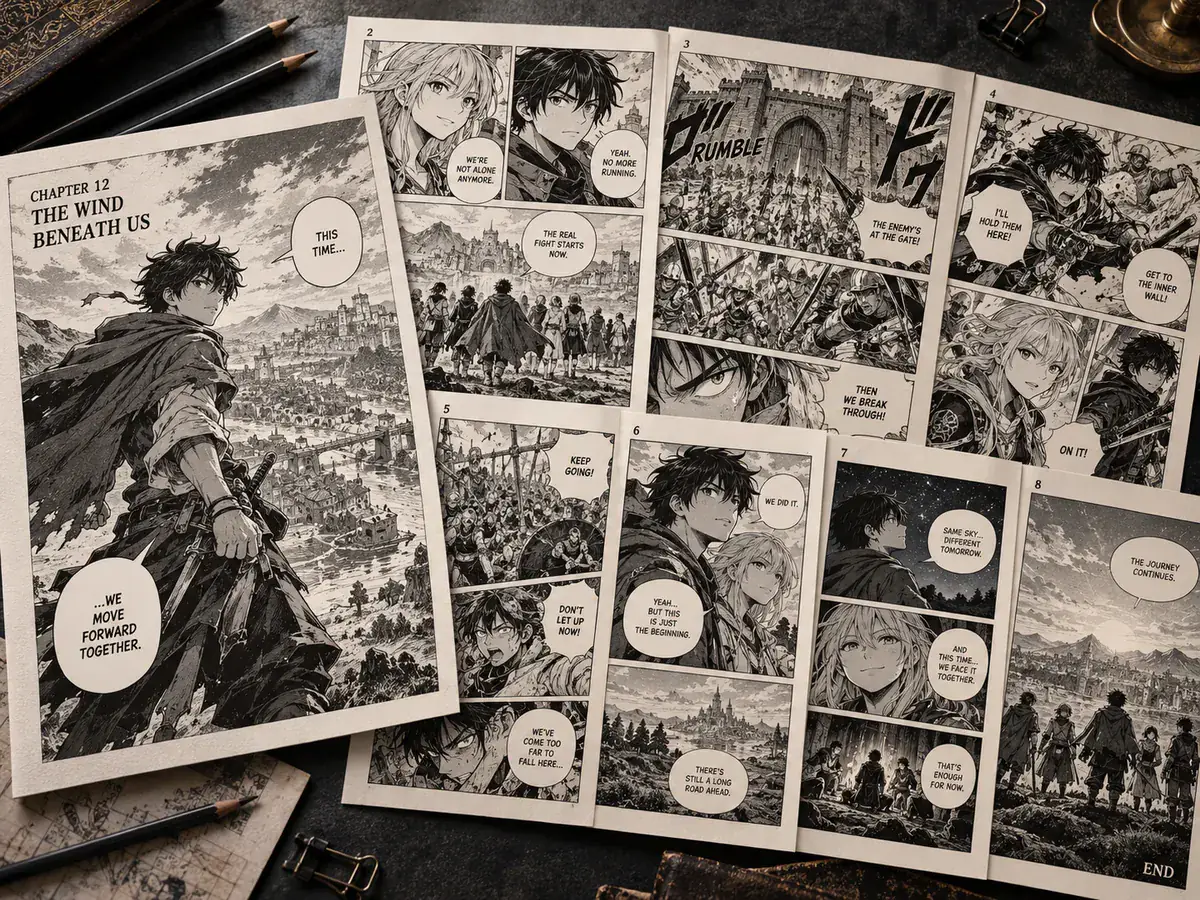
Chapters
Built for a whole chapter, not one page
- Translate up to 20 pages at a time on Starter and 50 on Professional.
- Every run is saved in My Creations, so a proofreader can reopen any page later.
- Download pages one by one or the whole batch as a single zip.
Automate raw manga bubble cleaning
Working through a volume? The image translator handles the same cleaning and typesetting page by page, with an engine switch for heavily stylised lettering.
Keep going
More tools for Manga, anime & comics
Scanlation app questions
Scanlation App · Keep Layout Intact
- No sign-up required
- Preview the translated result in seconds